MAY 12, 2026 / TUTORIAL
From ERP to Printer in 3 Seconds The LabelInn Rules Engine
LabelInn's conditional rules engine turns ERP, marketplace, or sensor events into print decisions. Match on order shape, carrier, weight, country, or any field. Route to design, copies, printer, or webhook. Test before you ship.
RULE 1: "Trendyol → Trendyol Express (light weight)"
   IF  marketplace == "trendyol"
   AND order.weight_kg < 5
   THEN  carrier      = "trendyol_express"
         design       = "shipping_label_pro"
         printer.role = "shipping"

RULE 2: "Marketplace order → approved heavy-parcel connection"
   IF  marketplace == "trendyol"
   AND order.weight_kg >= 5
   THEN  carrier      = "aras_kargo"
         design       = "shipping_label_pro"
         printer.role = "shipping"

RULE 3: "Hepsiburada → Hepsijet"
   IF  marketplace == "hepsiburada"
   THEN  carrier      = "hepsijet"
         design       = "shipping_label_pro"

RULE 4: "Shopify international → DHL Express"
   IF  marketplace == "shopify"
   AND order.country != "TR"
   THEN  carrier      = "dhl_express"
         design       = "shipping_label_international"
         continue     = true   // fall through to rule 5

RULE 5: "International + heavier than 2kg → also print a customs form"
   IF  order.country != "TR"
   AND order.weight_kg > 2
   THEN  addLabel    = "customs_cn23"
         printer.role = "shipping"
THE PROBLEM
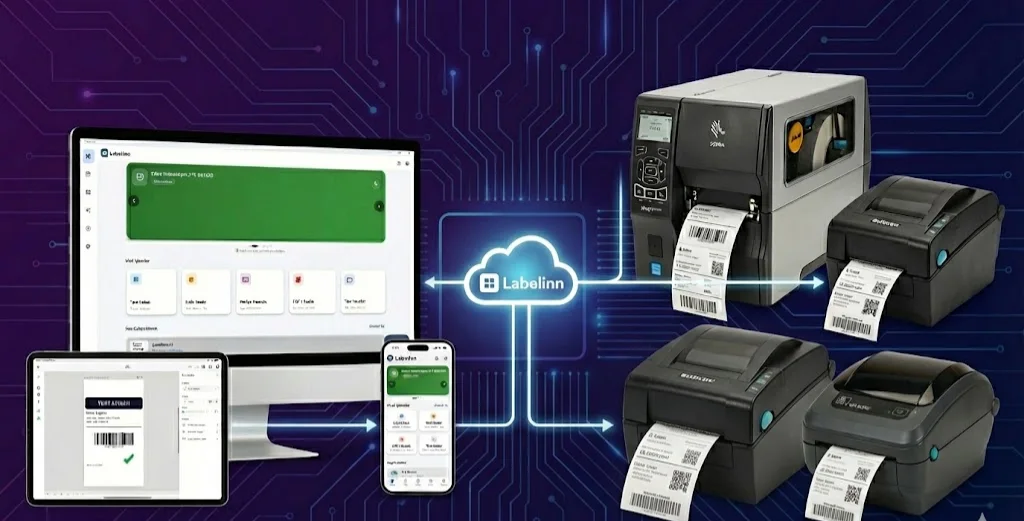
An order arrives in your system. By the time it lands in front of an operator on the line, a long list of decisions has already been made — or should have been. Which carrier handles it. Which design template prints. How many copies. Which printer in which warehouse. Whether anything special applies because of country, weight, or product hazard class. Whether a webhook should fire to a downstream system.
The reflex in most operations is to push all those decisions onto the operator. The operator scans, looks at the order, mentally translates marketplace SKU to internal SKU, picks the carrier, opens the right template, prints, walks the label to the correct station. That works at volume 50/day. It breaks at volume 800/day.
The LabelInn Rules Engine moves those decisions out of the operator's head and into a declarative rule set that runs on every incoming print trigger — automatically, deterministically, and testable before you turn it on.
Want a walkthrough on your own data? Bring an export of one day's orders. We'll write the first three rules with you in 30 minutes. Book a working session →
01
The shape of a rule
Each rule has three parts:
- Match conditions — what about the incoming print trigger does this rule apply to? Match by marketplace, cargo carrier, weight, destination country, SKU pattern, customer tier, presence of a specific tag — any field on the order or trigger payload.
- Actions — what should happen when this rule matches? Set the design, set the copies, route to a specific printer (or printer role), call an MCP tool, call a connector, send a webhook, transform the data, delay.
- Priority + scope — rules are evaluated in declared order and stop at the first match by default, or fall through if you mark them continue. Scope can be company-wide or per-site.
This is the same conceptual shape every workflow engine uses (Zapier, n8n, Boomi), but trimmed to the surface that label printing actually needs. No general-purpose ETL. No long-running flows. Each rule runs in milliseconds and produces a deterministic outcome.
02
A worked example — Trendyol orders, mixed carriers
A multi-marketplace seller has 800 daily orders split across Trendyol, Hepsiburada, ikas, and Shopify. The rules in the engine look like this:
RULE 1: "Trendyol → Trendyol Express (light weight)"
   IF  marketplace == "trendyol"
   AND order.weight_kg < 5
   THEN  carrier      = "trendyol_express"
         design       = "shipping_label_pro"
         printer.role = "shipping"

RULE 2: "Marketplace order → approved heavy-parcel connection"
   IF  marketplace == "trendyol"
   AND order.weight_kg >= 5
   THEN  carrier      = "aras_kargo"
         design       = "shipping_label_pro"
         printer.role = "shipping"

RULE 3: "Hepsiburada → Hepsijet"
   IF  marketplace == "hepsiburada"
   THEN  carrier      = "hepsijet"
         design       = "shipping_label_pro"

RULE 4: "Shopify international → DHL Express"
   IF  marketplace == "shopify"
   AND order.country != "TR"
   THEN  carrier      = "dhl_express"
         design       = "shipping_label_international"
         continue     = true   // fall through to rule 5

RULE 5: "International + heavier than 2kg → also print a customs form"
   IF  order.country != "TR"
   AND order.weight_kg > 2
   THEN  addLabel    = "customs_cn23"
         printer.role = "shipping"
Six rules cover every order shape this seller has. New marketplaces are added by adding rules. Carrier changes are a rule edit. The operator on the line never makes any of these decisions; the label arrives at the printer pre-routed.
03
The action vocabulary
| Action | What it does |
|---|---|
setDesign | Pick the design template for this print |
setCopies | Set how many copies are printed |
addLabel | Trigger a secondary label (customs form, picking list, promo insert) alongside the primary |
routeToPrinter | Pick the target printer by exact ID or by role (e.g. shipping, color_inserts) |
callMcp | Invoke any of the platform's MCP tools — for example, fetch additional context from your CRM or hand the print decision to an AI agent |
callConnector | Call a configured external connector (custom REST endpoint, ERP webhook, internal microservice) |
sendWebhook | Fire a webhook to an arbitrary URL with the print payload |
transformData | Apply a configured transform to reshape the order data before printing |
delay | Hold the print for a duration before continuing (useful for batching to a single printer) |
04
Dry-run before you turn it on
Production rule sets are dangerous if you push them without testing. The rules editor includes a dry-run mode: paste a sample event payload (a real order export from your ERP works), the engine evaluates the entire rule set against it, and you see exactly which rules matched, what actions would have fired, and what the final print decision would have been. No actual print happens, no webhook fires, no carrier API gets called.
The dry-run output is the same shape as the production evaluation log. The Quality team can scroll through a batch of yesterday's orders, run them through tomorrow's rules in dry-run, and confirm the decisions before the rules go live.
05
Where rules evaluate — edge vs. cloud
The same rule set can evaluate in two places:
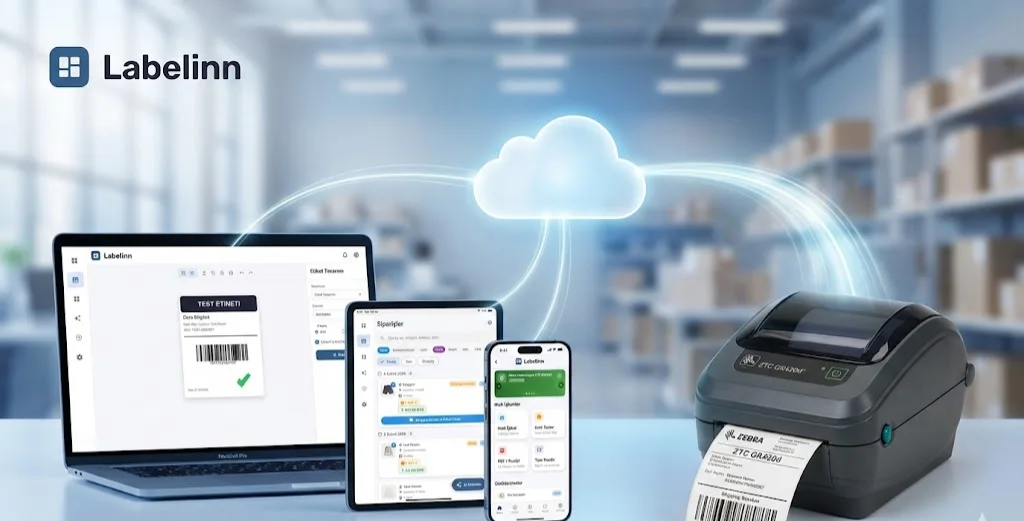
- Cloud evaluation — the default for marketplace-driven prints. The rule engine runs in our cloud backend; the print decision is computed there and the resulting job is dispatched to the right printer.
- Edge evaluation — for plants running the Edge Server, the same rule set is evaluated locally. This means rules that depend on local context (which printers are currently online on this LAN, which line is currently running which work order) can be matched on at the edge in single-digit milliseconds, without a cloud round-trip.
The rule set is the source of truth in the cloud and is synced down to edge nodes as part of normal configuration distribution. A rule edit propagates to every edge node within seconds.
06
What's on the roadmap
Two adjacent capabilities are designed and scheduled for Q3:
- Transform function runtime — sandboxed JavaScript for the
transformDataaction so a rule can reshape an order payload into the design's variables without a separate transform service. Useful when an upstream system gives you the order in one shape and the design template expects it in another. - AI-authored rules — describe what you want in plain English ("when marketplace orders are over 5kg, use the approved heavy-parcel connection and warehouse-A Zebra"); the system proposes the rule, you approve it, and it goes to staging first.
Both are visible in the roadmap but not yet generally available. The current rule engine is fully usable without them.
KEEP GOING
Related Reading
NEXT STEP / LABELINN
Get Your First Three Rules Live This Week
If you're spending operator time on decisions that should be automated, the rules engine is what fixes that. · Declarative match/action rules · Dry-run against real orders before going live · Same rule set runs cloud or edge