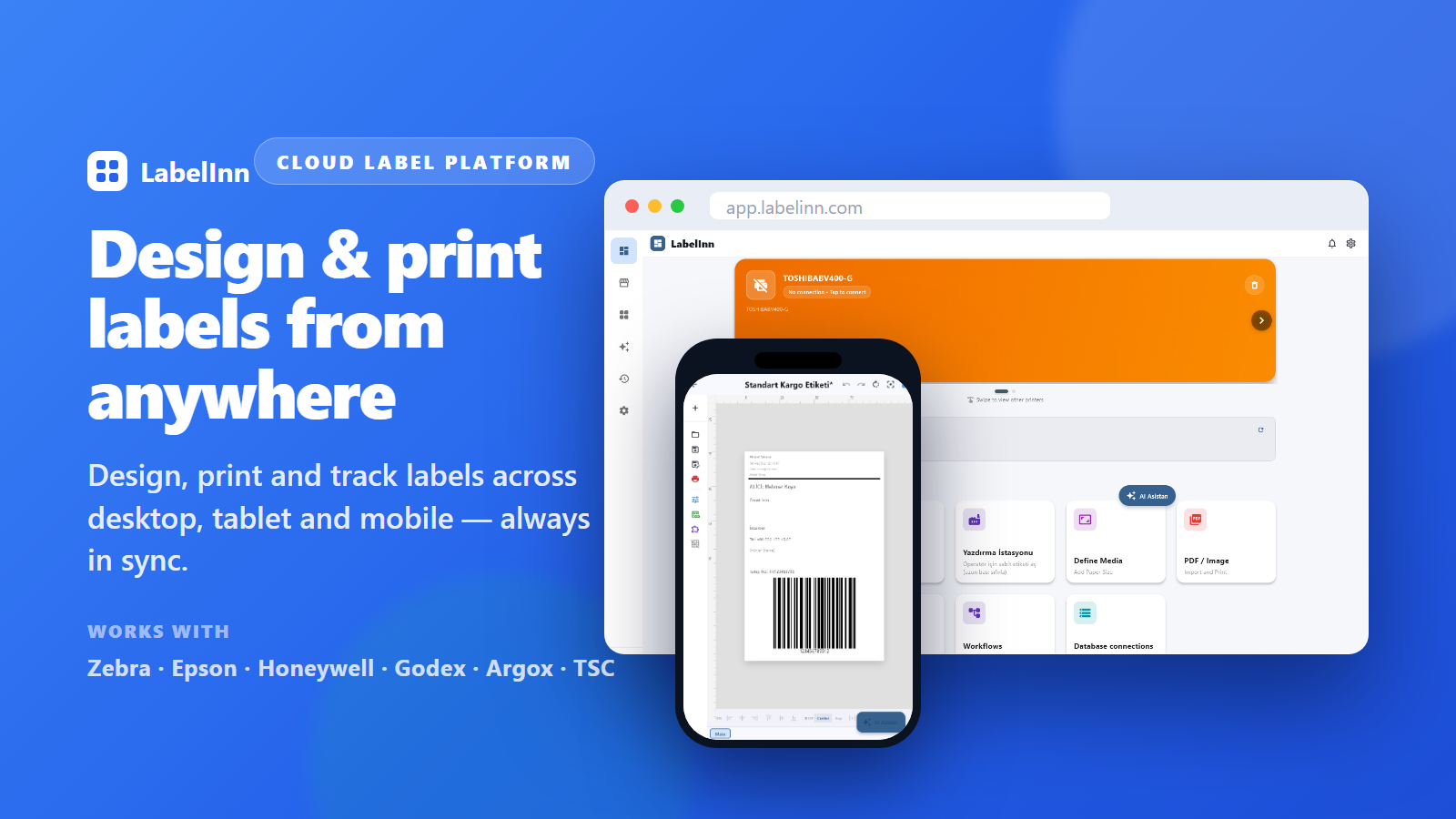
Who this is for
Teams that already own a TSC DA310 and keep the data they label in API.
How it works
Step by step
- Create an API key from your LabelInn account.
- Choose a direction: push a print job to the API, or configure a label to pull JSON from your own endpoint.
- Send a request to https://labelinn.com/v1/print/jobs with the design and the field values.
- Read the job status back, and subscribe to a webhook if you need completion events.
Try it with your own data — signing up starts a 14-day Pro trial, no credit card. After that this feature needs Pro at $24.90/mo. Download now → | See pricing →
Practical notes for this pairing
- At 300 DPI a single printer dot is about 0.085 mm. Size barcodes in whole dots so the narrow bar lands on an exact dot boundary and stays scannable.
- The DA310 prints up to 105.7 mm wide. Check the widest value your API data can produce against that width before running a full batch.
- Connections available on this model: USB, Ethernet (variant-dependent), Wi-Fi (variant-dependent), Bluetooth (variant-dependent). Pick the one the machine running the job can actually reach.
- LabelInn sends TSPL-EZD straight to the DA310, so the label your data fills is rendered by the printer itself rather than by an operating-system driver.
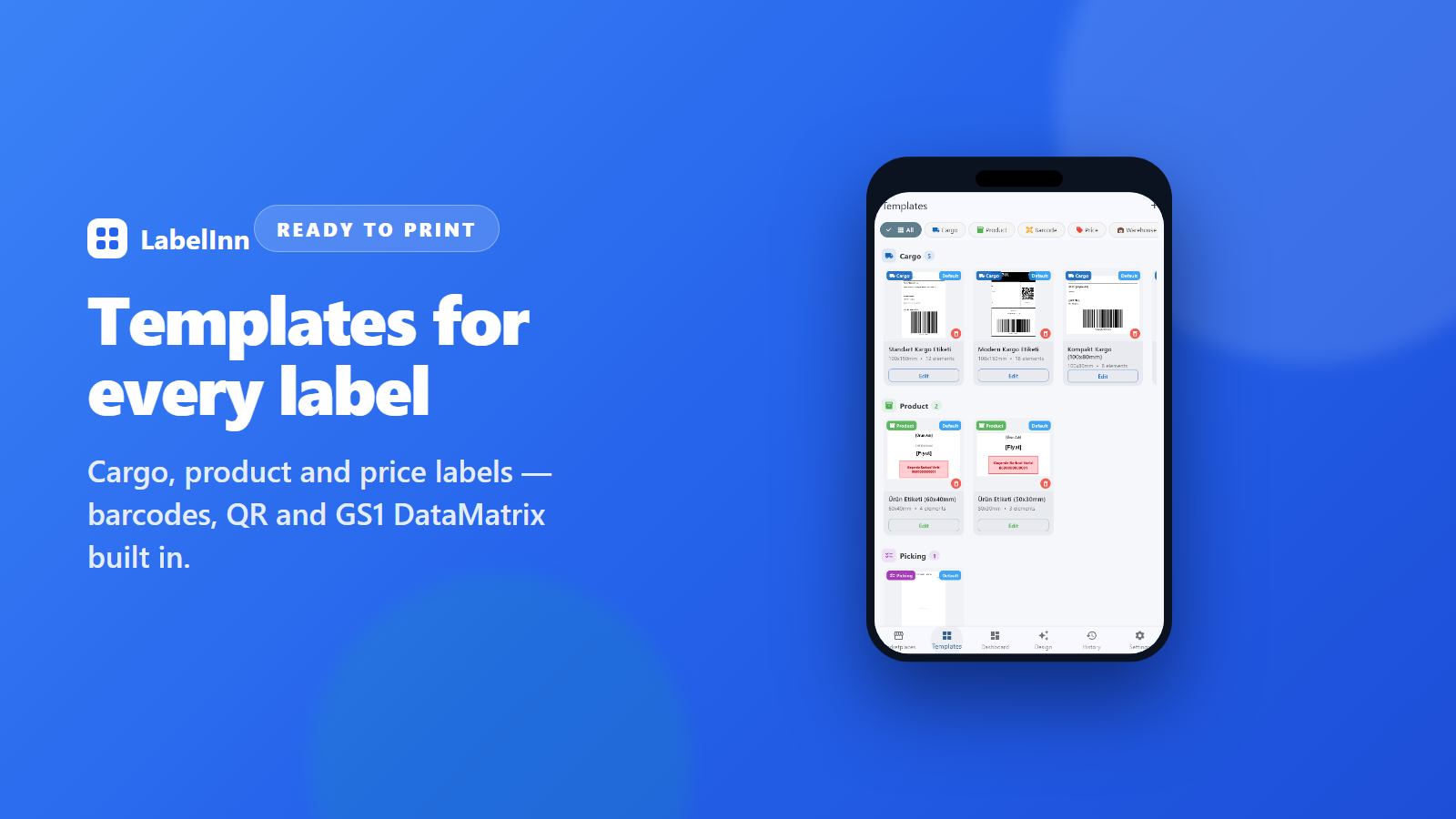
Printer facts
| Command language | TSPL-EZD (native) |
|---|---|
| Resolution | 300 DPI |
| Print width | 105.7 mm |
| Connections | USB, Ethernet (variant-dependent), Wi-Fi (variant-dependent), Bluetooth (variant-dependent) |
| Driver | No |
What happens after you download?
Frequently asked questions
Can the TSC DA310 print labels directly from the REST API?
Yes. LabelInn reads your API data, binds the columns to fields on a label template sized for this printer, and drives the DA310 over the connection you selected. You do not export an intermediate file per run.
Do I need a driver for the TSC DA310?
For the direct TSPL-EZD path, no — LabelInn generates the command stream and sends it over the connection you selected.
Print your TSC DA310 data on the printer you already own
This feature runs on Pro — $24.90/mo, or $249/year (pay for 10 months, use 12). Signing up starts a 14-day Pro trial, so you can bind your own TSC DA310 data and print a real label before you pay anything.
Start your 14-day Pro trial → Download the app