Who this is for
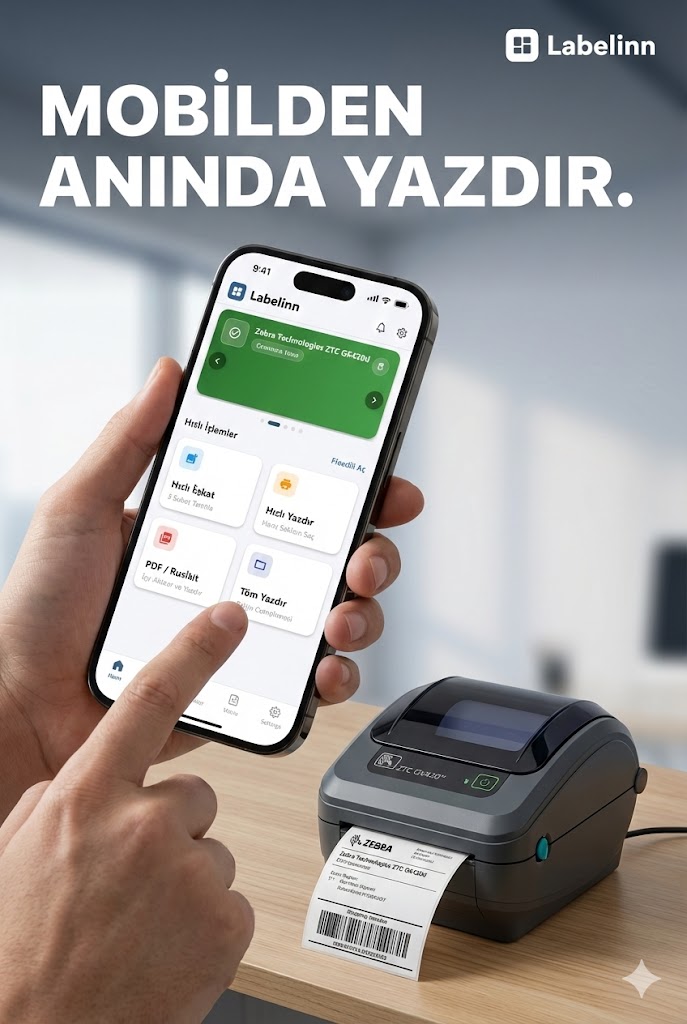
Teams that already own a Zebra ZT231 and keep the data they label in CSV.
How it works
Step by step
- Export the rows you want to print from your existing system.
- Add the .csv file as a data source and confirm the header row.
- Map each column onto a label field — text, barcode, QR or RFID.
- Preview a few rows, then print the range or the whole file.
Try it with your own data — signing up starts a 14-day Pro trial, no credit card. After that this feature needs Starter at $7.99/mo. Download now → | See pricing →
Practical notes for this pairing
- At 203 DPI a single printer dot is about 0.125 mm. Size barcodes in whole dots so the narrow bar lands on an exact dot boundary and stays scannable.
- The ZT231 prints up to 104 mm wide. Check the widest value your CSV data can produce against that width before running a full batch.
- Connections available on this model: USB, Ethernet, Wi-Fi (variant-dependent), Bluetooth (variant-dependent). Pick the one the machine running the job can actually reach.
- LabelInn sends ZPL II straight to the ZT231, so the label your data fills is rendered by the printer itself rather than by an operating-system driver.
Printer facts
| Command language | ZPL II (native), EPL2 (native) |
|---|---|
| Resolution | 203 DPI / 300 DPI |
| Print width | 104 mm |
| Connections | USB, Ethernet, Wi-Fi (variant-dependent), Bluetooth (variant-dependent) |
| Driver | No |
What happens after you download?
Frequently asked questions
Can the Zebra ZT231 print labels directly from a CSV file?
Yes. LabelInn reads your CSV data, binds the columns to fields on a label template sized for this printer, and drives the ZT231 over the connection you selected. You do not export an intermediate file per run.
Do I need a driver for the Zebra ZT231?
For the direct ZPL II path, no — LabelInn generates the command stream and sends it over the connection you selected.
Print your Zebra ZT231 data on the printer you already own
This feature runs on Starter — $7.99/mo, or $79.90/year (pay for 10 months, use 12). Signing up starts a 14-day Pro trial, so you can bind your own Zebra ZT231 data and print a real label before you pay anything.
Start your 14-day Pro trial → Download the app