JUNE 6, 2026 / AUTOMATION
How to Automate Label Printing in 2026 Zapier, Make, API & MCP Compared
Automate label printing with Zapier, Make.com, the LabelInn REST API, or an MCP server for AI agents. Compare all four and pick the right one — no-code to code.
curl -X POST https://www.labelinn.com/v1/print/jobs \
  -H "Authorization: Bearer sk_live_..." \
  -H "Content-Type: application/json" \
  -H "X-Idempotency-Key: order-45123-shipping" \
  -d '{
    "payload_type": "template",
    "design_id": "dsn_shipping_pro",
    "printer_id": "prn_warehouse_a",
    "copies": 3,
    "data": {
      "LOT_NUMBER": "45123",
      "CUSTOMER_NAME": "Acme Industries",
      "TRACKING_URL": "https://track.example.com/45123"
    }
  }'
Video / 1:32
Watch: Automate label printing with workflows
1:32 walkthrough in the real app. Step-by-step page →
THE PROBLEM
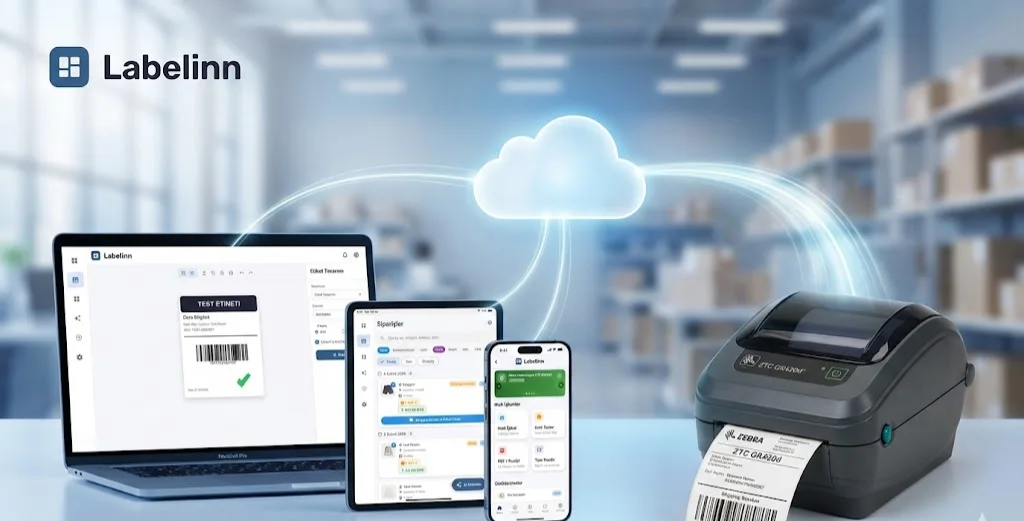
Every label you print is a manual step until you automate it. Someone reads the order, opens a template, types the address, picks a printer, and clicks print — a few seconds each, hundreds of times a day. The fix is to automate label printing so the trigger that already exists in your stack (a new order, a finished batch, a row added to a sheet) fires the print for you. The only real question is how.
LabelInn now connects to your workflow four different ways, and they are not competitors so much as four rungs of the same ladder — from drag-and-drop no-code to raw HTTP to natural-language AI agents. This guide compares Zapier, Make.com, the LabelInn REST API, and an MCP server for AI clients, so you can pick the right one on the first try instead of the third.
Here is the part that matters most: all four run on the same backend. The same print endpoint, the same edge rendering, the same hash-chained audit log, the same online-device requirement. So you are not choosing a feature set — you are choosing an authoring style. Switch later and nothing under the hood changes.
01
The Four Ways to Automate Label Printing, at a Glance
Before the deep dives, here is the whole decision in one place. Skim the rows, find the one that sounds like you, then jump to that section.
- Zapier — Who it's for: sellers and ops folks who never want to see code. Setup effort: minutes. Choose when: your trigger app is one of Zapier's 8,000+ and your flow is mostly linear. Ceiling: high for simple flows, gets pricey and rigid for deep branching.
- Make.com — Who it's for: ops people who like a visual canvas and need real logic. Setup effort: a bit more than Zapier. Choose when: you need multi-step routing, filters, iterators, or branching on label data. Ceiling: very high; the scenario builder scales to complex flows cheaply.
- REST API — Who it's for: developers wiring print into an app, ERP, or WMS. Setup effort: an afternoon. Choose when: you want full control, batch jobs, idempotency, and predictable latency. Ceiling: the highest — up to 50,000 prints/day on Enterprise.
- MCP server — Who it's for: teams driving work through AI assistants. Setup effort: a few minutes. Choose when: you want to print by typing plain English in Claude, Cursor, or any MCP client. Ceiling: excellent for human-in-the-loop and agentic flows; not meant for deterministic high-volume batch.
Good news for everyone evaluating this: API and connector access is open from the Free tier up. You do not need a Pro plan to get an API key or sign in with OAuth. The plan only governs your daily print quota — 25/day on Free, 250 on Starter, 2,000 on Pro, 50,000 on Enterprise.
02
Option 1: Zapier — The Easiest On-Ramp
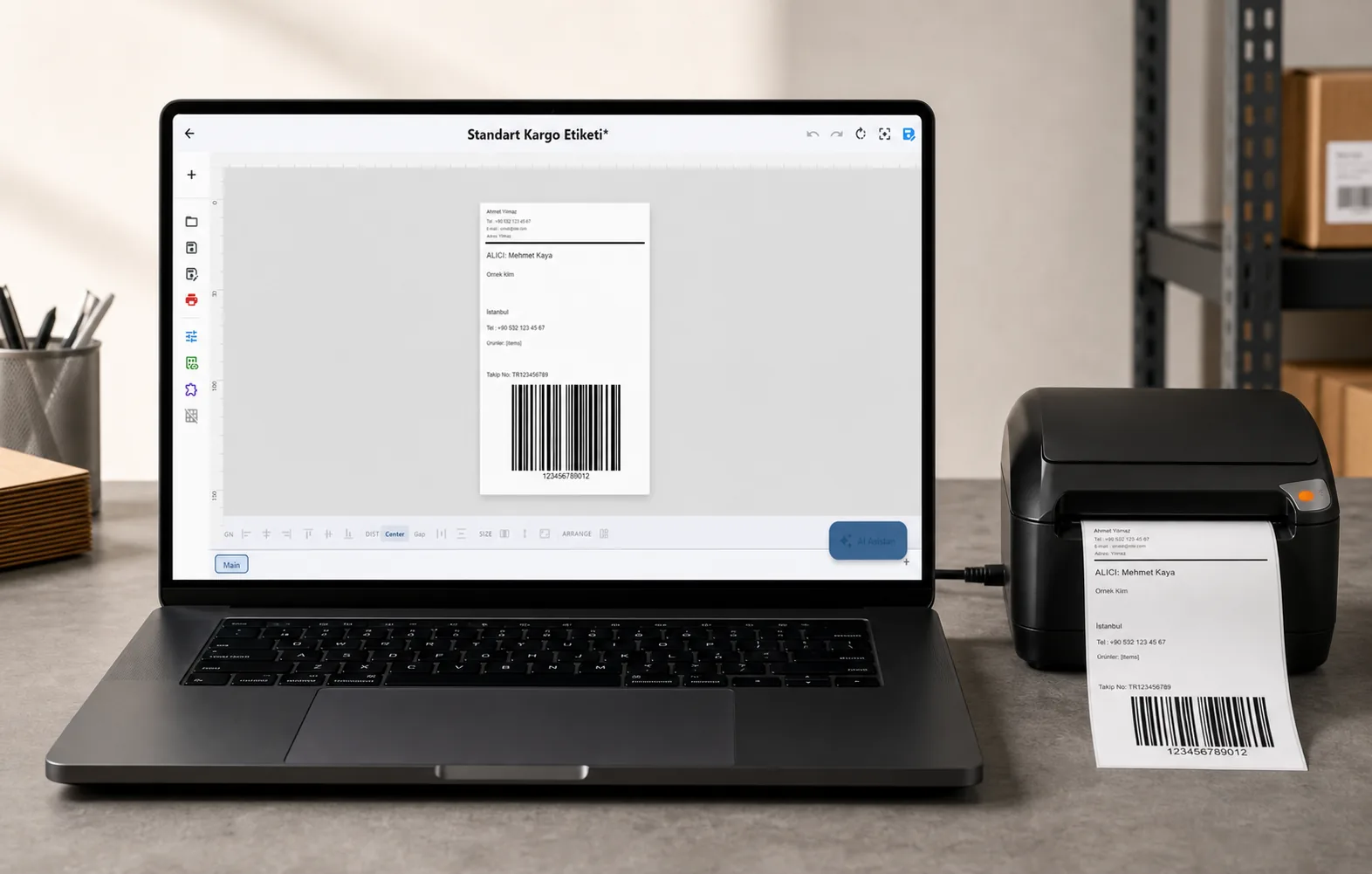
If your trigger already lives in a popular app — Shopify, WooCommerce, Airtable, Google Sheets, Gmail, a form tool — Zapier is the shortest path to automated label printing. You build a "Zap": when this happens, print that label. No code, no server, no deploy.
The LabelInn Zapier app connects through OAuth sign-in (PKCE), so you authorize with your real LabelInn login and a scoped key is minted for you. It ships actions for Print From Template, Print ZPL, Print Image, Batch Print, Render Preview, Reprint Job, Cancel Job, plus design authoring (Create Design Template, Add Element to Design) and setup actions (Create Rule, Create Site, Create Webhook). Searches cover Find Design, Find Printer, Get Job Status, Get Printer Status, and Get Usage. Triggers fire on Job Created, Job Completed, Job Failed, Printer Offline, Supply Low, Design Updated, and Design Deleted.
The detail that makes it pleasant: when you pick a design, its variables appear as individual mappable fields — no JSON blob to hand-edit. Map "order number" to LOT_NUMBER, "customer" to CUSTOMER_NAME, done. A "Customize element styling" toggle reveals per-element font, size, color, and bold overrides, grouped per element and pre-filled with the design's current values. Printer and design dropdowns show live status, and every print action carries an idempotency key so a retried Zap never double-prints.
Honest status: the LabelInn Zapier app is in early access right now — invite-only, not yet listed in the public Zapier App Directory. You get in by requesting access and signing in; you will not find it by searching the marketplace yet. Zapier itself connects to roughly 8,000+ apps, so whatever fires your workflow is almost certainly already there.
Full walkthrough: Print Labels from Zapier.
03
Option 2: Make.com — Visual Logic and Branching
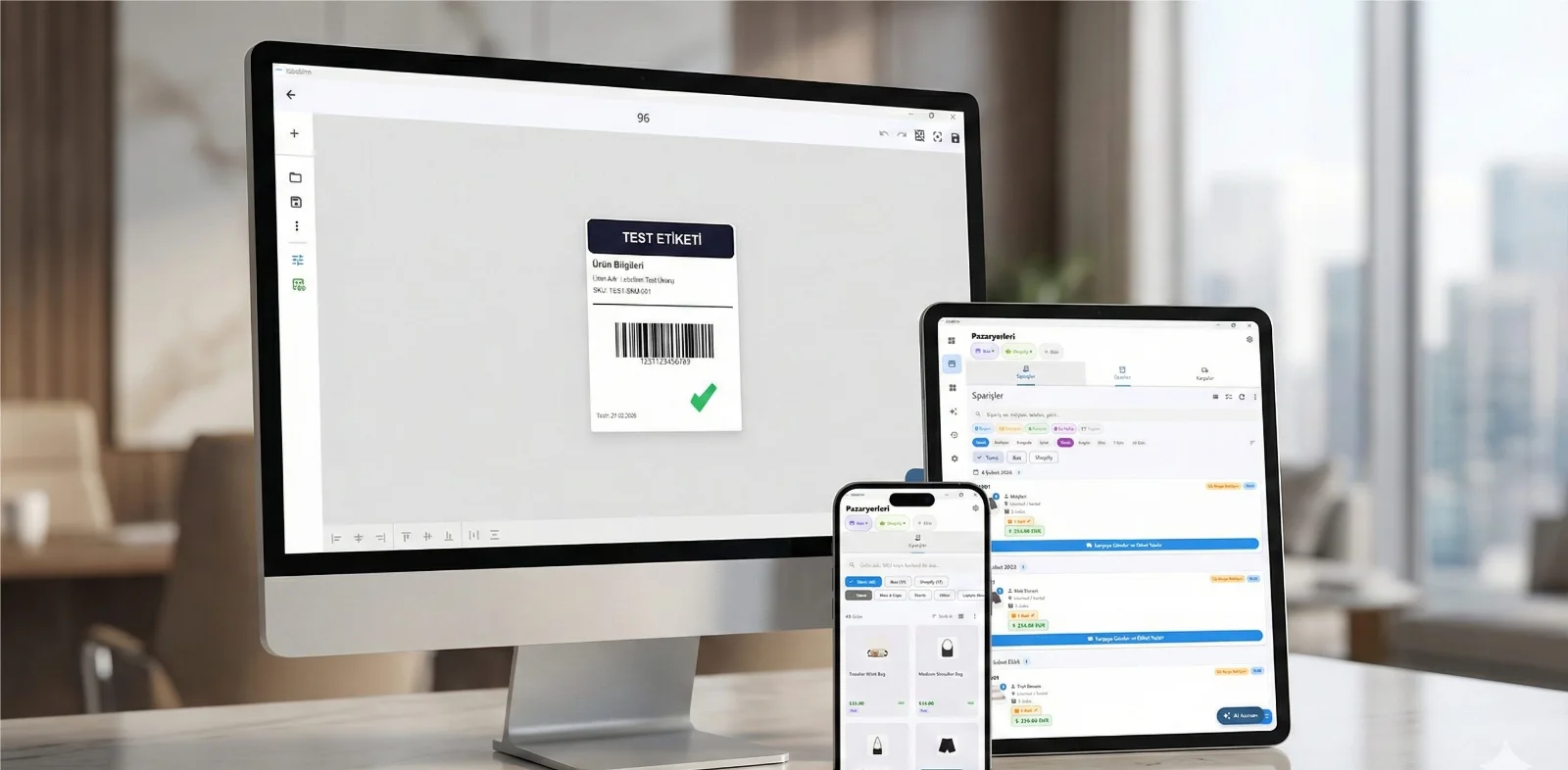
Make.com is where you graduate when "when X, do Y" stops being enough — when you need to route Order Type A to one design and Type B to another, iterate over line items, filter out test orders, or fan one trigger into several prints. Make's visual scenario builder lets you wire those branches on a canvas instead of stringing together a dozen single-step Zaps.
The LabelInn custom app for Make connects via OAuth (or an API-key connection) and ships roughly 22 modules: Print From Template, Print ZPL, Print Image, Create Design (with an inline Elements array), Add Element to Design, Render Preview plus Get Render Result, list/find Designs & Printers, job modules (get / cancel / reprint), and Rules / Sites / Webhooks. RPC-driven dropdowns populate printers, designs, and each design's variables automatically; per-element style overrides tuck neatly under Make's native "Show advanced settings," pre-filled with current values.
Instant-trigger webhooks cover Job Completed, Job Failed, Job Created, Supply Low, and Printer Status changed — so you can build closed loops (print, then notify on failure, then reprint on an online printer) without polling. Make connects to 2,000+ apps and prices on operations, which keeps complex multi-step flows affordable as they grow. Like the Zapier app, the Make app is in early access today.
Full walkthrough: Print Labels from Make.com.
04
Option 3: The REST API — Full Control and Scale
When you are building print directly into your own software — an ERP, a WMS, a marketplace integration, a custom internal tool — go straight to the LabelInn REST API. No connector tax, no per-operation pricing, predictable latency, and every capability the platform has. The gateway base URL is https://www.labelinn.com/v1, and the canonical print call is a single POST.
Here is a real print: one job, three copies, a saved design filled from your data, with an idempotency key so a network retry can never produce a duplicate label.
curl -X POST https://www.labelinn.com/v1/print/jobs \
  -H "Authorization: Bearer sk_live_..." \
  -H "Content-Type: application/json" \
  -H "X-Idempotency-Key: order-45123-shipping" \
  -d '{
    "payload_type": "template",
    "design_id": "dsn_shipping_pro",
    "printer_id": "prn_warehouse_a",
    "copies": 3,
    "data": {
      "LOT_NUMBER": "45123",
      "CUSTOMER_NAME": "Acme Industries",
      "TRACKING_URL": "https://track.example.com/45123"
    }
  }'
Reuse that same X-Idempotency-Key within 24 hours and you get the original job back instead of a second print — the platform's built-in defense against double prints from retries and flaky networks. Need to print a whole batch? Pass an array of objects in data and the endpoint fans them out in one call; copies accepts 1 to 1000. The payload_type field also takes zpl for raw ZPL passthrough, image for a hosted PNG/PDF, and ghs_row.
Designs are equally programmable. POST /v1/designs now accepts an inline elements array, so one call creates a fully populated template — text, barcode, and image elements with position, size, font, color, and bold. Bind an element to a variable and it becomes a fillable field. POST /v1/designs/:id/elements adds one element, and GET /v1/designs/:id/variables?advanced=1 returns field specs including per-element style overrides pre-loaded with each element's current value — the same data the Zapier and Make apps surface as fields.
Auth is by API key (sk_live_ / sk_test_ prefixes, SHA-256 hashed, scoped to what each key may do), or via OAuth at /v1/oauth/authorize and /v1/oauth/token with optional PKCE. And again — this is open from the Free tier, so you can build and test against the live API on day one.
For a code-light introduction see the LabelInn label-printing API, and for a deeper integration pattern read building print into your ERP.
05
Option 4: The MCP Server — Print by Talking to an AI
The newest rung is for teams that already work through AI assistants. The @labelinn/mcp-server package on npm exposes about 112 tools across 12 modules plus read-only resources over the Model Context Protocol, so any MCP client — Claude Desktop, Cursor, VS Code Copilot Chat, or your own agent — can drive your printers, designs, and job history with plain English. There is also a cloud MCP endpoint at /v1/mcp, and auth is by API key.
This is the right tool when the human is in the loop and the task is fuzzy: "Reprint the last three failed jobs on whichever ColorWorks printer is online," or "Clone the shipping design, swap the title, add a QR code, and show me a preview." The AI picks the tools and chains them; you talk instead of clicking. It is not meant to replace the REST API for deterministic, high-volume batch jobs — for 50,000 predictable prints a day, call the API directly.
We already have a dedicated, step-by-step guide for this, so we will not repeat it here: Print Labels via Claude, Cursor & ChatGPT (MCP).
06
Which Should I Pick?
Cut through it with a one-line rule for each profile:
- You sell on Shopify/Etsy/WooCommerce and never want to see code → start with Zapier. Connect your store, map the address fields, ship labels on every order.
- You need branching, routing, or multi-step logic on your label data → use Make.com. The visual builder pays for itself the moment one trigger has to become several conditional prints.
- You are a developer building print into an app, ERP, or WMS at volume → go straight to the REST API. Batch arrays, idempotency keys, and scoped keys give you control no connector can match.
- Your team drives work through Claude, Cursor, or an internal AI copilot → add the MCP server and let people print by asking.
And you are not locked in. Prototype on Zapier this week, move the heavy flow to Make next month, drop to the API when volume justifies it, and bolt on the MCP server for the warehouse iPad — all against the same account, the same designs, and the same printers.
07
What All Four Share
Because every path hits the same backend, you get the same guarantees no matter which you choose:
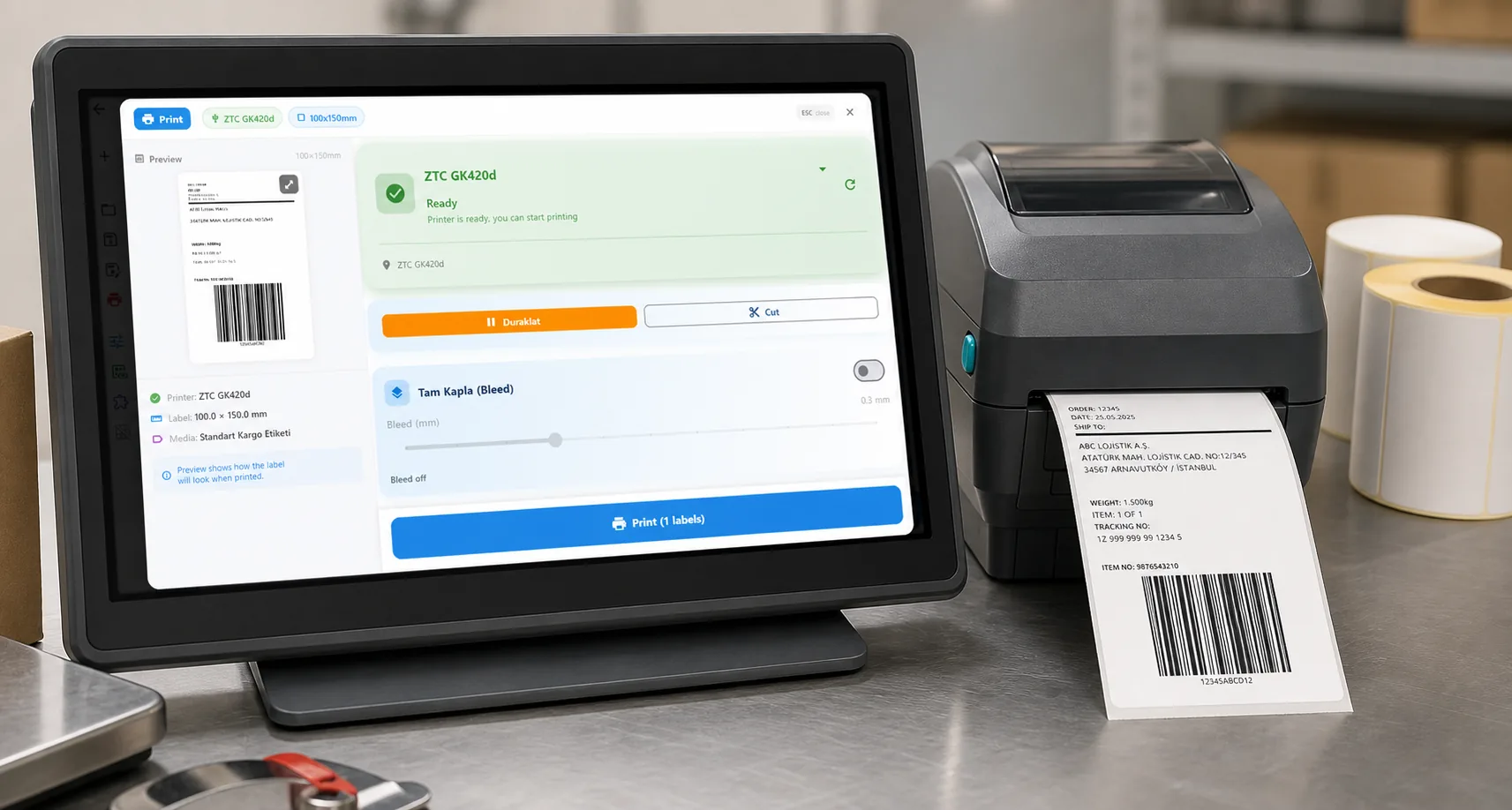
- One rendering pipeline. Rendering happens on the LabelInn edge desktop app, which rasterizes the design and spools it to the printer. A LabelInn device must be online for a queued job to print or for a preview to render — queued is not the same as printed.
- One audit trail. Every print auto-writes a hash-chained audit log and a finalized print-history entry — whether it came from Zapier, Make, the API, or MCP. Compliance does not care which tool fired the job; the record is identical.
- One fleet. 50+ thermal models are supported — Zebra, TSC, Brother, Honeywell, Epson ColorWorks, and more — so your automation choice never constrains your hardware choice.
- One quota. Your plan's daily print limit applies across all four paths combined, so you can mix and match freely without juggling separate budgets.
08
Start in the Right Place
The fastest way to automate label printing is to match the tool to the person doing the wiring: no-code seller to Zapier, ops builder to Make, developer to the API, AI-driven team to MCP. Pick one, connect your trigger, and the manual step disappears. Because the backend is shared, the only thing you are committing to today is where you start — not where you finish.
KEEP GOING
Related Articles
NEXT STEP / LABELINN
Pick Your Path & Start Free
Create an account, get an API key or sign in with OAuth, and connect your first trigger today. Free 14-day trial — no credit card. · Zapier & Make in early access · Open REST API & MCP from the Free tier · One backend, audit trail & 50+ printers