FEBRUARY 7, 2026 / E-COMMERCE
Order Preparation List: Product Photo Control Guide
Speed up your e-commerce order preparation process. Eliminate the risk of sending wrong products with photo-based packing lists. Warehouse workflow guide.
THE PROBLEM
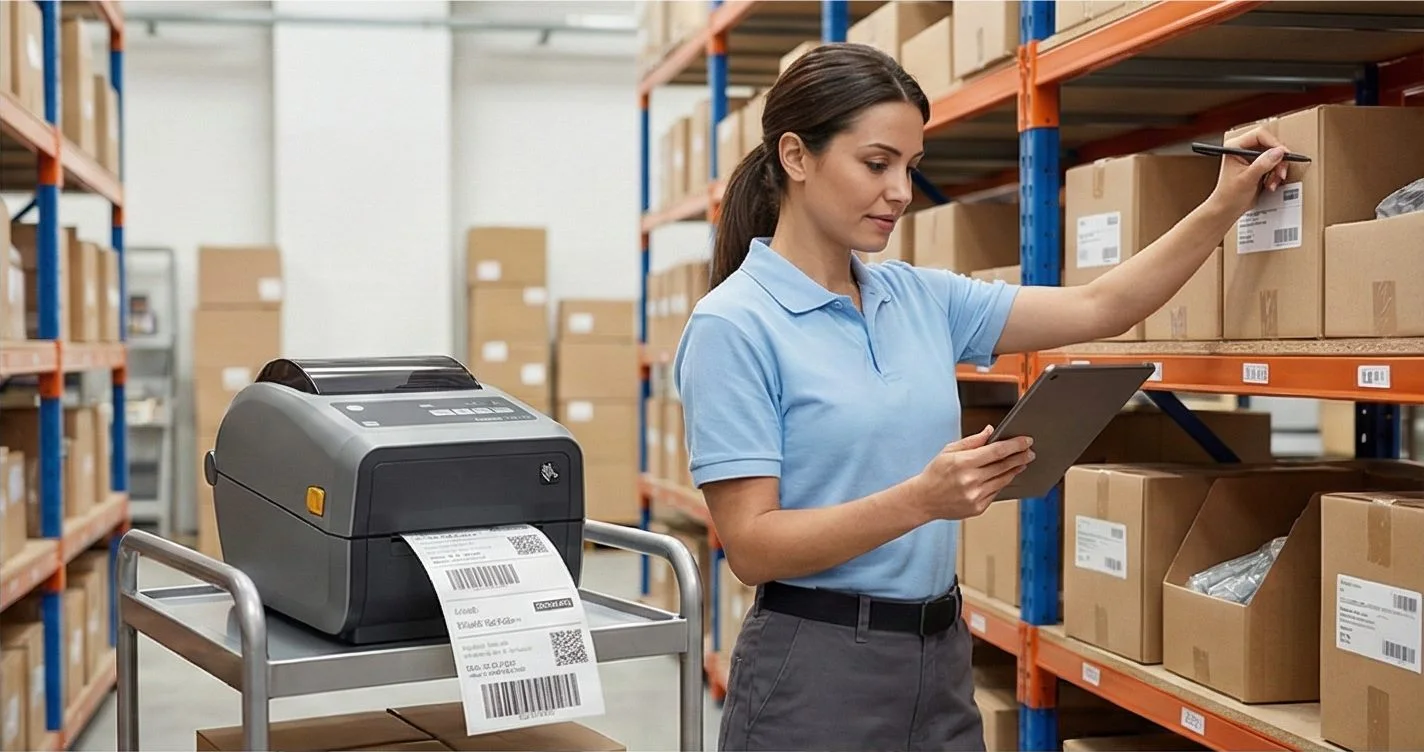
As your e-commerce order volume increases, the likelihood of sending wrong products also increases. Sending size S in an order that says "Black T-Shirt XL", putting 5 pieces instead of "10 screws", mixing up two similar-looking products... Every wrong package = return + shipping cost + unhappy customer + lower rating.
The solution: photo-based order preparation list.
01
Sending Wrong Products: Facts in Numbers
| Metric | Industry Average |
|---|---|
| E-commerce return rate | 15-20% |
| Returns due to "wrong product" | 23% |
| Average cost of one return (shipping + labor) | 50-80 TL |
| 50 packages daily 3% wrong = monthly cost | ~3,000 TL |
Sending wrong products is one of the most expensive "hidden" costs for e-commerce sellers.
02
Traditional Method: Text-Only List
Most sellers' order preparation method:
- Print the order list from the marketplace panel
- Read product names on paper: "Blue Striped T-Shirt L Size"
- Find the relevant product in the warehouse from memory
- Put in package
- Attach shipping label
Problems with This Method
| Problem | Result |
|---|---|
| Says "Blue T-Shirt L" but there are 3 different blue t-shirts | Sending wrong product |
| Product name is too long, cut off on paper | Missing information |
| New warehouse employee doesn't know the products | Slow preparation |
| Order is for 2 pieces, only 1 is put in | Missing product |
| No control mechanism | Repeated errors |
Want a photo-based order preparation checklist? LabelInn shows the product photo for every order line — wrong product shipment risk drops to zero. Plans from $19/month. Try free for 14 days →
03
Better Method: Photo-Based Preparation List
Information that should be in an order preparation list:
04
How Does It Work in LabelInn?
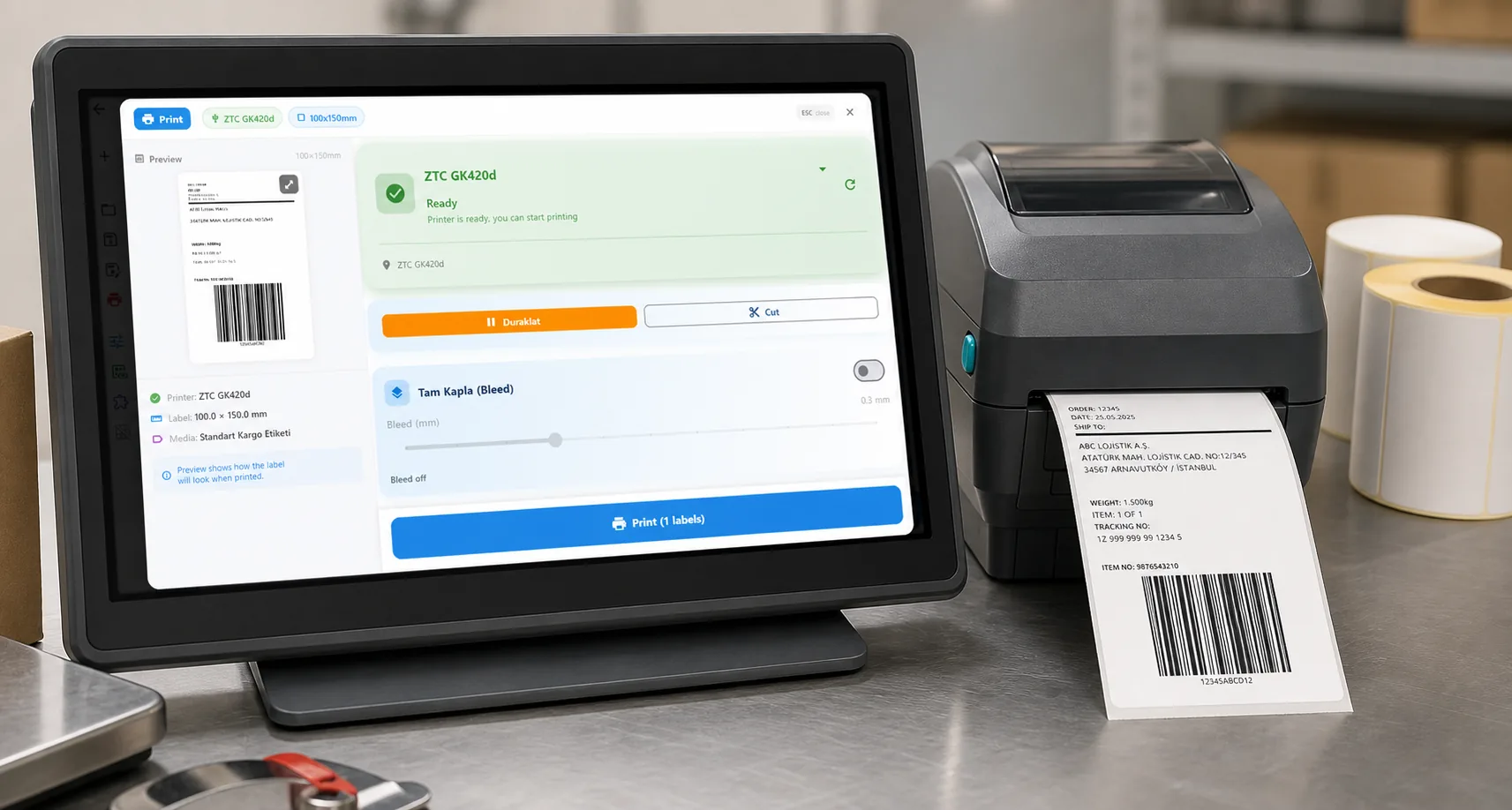
LabelInn automatically converts order information from marketplace integrations into a photo-based preparation list:
--  ORDER #1234 John Smith              -
-  Shipping: approved-customer-connection -
++
-  [ ]   Blue Striped T-Shirt            -
-        Color: Dark Blue | Size: L         -
-        SKU: TSH-MCL-001                   -
-        Qty: 2 – Check            -
++
-  [ ]   Black Leather Belt              -
-        Size: 110cm                        -
-        SKU: KMR-SYH-110                -
-        Qty: 1 – Check            -
++
-  TOTAL: 3 products | [ ] Package Ready -
L-
Process Flow
- Orders arrive automatically from Trendyol, Hepsiburada, ikas, Shopify
- Click "Print Preparation List" button
- Photo-based list comes out of your printer (A4 or label format)
- Warehouse worker collects products by looking at photos
- Checks checkbox as each product is packed
- Attaches shipping label, package ready ✓
05
Traditional vs Photo-Based Comparison
| Text-Only List | LabelInn Photo List | |
|---|---|---|
| Product identification | Read product name + find from memory | Look at photo + find |
| Error rate | 3-5% | Below 0.5% |
| New employee adaptation | Weeks of training | Productive from day one |
| Preparation speed | ~3 min/order | ~1 min/order |
| Quantity control | Rely on memory | Checkbox verification |
| Barcode matching | Manual | Automatic (SKU in list) |
06
Warehouse Workflow Optimization
Small Businesses (1-20 orders/day)
- Prepare orders individually
- Print preparation list + shipping label together for each order
- Pack, attach label, ship
Medium Businesses (20-100 orders/day)
- Print bulk preparation list all orders at once
- Collect products in bulk (batch picking)
- Separate collected products by order
- Print shipping labels in bulk
Large Businesses (100+ orders/day)
- Use shelf location information pickers work with route plans
- SKU verification with barcode scanner
- Preparation and packing stages with separate staff
07
Where Do Product Photos Come From?
LabelInn automatically pulls product photos from marketplace integrations:
| Platform | Photo Status |
|---|---|
| Trendyol | ? Product image auto-pulled |
| Hepsiburada | ? Product image auto-pulled |
| ikas | ? Product image auto-pulled |
| Shopify | ? Product image auto-pulled |
| WooCommerce | ? Product image auto-pulled |
| Amazon | ? Product image auto-pulled |
| Manual order | You can upload yourself |
QUESTIONS / FAQ
Frequently Asked Questions
Should I print the preparation list on A4 paper?
A4 is ideal because photos appear clearer. But printing in label format (1015 cm) is also possible photos are smaller but still recognizable.
How do products without photos appear?
If there's no photo, a placeholder icon is shown. You can upload your own photo for the product.
Can I print a bulk list for multiple orders?
Yes. You can select multiple orders and print a bulk preparation list at once. Each order comes out on a separate page.
Can shipping label and preparation list be printed at the same time?
Yes. When you press the "Print" button, both the shipping label and preparation list come out of your printer simultaneously.
KEEP GOING
Related Articles
NEXT STEP / LABELINN
Speed Up Your Order Preparation Process 3x
Eliminate the risk of sending wrong products. 14 days free. · Preparation list with product photos · Control mechanism with checkboxes · Automatic from all marketplaces