Use DYMO's own software ifyou only print on DYMO printers, want DYMO's own templates, or own a LabelWriter 550 or 5XL. DYMO Connect for Desktop and DYMO Label are free from dymo.com support and are the manufacturer's route for every LabelWriter model.
DYMO LABELWRITER SERIES
DYMO LabelWriter 450 Software Alternative
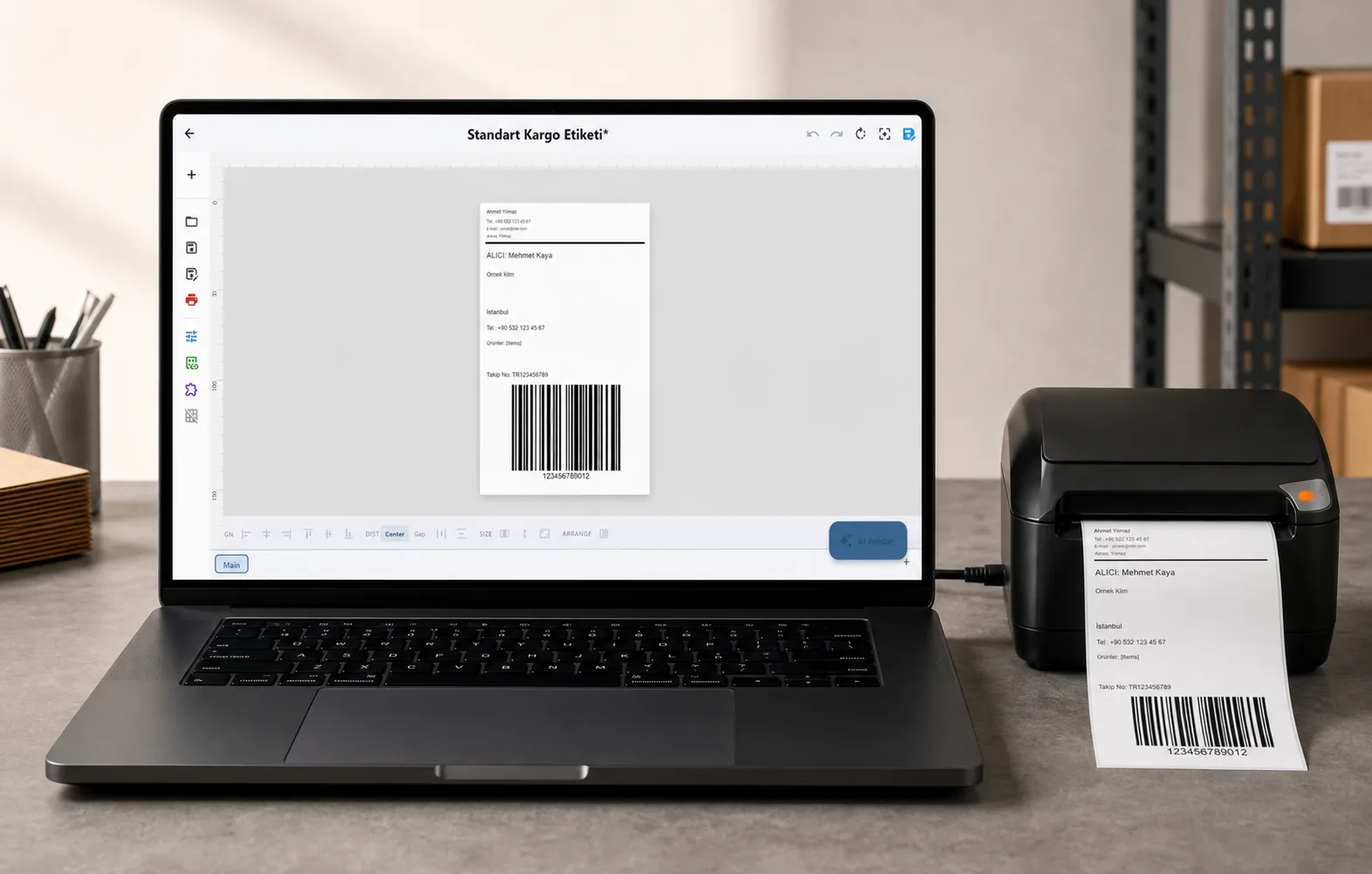
LabelInn prints to the DYMO LabelWriter 450, 450 Turbo, 450 Twin Turbo and 450 Duo over USB, using the command set DYMO documents for that family. No DYMO driver is in the path. It does not support the 550 series, and we have not yet confirmed it on a physical LabelWriter, so read the status section below before you rely on it.
FREE PLAN · WINDOWS AND MAC · LABELWRITER 450 FAMILY OVER USB
STATUS
What is built, and what is not proven yet
Read this first. It is the part other DYMO software pages leave out.
The LabelWriter 450 family has no fonts and no label language. The host sends one raster line at a time, so LabelInn renders your label to a bitmap and streams it using the commands in DYMO's LabelWriter 450 Series Technical Reference Manual. Where that manual is silent (which paper edge is dot 0, how the Duo's tape side is sequenced) LabelInn copies what DYMO's own open-source CUPS driver sends.
That code is covered by 132 automated tests, including an emulator that decodes the byte stream the way the printer would. The LabelInn team has not yet printed on a physical LabelWriter, so alignment and orientation on a real unit are the open points. If your first label comes out mirrored or starts at the wrong edge, that is a known item to verify, not something you did wrong. Print one label before a batch.
HOW IT WORKS
Three screens from data to printed label.
No copy-paste, no hunting for templates. The same flow repeats for every record.
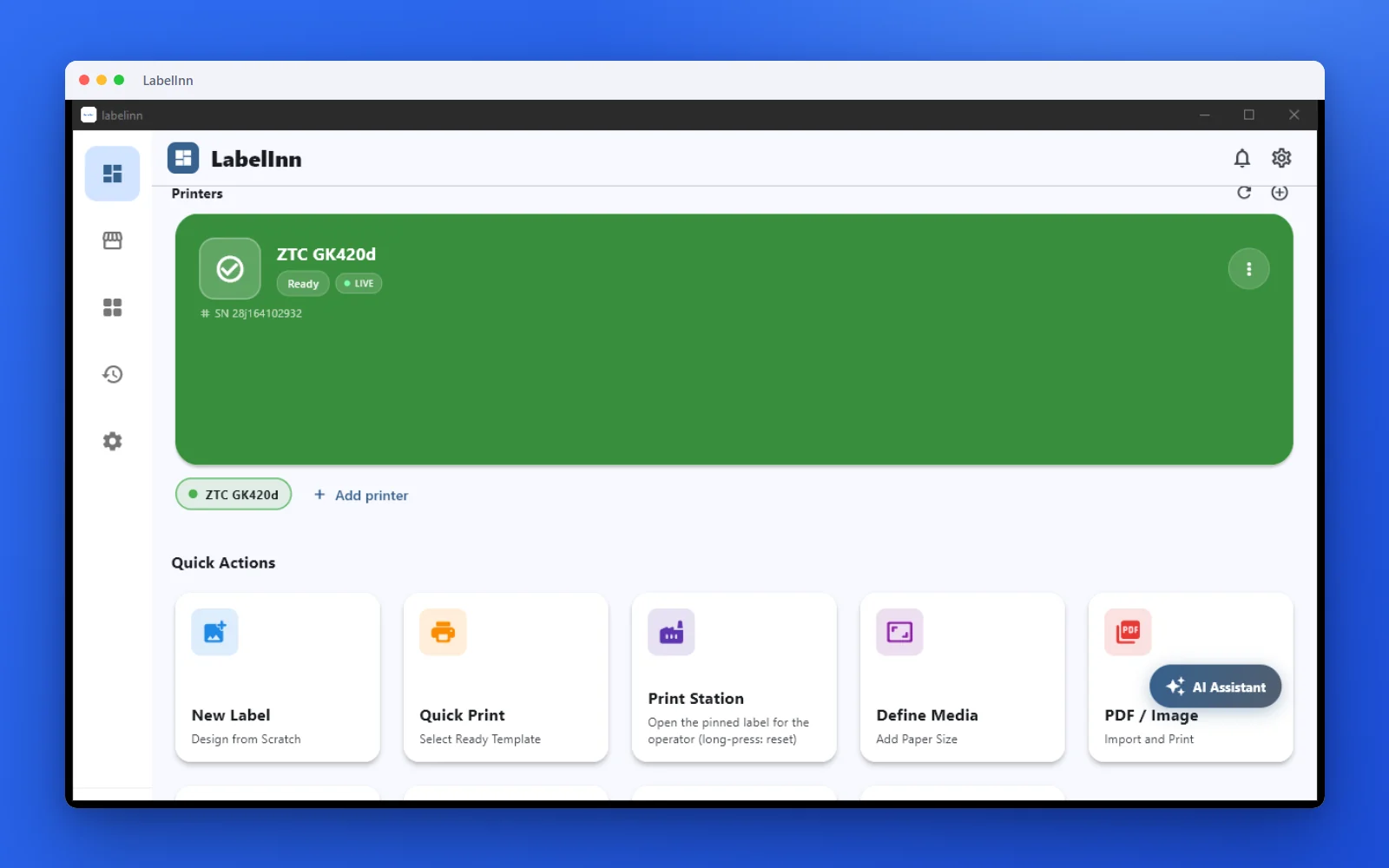
Printer status, quick actions and recent work in one place.
Text, barcodes, QR and images placed on the real media size.
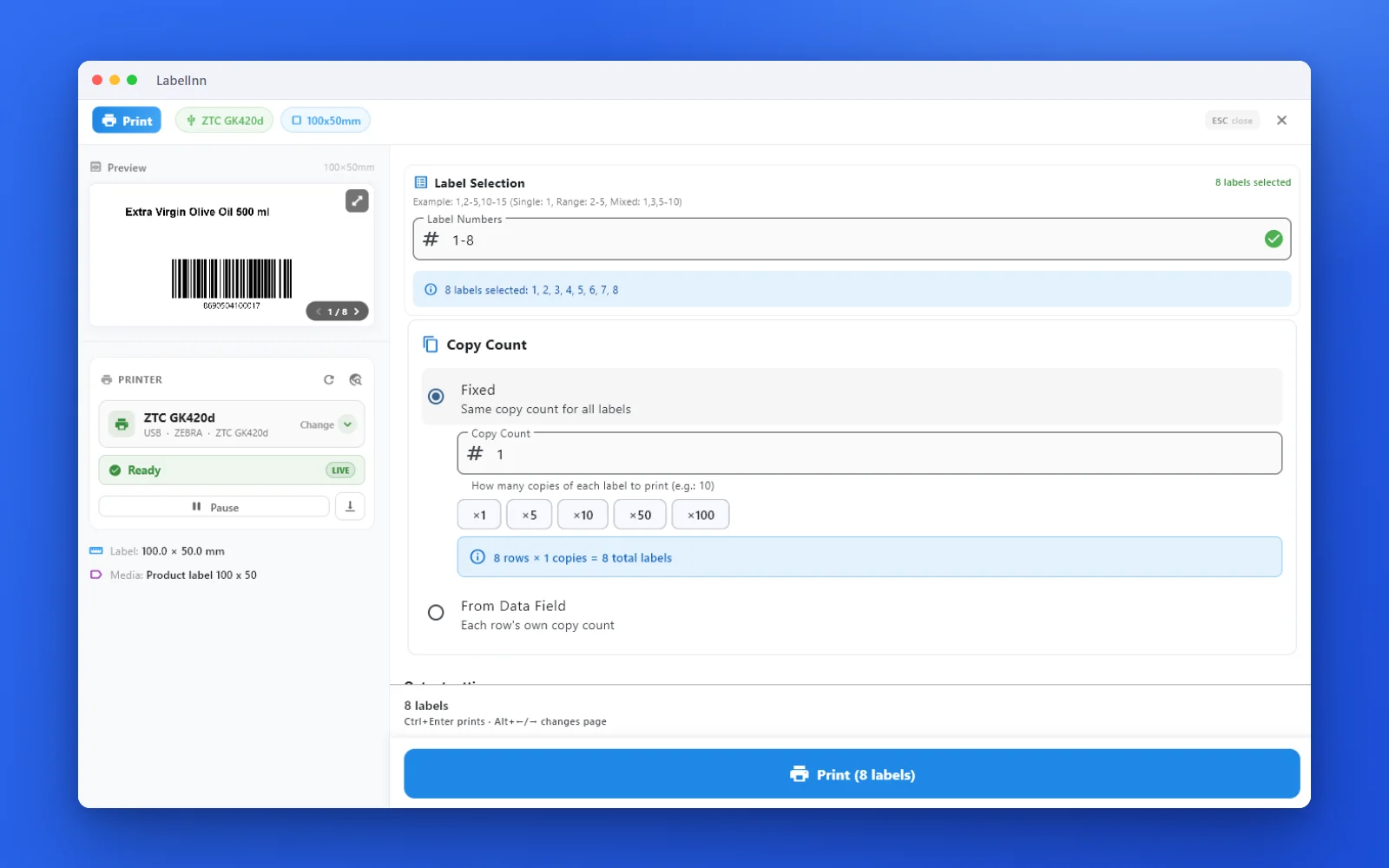
See the label, the printer state and the copy count before it prints.
01
What LabelInn does with a LabelWriter 450
Hardware figures are from DYMO's technical reference; the rest describes what LabelInn sends.
| Topic | Detail |
|---|---|
| Models | LabelWriter 450, 450 Turbo, 450 Twin Turbo and 450 Duo. The Duo's label side and D1 tape side appear as two printers. |
| Not supported | LabelWriter 550, 550 Turbo and 5XL (a different protocol). LabelInn recognises them by USB ID and refuses to print rather than send a stream they would misread. The 4XL is not claimed either. |
| Connection | USB. DYMO documents a full-speed USB printer-class interface. LabelInn identifies the printer by its USB vendor and product ID and never sends it a probe, because a LabelWriter has no query language that is safe to try. |
| Print head | 57 mm wide, 672 dots at 300 dpi across the head (DYMO's technical reference). Along the feed the printer runs 300 dpi in text mode or 600 dpi in barcode and graphics mode. LabelInn uses the 300 x 300 text mode. |
| Label size | Whatever size you enter in the media definition, up to the head width. A design up to 4 mm wider than the head is trimmed at the edge, as DYMO's own driver does for its 30256 shipping label (58.9 mm on a 56.9 mm head). Anything wider is refused. |
| Darkness | LabelInn's 0 to 30 Darkness setting maps to DYMO's four densities: 0 to 6 light (75 %), 7 to 12 medium (87.5 %), 13 to 22 normal (100 %), 23 and up dark (112.5 %). The default of 15 stays at the printer's normal 100 %. |
| Status | LabelInn asks the printer for its status byte and reports ready, out of labels and jam. |
| Duo tape side | D1 cassettes of 6, 9, 12, 19 and 24 mm on a 128-dot, 180 dpi head, with cut after each label. DYMO's manual does not specify the tape-width mapping, so treat this side as the least verified. |
| Twin Turbo rolls | The protocol layer can pick the left or right roll, but LabelInn does not expose that choice yet; the printer chooses automatically. |
| Platforms | Windows through the usbprint interface, macOS and Linux through libusb. Not available from iOS, because the 450 is USB-only. |
02
Use DYMO's software, or LabelInn?
Both are valid. The honest split:
Use LabelInn ifyou want one designer for the LabelWriter and your other thermal printers, variable data from Excel or CSV, barcodes and QR codes placed to the millimetre, or labels printed from orders and workflows.
Excel and CSV batchesImport a spreadsheet, map columns to label fields and print one label per row. See printing labels from Excel and the bulk printing guide.
One tool across printersThe same design can go to a Zebra, TSC, Toshiba, Epson or Brother printer. See the supported printer list and the DYMO vs LabelInn comparison.
03
Set up a LabelWriter 450 in LabelInn
- Download LabelInn Get it from labelinn.com/download for Windows or Mac.
- Connect the LabelWriter by USB Plug it in, power it on and load a roll. Search for printers in LabelInn; it is listed by model, for example "DYMO LabelWriter 450". A Duo is listed twice, as "Label" and "Tape".
- Create a media definition Enter the true size of your roll in millimetres. The printer finds the start of each label itself, so use rolls that are sold as compatible with the LabelWriter 450. Keep the width at or under the 57 mm head.
- Print one test label Check the size against the roll and check the orientation. This is where any alignment difference shows up on a real unit.
- Raise or lower Darkness The default of 15 prints at the printer's normal density. Go lighter or darker in steps and note the thresholds in the table above.
- Print a batch Send single labels or a whole spreadsheet.
04
Related Guides
ANY PRINTER
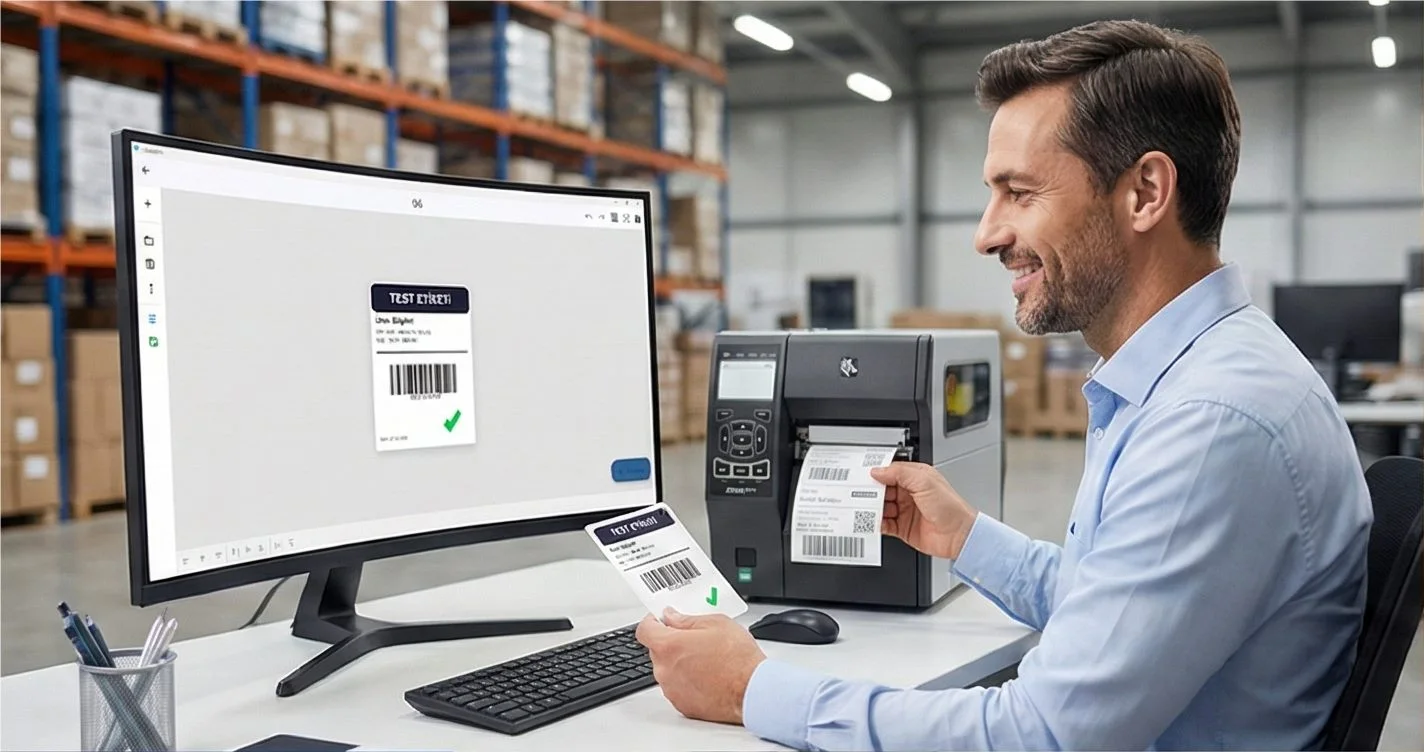
Design it, bind your data, print on the printer you already own.
Zebra, TSC, Toshiba, Epson, Brother, DYMO and more, over USB or the network depending on the printer.
QUESTIONS / FAQ
DYMO LabelWriter 450 FAQ
Which software works with a DYMO LabelWriter 450?
DYMO's own software, DYMO Connect for Desktop and the older DYMO Label software, is free from dymo.com and is the manufacturer's route for every LabelWriter. LabelInn is an alternative for the 450 family: it renders the label itself and sends it over USB with DYMO's documented 450 command set, so no DYMO print driver is involved.
Does LabelInn support the DYMO LabelWriter 550 or 5XL?
No. The 550, 550 Turbo and 5XL use a different protocol that LabelInn does not speak yet. LabelInn recognises them by their USB ID and refuses to print instead of sending a stream they would misread. Use DYMO's own software for those models.
Which LabelWriter models does LabelInn print to?
The 450 family over USB: LabelWriter 450, 450 Turbo, 450 Twin Turbo and 450 Duo. The Duo shows up as two printers, one for the label side and one for the D1 tape side; the tape side is the least verified part.
Does the LabelWriter 450 work on a Mac with LabelInn?
LabelInn's macOS build includes the DYMO USB path, but the LabelInn team has not yet run a physical LabelWriter on a Mac or on Windows. The byte stream is checked against an emulator written from DYMO's technical reference, not against hardware. Print a single test label first.
Can I print 4 x 6 in shipping labels on a LabelWriter 450?
No. The 450 print head is 57 mm wide (672 dots at 300 dpi), so a 4 x 6 in label (101.6 mm) does not fit. That size needs a wider printer such as the LabelWriter 4XL, which LabelInn does not claim to support.
Can I use compatible rolls instead of DYMO-branded labels?
LabelInn only sends the label size you enter in the media definition. The printer's own sensor finds the start of each label, so use rolls that are sold as compatible with the LabelWriter 450 and enter their true width and length.
Has LabelInn been tested on a real LabelWriter?
Not yet by the LabelInn team. The 450 support is written from DYMO's LabelWriter 450 Series Technical Reference and DYMO's open-source CUPS driver and covered by 132 automated tests, including an emulator that decodes the stream. Which paper edge is dot 0 and the Duo tape-width mapping are the points DYMO's manual leaves open.
NEXT STEP / LABELINN
Try it on one label first
Download LabelInn, connect the LabelWriter by USB and print a single test label.