FREE / NO SIGNUP / RUNS IN YOUR BROWSER
Thermal ribbon usage calculator
Estimate how much thermal transfer ribbon a print run consumes and how many ribbon rolls you need. Free calculator, runs in your browser.

HOW IT WORKS
Three screens from data to printed label.
No copy-paste, no hunting for templates. The same flow repeats for every record.
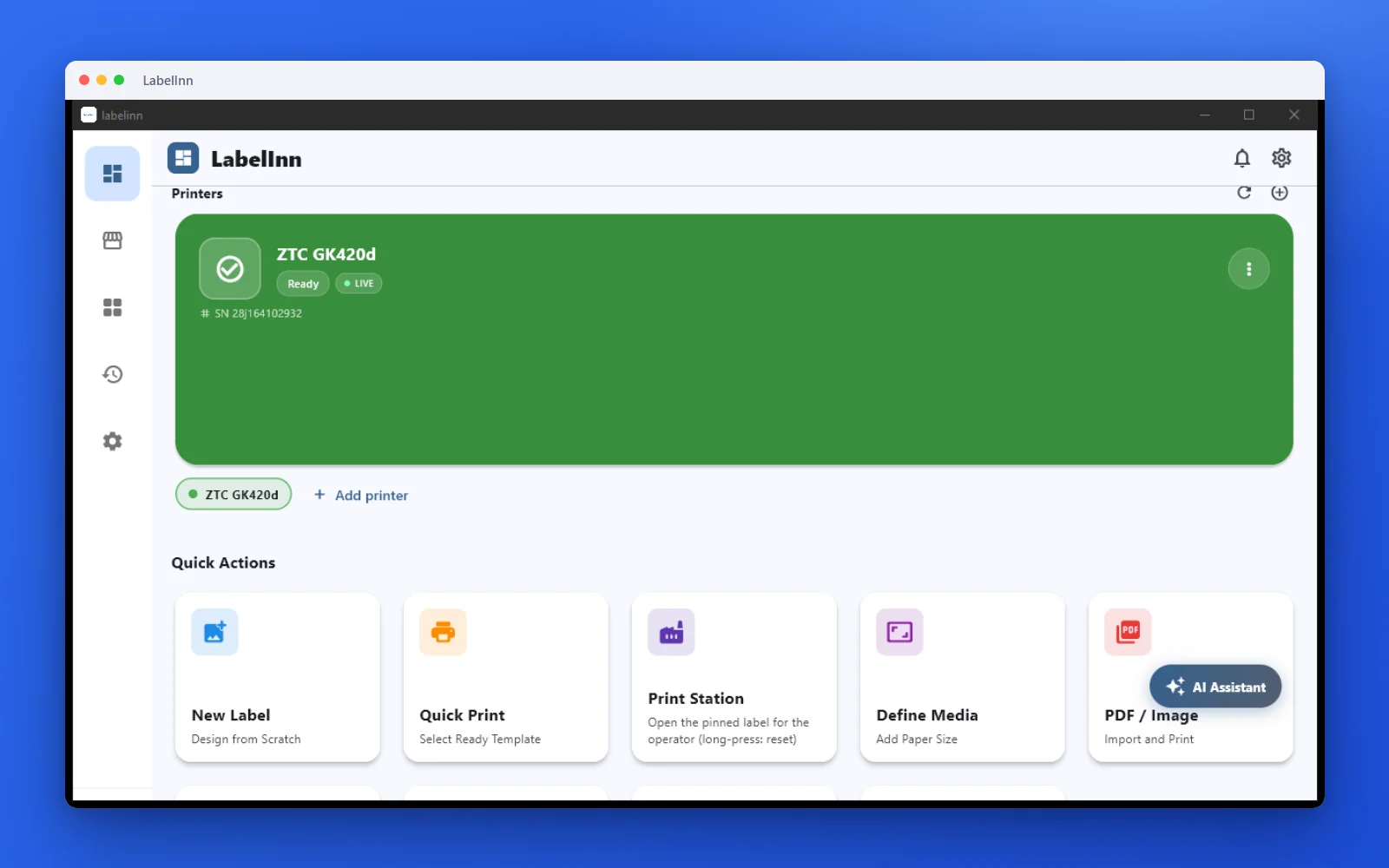
Printer status, quick actions and recent work in one place.
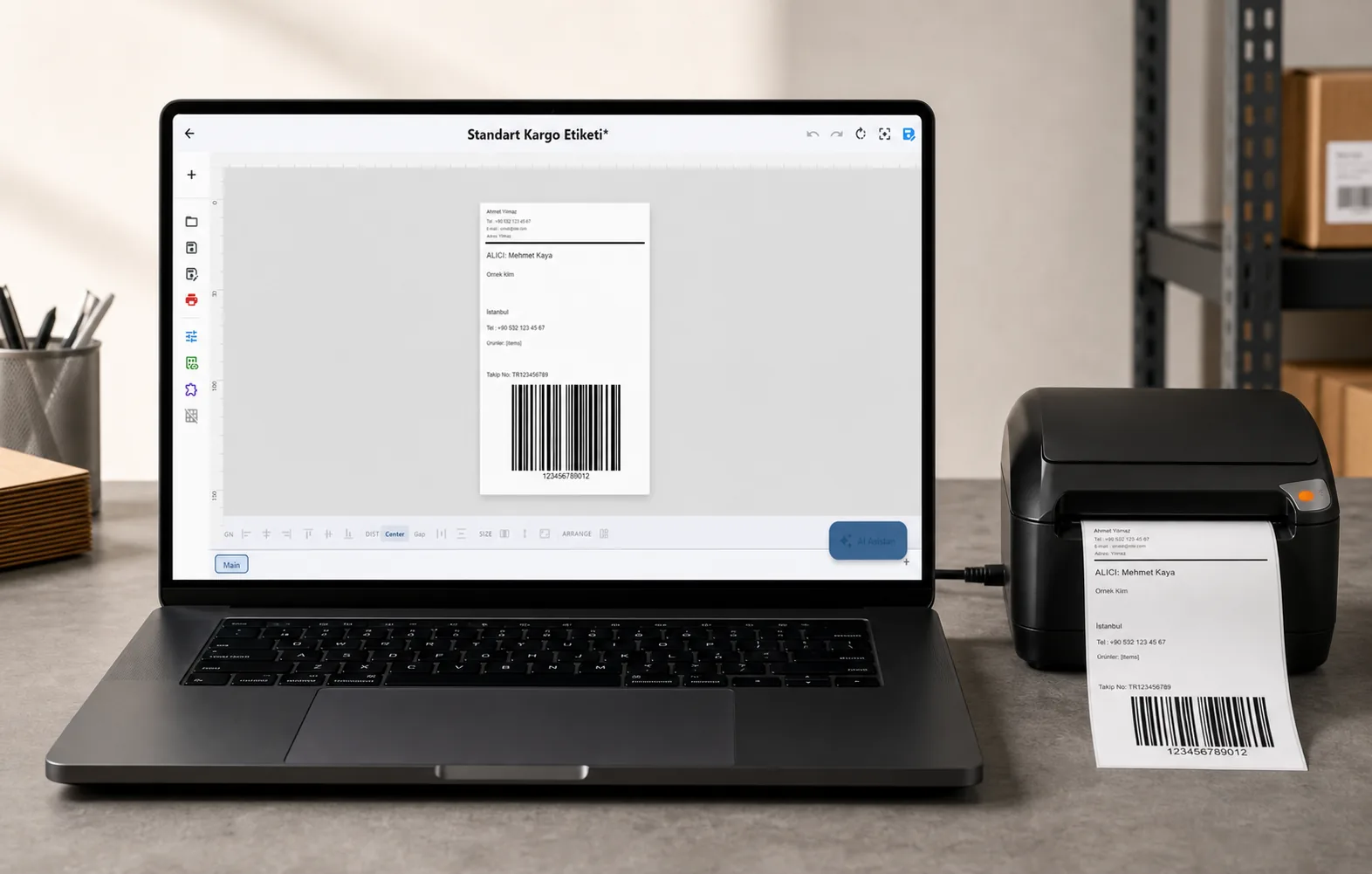
Text, barcodes, QR and images placed on the real media size.

See the label, the printer state and the copy count before it prints.
01
How to use it
- Enter the label length and how many you are printing.
- Enter the length of the ribbon rolls you buy.
- Add backfeed if your printer retracts between labels.
02
When you need this
- Ordering ribbon for a known production run.
- Working out whether the ribbon on the printer will outlast the label roll.
- Costing a job where ribbon is a real line item.
03
Frequently asked questions
ANY PRINTER
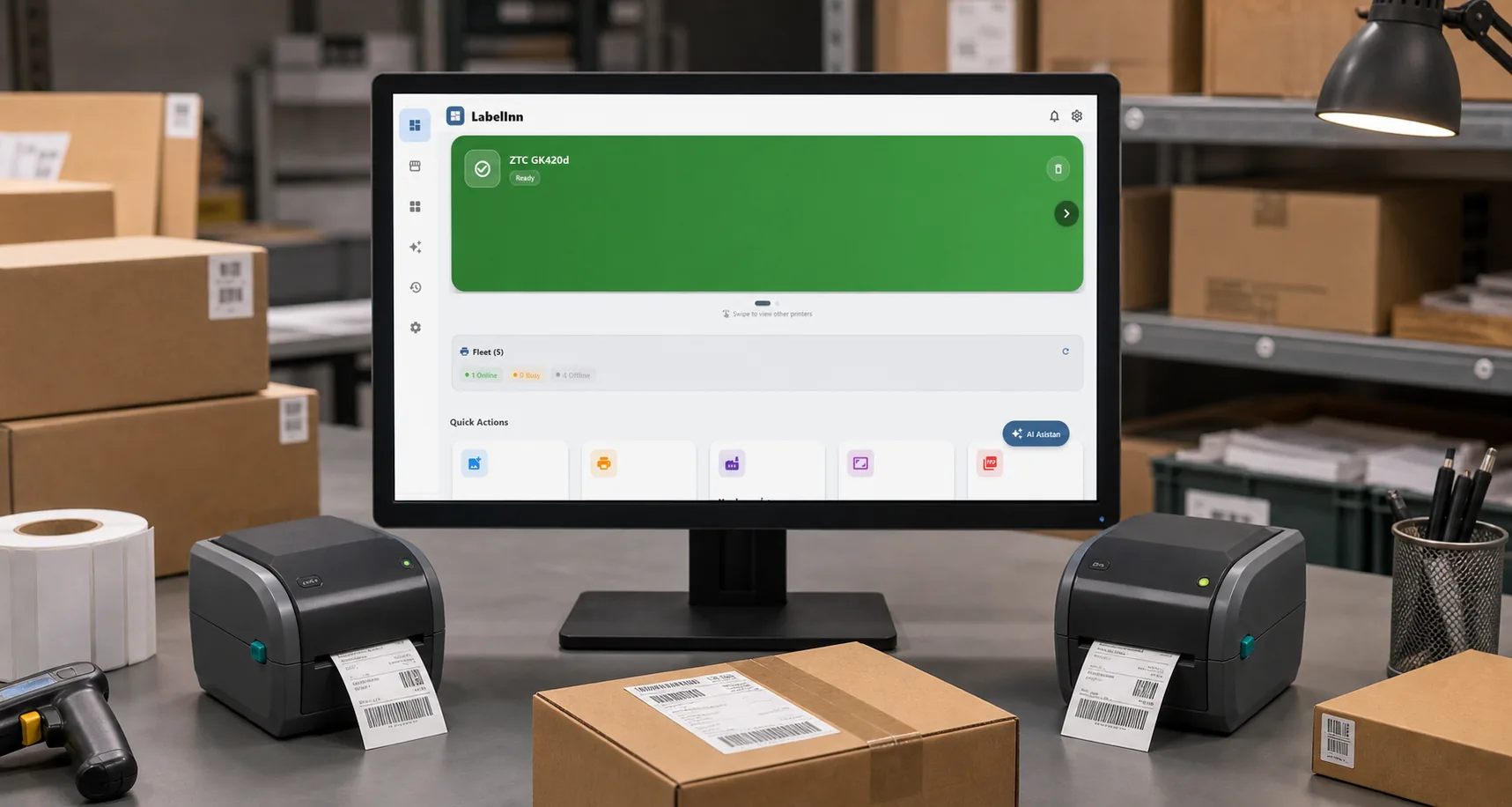
Design it, bind your data, print on the printer you already own.
Zebra, TSC, Toshiba, Epson and more — over USB, network or Bluetooth, with no driver to install.
PRICING
Start free. Pay when it earns its keep.
QUESTIONS / FAQ
Frequently asked questions
Does a mostly blank label use less ribbon?
No. The ribbon advances with the media, so a nearly empty label consumes the same length as a dense one. Only label length and backfeed change the total.
What is backfeed?
Some printers pull the label back between jobs to align the next one, which advances extra ribbon. If your printer does this, add the distance here.
Do direct thermal printers need ribbon?
No. Direct thermal printing marks heat-sensitive media with no ribbon at all, so this calculator only applies to thermal transfer.
KEEP GOING
Related calculators
NEXT STEP / LABELINN
Do this on real labels
The calculators answer one number at a time. LabelInn applies the same maths across a whole design, a whole spreadsheet and a whole print run — and sends it to the printer without a driver. · Free · No signup · Runs in your browser