Free MSI Plessey barcode generator
Create a scannable MSI Plessey symbol right here in your browser. Warehouse shelf edges and inventory tags, common in retail stock control. Download it as PNG, SVG or PDF — no signup, no watermark, and nothing you type leaves your computer.
MSI Plessey settings
#000000#FFFFFFPreview
This generator makes one symbol. When you need a batch — one label per row from a spreadsheet, a database or your API — LabelInn renders MSI Plessey natively on the printer at its own resolution.
01
MSI Plessey specification
| Type | 1D linear barcode |
|---|---|
| Character set | numeric |
| Length | variable |
| Check digit | optional modulo-10 or modulo-11 |
| Standard | MSI Data Corporation (de facto) |
| GS1 symbology | No |
02
Where MSI Plessey is used
Warehouse shelf edges and inventory tags, common in retail stock control.
03
Printing MSI Plessey on a thermal printer
A generated image is fine for a one-off. For a production run you want the barcode rendered by the printer at its own resolution, sized in whole dots so the narrow bar lands on an exact dot boundary. LabelInn does that on Zebra, TSC, Toshiba and Epson hardware, and it can drive one label per row straight from your data.
THE PROBLEM, THEN THE FIX
MSI Plessey: it looks right on screen, so why will it not scan?
A code that is slightly too small, too tight or the wrong type is the usual reason a scanner refuses it.
The problemThe code is drawn at a size that suits the screen, not the scanner.
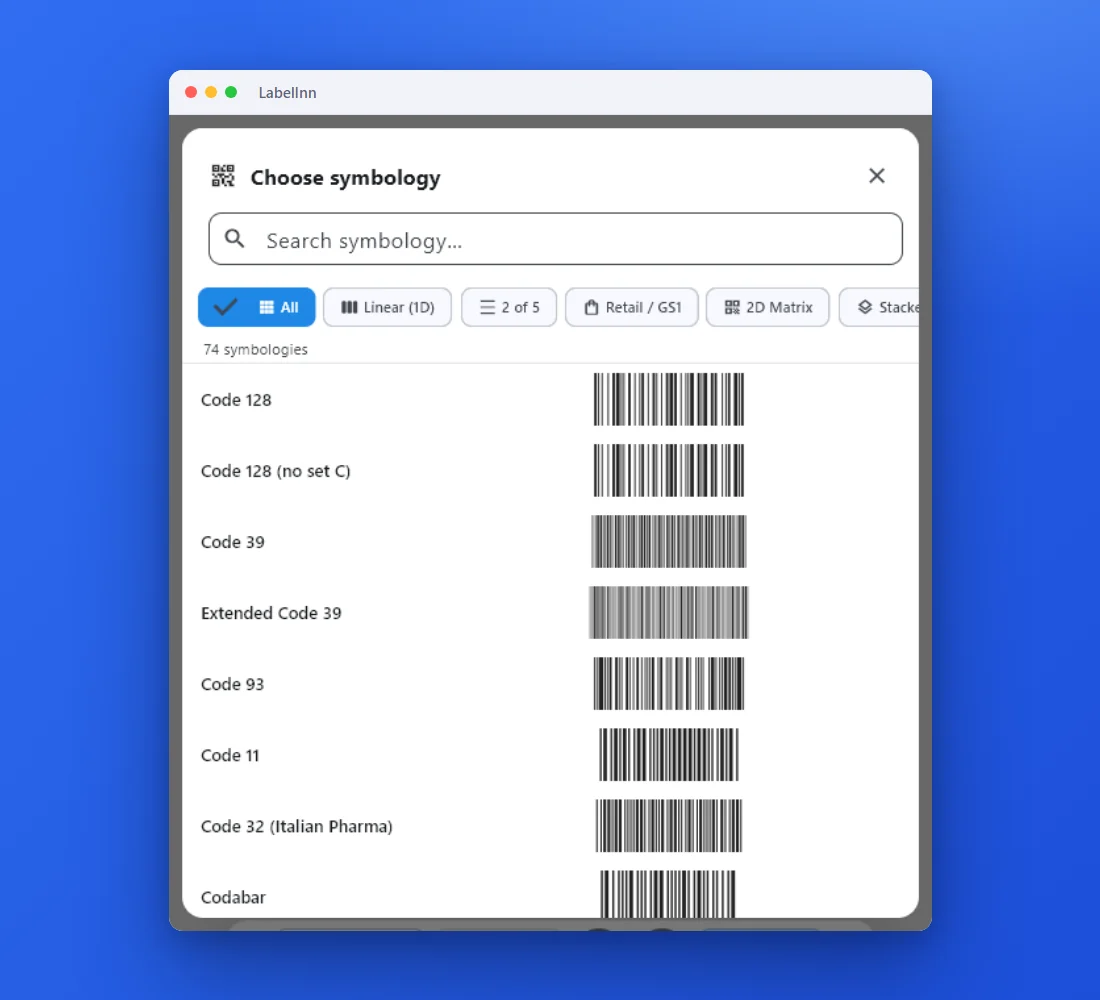 1Choose from 74 symbologiesEvery entry shows a live preview, so you pick the code by sight instead of by name.
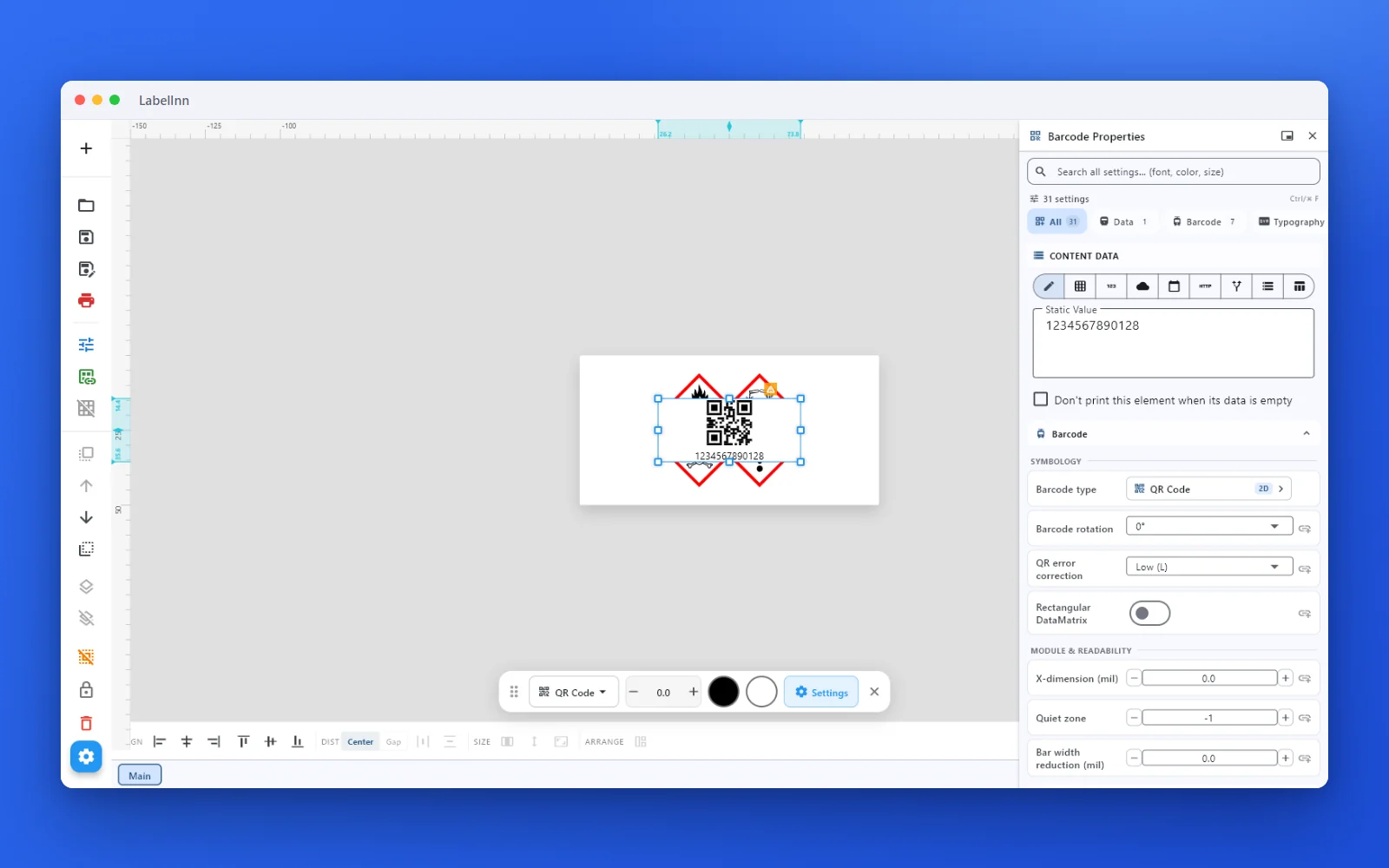 2Set the data and the readability rulesStatic value, spreadsheet column, database field or counter, plus X-dimension and quiet zone.
 3Preview, then printCheck the real label, choose the printer and the number of copies, and print.
The fixPick the symbology from a preview list, set the module width and quiet zone, and check the real label before you print.Get LabelInn free
04
Frequently asked questions
05
Printing MSI Plessey labels in production?
This generator makes one symbol. When you need a batch — one label per row from a spreadsheet, a database or your API — LabelInn renders MSI Plessey natively on the printer at its own resolution.
06
Other barcode generators
Yes. The generator runs entirely in your browser, there is no signup, and the downloads carry no watermark.
No. The symbol is encoded locally in your browser. Nothing you type is sent to a server.
numeric. Length: variable. Check digit: optional modulo-10 or modulo-11.
Not from this page — this tool makes one symbol at a time. LabelInn binds a spreadsheet column to the barcode field and prints one label per row on a thermal printer.