BARTENDER 2019 / END OF SUPPORT / UPDATED 26 OCT 2026
BarTender 2019 End of Support: What It Means and Your Three Options
BarTender 2019 support ended on 30 April 2025, and the subscriber extension on 30 April 2026. What that means, your three options, and how to switch.
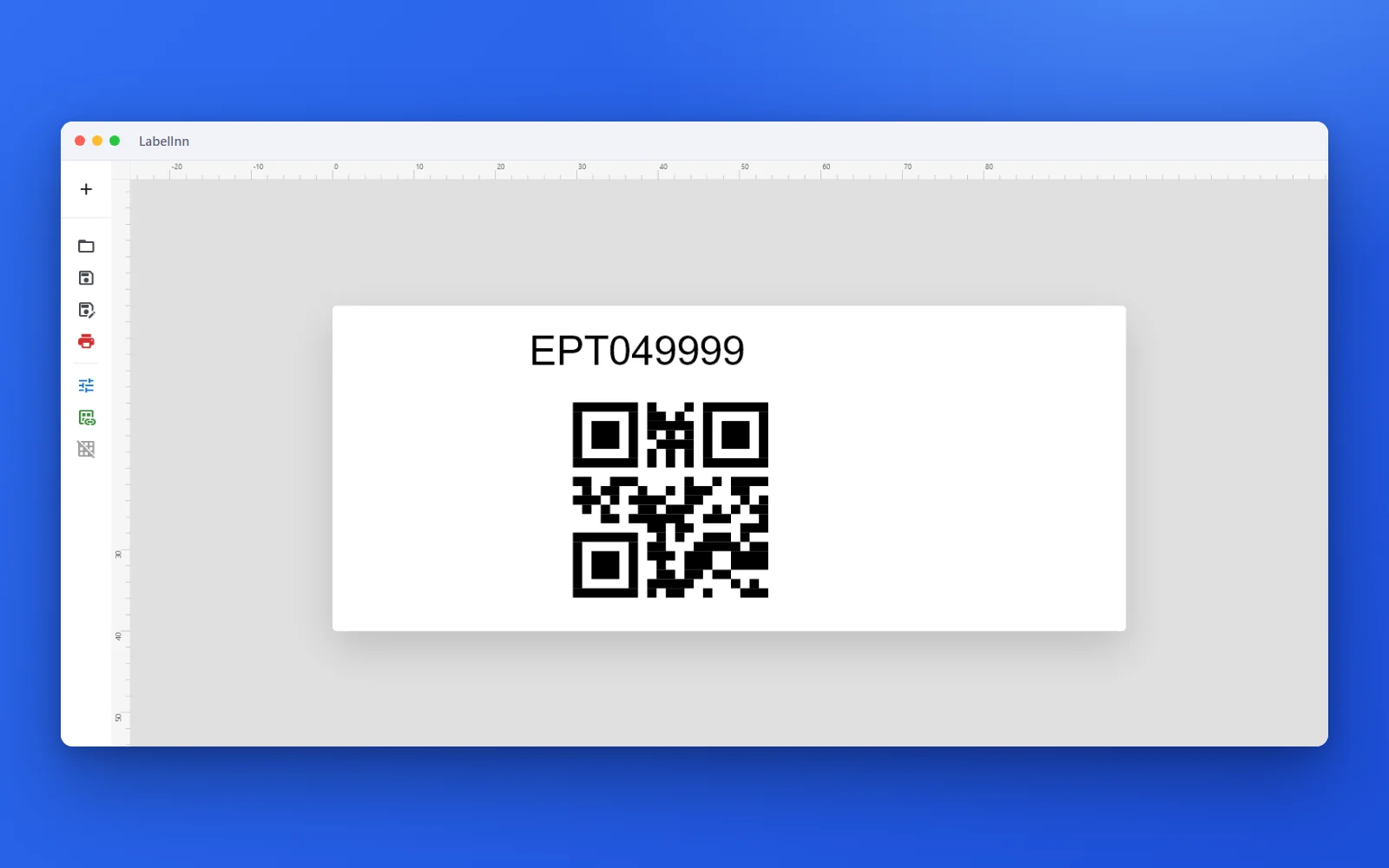
SHORT ANSWER
Short answer. Seagull Scientific ended support for BarTender 2019 on 30 April 2025, and the extra year it gave users with an active subscription ended on 30 April 2026. BarTender 2019 keeps running, but it no longer gets technical support, security patches or bug fixes. You have three ways forward: convert your licence to a subscription through Seagull's License Flex Program, update to the current BarTender, or switch to other label software. If you switch to LabelInn, your .btw labels import as editable designs, and the File Drop, Commander and Integration Builder jobs that print without a person are rebuilt as watched folders and workflows.
If your Maintenance and Support agreement is still active, Seagull says updating costs nothing extra, and that is the least work. Switching makes sense when the agreement has lapsed, the renewal quote is the problem, or part of the team works on a Mac.
Test the switch on one label. Download LabelInn, import a .btw file from your BarTender 2019 PC and print it next to the original. Free plan, no credit card. Download →
THE SWITCH
From a BarTender 2019 PC to labels printing on their own.
Bring the labels, then the automation.
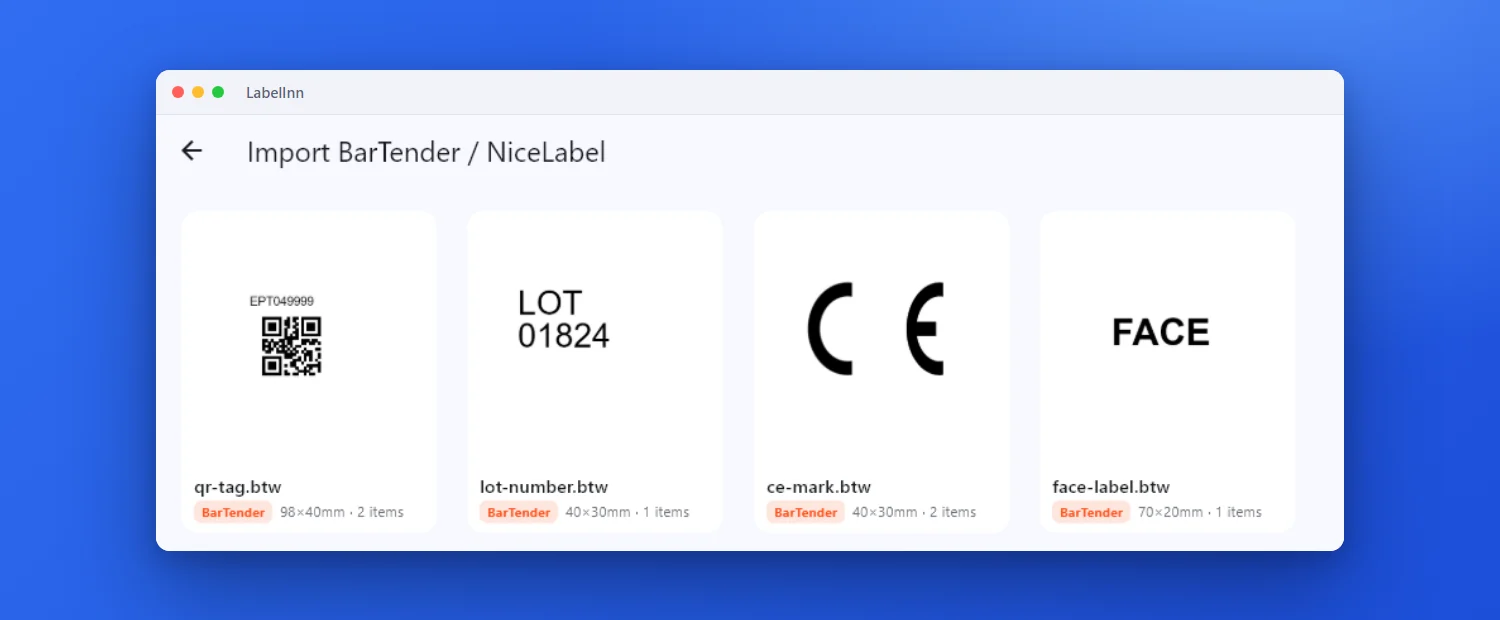
Each file shows its preview, size and item count before you open it.
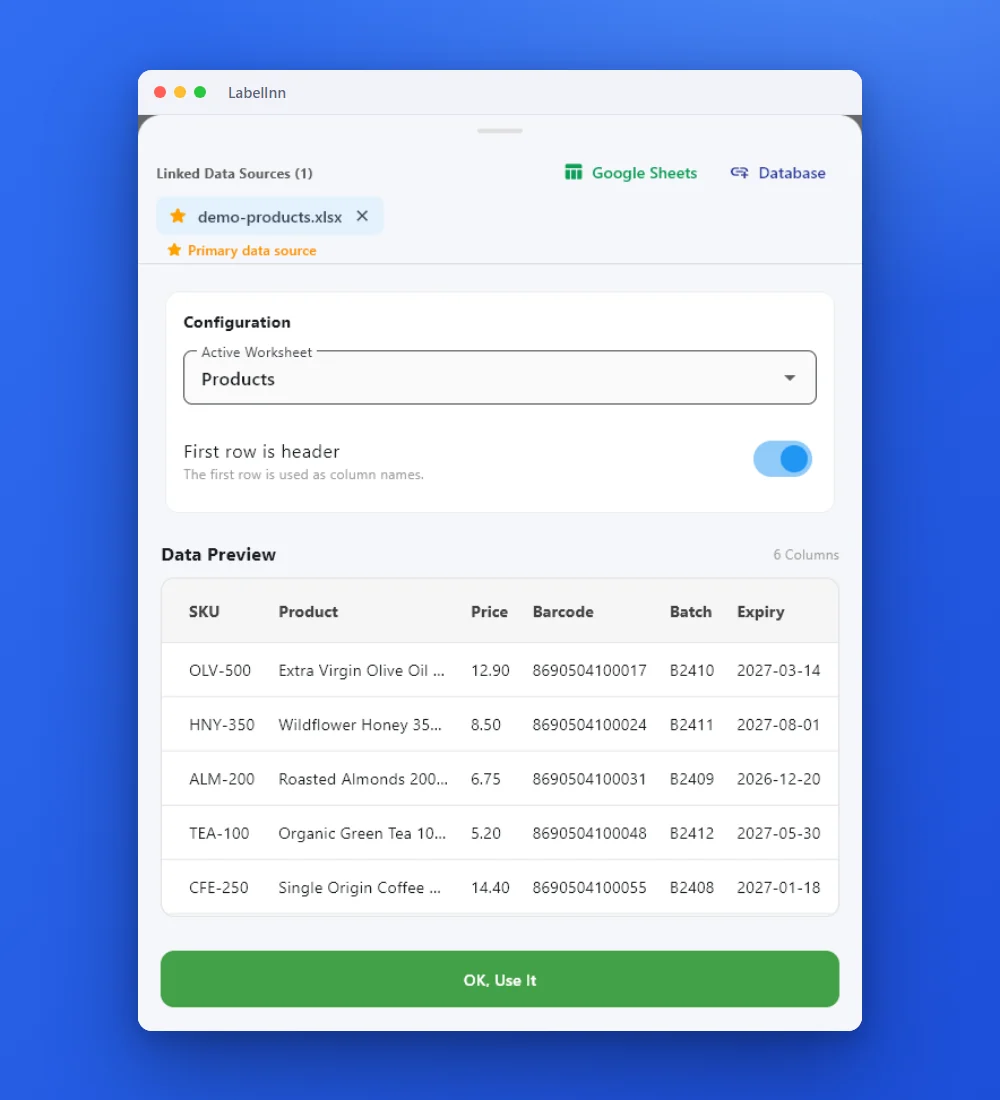
Drop a column onto each field that was bound to data in BarTender.
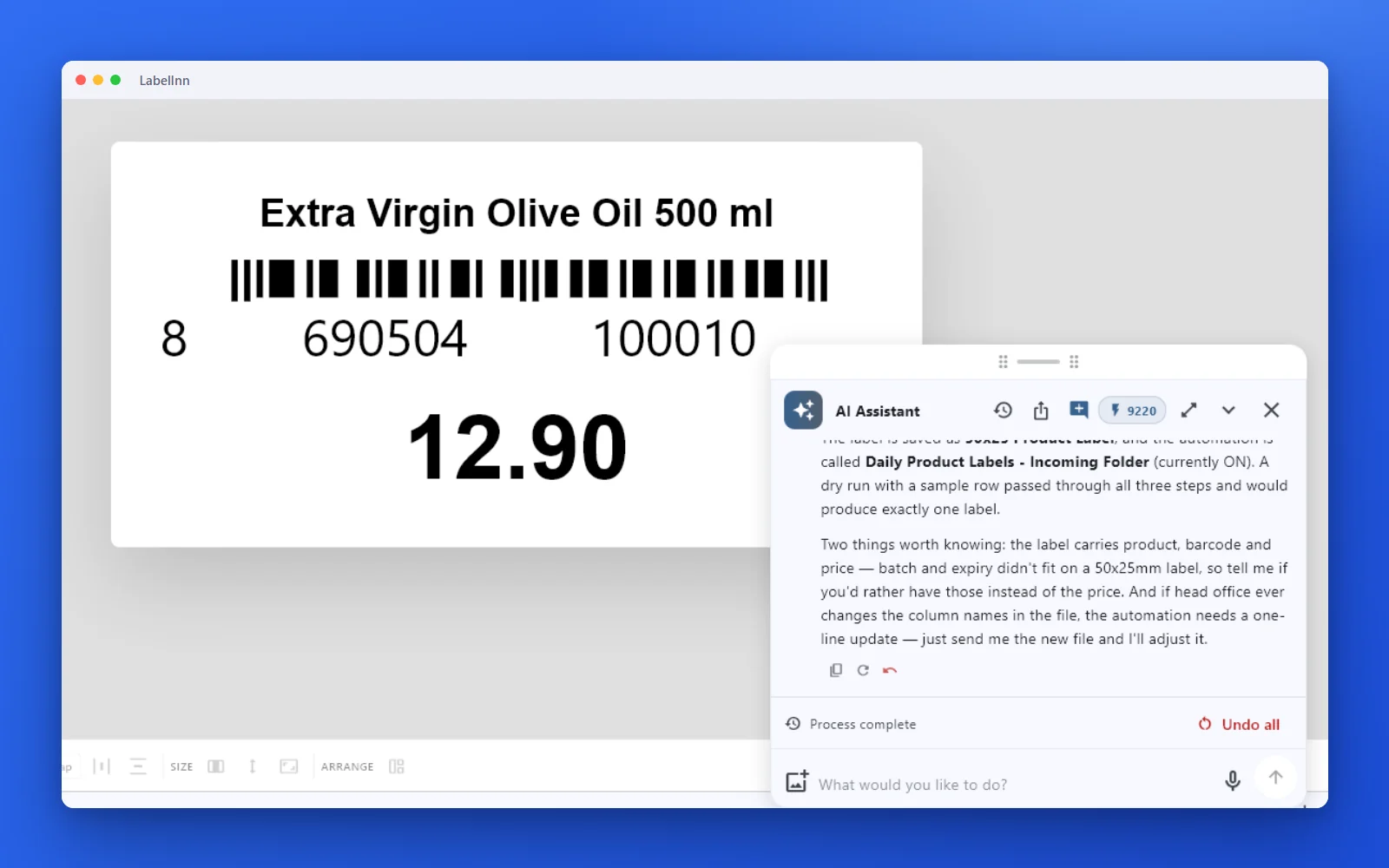
A file lands, one label per row prints, the file is moved away.
01 / WHAT IT MEANS
What end of support means for BarTender 2019
Seagull's own end-of-support page and FAQ answer the questions people ask first.
| Question | What Seagull says |
|---|---|
| Does BarTender 2019 stop working? | No. "BarTender 2019 will continue to operate, but support will be discontinued." |
| What stopped on 30 April 2025? | Technical support, security patches and bug fixes, for every BarTender 2019 user, "regardless of severity". |
| Was there an extension? | Users with an active subscription received support until 30 April 2026. That date has now passed too. |
| What does updating cost? | Nothing extra with an active Maintenance and Support agreement. You keep the same Product Key Code. |
| And if the agreement lapsed? | Seagull says its License Flex Program avoids "reactivation fees & backpay penalties accrued from expired Maintenance and Support". Ask your reseller what applies to you. |
Without patches, the risk grows with every change around the software: a Windows update, a new server, a new printer model. When one of them breaks printing, there is no vendor fix to wait for. Source: Seagull Scientific, BarTender 2019 end of support, read on 26 Oct 2026.
02 / OPTIONS
Your three options
Each one is a real choice. Pick by what you print and what your agreement covers.
| Option | What it involves | Cost to plan for | Fits when |
|---|---|---|---|
| 1. Convert to a subscription | Seagull's License Flex Program converts your perpetual licence to a subscription and keeps your Product Key Code. Seagull says users save an average of 17% against a standard Maintenance and Support renewal. | Annual agreements only. On-premises editions are listed from $199 a year (as of October 2026). Reseller notices report list-price rises in 2024 and 2026; see what BarTender costs in 2026. | You want to stay on BarTender and your licence is perpetual or your maintenance has lapsed. |
| 2. Update to the current BarTender | Download the new version from the BarTender Customer Portal and update. Seagull lists .NET 8 and Windows Server 2025 support in it. | No extra cost with an active Maintenance and Support agreement. | Your agreement is active and BarTender does everything you need. |
| 3. Switch to LabelInn | Import your .btw files, rebind the data, rebuild the automation as workflows, run both side by side. | Free to design and print. Excel and CSV on Starter ($7.99 a month). Watched folders, REST API and databases on Pro ($24.90 a month, $249.00 a year). Printers are not licensed one by one. | You print to thermal printers that speak ZPL, TSPL, TPCL or ESC/Label, someone needs a Mac, or you would rather pay monthly. |
Stay on BarTender if your labels depend on scripts, SAP or Oracle modules, TCP/IP socket integrations, a printer that only has a Windows driver, or a validation package that names BarTender. Those cases are covered on the BarTender alternative page.
03 / MAPPING
What your BarTender 2019 setup becomes in LabelInn
Labels move with the importer. Automation does not import; each job is rebuilt by hand, and this table says with what.
| In BarTender 2019 | In LabelInn | Plan |
|---|---|---|
| .btw label files | Imported as editable designs in the Windows or Mac desktop app, up to 300 files at a time. Text, barcodes, lines and pictures come across; boxes, ellipses and scripts do not. | Free |
| Fields bound to an Excel or CSV file | Barcodes keep their spreadsheet binding; data-bound text arrives as its sample value and you drop a column onto it. | Starter |
| Database connection (SQL Server, Oracle, MySQL, PostgreSQL, SAP HANA) | Database source in the Windows app, with a named query. | Pro |
| Commander or File Drop watching a folder for data files | Watched folder: each row of a new .xlsx, .xls or .csv file prints a label, then the file is moved, renamed or deleted. | Pro |
| A dropped file that already holds printer code or a PDF | The "File dropped in folder" source prints the ZPL, PDF or image file itself, sized to the label. | Pro |
| Integration Builder web service (REST) | The REST API or a workflow webhook. | Pro |
| Database monitoring | A watched table: new rows print and can be marked as printed. | Pro |
| Scheduled printing | A Scheduler node. | Pro |
| Actions and VB scripts | Not imported. Rebuild the logic with Router, Lookup and For Each nodes in a workflow. | Starter (2 workflows), Pro (unlimited) |
| TCP/IP socket, Microsoft Message Queue, XML/XSL transforms | No direct equivalent. Send JSON to the REST API instead. | - |
The trigger-by-trigger detail is on the Integration Builder alternative page, and the importer is explained on importing BarTender and NiceLabel labels.
04 / SWITCH
Switch from BarTender 2019 in five steps
- Download LabelInn on the PC that runs BarTender 2019, or on a Mac, and sign in. Signing up starts a 14-day Pro trial, so the paid features below can be tested first.
- Import the folder of .btw files. Print one of each next to the BarTender printout and scan every barcode.
- Rebind the data fields: attach the Excel or CSV file, or connect the database in the Windows app.
- Rebuild one File Drop or Commander job as a watched folder on a test folder. Feed the same file to both systems and compare the labels.
- When a week of real files matches, point the export at the LabelInn folder and retire BarTender 2019.
05 / DATES
Dates at a glance
| Date | What happened | Source |
|---|---|---|
| 30 April 2025 | Support for BarTender 2019 ends: no technical support, security patches or bug fixes. | Seagull Scientific |
| 30 April 2026 | Extended support for users with an active subscription ends. | Seagull Scientific |
| 1 July 2026 | List prices across Seagull's portfolio rise 5% for subscription and 8% for perpetual products. | Reseller notice (Jarltech) |
| October 2026 | On-premises BarTender is listed from $199 a year, annual agreements only. | Seagull Scientific |
Prices are "starting from" figures read from Seagull's page on 26 Oct 2026. Vendor prices change; check before you decide. LabelInn prices are on our pricing page.
ANY PRINTER
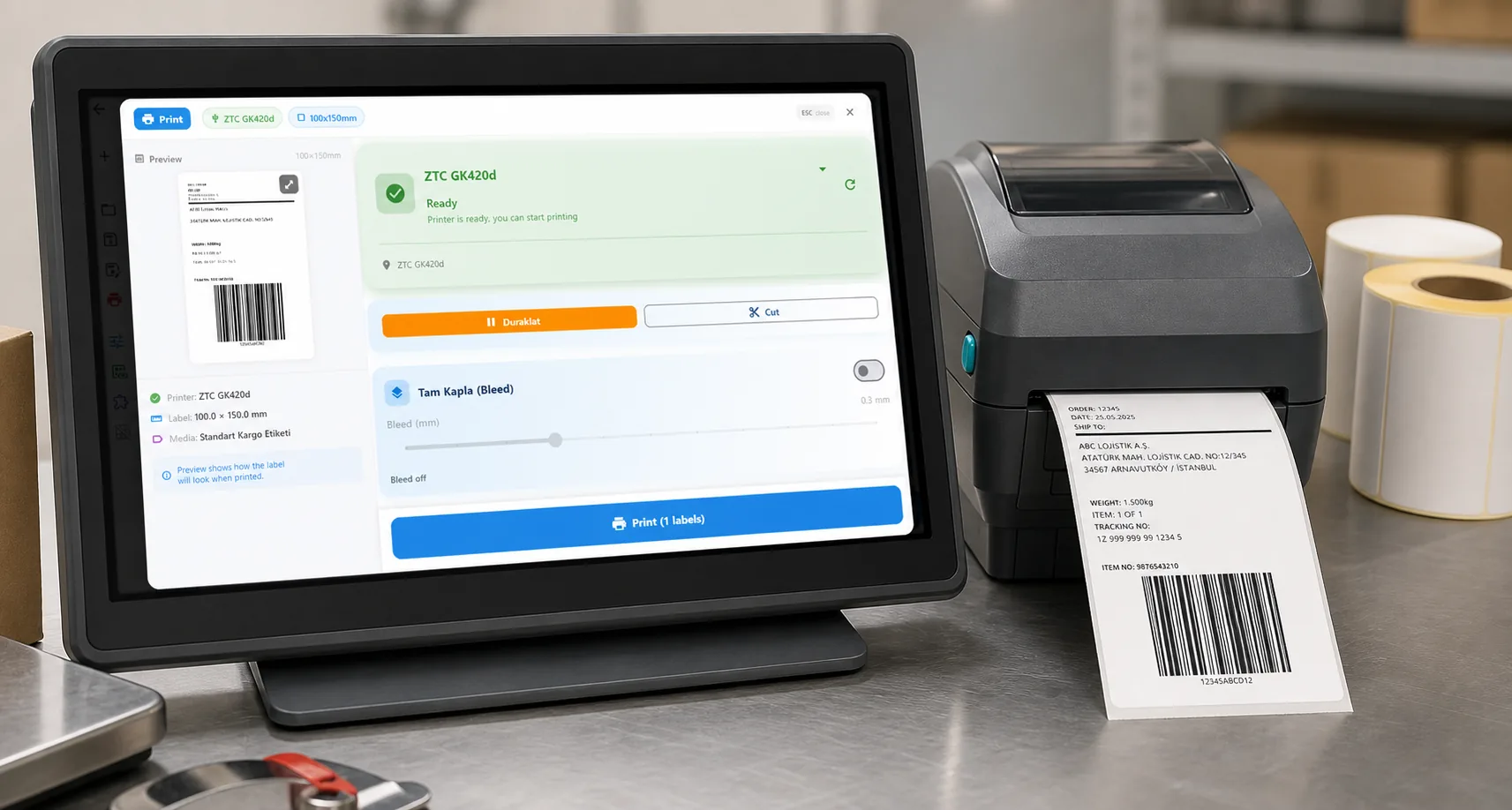
Design it, bind your data, print on the printer you already own.
Zebra, TSC, Toshiba, Epson and more — over USB, network or Bluetooth, with no driver to install.
PRICING
Start free. Pay when it earns its keep.
QUESTIONS / FAQ
Frequently asked questions
When did BarTender 2019 support end?
On 30 April 2025. Users with an active subscription received an extension until 30 April 2026, which has also passed.
Will BarTender 2019 stop working?
No. Seagull says BarTender 2019 continues to operate, but it gets no technical support, security patches or bug fixes.
Can I update from BarTender 2019 for free?
With an active Maintenance and Support agreement, yes: Seagull says the update costs nothing extra and you keep the same Product Key Code. Without one, ask your reseller; Seagull offers the License Flex Program to convert to a subscription.
Can LabelInn open BarTender 2019 .btw files?
LabelInn imports .btw files and rebuilds text, barcodes, lines and pictures as editable elements; scripts, boxes and ellipses are not imported. We have not tested every BarTender version, so import one label and print it next to the original before you rely on it.
What replaces BarTender Commander and File Drop in LabelInn?
A watched folder (Pro): when a spreadsheet lands, each row prints a label and the file is moved, renamed or deleted. A file that already holds ZPL, a PDF or an image can itself be printed. Web service integrations become REST API calls or webhooks.
What does LabelInn cost after BarTender 2019?
Designing and printing are free. Excel and CSV binding is on Starter at $7.99 a month; watched folders, the REST API and databases are on Pro at $24.90 a month or $249.00 a year. Printers are not licensed one by one.
KEEP GOING
Related
NEXT STEP / LABELINN
Bring one BarTender 2019 label across
Import it, print it next to the original, then rebuild one File Drop job. · Opens .btw files · Watched folders and API on Pro · Windows and Mac