MIGRATION / IMPORT / BARTENDER / NICELABEL
Open Your BarTender and NiceLabel Label Files in LabelInn
Open BarTender .btw and NiceLabel or ZebraDesigner .nlbl files in LabelInn and turn them into editable labels instead of redrawing them. What converts, what does not, and how to check the result.
THE PROBLEM
The reason most teams stay on their current label software is not the software. It is the hundreds of label formats they built in it. LabelInn opens BarTender .btw files and NiceLabel / ZebraDesigner .nlbl files and rebuilds them as editable labels, so a switch does not start with redrawing every one.
📂 Import is free and does not need BarTender or NiceLabel installed. Download the desktop app, pick a file or a whole folder, and see the result in a gallery. Download →
01 / BARTENDER
How it works
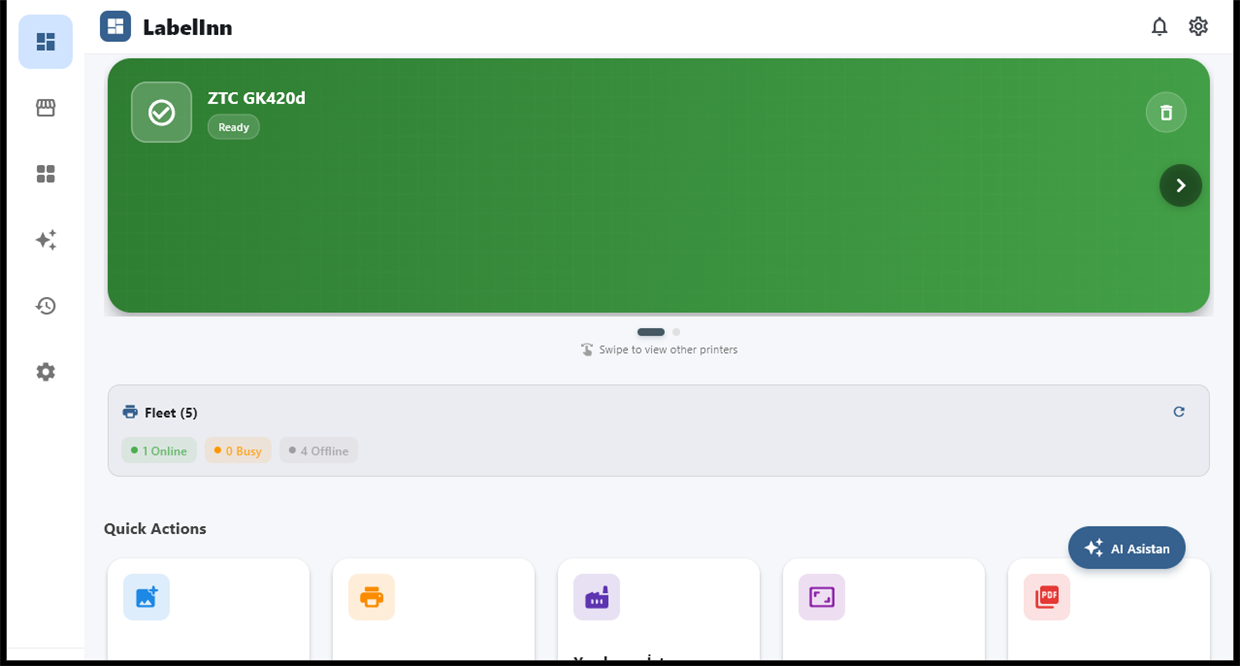
- In the LabelInn desktop app, open Import from the dashboard or from the side toolbar.
- Pick one or more files, or point it at a folder of labels.
- Each file appears in a gallery as a preview. Open the ones you want as normal LabelInn designs.
Your original files are only read. Nothing in BarTender or NiceLabel is touched.
02 / NICELABEL
What comes across
| NiceLabel / ZebraDesigner (.nlbl) | BarTender (.btw) | |
|---|---|---|
| Text | Rebuilt as editable text elements | Rebuilt as editable text, positioned and sized to match the preview stored inside the file |
| Barcodes | Rebuilt as barcode elements with their symbology and data | Rebuilt as barcode elements with symbology and data; position and size matched to the stored preview |
| Lines and boxes | Converted | Converted with their exact geometry |
| Pictures | Embedded images are carried over | Carried over where the file contains them |
| Label size | Read from the file | Read from the file header; estimated from the layout if missing |
| If the file cannot be read reliably | The import tells you what it skipped | The label opens as its preview image instead, so you still have it, and a warning says so |
03 / ZEBRADESIGNER
What you should expect to redo
- Check every converted label against your original before production. Print one and compare it. Fonts, spacing and unusual objects can differ.
- Data connections. A barcode bound to a data file becomes a spreadsheet binding in LabelInn, and the import tells you which file, sheet and field it expected. Point it at your current Excel or CSV file.
- Automation. BarTender actions, scripts and Integration Builder setups are not imported. Rebuild them with workflows, watched folders or the API.
- Printer settings. The import notes the printer the label was made for. Choose the printer again in LabelInn.
04 / IMPORT
After the import
A converted label is an ordinary LabelInn design. Bind it to Excel or CSV, add running serial numbers, print to ZPL, TSPL, TPCL or ESC/Label printers, or put it behind a workflow. Importing and designing are free. Binding labels to Excel or CSV is in Starter at $7.99 a month; the API, databases and automation are in Pro at $24.90 a month, with a free trial. See pricing.
QUESTIONS / FAQ
Frequently asked questions
Can I open a .btw file without BarTender?
Yes. LabelInn reads the .btw file itself, so BarTender does not need to be installed. The result is an editable LabelInn label, or the label's preview image if the file cannot be decoded reliably.
Can I open a .nlbl file from NiceLabel or ZebraDesigner?
Yes. LabelInn reads .nlbl files and rebuilds their text, barcodes, lines and pictures as editable elements.
Will the converted label match my original exactly?
Often closely, but not guaranteed. Always print one and compare it with the original before using it in production. Fonts and unusual objects are the usual differences.
What happens to my BarTender data connections and actions?
Barcodes bound to a data file become spreadsheet bindings and the import names the file, sheet and field. Actions, scripts and Integration Builder setups are not imported and have to be rebuilt as workflows.
Does importing cost anything?
No. Importing and designing labels are free. Binding to Excel or CSV is in the Starter plan, and the API, databases and automation are in Pro.
KEEP GOING
Related
NEXT STEP / LABELINN
Bring your labels with you
Import one label you use every day and compare it with the original. · Opens .btw and .nlbl files · Editable result, not a screenshot · Free to import