NICELABEL / CSV / UPDATED 17 OCT 2026
NiceLabel Alternative for CSV Files: Swap the File Trigger
Replace a NiceLabel file trigger with a LabelInn watched folder: CSV delimiters, German semicolon exports, a worked file, plan limits and what to rebuild.
SHORT ANSWER
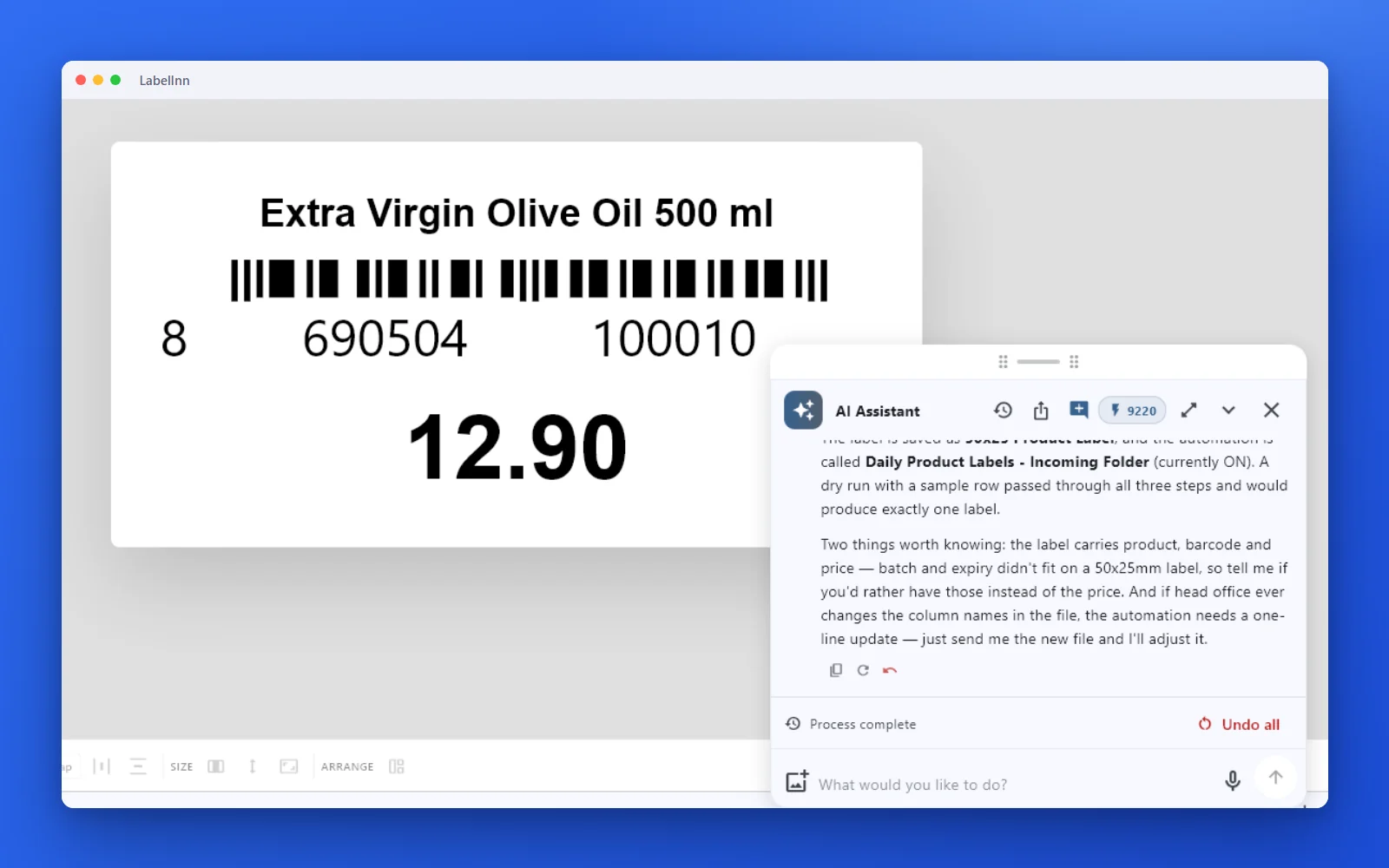
Short answer. NiceLabel Automation prints from a CSV with a file trigger on a Windows service. LabelInn does the same with a watched folder (Pro) that detects comma, semicolon or tab delimiters, reads UTF-8 or Latin-1, and moves, renames or deletes each file after printing. The label itself imports from .nlbl, but its variable bindings and the trigger configuration are rebuilt by hand.
NiceLabel (Loftware) is licensed per printer or by quote and we found no public price list we could verify, so we quote no figure. LabelInn: CSV binding is on Starter at $7.99 a month ($79.90 a year). Yearly billing is ten months for twelve; signing up starts a 14-day Pro trial. See pricing.
Drop one CSV into a watched folder. Download →
HOW IT WORKS
Three screens from data to printed label.
No copy-paste, no hunting for templates. The same flow repeats for every record.
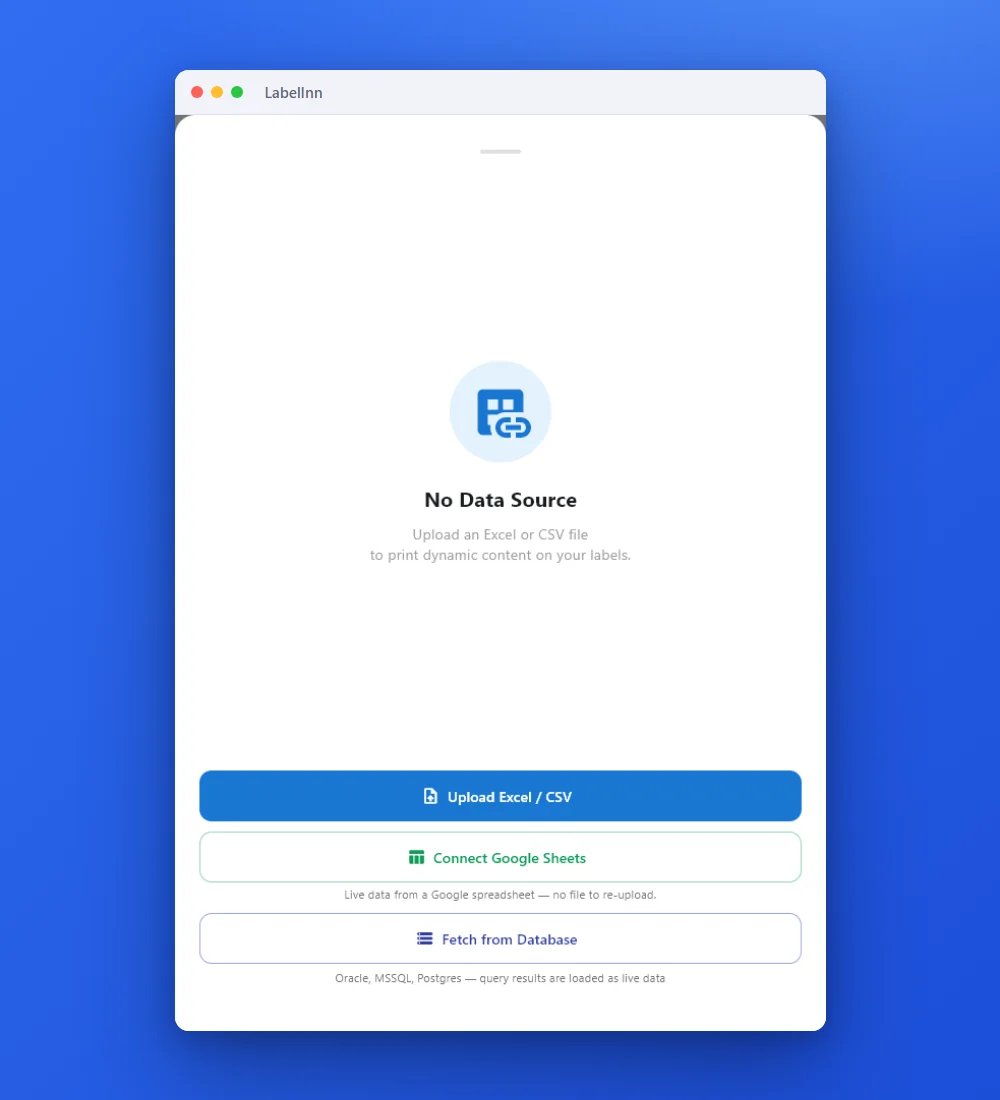
Add the Excel or CSV file as the data source; no export step.
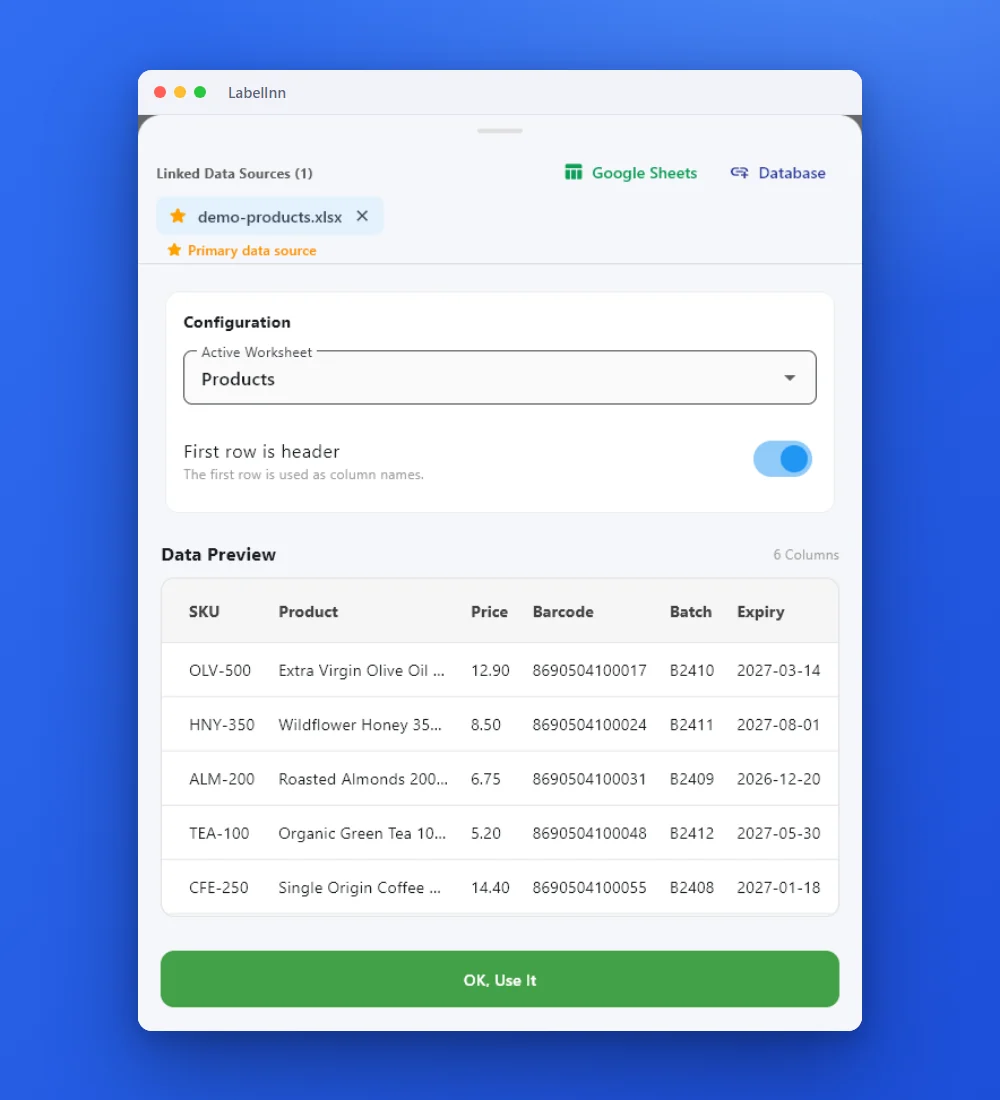
Preview the data, then drop a column onto a text, barcode or QR field.

Rows × copies = total labels, shown before you press print.
01 / DECISION
Switch or stay for this job
Find your situation in the left column.
| Your situation | Better choice | Why |
|---|---|---|
| An ERP or WMS writes CSV files that must print without a person | LabelInn (Pro) | The watched folder prints each file once and then moves, renames or deletes it. |
| You print occasionally from a CSV you export by hand | LabelInn (Starter) | Attach the file in the app and print the rows. No folder watching needed. |
| The export uses a pipe or fixed-width columns | Convert first | Only comma, semicolon and tab are detected. |
| The trigger runs scripts or passes the file name into the label | Plan a rebuild | Scripts are not imported. Put the values in columns, or build the logic in a workflow. |
| One Windows service already runs all your Loftware triggers | Stay on NiceLabel | Moving a single trigger away from a system that otherwise works rarely pays. |
02 / MAP
What maps one to one, and what does not
| In NiceLabel | In LabelInn | Status |
|---|---|---|
| File trigger on a folder | Watched folder with a post-print action | Rebuild by hand |
| Delimiter settings | Detected among comma, semicolon and tab | One to one for three |
| Code page or encoding | UTF-8 or Latin-1; byte-order mark stripped | One to one for two |
| Variable bound to a column | Drop the column on an element | Rebuild by hand |
| Trigger scripts and actions | Workflow nodes | Rebuild by hand |
| Other delimiters, fixed width | Not detected | Not supported |
03 / WORKED EXAMPLE
Worked example: a German semicolon export
A German ERP exports articles with a semicolon and a decimal comma, saved as UTF-8:
artikel;bezeichnung;preis
4001;Käsespätzle 400 g;4,99
4002;Rote Grütze 500 g;3,49
4003;Bärlauchpesto 190 g;5,29
Drop it into the watched folder. The delimiter is detected, the three rows become three labels, and the umlauts print as written. The price is passed on as the text 4,99, so a label prints the comma exactly as the file has it. Set the folder to move finished files to a sub-folder so a file can never print twice.
04 / STEPS
Moving it across, step by step
- Import the .nlbl label and bind its text and barcode elements to the CSV columns, since variables arrive as plain values.
- Attach a test file by hand first and check the first rows and any accented characters.
- Add a watched folder (Pro) on the path your system writes to and choose the post-print action.
- Drop the test file. Compare the labels with those the NiceLabel trigger prints for the same file.
- Point the ERP at the new folder once two real batches match.
All NiceLabel comparisons: NiceLabel alternative. Moving the labels themselves: import .btw and .nlbl files.
ANY PRINTER
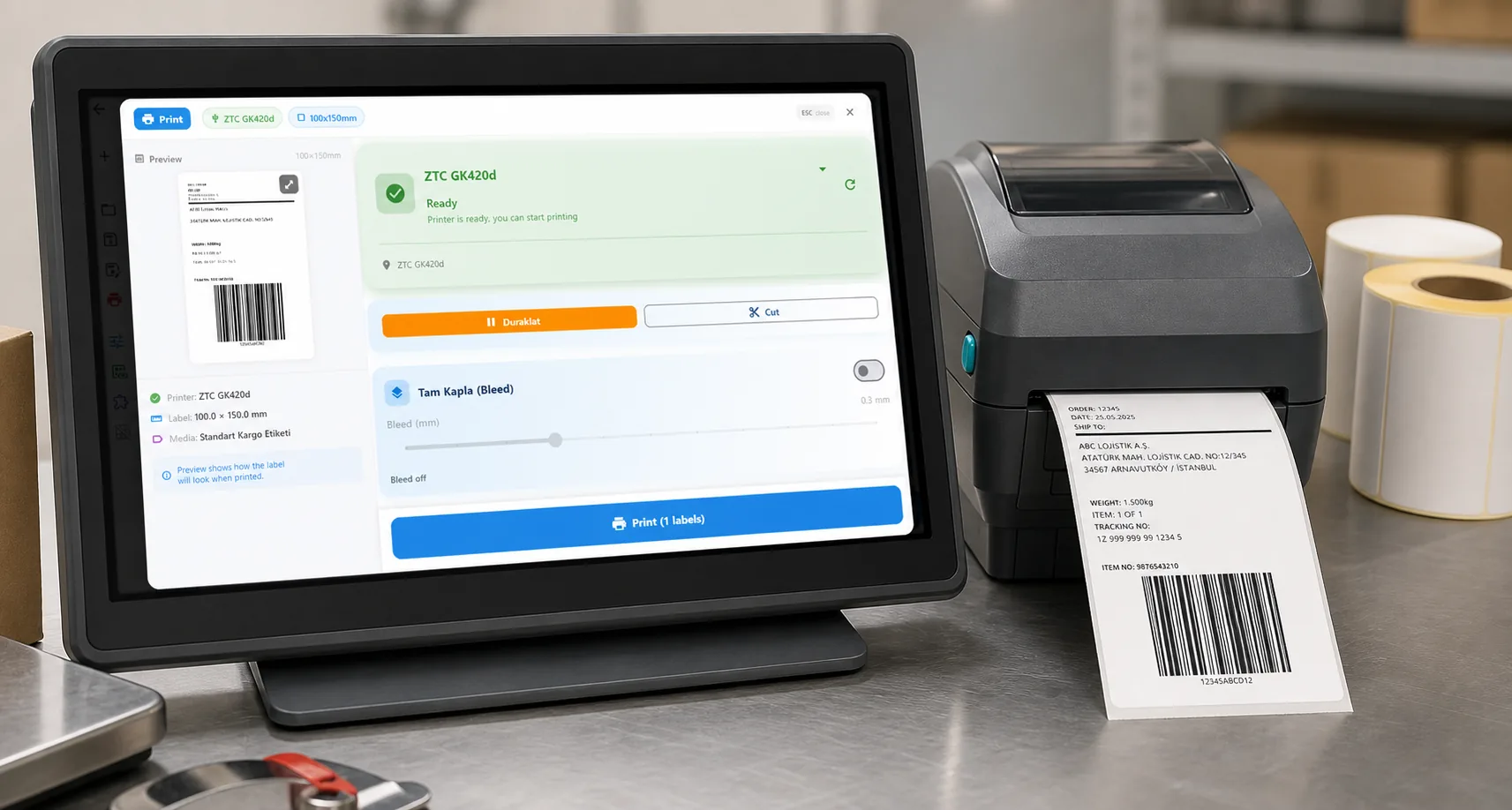
Design it, bind your data, print on the printer you already own.
Zebra, TSC, Toshiba, Epson and more — over USB, network or Bluetooth, with no driver to install.
PRICING
Start free. Pay when it earns its keep.
QUESTIONS / FAQ
Frequently asked questions
Can LabelInn replace a NiceLabel file trigger?
For CSV and Excel files, yes: a watched folder (Pro) prints each file as it lands and then moves, renames or deletes it. The trigger itself is rebuilt by hand; NiceLabel Automation configurations are not imported.
Which delimiters and encodings does it read?
Comma, semicolon and tab, detected from the first line, in UTF-8 or Latin-1 with any byte-order mark stripped.
Which plan is needed?
CSV binding is on Starter at $7.99 a month. The watched folder is on Pro at $24.90 a month. The 14-day Pro trial at signup covers both.
Will my NiceLabel variables work?
They arrive as the value saved in the .nlbl file, so bind each field to a CSV column once after importing.
KEEP GOING
Related
NEXT STEP / LABELINN
Drop a CSV and watch it print
Test one real export file during the free trial. · Watched folder on Pro · Semicolon and tab files · Opens .nlbl