NICELABEL / EXCEL / UPDATED 17 OCT 2026
NiceLabel Alternative for Excel Data: Import, Then Rebind
Move a NiceLabel Excel-driven label to LabelInn: .nlbl import, why variables must be rebound, a worked lab-sample sheet, and the Starter price.
SHORT ANSWER
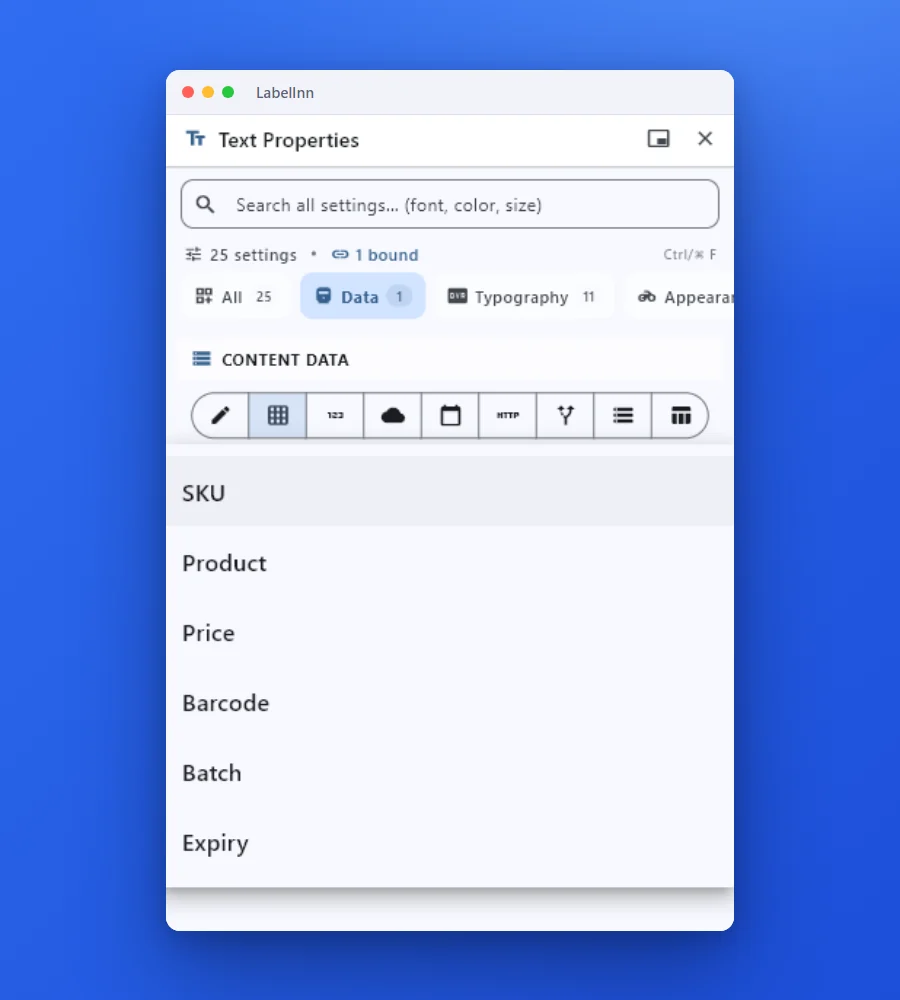
Short answer. A .nlbl file opens in LabelInn as editable text, barcodes, pictures, lines and boxes, but NiceLabel variables and data-source links do not come across: they arrive as the value saved in the file. For an Excel-driven label the work is therefore two steps, import the design, then attach the workbook and bind each column once.
NiceLabel (Loftware) is licensed per printer or by quote and we found no public price list we could verify, so we quote no figure. LabelInn: Excel binding is on Starter at $7.99 a month ($79.90 a year). Yearly billing is ten months for twelve; signing up starts a 14-day Pro trial. See pricing.
Import one .nlbl, attach the sheet, print three rows. Download →
HOW IT WORKS
Three screens from data to printed label.
No copy-paste, no hunting for templates. The same flow repeats for every record.
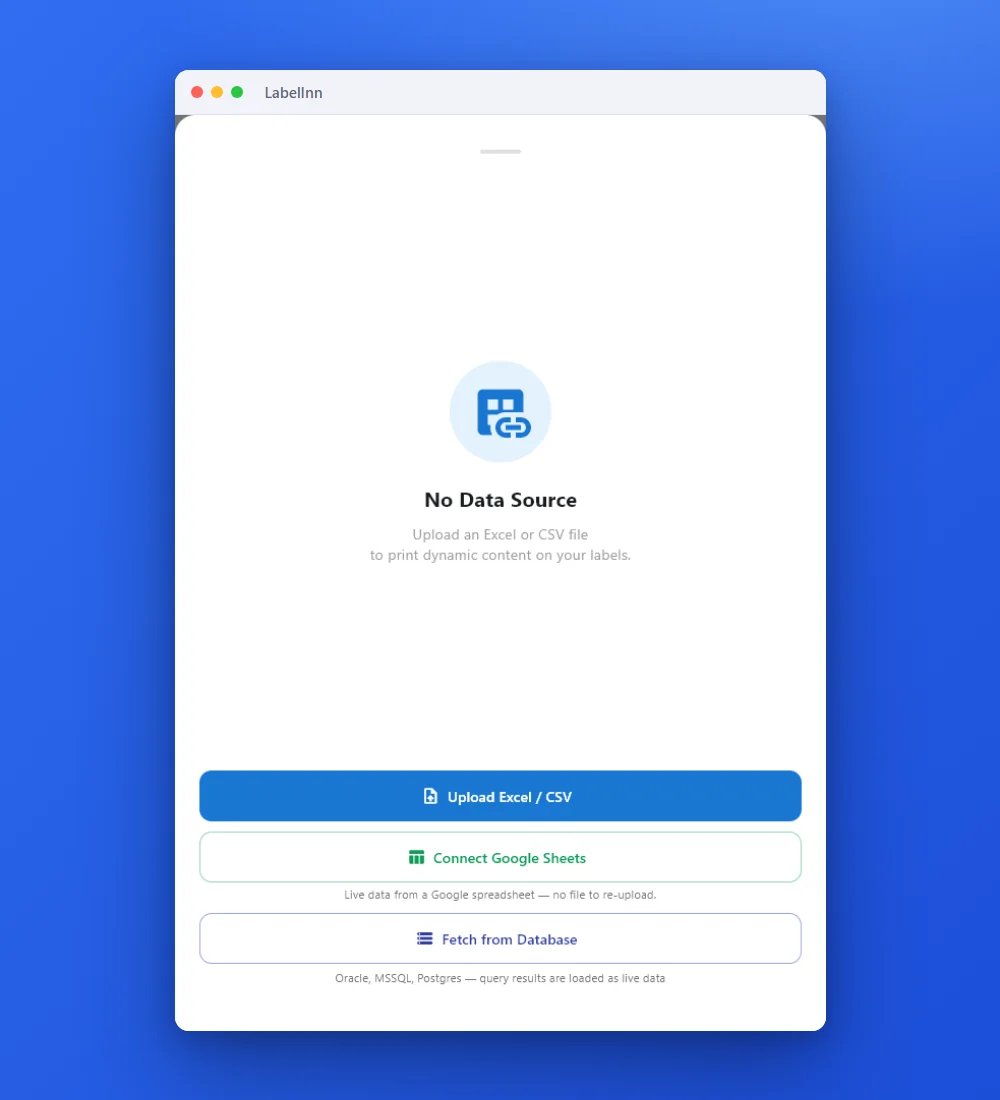
Add the Excel or CSV file as the data source; no export step.
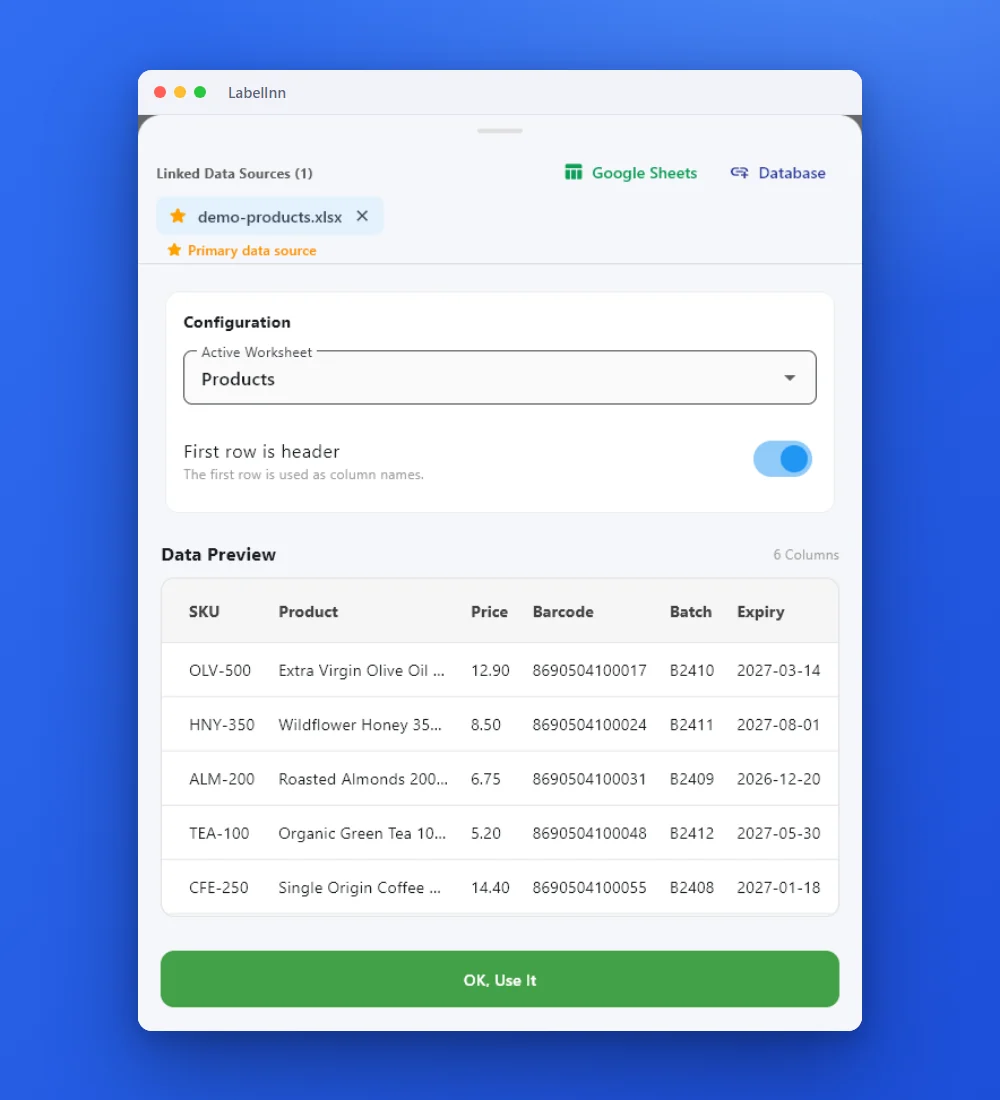
Preview the data, then drop a column onto a text, barcode or QR field.

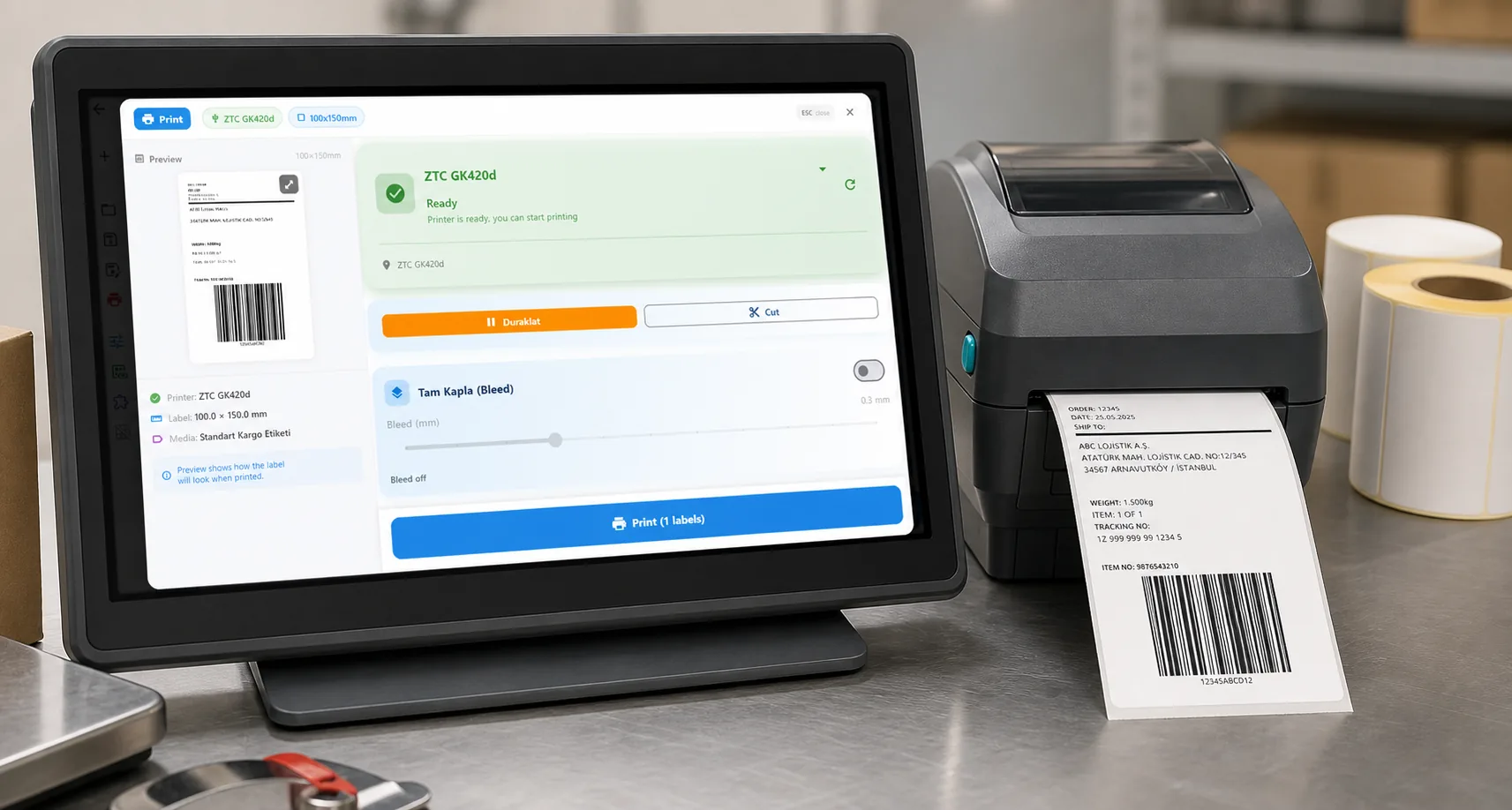
Rows × copies = total labels, shown before you press print.
01 / DECISION
Switch or stay for this job
Find your situation in the left column.
| Your situation | Better choice | Why |
|---|---|---|
| A product, asset or sample label fed from one workbook | LabelInn (Starter) | Attach the sheet, pick the header row and bind columns to the imported elements. |
| Operators type values into a NiceLabel data-entry form before printing | Check first | Forms are not imported. The operator print dialog can pin or prompt for values on Pro; recreate and test it. |
| NiceLabel functions build values (concatenation, date maths, counters) | Plan a rebuild | Functions arrive as saved text. Serial counters and dates are available in LabelInn; rebuild each expression and compare. |
| The workbook is .xls or .xlsb, or password-protected | Convert first | LabelInn reads .xlsx and .xlsm; legacy .xls and .xlsb are not read. |
| Many plants share one NiceLabel label management system | Stay on NiceLabel | Central template governance is what that platform is for. |
02 / MAP
What maps one to one, and what does not
| In NiceLabel | In LabelInn | Status |
|---|---|---|
| Excel data source on the label | Attach the workbook; pick sheet and header row | Rebuild by hand |
| Variable bound to a column | Drop the column on the text or barcode element | Rebuild by hand |
| Text, barcode, picture, line, box | Editable elements with formatting | One to one, check fonts |
| Quantity from a field | Copy count column in the print dialog | One to one |
| Data-entry forms and scripts | Operator print dialog (Pro) and workflow nodes | Rebuild by hand |
| Merged header cells | Flatten them before attaching | Differs |
03 / WORKED EXAMPLE
Worked example: laboratory sample labels
A 50 x 25 mm NiceLabel sample label with a sample ID barcode, a collection date and a site code, driven by a daily sheet.
| sample_id | collected | site |
|---|---|---|
| S-240871 | 2026-10-16 | North |
| S-240872 | 2026-10-16 | North |
| S-240873 | 2026-10-17 | East |
Import the .nlbl: the barcode and two text elements arrive in place, holding the last sample's saved values. Attach the sheet, bind sample_id to the barcode and its human-readable line, collected and site to the text elements, and preview row 3 to see East. Three rows give three labels. Print row 1 and scan it against the NiceLabel original.
04 / STEPS
Moving it across, step by step
- Download LabelInn and sign in; the 14-day Pro trial covers Excel binding.
- Open Import, pick your .nlbl files or the folder that holds them, and open the one you want.
- Attach the workbook and choose the sheet and the header row.
- Bind each column to its element and preview row by row.
- Print one label, compare it with the NiceLabel printout, scan the barcode, then print the sheet.
All NiceLabel comparisons: NiceLabel alternative. Moving the labels themselves: import .btw and .nlbl files.
ANY PRINTER
Design it, bind your data, print on the printer you already own.
Zebra, TSC, Toshiba, Epson and more — over USB, network or Bluetooth, with no driver to install.
PRICING
Start free. Pay when it earns its keep.
QUESTIONS / FAQ
Frequently asked questions
Does a NiceLabel variable survive the import?
No. LabelInn rebuilds text, barcodes, pictures, lines and boxes from a .nlbl file, but variables and data-source links arrive as the value saved in the file, so each field is bound to a spreadsheet column again.
Which Excel files can LabelInn read?
.xlsx and .xlsm workbooks, and CSV. Legacy .xls and .xlsb are not read and password-protected workbooks are refused.
Is Excel binding free?
No. Designing and printing by hand is free; binding an Excel file is on Starter at $7.99 a month ($79.90 a year), and the trial covers it at signup.
What does NiceLabel cost compared with this?
NiceLabel is licensed per printer or by quote and we found no verifiable public price list, so we quote none. Ask for a written quote and compare it with the Starter plan.
KEEP GOING
Related
NEXT STEP / LABELINN
Rebind one NiceLabel sheet and print
Import one file and bind its sheet during the free trial. · Opens .nlbl files · Copies from a column · Starter plan