BARTENDER / CSV / UPDATED 17 OCT 2026
BarTender Alternative for CSV: Delimiters, Encoding and File Drop
Print labels from CSV without BarTender: delimiter and encoding rules, a watched folder for File Drop, a worked semicolon file, and the plan.
SHORT ANSWER
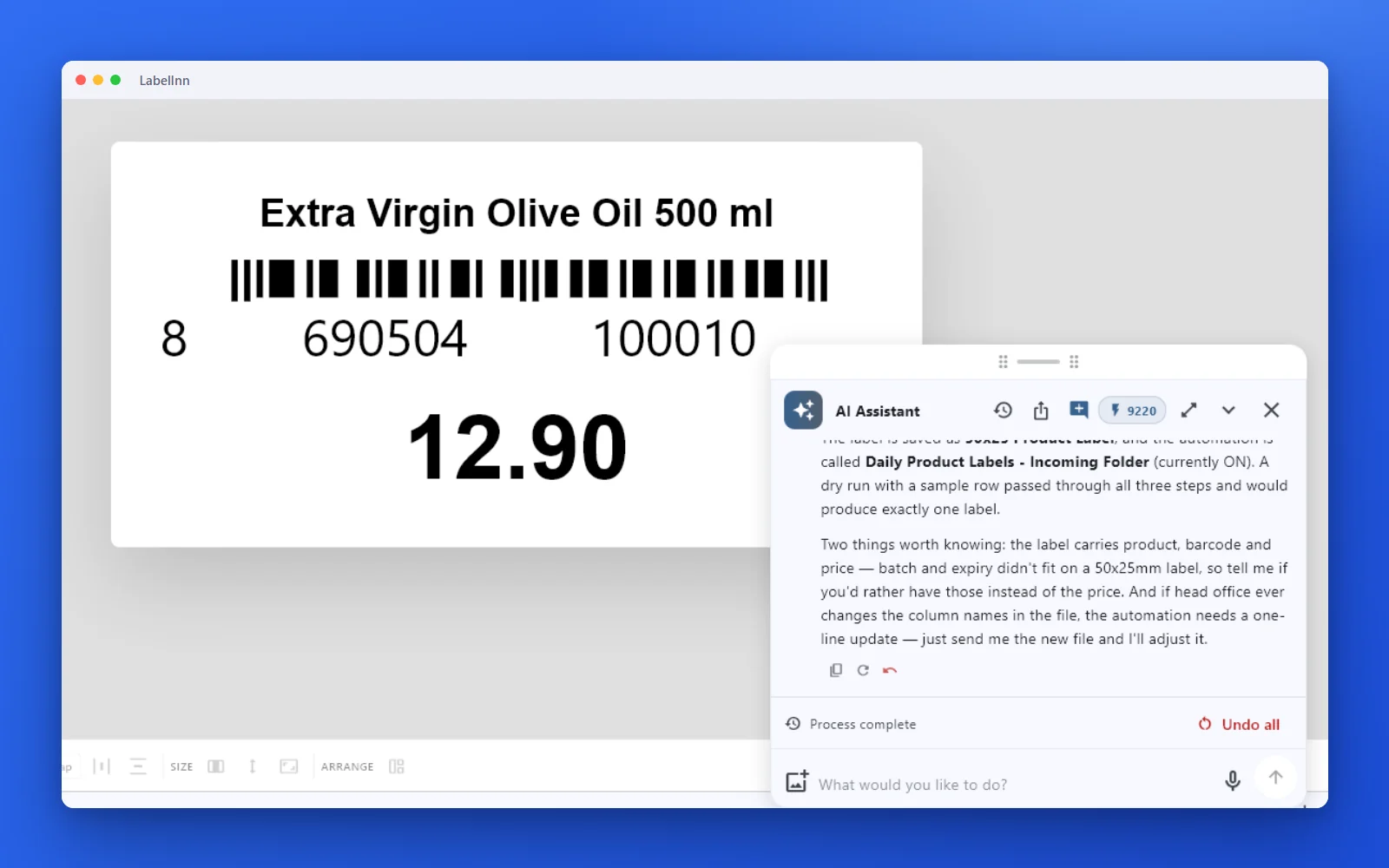
Short answer. BarTender reads a delimited text file through its text-file database connection, and automates it with File Drop. LabelInn reads CSV directly, detects comma, semicolon or tab delimiters, and the watched folder (Pro) replaces File Drop. It does not detect other delimiters or fixed-width files, so those exports have to be converted first.
BarTender is billed annually: on-premises from $199 (Starter), $299 (Professional) and $575 (Automation) a year, read from Seagull's own page on 17 Oct 2026. Which edition your data source needs depends on your version, so check before you renew. LabelInn: CSV binding is on Starter at $7.99 a month ($79.90 a year). Yearly billing is ten months for twelve; signing up starts a 14-day Pro trial. See pricing.
Drop one CSV file and see it print. Download →
HOW IT WORKS
Three screens from data to printed label.
No copy-paste, no hunting for templates. The same flow repeats for every record.
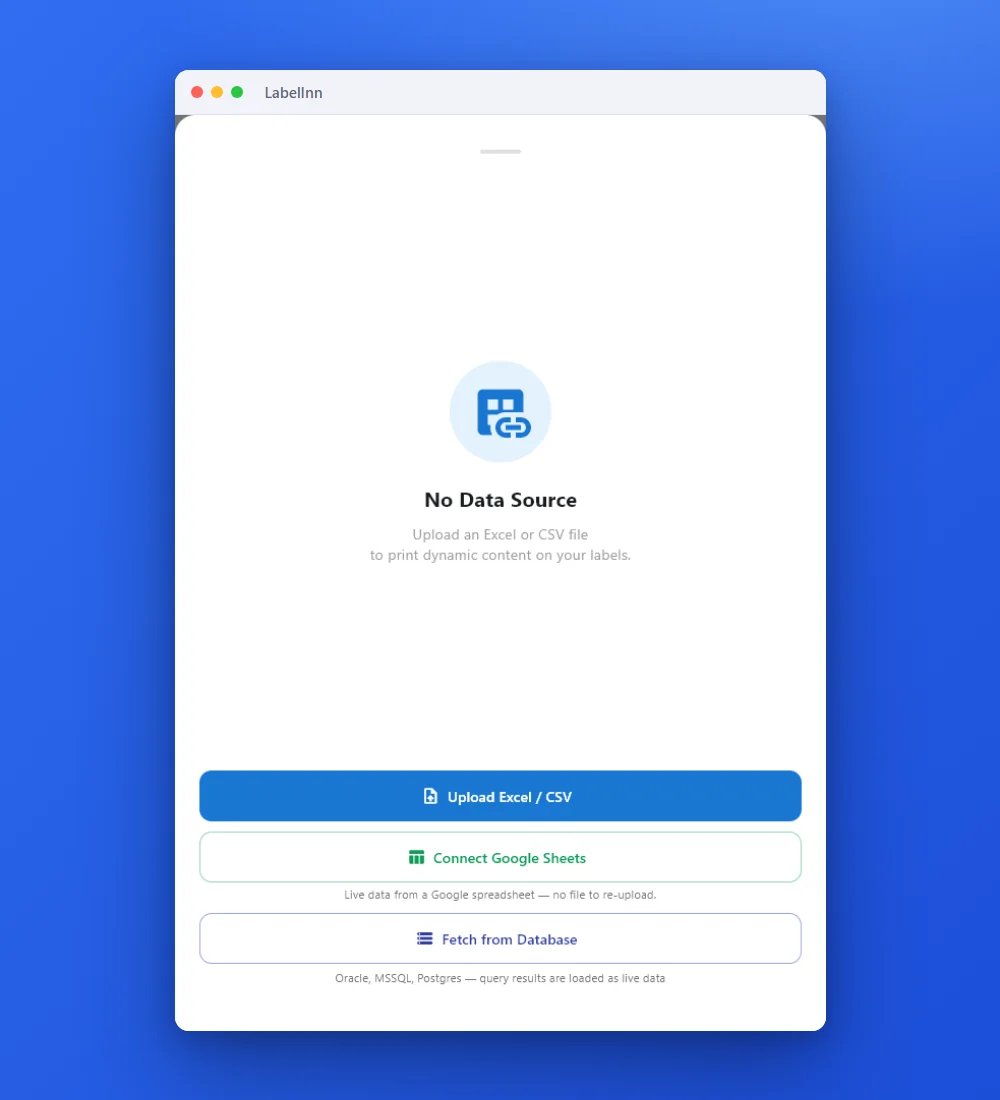
Add the Excel or CSV file as the data source; no export step.
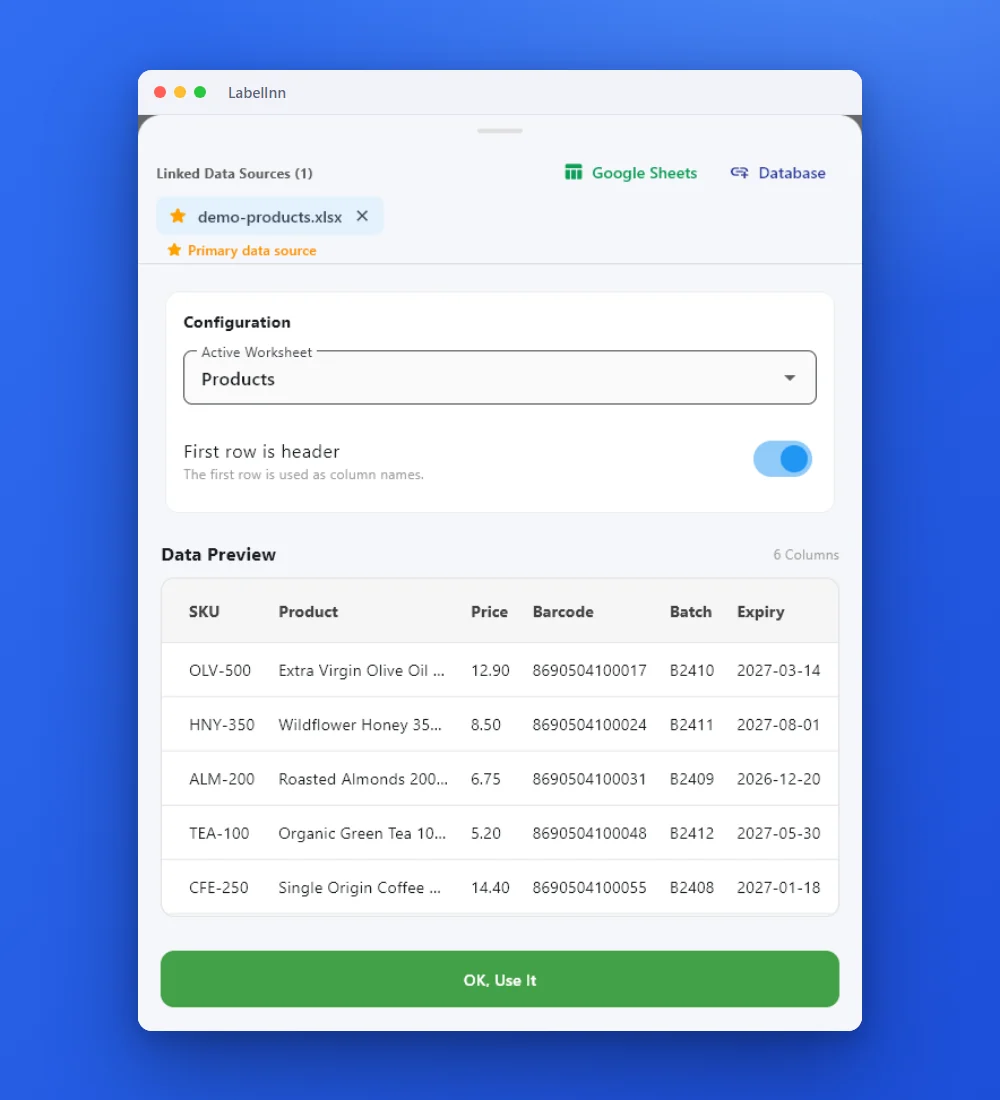
Preview the data, then drop a column onto a text, barcode or QR field.

Rows × copies = total labels, shown before you press print.
01 / DECISION
Switch or stay for this job
Find your situation in the left column.
| Your situation | Better choice | Why |
|---|---|---|
| Comma, semicolon or tab separated exports from an ERP or POS | LabelInn (Starter) | The delimiter is detected from the first line, UTF-8 and Latin-1 are read and a byte-order mark is stripped. |
| An ERP writes a file and labels must print without anyone clicking | LabelInn (Pro) | A watched folder prints each new file, then moves, renames or deletes it, like BarTender File Drop. |
| Fixed-width files, or a delimiter other than comma, semicolon or tab (such as a pipe) | Convert first | LabelInn does not auto-detect them. Save the export as CSV, or use the REST API to send the values. |
| Files arrive as XML or IDoc | Check first | Payloads other than CSV and Excel go through the Data Connect API with your own mapping; that is more work than a file drop. |
| The file triggers actions beyond printing (run a program, write back to a database) | Stay on BarTender, or rebuild as a workflow | Actions are not imported. A workflow can print and notify; test any write-back on a copy. |
02 / MAP
What maps one to one, and what does not
| In BarTender | In LabelInn | Status |
|---|---|---|
| Text-file data source with a delimiter wizard | Attach the CSV; the delimiter is detected among comma, semicolon and tab | One to one for those three |
| Header row option | First row used as column names | One to one |
| Character set choice | UTF-8 or Latin-1, byte-order mark stripped | One to one for those two |
| File Drop integration | Watched folder (Pro) with a move, rename or delete after printing | Rebuild by hand |
| Field and barcode bindings to columns | Drop a column on an element | One to one |
| Other delimiters, fixed width | Not detected | Not supported |
03 / WORKED EXAMPLE
Worked example: a semicolon CSV with Turkish characters
Turkish and German Excel exports use a semicolon and a decimal comma. This file keeps its accented characters when saved as UTF-8.
sku;urun;fiyat
ZYT-500;Naturel Sızma Zeytinyağı 500 ml;129,90
BAL-350;Çiçek Balı 350 g;85,00
BDM-200;Kavrulmuş Badem 200 g;67,50
Attach it and LabelInn detects the semicolon from the first line; urun and sku become fields. The fiyat value is taken as the text 129,90 exactly as written, so a label that prints it prints the comma. Three rows give three labels; check the ş, ğ, ı and Ç on the first printout.
04 / STEPS
Moving it across, step by step
- Save your export as CSV with a header row. Prefer UTF-8; Latin-1 also works.
- Import the .btw label, then bind the barcode and text fields to the columns.
- Attach the CSV and check the first rows in the preview, including accented characters.
- For a File Drop replacement, add a watched folder (Pro) on the same path, set what happens to a file after it prints, and drop a test file.
- Run BarTender and LabelInn on the same file for a week, compare the labels, then point the ERP at the LabelInn folder.
All BarTender comparisons: BarTender alternative. Moving the labels themselves: import .btw and .nlbl files.
ANY PRINTER
Design it, bind your data, print on the printer you already own.
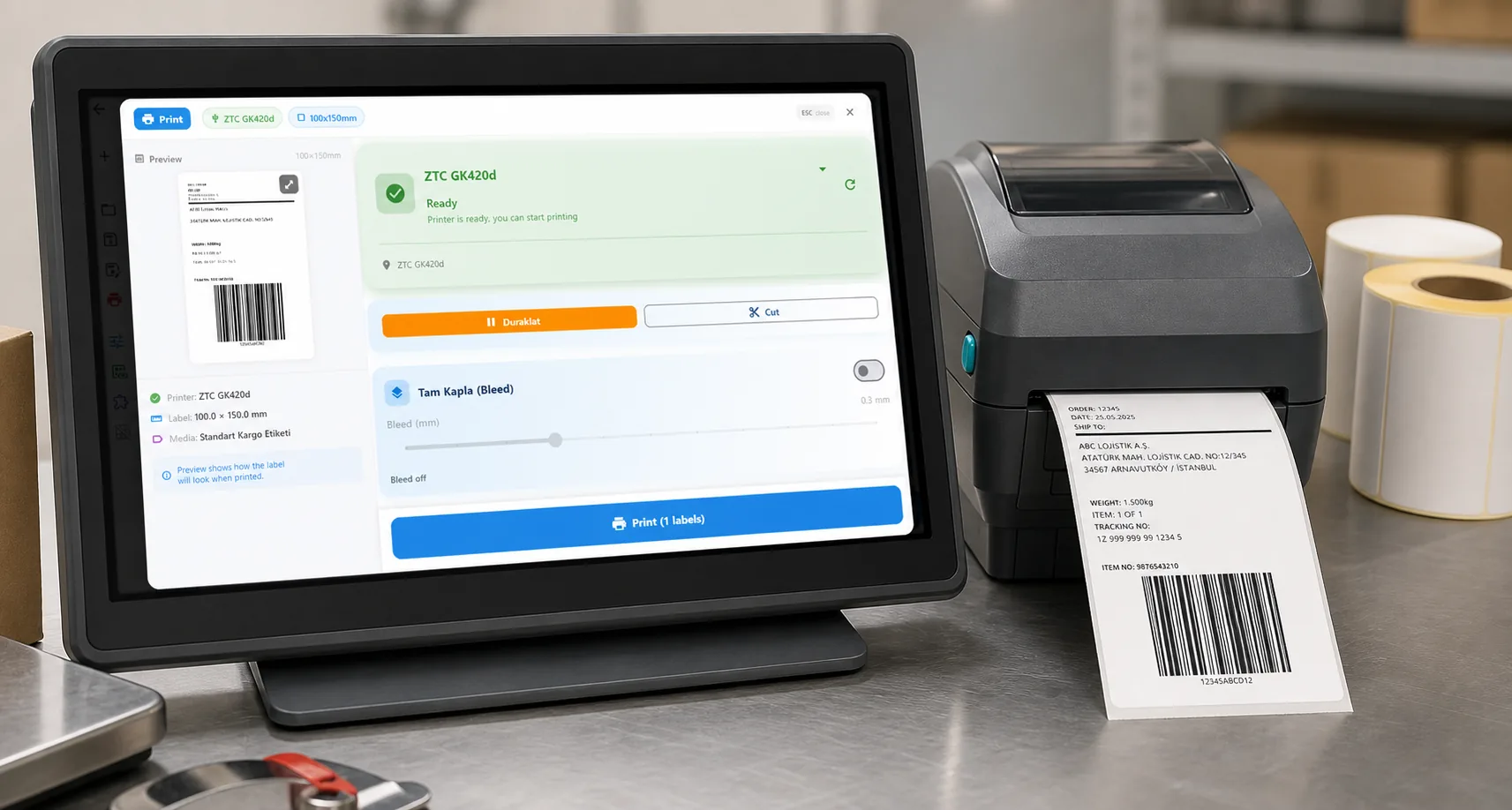
Zebra, TSC, Toshiba, Epson and more — over USB, network or Bluetooth, with no driver to install.
PRICING
Start free. Pay when it earns its keep.
QUESTIONS / FAQ
Frequently asked questions
Which CSV delimiters does LabelInn detect?
Comma, semicolon and tab, taken from the first non-empty line. Other delimiters such as a pipe, and fixed-width files, are not detected, so convert them to CSV first.
Does LabelInn read UTF-8 and Latin-1 CSV files?
Yes. It reads UTF-8 or Latin-1 and strips a byte-order mark, so accented and Turkish characters survive a normal Excel export.
Can LabelInn replace a BarTender File Drop?
Yes for CSV and Excel files: a watched folder (Pro, $24.90 a month) prints each file as it lands and then moves, renames or deletes it. It does not import your Integration Builder configuration.
Is CSV binding free?
Designing and printing by hand is free; binding a CSV file is on Starter at $7.99 a month, and the watched folder is on Pro.
KEEP GOING
Related
NEXT STEP / LABELINN
Drop a CSV and print it
Bring one real export file and check the accented characters first. · Comma, semicolon, tab · UTF-8 and Latin-1 · Watched folder on Pro