BARTENDER / EXCEL / UPDATED 17 OCT 2026
BarTender Alternative for Excel Labels: What Maps and What Does Not
Print labels from Excel without BarTender: which workbook bindings move one to one, which BarTender queries do not, a worked sheet, and the Starter price.
SHORT ANSWER
Short answer. BarTender reads an Excel workbook through a database connection set up inside the label. LabelInn reads the workbook directly, maps columns to fields and prints one label per row. If your BarTender label is a plain workbook-to-labels job, moving it is an afternoon. If it depends on query filters, joins or prompts, it is a rebuild.
BarTender is billed annually: on-premises from $199 (Starter), $299 (Professional) and $575 (Automation) a year, read from Seagull's own page on 17 Oct 2026. Which edition your data source needs depends on your version, so check before you renew. LabelInn: Excel binding is on Starter at $7.99 a month ($79.90 a year). Yearly billing is ten months for twelve; signing up starts a 14-day Pro trial. See pricing.
Open one workbook and print eight rows. Download →
HOW IT WORKS
Three screens from data to printed label.
No copy-paste, no hunting for templates. The same flow repeats for every record.
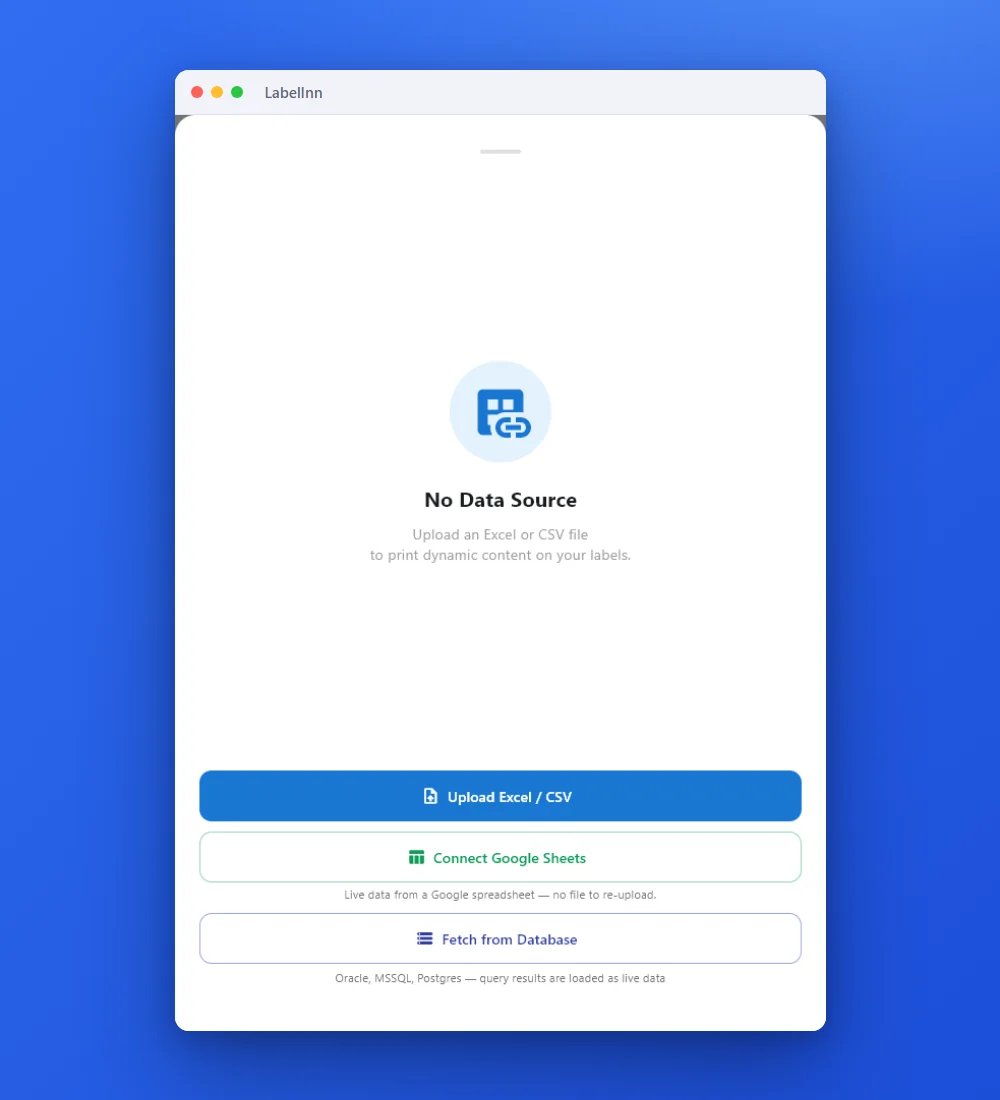
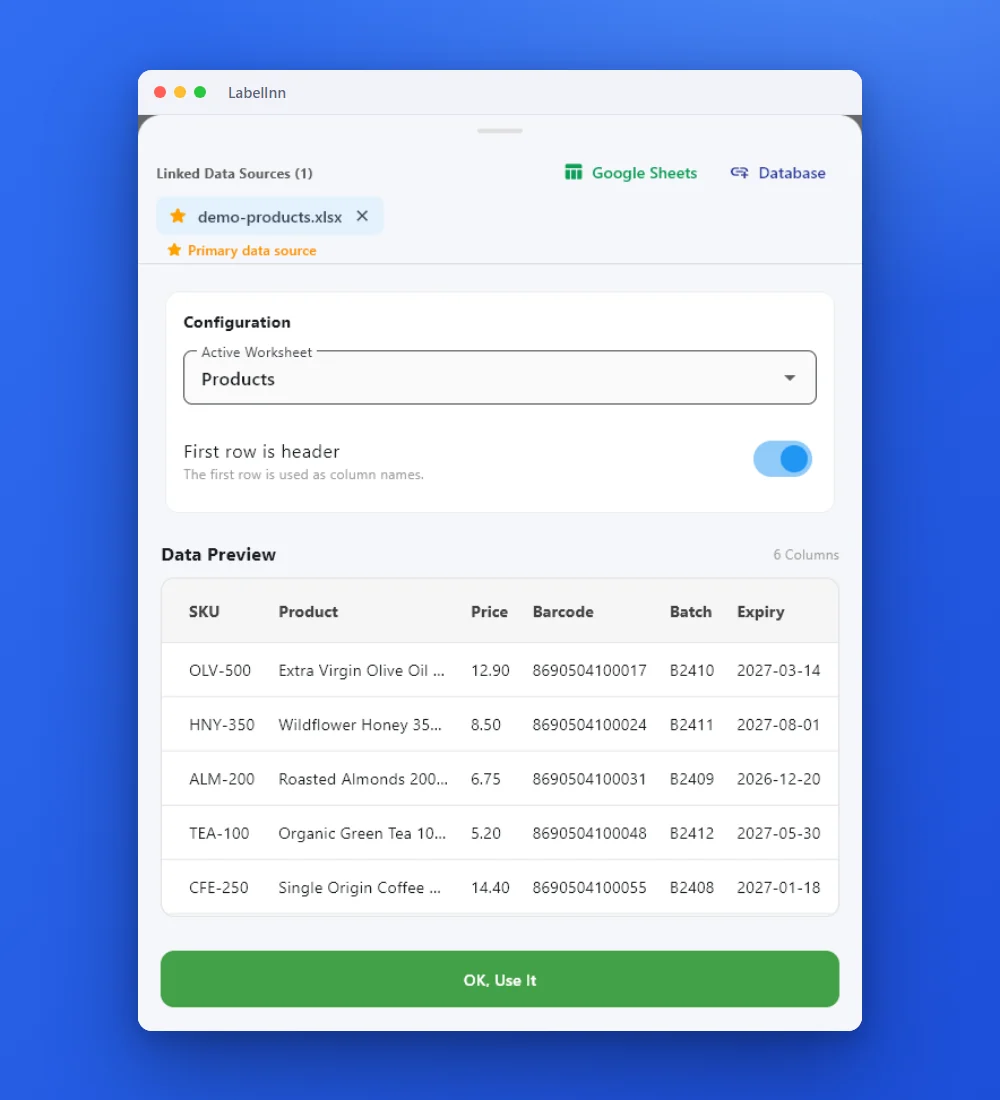
Add the Excel or CSV file as the data source; no export step.
Preview the data, then drop a column onto a text, barcode or QR field.

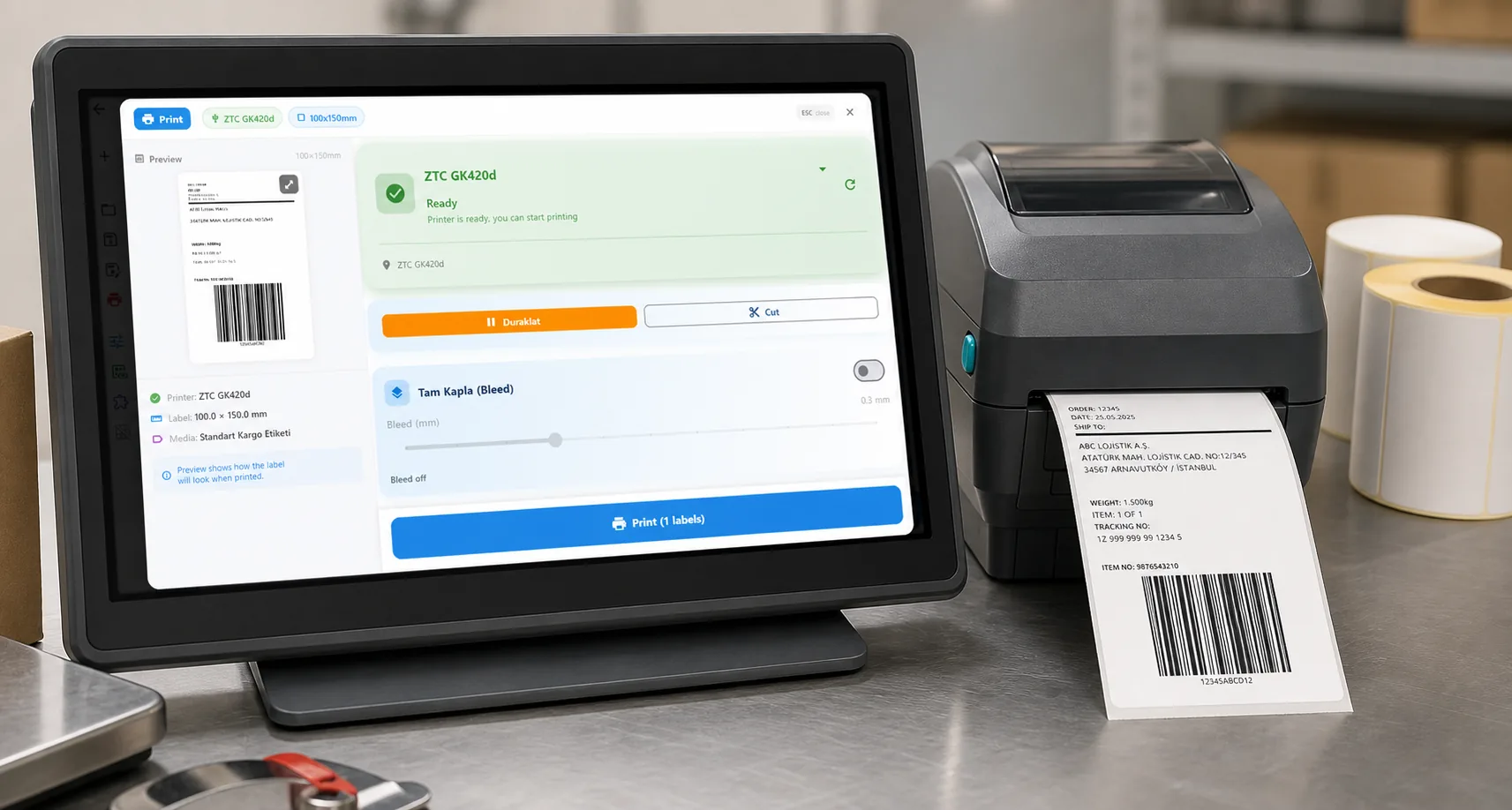
Rows × copies = total labels, shown before you press print.
01 / DECISION
Switch or stay for this job
Find your situation in the left column.
| Your situation | Better choice | Why |
|---|---|---|
| One sheet, one label per row, columns drop onto fields | LabelInn (Starter) | The same workbook drives the label. You attach it, pick the sheet and header row, and place columns. |
| A quantity column decides how many copies each row prints | LabelInn (Starter) | The print dialog has a copy-count-from-column mode, so a QTY column sets copies per row. |
| Your label uses a BarTender query: WHERE filters, ORDER BY or a join of two sheets | Plan a rebuild | LabelInn binds columns of the sheet you attach. Filter or sort in Excel first, or print a row range such as 1,2-5,10-15. |
| Staff are asked for a value at print time (a batch number, a date) | Check first | The operator print dialog can hold pinned or prompted values on Pro. Rebuild the prompt and test it with an operator. |
| The workbook is .xls or .xlsb, or password-protected | Convert it first | LabelInn reads .xlsx and .xlsm. Legacy .xls and .xlsb are not read and protected workbooks are refused; save as .xlsx without a password. |
| BarTender runs fine on a Windows PC and nobody asks for a change | Stay on BarTender | A working binding is not a reason to migrate. Move when a Mac, a new printer or the renewal forces the question. |
02 / MAP
What maps one to one, and what does not
| In BarTender | In LabelInn | Status |
|---|---|---|
| Database connection to a workbook (OLE DB or ODBC) | Add the Excel file as a data source; pick sheet and header row | One to one |
| Field bound to a column | Drop the column on the element, or pick it in the element's data-source list | One to one |
| Barcode value from a column | Barcode element bound to the column (EAN, Code 128, QR and the rest) | One to one; validate EAN check digits in the sheet |
| Identical copies taken from a field | Copy count column in the print dialog | One to one |
| Print selected records | Row selection such as 1,2-5,10-15 | One to one |
| Query with WHERE, ORDER BY or joins | Not available for Excel; filter or sort the sheet first | Not supported |
| Formulas in cells | The computed value is read; LabelInn does not recalculate | Differs |
| Merged header cells | Flatten them so column names resolve cleanly | Differs |
03 / WORKED EXAMPLE
Worked example: three rows, 42 labels
A product sheet with a quantity column. The first row asks for 24 copies, the second for 12, the third for 6.
sku,product,qty
OLV-500,Extra Virgin Olive Oil 500 ml,24
HNY-350,Wildflower Honey 350 g,12
ALM-200,Roasted Almonds 200 g,6
Attach the file, choose the first sheet with "first row is header", drop product on the name text, sku on a Code 128 barcode, and select the copy-count column qty. The print dialog then shows 3 labels with a total of 42 copies before anything prints. The same workbook in BarTender gives the same 42 labels; print row 1 from both and compare the barcode.
04 / STEPS
Moving it across, step by step
- Download LabelInn and sign in. Signing up starts a 14-day Pro trial, so Excel binding works at once.
- Import your .btw file with Import. A barcode that was bound to your workbook comes across as a spreadsheet binding naming the file, sheet and column it expected; text fields arrive as plain text and are rebound by hand.
- Attach the workbook, pick the sheet and the header row, and bind each remaining field.
- Preview a few rows. Print row 1 and hold it next to the BarTender printout; scan the barcode.
- Print the whole sheet or a row range. Keep BarTender until two real batches match, then retire it at renewal.
All BarTender comparisons: BarTender alternative. Moving the labels themselves: import .btw and .nlbl files.
ANY PRINTER
Design it, bind your data, print on the printer you already own.
Zebra, TSC, Toshiba, Epson and more — over USB, network or Bluetooth, with no driver to install.
PRICING
Start free. Pay when it earns its keep.
QUESTIONS / FAQ
Frequently asked questions
Can LabelInn read the same Excel file BarTender uses?
Yes for .xlsx and .xlsm workbooks: attach the file, pick the sheet and header row and bind columns. Legacy .xls and .xlsb files are not read, and password-protected workbooks are refused, so save a copy as .xlsx first.
Do I need Excel installed to print labels from a workbook?
No. LabelInn reads the workbook file itself on your computer; it does not call Excel.
What happens to BarTender queries and filters on my workbook?
They are not imported. Filter or sort the sheet in Excel, or print a row range. Formulas are read as their computed values.
Is Excel binding free in LabelInn?
No. Designing and printing by hand is free, but binding an Excel file is on Starter at $7.99 a month. Signing up includes a 14-day Pro trial.
KEEP GOING
Related
NEXT STEP / LABELINN
Print eight rows from your own workbook
Attach one real workbook and compare the first label with BarTender. · .xlsx and .xlsm · Copies from a column · Starter plan