BARTENDER / AUTOMATION / UPDATED 17 OCT 2026
BarTender Integration Builder Alternative: What Maps and What Does Not
Replacing BarTender Integration Builder? See which triggers map to LabelInn workflows, which do not, a worked file-drop example and the Automation price.
SHORT ANSWER
Short answer. Integration Builder is how BarTender prints without a person: an integration waits for an event (a dropped file, a web service call, a database change) and runs actions. Seagull's pricing page lists REST APIs, File Drop and no-code builders from the Automation edition, at $575 a year on-premises. LabelInn replaces the common triggers (REST and webhooks, file drop for Excel and CSV, database watching, schedules) with visual workflows that run on a PC next to the printers or in the cloud, with no Windows integration server. It is not a drop-in: integrations are not imported, so each one is rebuilt by hand, and a few BarTender triggers have no equivalent.
BarTender prices are "starting from" figures billed annually, read from Seagull Scientific's own page (https://www.bartendersoftware.com/product/pricing) on 17 Oct 2026. Vendor prices change; check the page before you decide.
Rebuild one integration first. Pick your simplest file-drop integration, rebuild it as a workflow and run both for a week. Start free →
01 / DECISION
Switch or stay: an honest table
Find your integration in the left column.
| Your integration | Better choice | Why |
|---|---|---|
| File drop of CSV or Excel files from an ERP or a script | LabelInn | A watched folder (Pro) prints each file as it lands, then moves, renames or deletes it. See the worked example below. |
| A web service or REST call from a shop, WMS or script | LabelInn | The REST API and workflow webhooks (Pro) accept JSON, can require an HMAC signature, and return a job id. |
| Watching a database table for new rows | LabelInn | Watched tables with a row key and a mark-as-printed step. Database sources are Pro and use the Windows app and a read-only connection. |
| TCP/IP port or XML/XSL transforms from a business system | Stay on BarTender | Older Seagull documentation places TCP, web services, XML/XSL transforms and SAP / Oracle integrations in the Enterprise edition. LabelInn takes JSON, CSV and Excel; XML and IDoc payloads go through the Data Connect API with your own mapping. |
| E-mail, serial port or Microsoft Message Queue triggers | Check first | LabelInn has e-mail and serial sources in recent workflow versions, but Microsoft Message Queue has no equivalent. Compare against the current node list before you commit. |
| Prints to printers that only have a Windows driver | Stay on BarTender | LabelInn drives ZPL, TSPL, TPCL and ESC/Label printers. |
| The integration runs fine and the licence is not the issue | Stay on BarTender | A working automation is the most expensive thing to replace. Move when a new site, a Mac or the renewal forces the question. |
02 / TRIGGERS
Trigger by trigger
BarTender's method on the left, what replaces it on the right, and the plan it needs.
| BarTender integration | LabelInn equivalent | Plan |
|---|---|---|
| Web service (REST) | REST API and workflow webhook triggers, optionally HMAC-signed | Pro |
| File drop | Watched folders for Excel and CSV; XML, IDoc and JSON payloads through the Data Connect API | Pro |
| Database monitoring | Watched tables: new rows print, then are marked as printed | Pro |
| Scheduled jobs | Scheduler node with cron and time zone | Pro |
| TCP / UDP port | MQTT and gRPC on the local network | See pricing |
| (no BarTender equivalent) | Polling an external API, marketplace orders, printer events | See pricing |
03 / WORKED EXAMPLE
Building the logic
| BarTender Integration Builder | LabelInn | |
|---|---|---|
| How you build it | Integration Builder application, actions configured per integration | Visual node graph: Router, Lookup, For Each, AI, Write-back, Notify |
| Choosing the template | Configured in the integration | Router rules on any field |
| Operator step | Intelligent forms | Print Dialog and kiosk mode with lookup (kiosk is Pro) |
| Testing | In the application | Dry-run with a sample record, from the editor or from code |
| Where it runs | Windows | Windows and macOS desktop runtime, a browser dashboard, and a cloud API |
| Printer drivers | Windows printer drivers | Native ZPL, TSPL, TPCL and ESC/Label, no driver |
| Licensing | Application licence plus printer licences | Per plan; printers are not licensed one by one |
04 / LIMITS
Worked example: an ERP drops a CSV, labels print
BarTender: a File Drop integration watches D:\labels\in, reads a delimited file and prints one label per line. The LabelInn version, with the same three-column file:
sku,product,qty
OLV-500,Extra Virgin Olive Oil 500 ml,24
HNY-350,Wildflower Honey 350 g,12
ALM-200,Roasted Almonds 200 g,6- Import the label (.btw or .nlbl) or build it again, then bind
productandskuto its fields. Text bound to data in a .btw arrives as plain text, so this binding is done by hand. - Add a watched folder for the same path, set the header row, and choose what happens to a file after it prints: move, rename or delete.
- Choose the printer and a copies field (
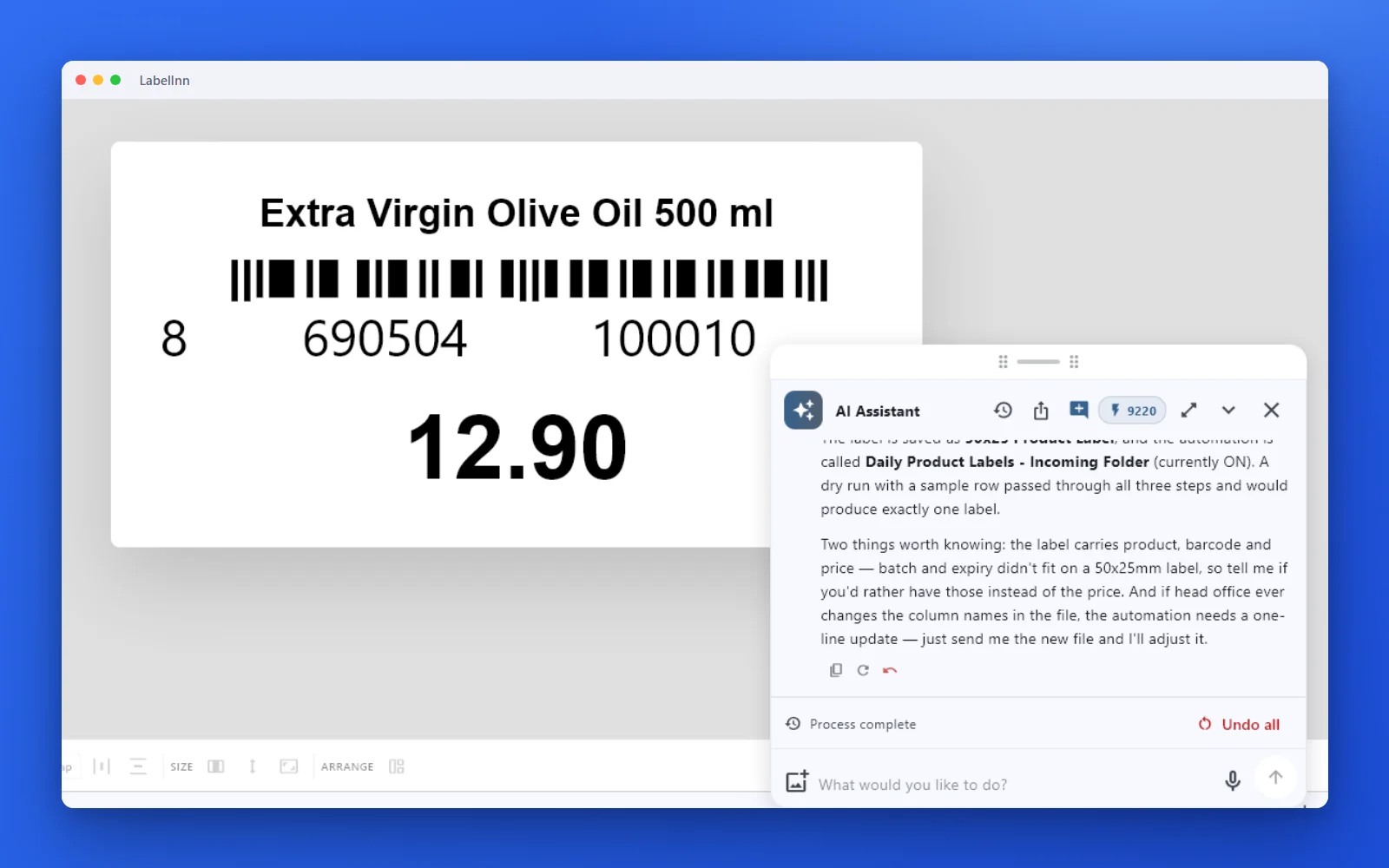
qty) so the first row prints 24 labels. The print dialog shows the total before you run it. - Drop the three-line file. Three rows give three label formats, 42 labels in all. Run the BarTender integration on the same file and compare both printouts.
- When both match for a week of real files, switch the ERP to write only to the LabelInn folder and retire the integration at renewal, not before.
05 / PRICE
Moving the labels first
LabelInn opens BarTender .btw files with Import: text, barcodes, lines and pictures become editable elements; boxes, ellipses, actions and scripts do not. Integration Builder files are not read at all.
- Systems anywhere can print. A cloud ERP or web shop calls one HTTPS API; the runtime next to the printer connects out, so no VPN or open ports.
- Every site, one place. Printers at every location are managed from the same dashboard, with alerts for ribbon out and failed jobs.
- Developers get SDKs: Python, Node.js, .NET and Go.
Workflows are on Starter ($7.99 a month) and above. The REST API, webhooks, watched folders, scheduled printing and database sources are on Pro ($24.90 a month, $249.00 a year); Enterprise is quoted. Signing up starts a 14-day Pro trial. See pricing.
THE PROBLEM, THEN THE FIX
Leaving a BarTender setup starts with moving the labels
Import, check, print. That is the whole path.
The problemThe labels come first; the integrations can follow.
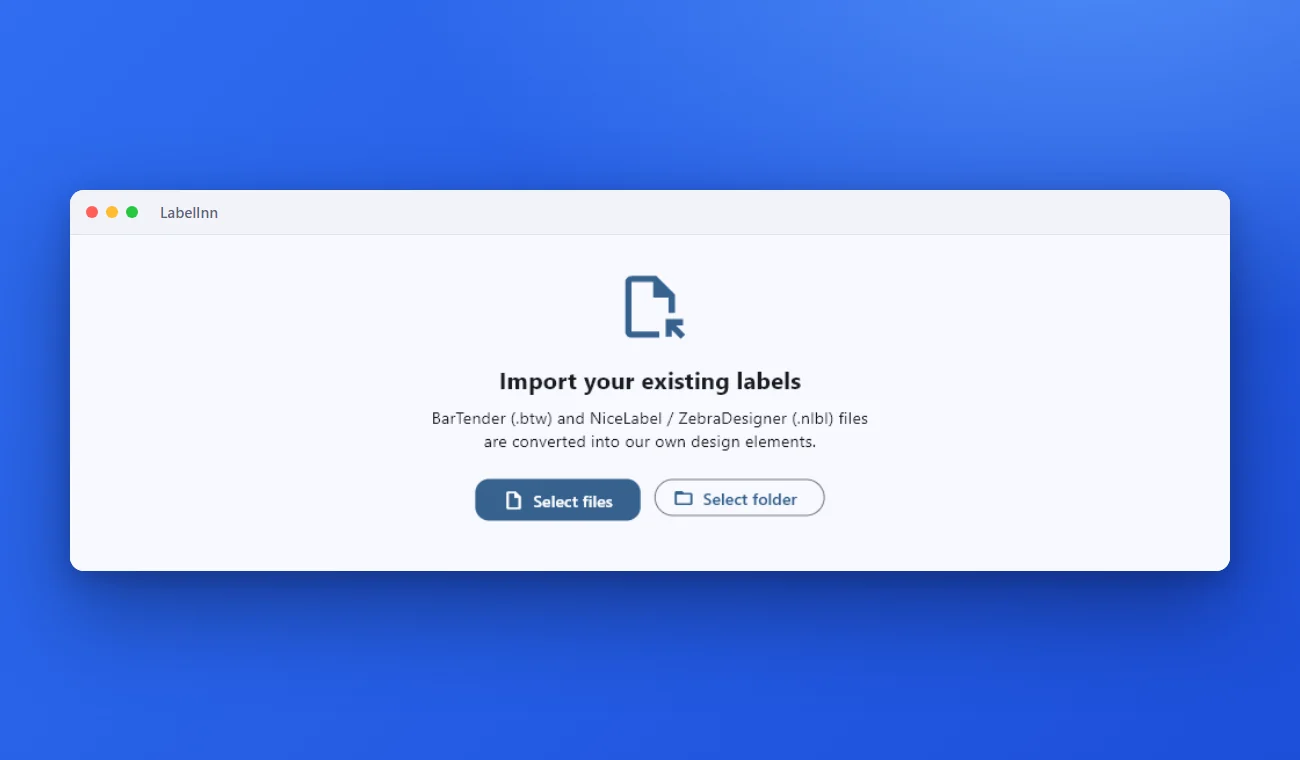 1Bring the old label inChoose the .btw or .nlbl files, or a whole folder. They are converted into our own design elements.
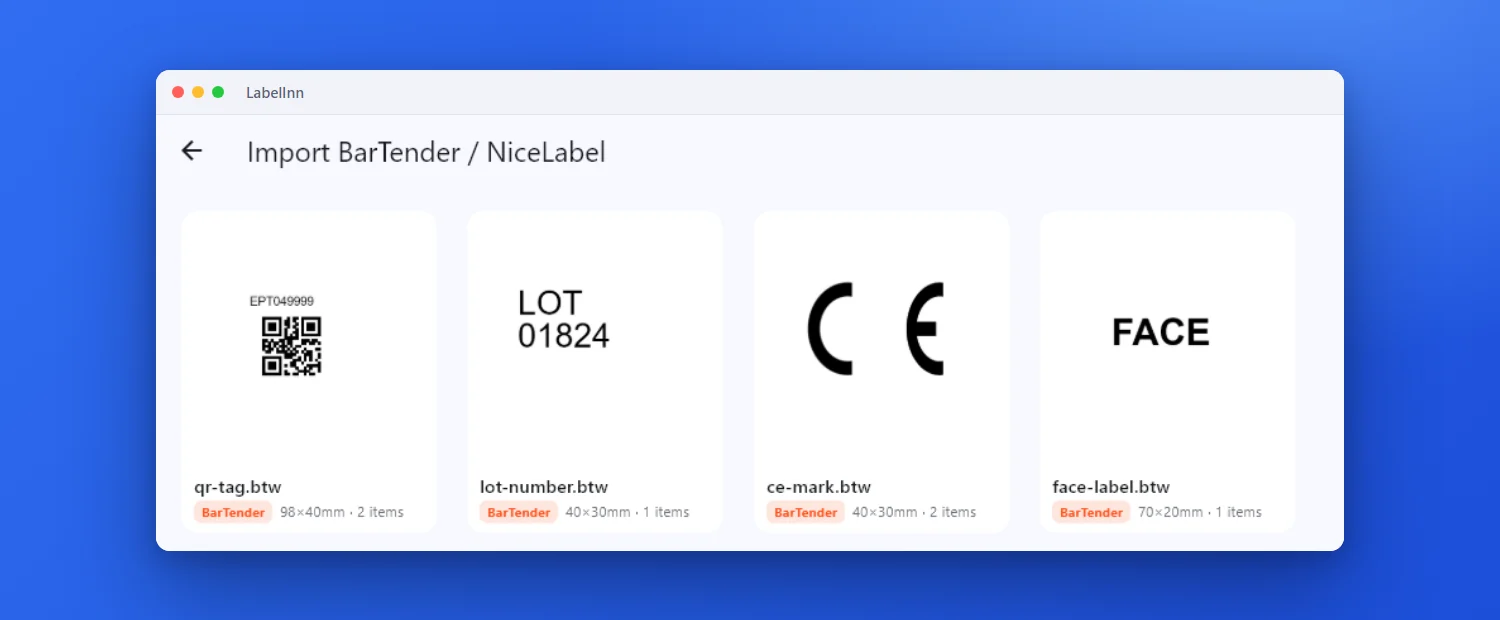 2See every label convertedEach file becomes a card with a preview, the source format, the label size and the number of objects found.
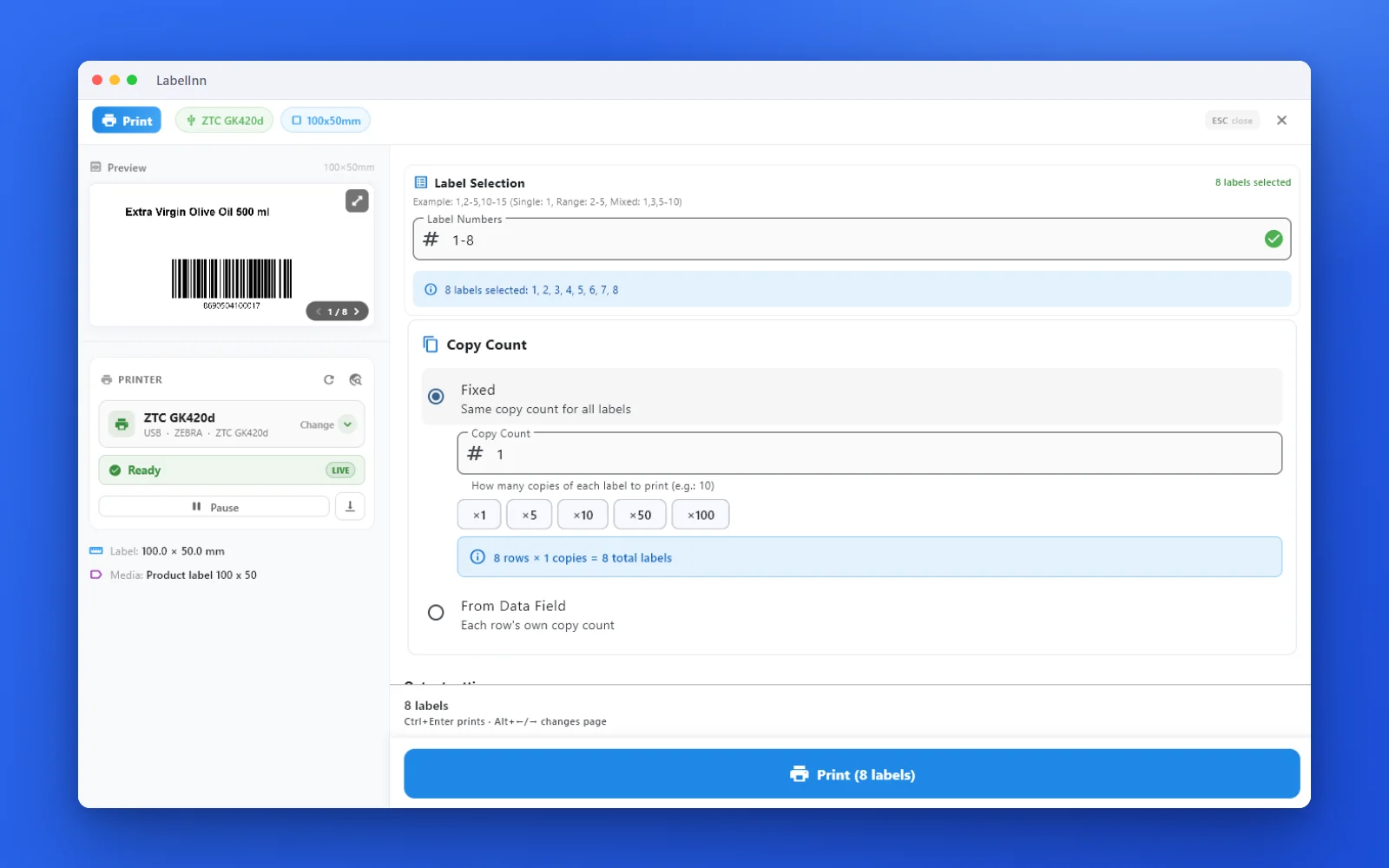 3Preview, then printCheck the real label, choose the printer and the number of copies, and print.
The fixBarTender and NiceLabel / ZebraDesigner files are converted into editable designs. Open the label, check it, print.Get LabelInn free
QUESTIONS / FAQ
Frequently asked questions
What is a good alternative to BarTender Integration Builder?
LabelInn covers the common integration triggers (REST web service, file drop for Excel and CSV, database monitoring, scheduled jobs) with a visual workflow editor and a cloud API, without a Windows integration server. It is rebuilt by hand, not imported, and it does not cover TCP/IP, XML/XSL transform or Microsoft Message Queue triggers.
Does LabelInn have a BarTender-style file drop trigger?
Yes. A watched folder (Pro) prints Excel and CSV files as they land and then moves, renames or deletes them. XML, IDoc and JSON payloads go through the Data Connect API.
How much is BarTender Automation?
Seagull's own pricing page lists the on-premises Automation edition from $575 a year, billed annually, as read on 17 Oct 2026. The cloud Automation edition is listed from $1,750. Enterprise is by quote.
Is LabelInn licensed per printer like BarTender?
No. LabelInn is priced per plan, not per printer: Starter $7.99 a month, Pro $24.90 a month. Watched folders, webhooks and the API are in Pro.
Which BarTender triggers does LabelInn not have?
Microsoft Message Queue, TCP/IP-port and XML/XSL-transform integrations have no direct equivalent. LabelInn adds API polling, marketplace orders and MQTT/gRPC instead.
Can I import my Integration Builder setup?
No. Only label files (.btw and .nlbl) are imported. Each integration is rebuilt as a workflow, and running both side by side for a week is the safe way to switch.
KEEP GOING
Related
NEXT STEP / LABELINN
Rebuild one integration and run both
Map your simplest File Drop to a watched folder and compare the output. · REST, folders, databases, schedules · Visual workflows · Per-plan pricing