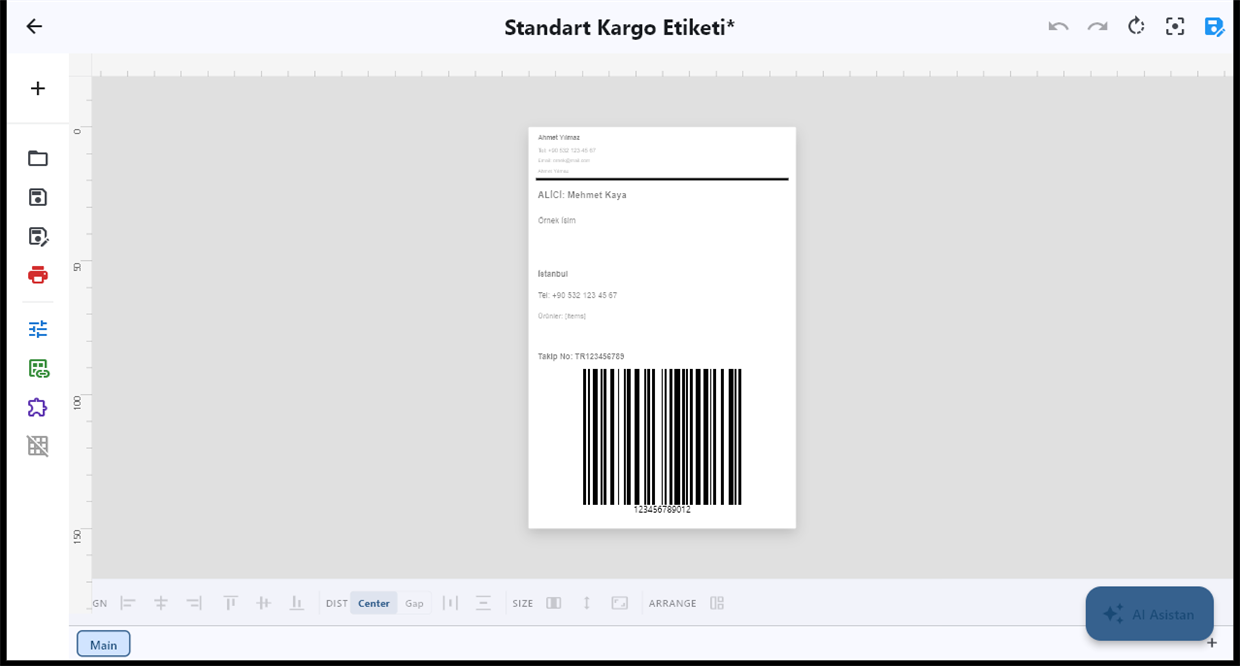
By size. weight_kg greater than 5 → large carton label; default → small label.
WORKFLOW / ROUTER / RULES
Print the Right Label for Each Product, Automatically
Pick the label design automatically from the data: heavy items get the large label, hazardous SKUs get the GHS label, each country gets its own language. Rules without code.
FREE PLAN · NO CREDIT CARD · WINDOWS / MAC / LINUX / WEB
THE PROBLEM
Most companies do not print one label. They print a small one for light items and a large one for heavy ones, a hazard label for chemicals, a German label for Germany and an English one for the UK. When people choose the template by hand, the wrong one gets picked on a busy afternoon.
A LabelInn workflow chooses for them. A Router node looks at each record and sends it to the design that matches.
🔀 The data decides the label. Write the rule once; every record follows it. Start free →
01 / CONDITIONAL PRINTING
How the Router decides
Each branch of a Router has a condition on a field of the record. The comparisons available are:
| Comparison | Example |
|---|---|
| equals / not equals | channel equals amazon |
| greater / less than (or equal) | weight_kg greater than 5 |
| contains / starts with / ends with | sku starts with CH- |
| in list / not in list | country in DE, AT, CH |
| exists / does not exist | lot exists |
| matches a pattern | serial matches a regular expression |
By default the record goes down the first branch that matches, which is what you want when exactly one label applies. Switch the Router to all and every matching branch fires, for example to print a label and send a notification. A default branch catches anything no rule matched, so no record silently disappears.
02 / ROUTER
Examples
By market. country in DE, AT, CH → German design; country equals FR → French design; default → English.
By hazard. sku starts with CH- → GHS chemical label built by the Compliance Pack node; default → standard product label.
By customer. customer equals a key account → that customer's branded label.
03 / TEMPLATES
Choosing the printer the same way
The Print node can take the printer from a field of the record, so the same rule set can send warehouse A's labels to warehouse A's printer. Combined with the Router, one workflow covers every product, design and site.
04 / RULES
With an operator in the loop
If people print from a Print Dialog, the dialog can switch to a different design when a value such as a lot number comes in, so the operator never chooses the template either. See the operator printing station.
QUESTIONS / FAQ
Frequently asked questions
Can LabelInn choose the label template automatically?
Yes. A Router node checks fields of each record (weight, country, SKU prefix, customer and so on) and sends the record to the matching label design.
What happens to a record that matches no rule?
Add a default branch. It catches every record no other branch matched, so nothing is dropped without a label.
Can one record print two different labels?
Yes. Set the Router to fire every matching branch instead of only the first.
Can the printer be chosen by rule as well?
Yes. The Print node can read the printer from a field of the record.
KEEP GOING
Related
NEXT STEP / LABELINN
One workflow, every label
Stop asking people to pick the right template. Let the data pick it. · 14 comparison types · First-match or all-match routing · Design and printer chosen from data