ZEBRADESIGNER / API / UPDATED 17 OCT 2026
ZebraDesigner Alternative With an API: Print to a Zebra by REST Call
ZebraDesigner has no print API we could find. LabelInn prints to a Zebra by REST call: request shape, idempotency, Pro plan, and what it does not replace.
SHORT ANSWER
Short answer. ZebraDesigner is a design tool. We found no print API in its documentation; Zebra's developer tools for printing from apps, such as Browser Print and the Link-OS SDK, are separate products. LabelInn adds the missing layer: your system posts a job to POST /v1/print/jobs, and a runtime next to the Zebra delivers ZPL. It needs the Pro plan, and it does not replace Zebra's tools if you are already happy with them.
ZebraDesigner Essentials is free; Professional is unlocked with a one-time activation key whose price Zebra sets, so we quote none. LabelInn: The REST API is on Pro at $24.90 a month ($249.00 a year). Yearly billing is ten months for twelve; signing up starts a 14-day Pro trial. See pricing.
Send one test request to your Zebra. Download →
HOW IT WORKS
Three screens from data to printed label.
No copy-paste, no hunting for templates. The same flow repeats for every record.
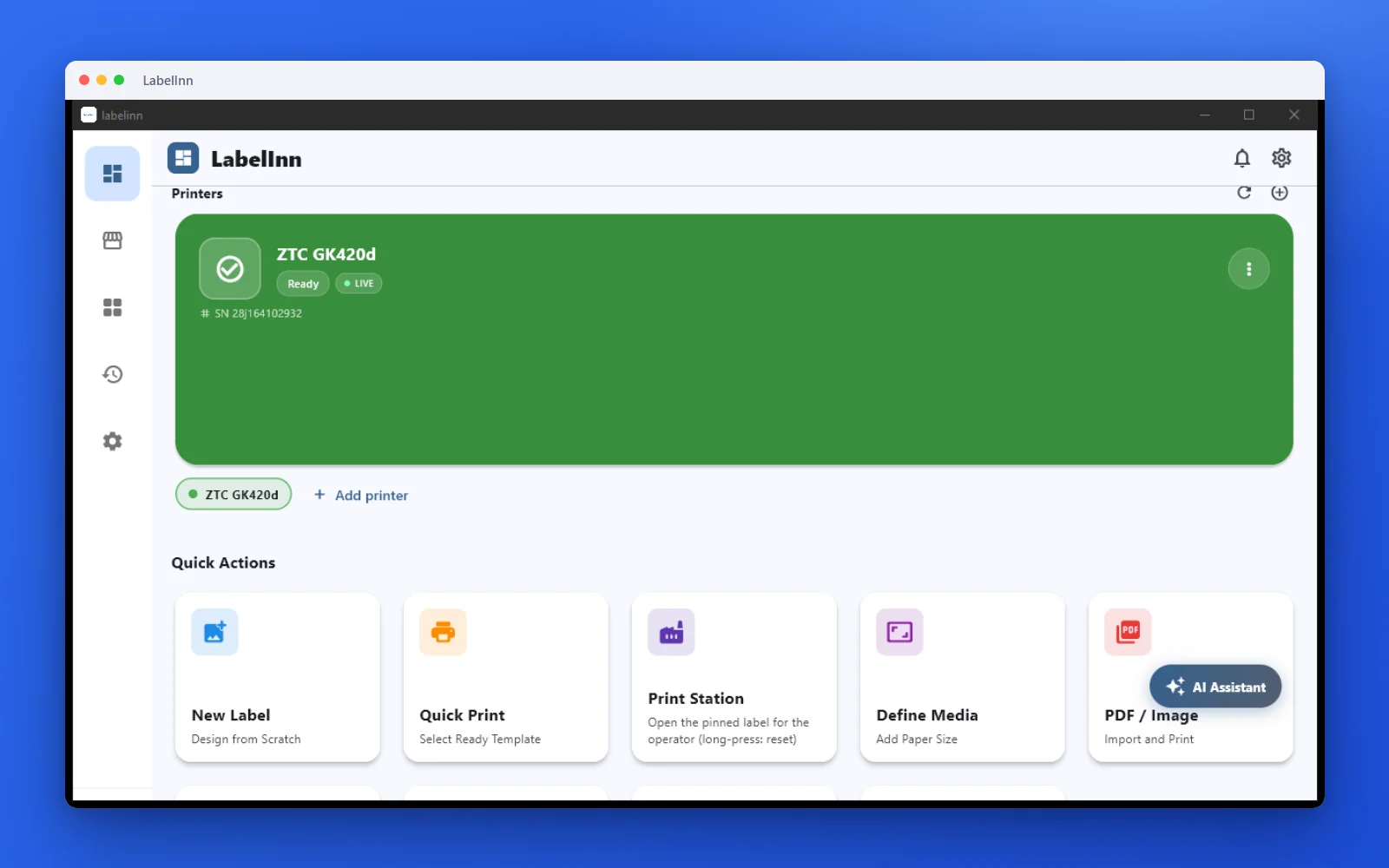
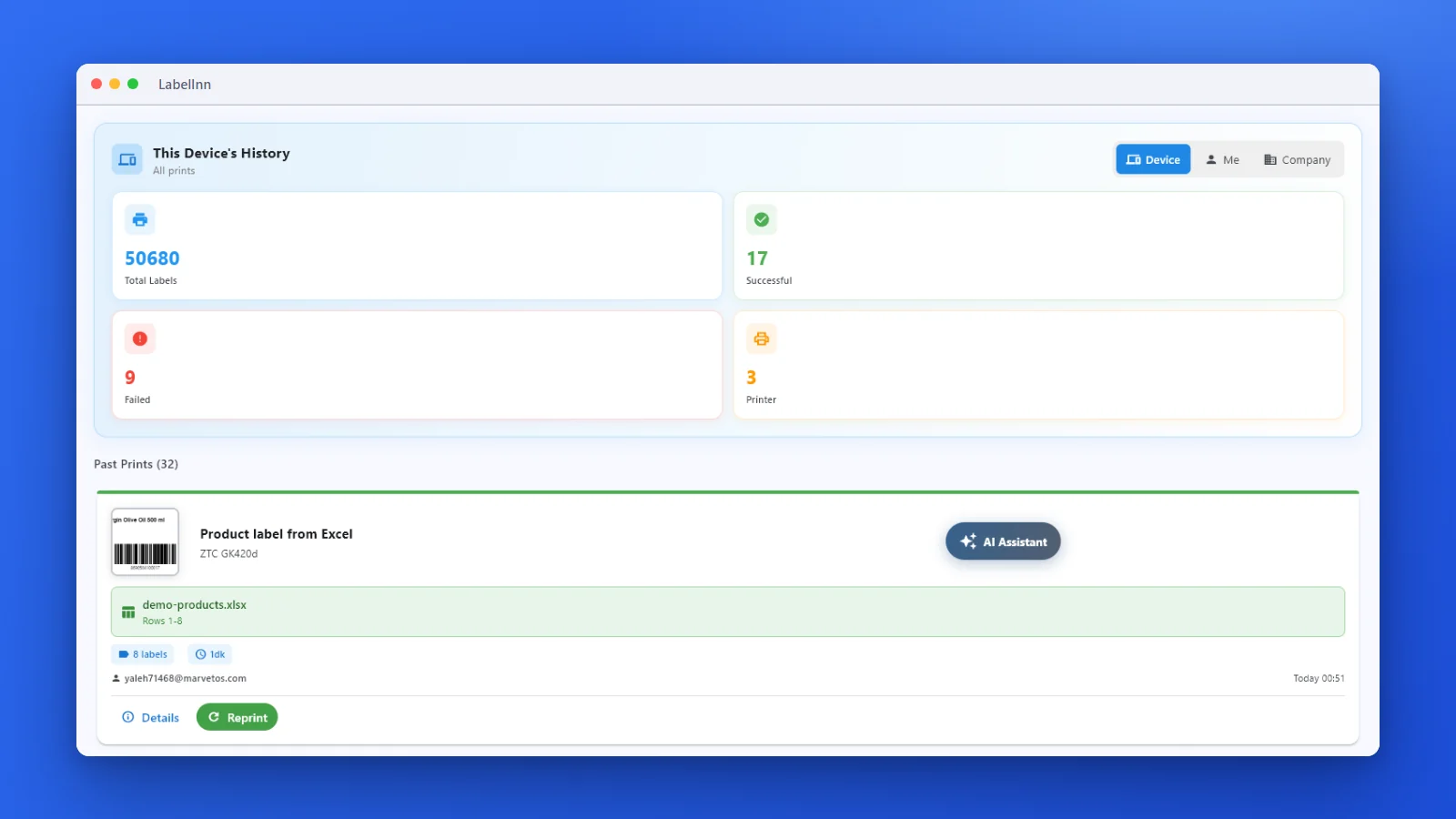
Printer status, quick actions and recent work in one place.
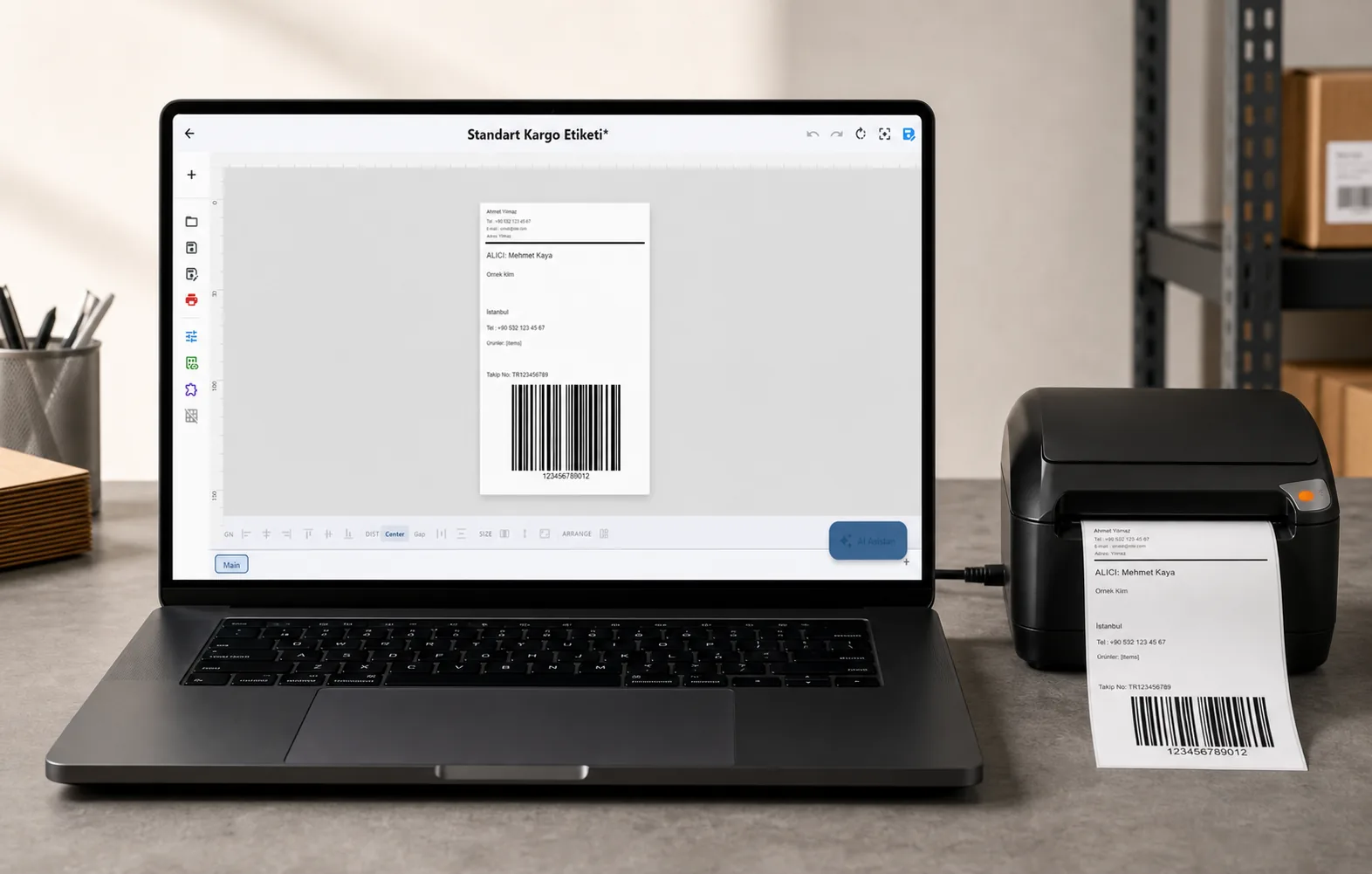
Text, barcodes, QR and images placed on the real media size.

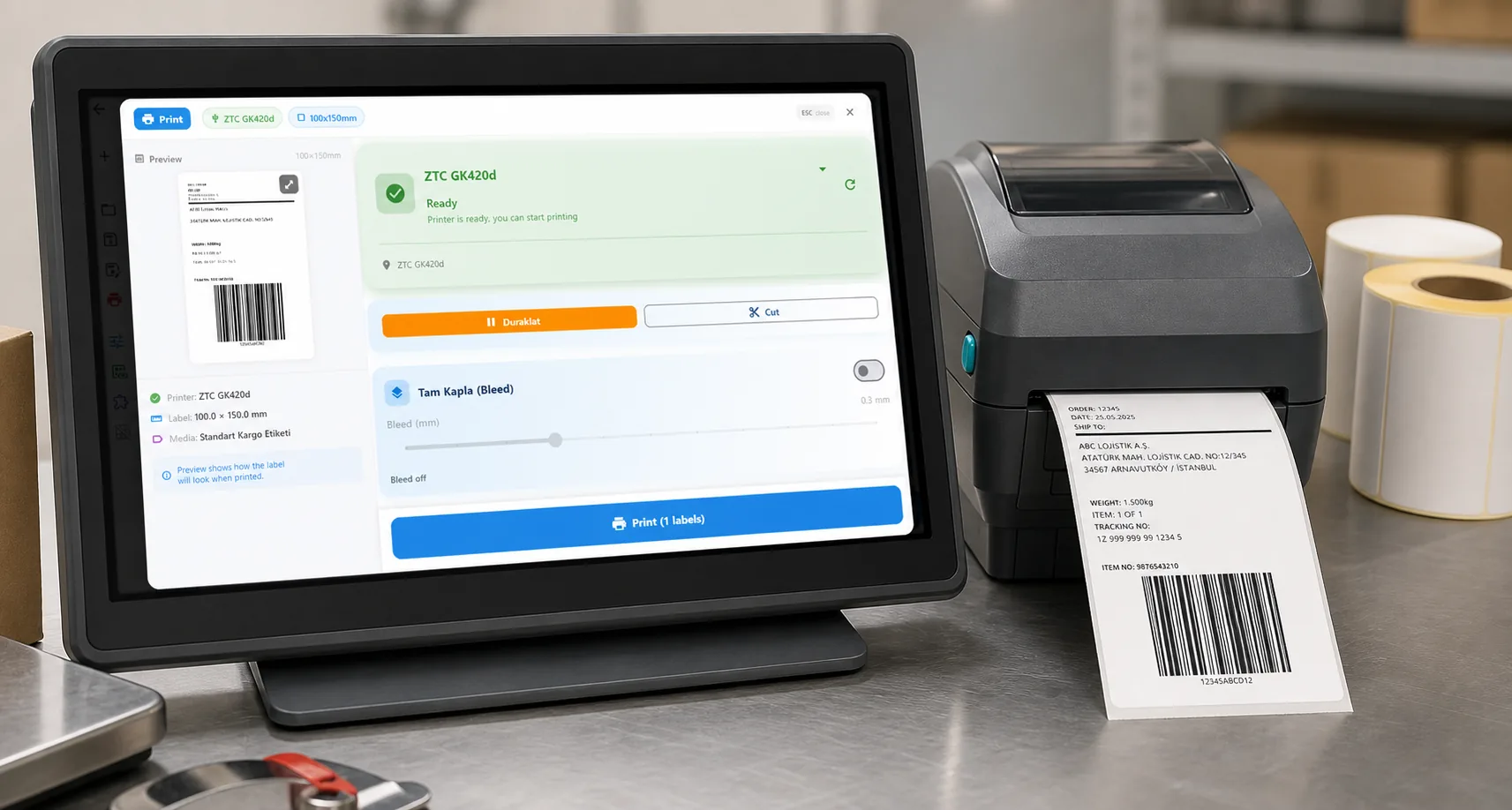
See the label, the printer state and the copy count before it prints.
01 / DECISION
Switch or stay for this job
Find your situation in the left column.
| Your situation | Better choice | Why |
|---|---|---|
| A web app or shop must print to a Zebra without a print bridge you write | LabelInn (Pro) | You send data and a design reference; LabelInn produces the ZPL. |
| The Zebra is on a customer or warehouse network you cannot reach | LabelInn (Pro) | The runtime next to the printer connects out; no VPN or open port. |
| You already print from your app with Zebra Browser Print or the Link-OS SDK and it works | Keep it | Those tools are made by Zebra for Zebra printers. Change only if you need other brands, history or a hosted API. |
| You generate your own ZPL strings | Either | LabelInn's API accepts raw ZPL (payload_type zpl), so you can keep your strings and gain delivery, status and history. |
| One-off labels designed by hand on one Windows PC | Stay on ZebraDesigner | An API would be overkill. |
02 / MAP
What maps one to one, and what does not
| In ZebraDesigner | In LabelInn | Status |
|---|---|---|
| Design in ZebraDesigner, print through the driver | Design in LabelInn (import .nlbl), submit with design_id and data | Different path |
| Raw ZPL string sent by your code | payload_type: "zpl" with payload_data | One to one |
| Printer selection in code | printer_id | One to one |
| Print status | GET /v1/print/jobs/:jobId and webhooks | New capability |
| Copies | copies from 1 to 1000 | One to one |
03 / WORKED EXAMPLE
Worked example: send your own ZPL through the API
Already have a ZPL string? The same endpoint accepts it as a raw job and adds delivery to the printer and a status you can read back:
curl -X POST https://labelinn.com/v1/print/jobs \
  -H "Authorization: Bearer sk_test_YOUR_KEY" \
  -H "X-Idempotency-Key: ZPL-TEST-001" \
  -H "Content-Type: application/json" \
  -d '{
    "printer_id": "printer_abc123",
    "payload_type": "zpl",
    "payload_data": "^XA^FO50,50^A0N,40,40^FDHello World^FS^XZ"
  }'
To let LabelInn generate the ZPL from a design instead, use "payload_type": "template" with a design_id and a data object. Raw ZPL payloads are limited to 500 KB.
04 / STEPS
Moving it across, step by step
- Create an API key and use an
sk_test_key while you build; production use is on Pro. - Register the Zebra at its site; a LabelInn runtime next to it delivers the job.
- Send the raw ZPL request above and confirm the label prints.
- Optionally import your .nlbl design and switch to template jobs with field values.
- Read the job back or subscribe to a webhook for completion events.
All ZebraDesigner comparisons: ZebraDesigner alternative. Moving the labels themselves: import .btw and .nlbl files.
ANY PRINTER
Design it, bind your data, print on the printer you already own.
Zebra, TSC, Toshiba, Epson and more — over USB, network or Bluetooth, with no driver to install.
PRICING
Start free. Pay when it earns its keep.
QUESTIONS / FAQ
Frequently asked questions
Does ZebraDesigner have an API?
We found no print API in ZebraDesigner's documentation; it is a Windows design tool. Zebra publishes separate developer tools for printing from applications, so check Zebra's developer pages for those.
How do I print to a Zebra from a web app?
Post a job to LabelInn's POST /v1/print/jobs with a printer id and either raw ZPL or a design id and data; a LabelInn runtime next to the printer delivers it. API access is on Pro.
Can I send my own ZPL?
Yes. Use payload_type "zpl" with payload_data (up to 500 KB). LabelInn adds delivery, status and history.
Is there a free way to try it?
A read-only sandbox with an evaluation quota is available on every plan, and the 14-day Pro trial at signup covers production calls.
KEEP GOING
Related
NEXT STEP / LABELINN
Print to a Zebra from code
Use a test key to send one request to your printer. · Raw ZPL or templates · Idempotency keys · Pro, 14-day trial