ZEBRADESIGNER / CSV / UPDATED 17 OCT 2026
ZebraDesigner Alternative for CSV: Print Rows Straight to a Zebra
Print CSV rows to a Zebra without ZebraDesigner Professional or a driver: delimiter rules, an inventory-tag example, watched folders on Pro.
SHORT ANSWER
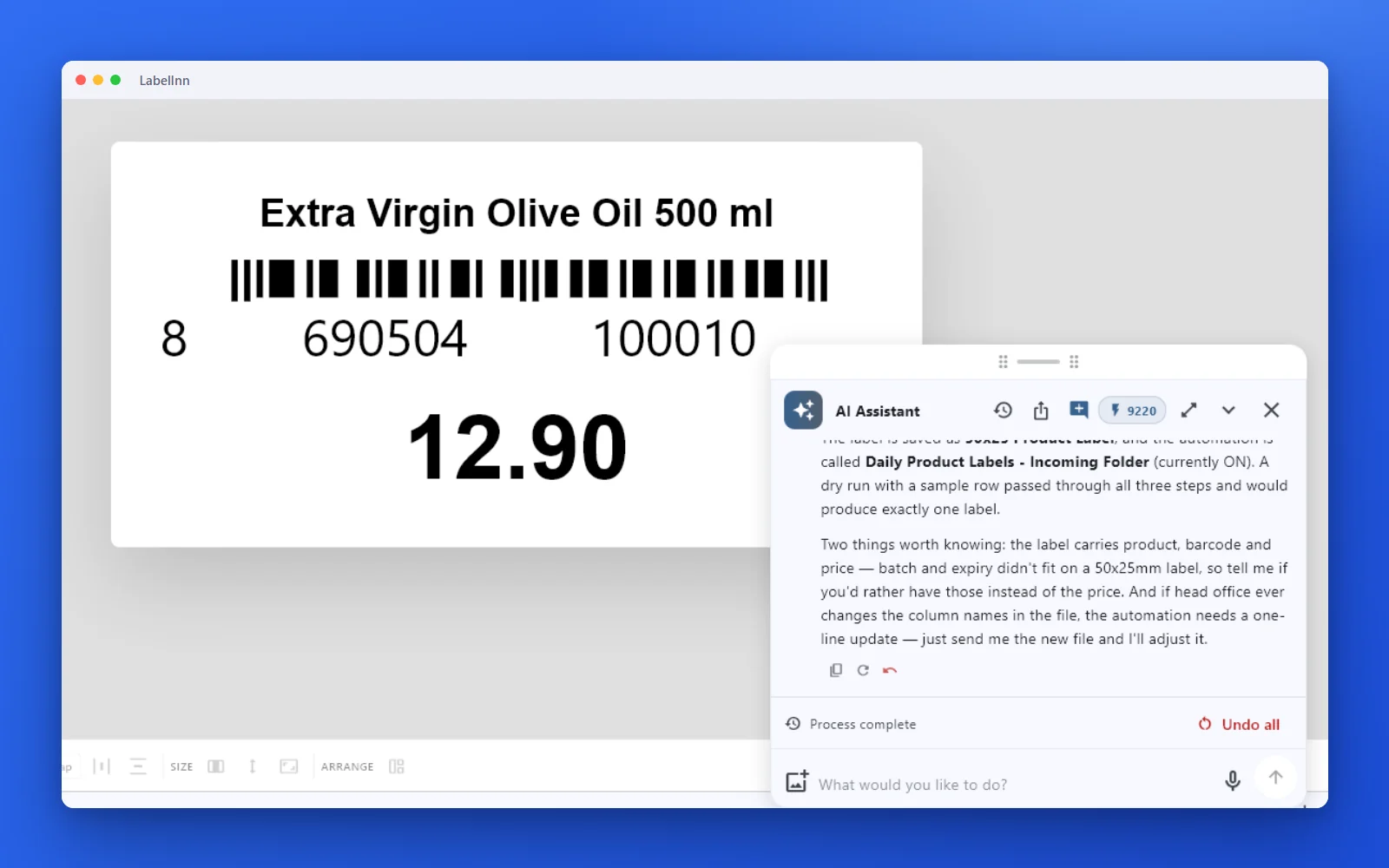
Short answer. A CSV export that has to become one Zebra label per row is a data job ZebraDesigner reserves for its Professional edition. LabelInn reads the CSV directly (comma, semicolon or tab, UTF-8 or Latin-1), binds columns on Starter, and sends ZPL to the printer without the ZDesigner driver. A watched folder (Pro) prints each new file automatically.
ZebraDesigner Essentials is free; Professional is unlocked with a one-time activation key whose price Zebra sets, so we quote none. LabelInn: CSV binding is on Starter at $7.99 a month ($79.90 a year). Yearly billing is ten months for twelve; signing up starts a 14-day Pro trial. See pricing.
Print a CSV on your Zebra today. Download →
HOW IT WORKS
Three screens from data to printed label.
No copy-paste, no hunting for templates. The same flow repeats for every record.
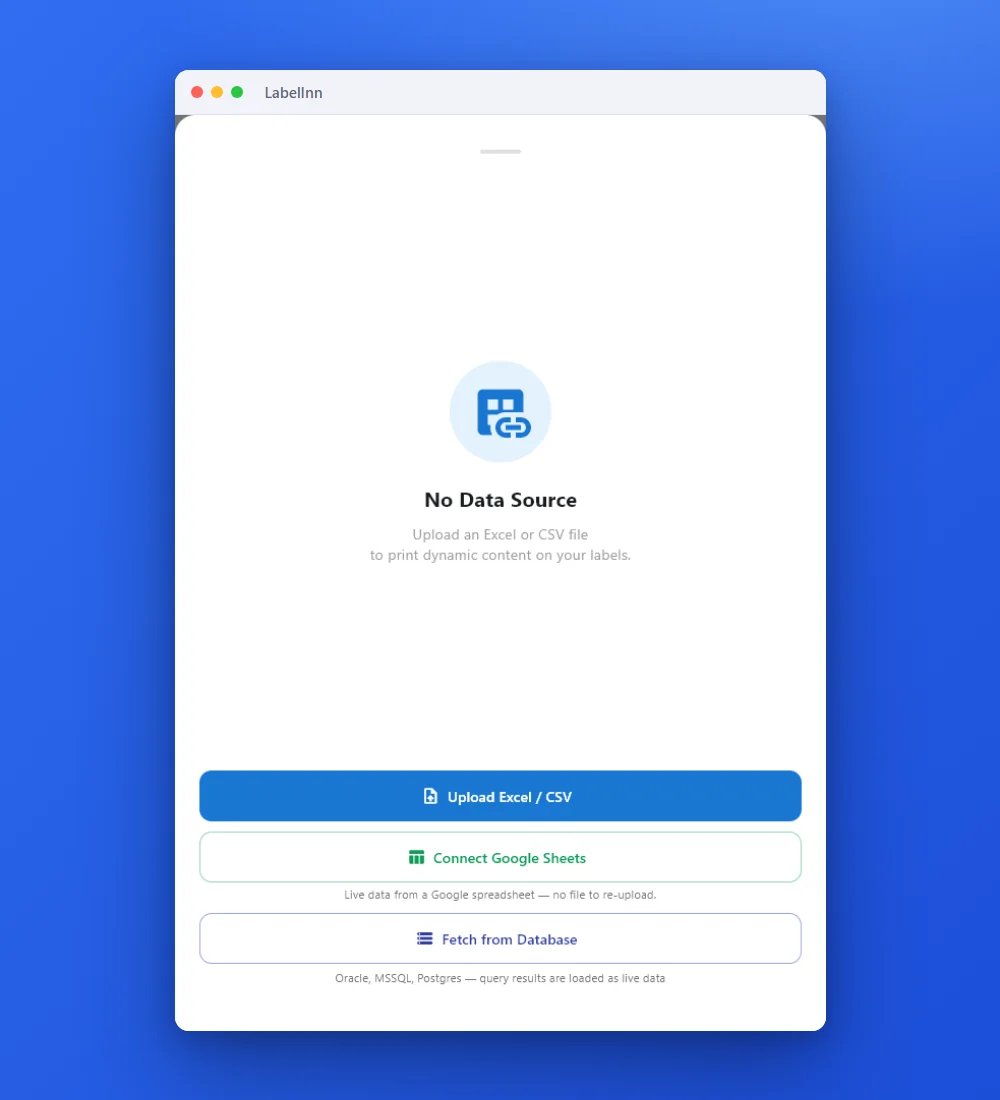
Add the Excel or CSV file as the data source; no export step.
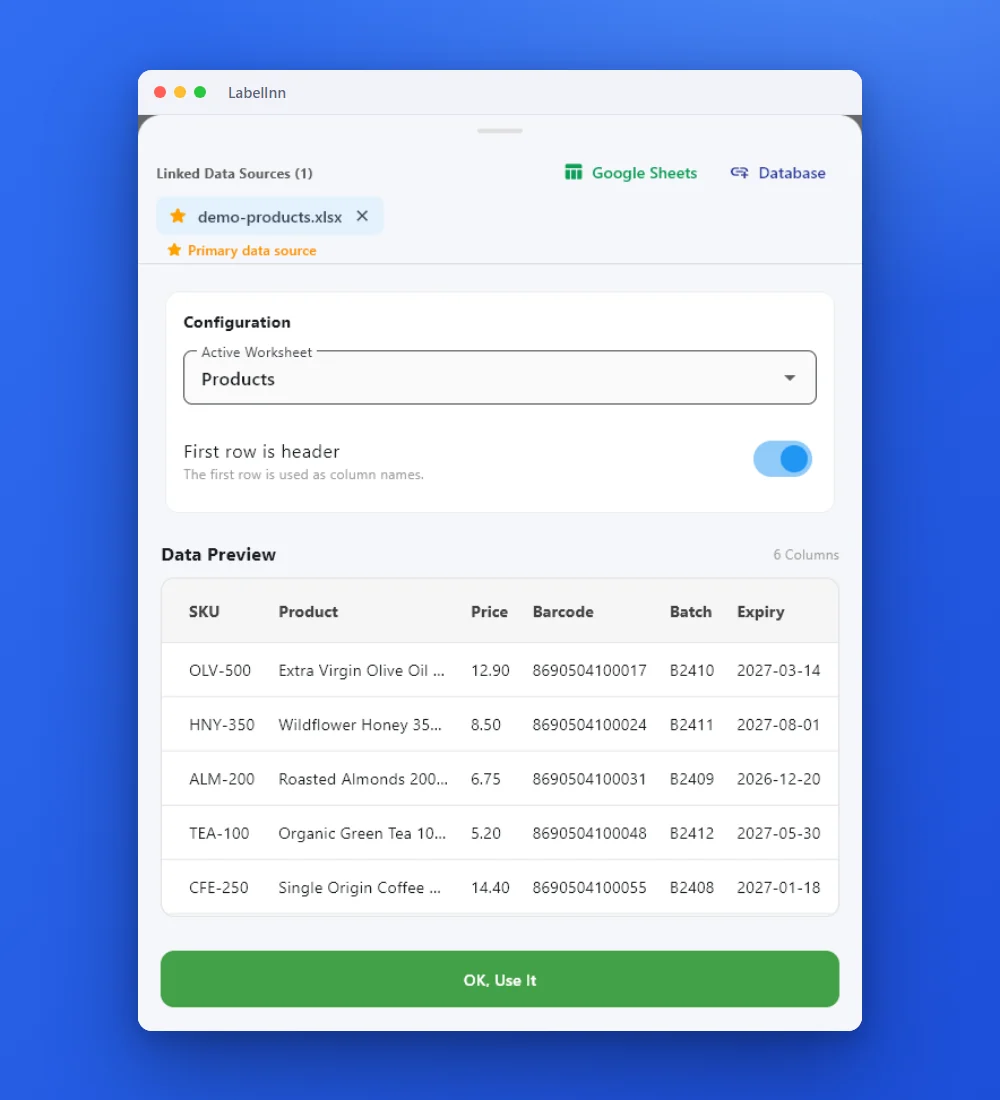
Preview the data, then drop a column onto a text, barcode or QR field.

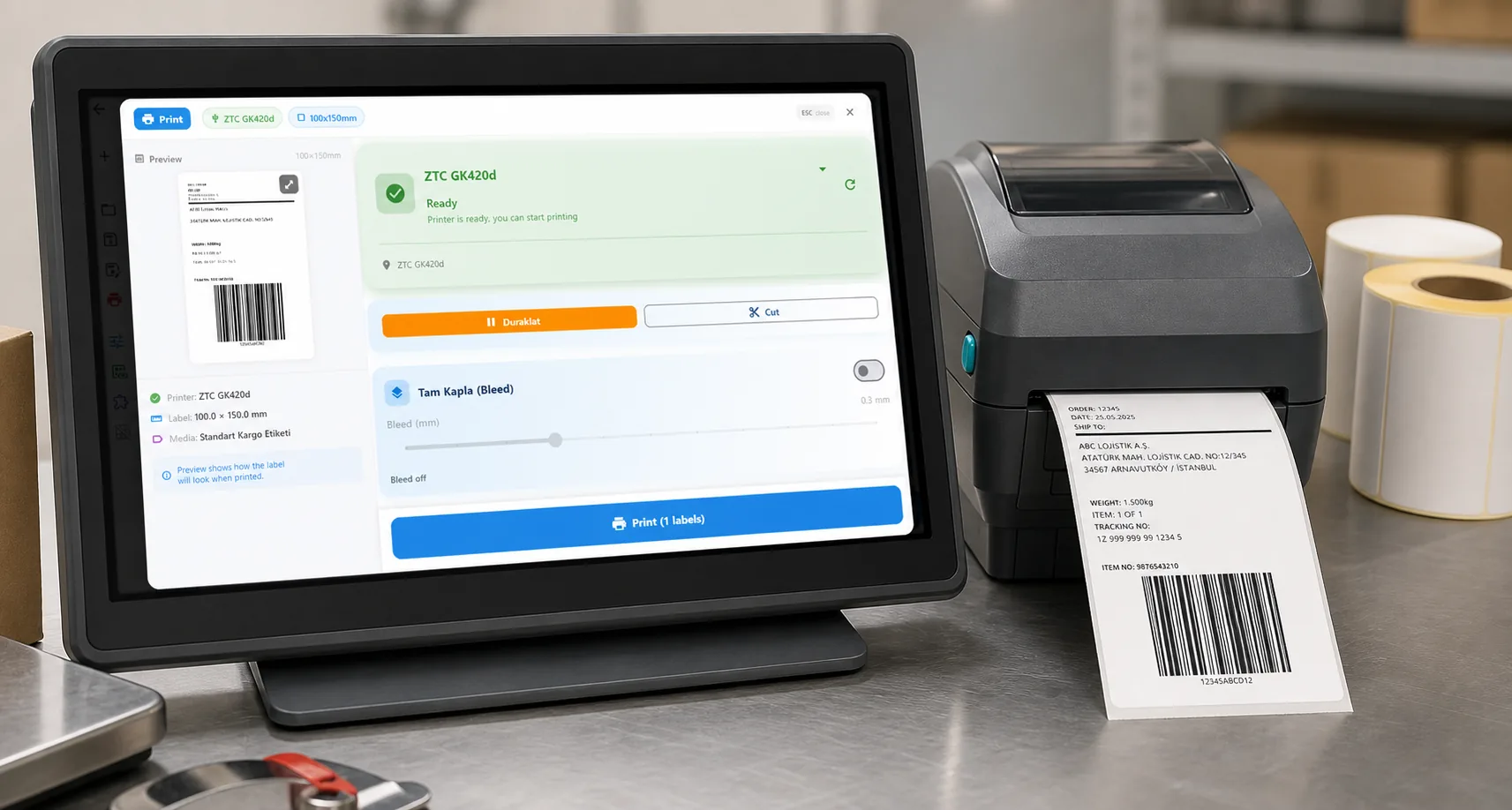
Rows × copies = total labels, shown before you press print.
01 / DECISION
Switch or stay for this job
Find your situation in the left column.
| Your situation | Better choice | Why |
|---|---|---|
| A weekly CSV of inventory or locations becomes tags on a Zebra | LabelInn (Starter) | Attach the file in the app, bind two columns, print the rows. |
| A system writes the CSV and labels must print by themselves | LabelInn (Pro) | A watched folder prints each new file, then moves, renames or deletes it. |
| One Zebra, one Windows PC, a handful of fixed labels | Stay on ZebraDesigner | Essentials is free and sufficient; skip a second tool. |
| Pipe-delimited or fixed-width export | Convert first | Only comma, semicolon and tab are detected. |
| Labels are printed from a Mac | LabelInn | ZebraDesigner is Windows only. |
02 / MAP
What maps one to one, and what does not
| In ZebraDesigner | In LabelInn | Status |
|---|---|---|
| CSV or text data source (Professional) | Attach the CSV; delimiter detected | Rebuild by hand |
| Header row option | First row as column names | One to one |
| Code page | UTF-8 or Latin-1 | One to one for two |
| Printing through the ZDesigner driver | ZPL sent directly over USB or the network | Different path |
| Automatic printing on file arrival | Watched folder (Pro) | Not in ZebraDesigner; new in LabelInn |
| Pipes and fixed width | Not detected | Not supported |
03 / WORKED EXAMPLE
Worked example: inventory tags with a location barcode
A 50 x 25 mm tag with the item name, a Code 128 of the location and a QR to the asset record:
asset_id,item,location
A-10031,Label printer ZD220,WH-01-A3
A-10032,Handheld scanner,WH-01-A4
A-10033,Pallet jack,WH-02-B1
Import your ZebraDesigner tag if you have one, or build it in minutes. Bind location to the Code 128, item to the name and asset_id to the QR. Three rows give three tags. Print row 1, scan the Code 128 and the QR, and compare the size with the old tag.
04 / STEPS
Moving it across, step by step
- Save the export as CSV with a header row (UTF-8 preferred).
- Add the Zebra in LabelInn and print one test label.
- Import the .nlbl or build the tag, then attach the CSV and bind the columns.
- Preview, print one row, scan it, then print the file. For automation, add a watched folder (Pro).
All ZebraDesigner comparisons: ZebraDesigner alternative. Moving the labels themselves: import .btw and .nlbl files.
ANY PRINTER
Design it, bind your data, print on the printer you already own.
Zebra, TSC, Toshiba, Epson and more — over USB, network or Bluetooth, with no driver to install.
PRICING
Start free. Pay when it earns its keep.
QUESTIONS / FAQ
Frequently asked questions
Can I print a CSV to a Zebra without ZebraDesigner?
Yes. LabelInn reads the CSV, binds columns to a label and sends ZPL to the Zebra over USB or the network with no driver. CSV binding is on Starter at $7.99 a month.
Which CSV formats work?
Comma, semicolon and tab delimiters, UTF-8 or Latin-1, with a header row. Pipe and fixed-width files must be converted first.
Can labels print automatically when a CSV arrives?
Yes, with a watched folder on the Pro plan; it prints each new file and then moves, renames or deletes it.
Do I lose anything moving from ZebraDesigner?
VB scripts and data manipulation from Professional are not imported and must be rebuilt, and .lbl files from older ZebraDesigner versions are not read.
KEEP GOING
Related
NEXT STEP / LABELINN
Print the next CSV on your Zebra
Try one real export file during the free trial. · No driver · Comma, semicolon, tab · Watched folder on Pro