ZEBRADESIGNER / EXCEL / UPDATED 17 OCT 2026
ZebraDesigner Alternative for Excel: Data Without an Upgrade Key
Print labels from Excel without ZebraDesigner Professional: a ZD220 shelf-label example, .nlbl import, where Essentials is enough, and the Starter price.
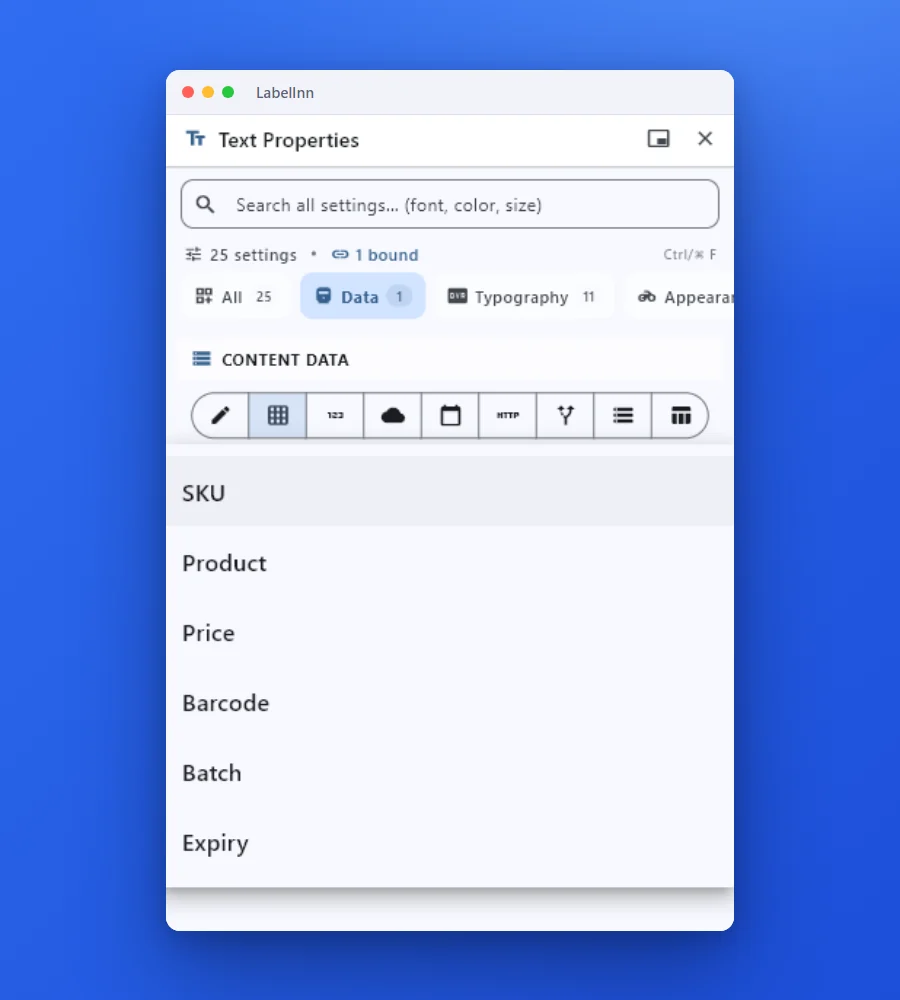
SHORT ANSWER
Short answer. Zebra lists database connectivity under ZebraDesigner Professional, a one-time purchase on top of the free Essentials edition, and both run on Windows with the ZDesigner driver. LabelInn binds an Excel workbook to a label on its Starter plan, on Windows or Mac, and sends ZPL straight to the Zebra with no driver. If Essentials covers your fixed labels, keep it; if you need a row per label, this is the move.
ZebraDesigner Essentials is free; Professional is unlocked with a one-time activation key whose price Zebra sets, so we quote none. LabelInn: Excel binding is on Starter at $7.99 a month ($79.90 a year). Yearly billing is ten months for twelve; signing up starts a 14-day Pro trial. See pricing.
Bind a sheet to a label for your Zebra today. Download →
HOW IT WORKS
Three screens from data to printed label.
No copy-paste, no hunting for templates. The same flow repeats for every record.
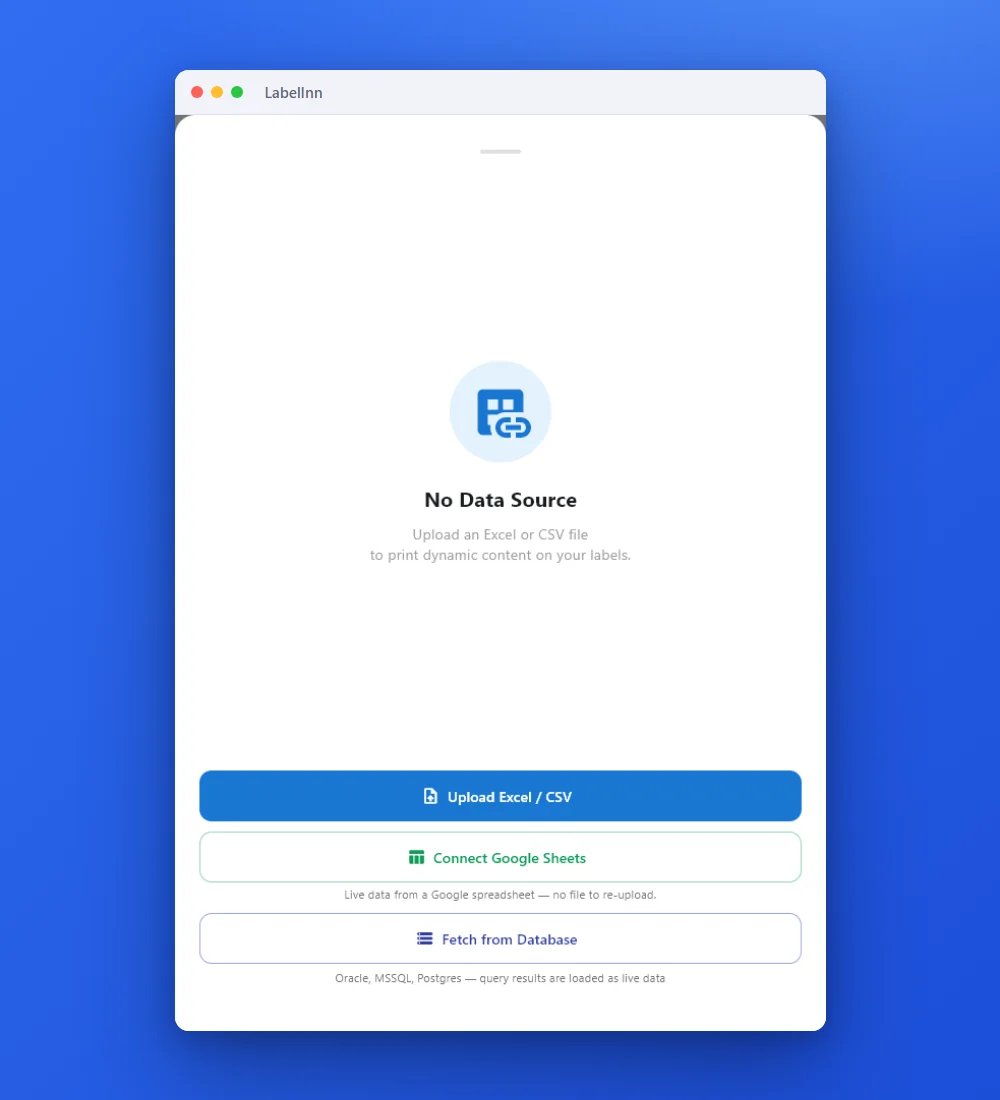
Add the Excel or CSV file as the data source; no export step.
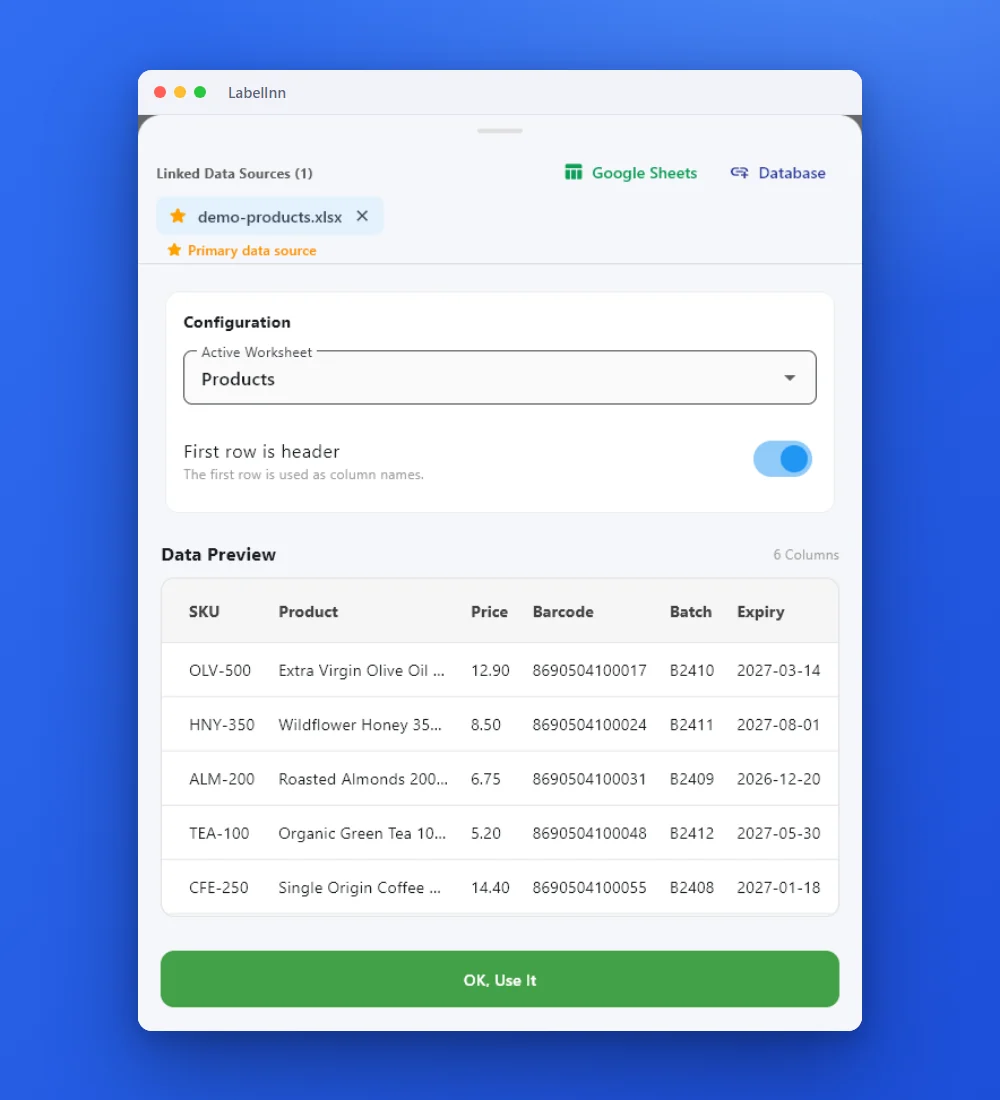
Preview the data, then drop a column onto a text, barcode or QR field.

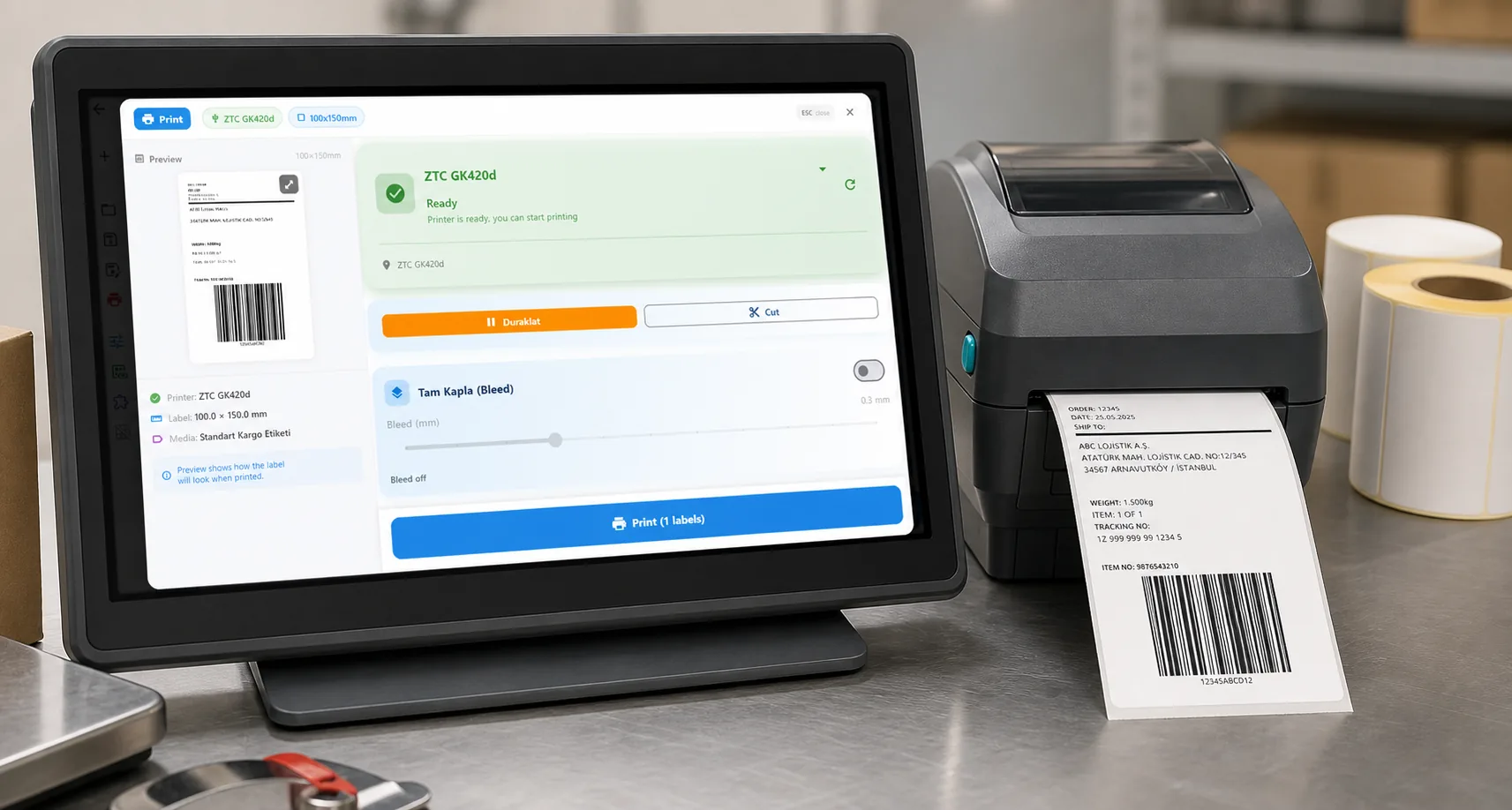
Rows × copies = total labels, shown before you press print.
01 / DECISION
Switch or stay for this job
Find your situation in the left column.
| Your situation | Better choice | Why |
|---|---|---|
| Essentials is enough: a few fixed labels, nothing from a sheet | Stay on ZebraDesigner | It is free and made by the printer maker. Nothing to gain by switching. |
| You print a row per label from Excel on a Zebra | LabelInn (Starter) | No Professional key and no driver; one label per row, copies from a column if you want. |
| The sheet lives on a Mac | LabelInn | ZebraDesigner is Windows only. LabelInn sends ZPL over USB or the network from macOS. |
| You also own a TSC or Toshiba printer | LabelInn | The same design and the same sheet print to other languages as well as ZPL. |
| Your label uses Professional's VB scripting or data manipulation | Plan a rebuild | Scripts are not imported. Rebuild with bindings, counters and dates, and compare. |
| RFID encoding from the sheet | Test before you move | LabelInn has an RFID element; we make no parity claim with ZebraDesigner. Test your tag. |
02 / MAP
What maps one to one, and what does not
| In ZebraDesigner | In LabelInn | Status |
|---|---|---|
| Database / Excel link (Professional) | Attach the workbook; sheet and header row | Rebuild by hand |
| Text, barcodes, pictures, lines, boxes in the .nlbl | Editable elements with formatting | One to one, check fonts |
| Print through the ZDesigner driver | ZPL sent directly to the printer | Different path |
| Counters and dates | Serial and date bindings (Free plan) | One to one |
| VB scripts, data manipulation | Not imported | Rebuild by hand |
| .lbl files from ZebraDesigner 1 and 2 | Not read | Not supported |
03 / WORKED EXAMPLE
Worked example: shelf labels for a ZD220
A 58 x 40 mm shelf label with the product, the price and an EAN-13, printed on a Zebra ZD220 from a sheet.
| Product | Price | Barcode (EAN-13) |
|---|---|---|
| Extra Virgin Olive Oil 500 ml | 12.90 | 8690504100010 |
| Wildflower Honey 350 g | 8.50 | 8690504100027 |
| Roasted Almonds 200 g | 6.75 | 8690504100034 |
Import the ZebraDesigner .nlbl so the layout is kept, attach the sheet, drop Product and Price on the text elements and Barcode on the EAN element. The three EANs above carry valid check digits; validate your own column before printing a thousand labels. Print row 1 and compare it with the ZebraDesigner printout: label size, edge position and scan.
04 / STEPS
Moving it across, step by step
- Download LabelInn and sign in; the 14-day Pro trial covers Excel binding.
- Add the Zebra (USB or network) and print a test label from LabelInn.
- Import the ZebraDesigner .nlbl, attach the workbook, and bind the columns.
- Preview rows, print one, compare against the ZebraDesigner label and scan the barcode.
- Print the sheet. Keep ZebraDesigner for fixed labels if you like; they do not conflict.
All ZebraDesigner comparisons: ZebraDesigner alternative. Moving the labels themselves: import .btw and .nlbl files.
ANY PRINTER
Design it, bind your data, print on the printer you already own.
Zebra, TSC, Toshiba, Epson and more — over USB, network or Bluetooth, with no driver to install.
PRICING
Start free. Pay when it earns its keep.
QUESTIONS / FAQ
Frequently asked questions
Does ZebraDesigner Essentials print from Excel?
Zebra describes Essentials as basic barcode label design and printing, and lists database connectivity under Professional, which is unlocked with a purchased activation key. Check Zebra's current edition table for your version.
Can LabelInn print Excel rows to a Zebra without a driver?
Yes. It builds ZPL and sends it over USB or the network, so no ZDesigner driver is involved. Excel binding is on Starter at $7.99 a month.
Is there a ZebraDesigner for Mac with Excel support?
No. ZebraDesigner runs on Windows only. LabelInn runs natively on macOS and reads .xlsx and .xlsm workbooks.
Can LabelInn open my ZebraDesigner labels?
Yes, ZebraDesigner 3 .nlbl files, rebuilt as editable elements. Older .lbl files are not read.
KEEP GOING
Related
NEXT STEP / LABELINN
Print a sheet to your Zebra
Attach a real sheet and print three rows on the printer you have. · No driver, no upgrade key · Windows and Mac · Starter plan