ZEBRADESIGNER / DATABASE / UPDATED 17 OCT 2026
ZebraDesigner Alternative for Databases: Replace the Professional Edition
Replace ZebraDesigner Professional database labels with LabelInn Pro: five engines, read-only queries, ZPL without a driver, and when to stay.
SHORT ANSWER
Short answer. Zebra lists database connectivity under ZebraDesigner Professional. LabelInn reads SQL Server, MySQL and MariaDB, PostgreSQL, Oracle and SAP HANA with a read-only query on the Pro plan, in the Windows app, and sends ZPL to the Zebra without a driver. If you use ZebraDesigner against another ODBC source or script around the data, stay or plan a rebuild.
ZebraDesigner Essentials is free; Professional is unlocked with a one-time activation key whose price Zebra sets, so we quote none. LabelInn: Database sources are on Pro at $24.90 a month ($249.00 a year). Yearly billing is ten months for twelve; signing up starts a 14-day Pro trial. See pricing.
Run one query and print it on your Zebra. Download →
HOW IT WORKS
Three screens from data to printed label.
No copy-paste, no hunting for templates. The same flow repeats for every record.
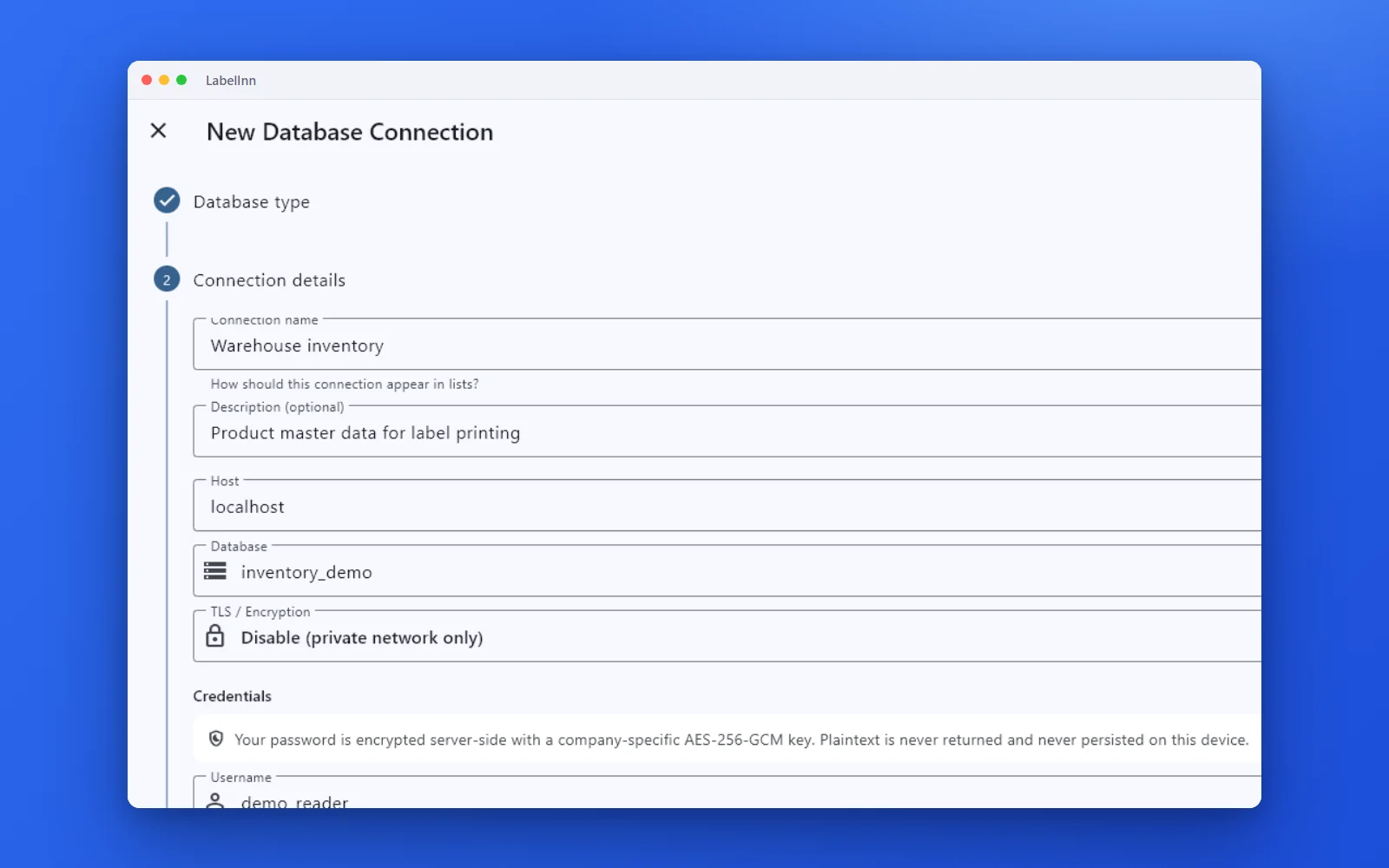
Choose the engine, test the connection and browse the schema.
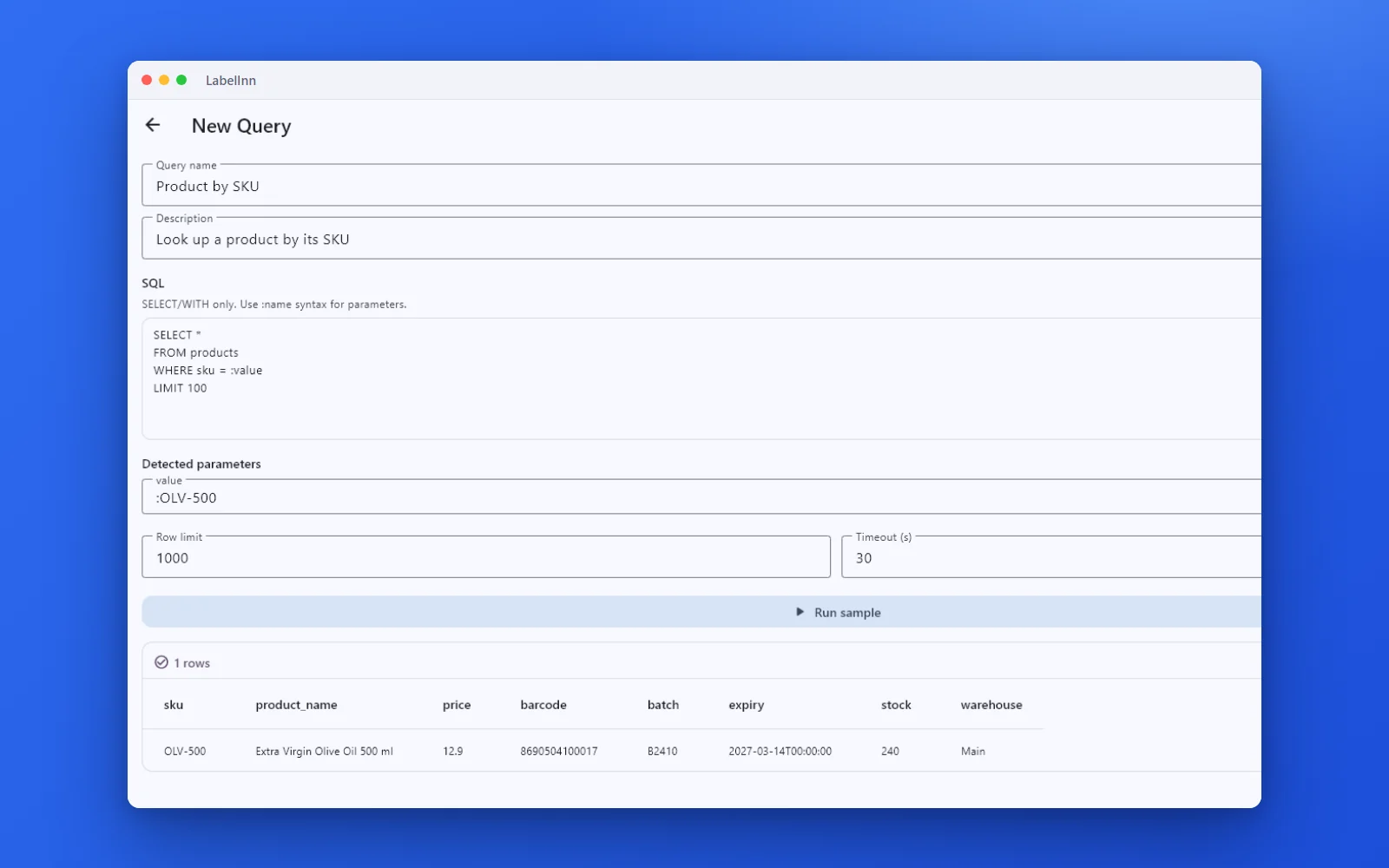
A named, parameterised query returns the rows a label needs.

Preview, pick the printer and print the result.
01 / DECISION
Switch or stay for this job
Find your situation in the left column.
| Your situation | Better choice | Why |
|---|---|---|
| ZebraDesigner Professional reads a table in one of the five engines | LabelInn (Pro) | Same idea: a query returns rows, columns drop on fields, ZPL goes to the printer. |
| You print from a database on a Mac | Split the work | The database connection runs in the Windows app. A Mac can use Excel, CSV or the REST API. |
| Another ODBC source, or VB scripts shaping the data | Stay on ZebraDesigner | LabelInn offers five engines and no VB scripting. |
| One Zebra and a single static database label | Stay on ZebraDesigner | If Professional is already activated and working, there is nothing to fix. |
| A queue table should print new rows once, unattended | LabelInn (Pro) | Watched tables with a readiness column and mark-as-printed. |
02 / MAP
What maps one to one, and what does not
| In ZebraDesigner | In LabelInn | Status |
|---|---|---|
| Database connectivity (Professional) | Database wizard with a named SELECT query | Rebuild by hand |
| Fields linked to columns | Drop a column on an element | Rebuild by hand |
| VB scripting and data manipulation | Not imported | Rebuild by hand |
| Printing through the ZDesigner driver | ZPL sent directly | Different path |
| Write access to the database | Read-only queries; workflow write-back step | Differs |
| Other ODBC sources | Not available | Not supported |
03 / WORKED EXAMPLE
Worked example: PostgreSQL stock labels on a Zebra
A stock view lists the products that need a new shelf label. The query returns the 25 newest rows:
SELECT sku, product_name, price, ean13
FROM stock_labels
WHERE needs_label = true
ORDER BY updated_at DESC
LIMIT 25
Import the ZebraDesigner .nlbl, bind ean13 to the barcode and product_name and price to text. The result grid shows the 25 rows that will print. Print row 1 to the Zebra and scan the EAN before the run.
04 / STEPS
Moving it across, step by step
- Get a read-only account for the view and note host, port and schema.
- In the Windows app add PostgreSQL (default port 5432), test the connection and browse the schema.
- Write the query with LIMIT n and run it.
- Import the .nlbl and bind the fields to the query columns.
- Print a few rows to the Zebra next to ZebraDesigner and compare.
All ZebraDesigner comparisons: ZebraDesigner alternative. Moving the labels themselves: import .btw and .nlbl files.
ANY PRINTER
Design it, bind your data, print on the printer you already own.
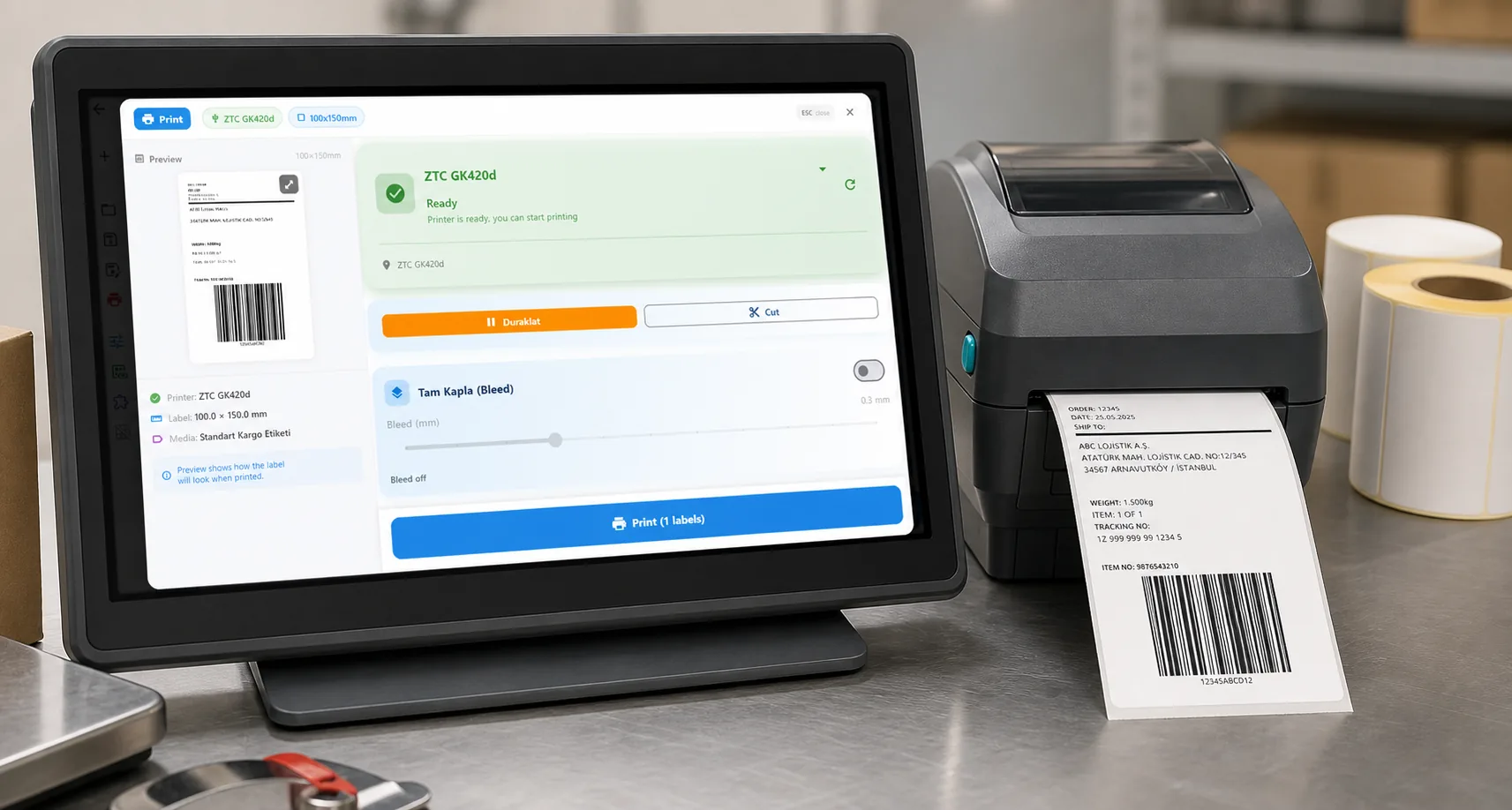
Zebra, TSC, Toshiba, Epson and more — over USB, network or Bluetooth, with no driver to install.
PRICING
Start free. Pay when it earns its keep.
QUESTIONS / FAQ
Frequently asked questions
Can LabelInn replace ZebraDesigner Professional for database labels?
For SQL Server, MySQL and MariaDB, PostgreSQL, Oracle and SAP HANA with a SELECT query, yes: it needs Pro and the Windows app. Scripts and other ODBC sources are not covered.
Do I need the ZDesigner driver?
No. LabelInn sends ZPL directly to the Zebra over USB or the network.
Which LabelInn plan reads a database?
Pro at $24.90 a month ($249.00 a year); the 14-day trial at signup is Pro.
Is the database access safe?
Queries are read-only (SELECT only) and run from a bridge on your own machine, so credentials stay on your network. Still use a read-only database account.
KEEP GOING
Related
NEXT STEP / LABELINN
Print a database query on your Zebra
Run a read-only query during the trial. · Five database engines · ZPL, no driver · Pro, 14-day trial