PRO — $24.90/MO / 14-DAY PRO TRIAL ON SIGNUP
Print labels straight from PostgreSQL
Connect the LabelInn Windows app to PostgreSQL, write a read-only SELECT ... LIMIT query, and each row prints as one label. Run on PostgreSQL 16.14 through the real connector, including the checks that refuse EXEC, FOR UPDATE, two statements, and a text literal that contains DELETE.
Video / 1:27
Watch: Print labels from a database
1:27 walkthrough in the real app. Step-by-step page →
HOW IT WORKS
Three screens from data to printed label.
No copy-paste, no hunting for templates. The same flow repeats for every record.
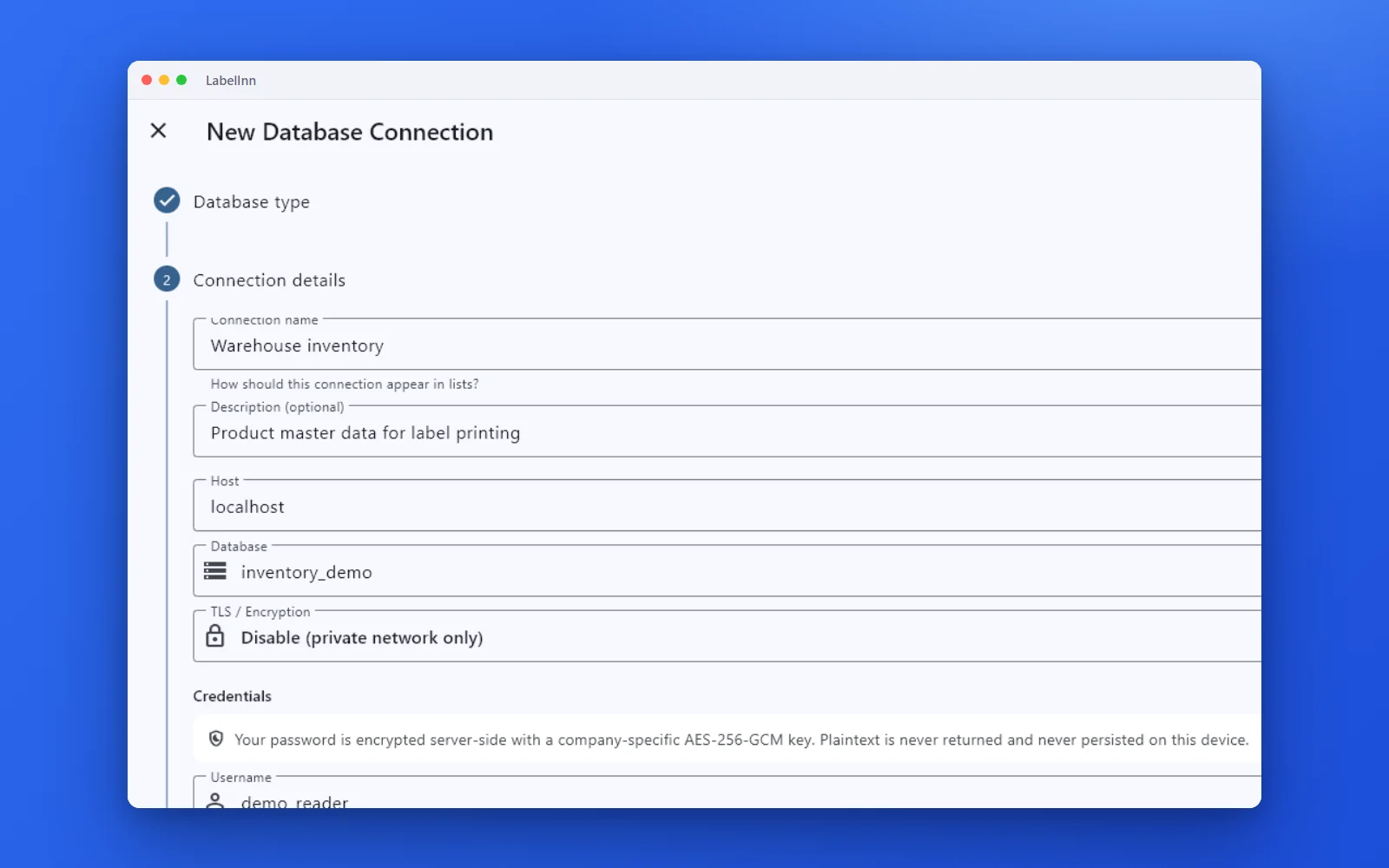
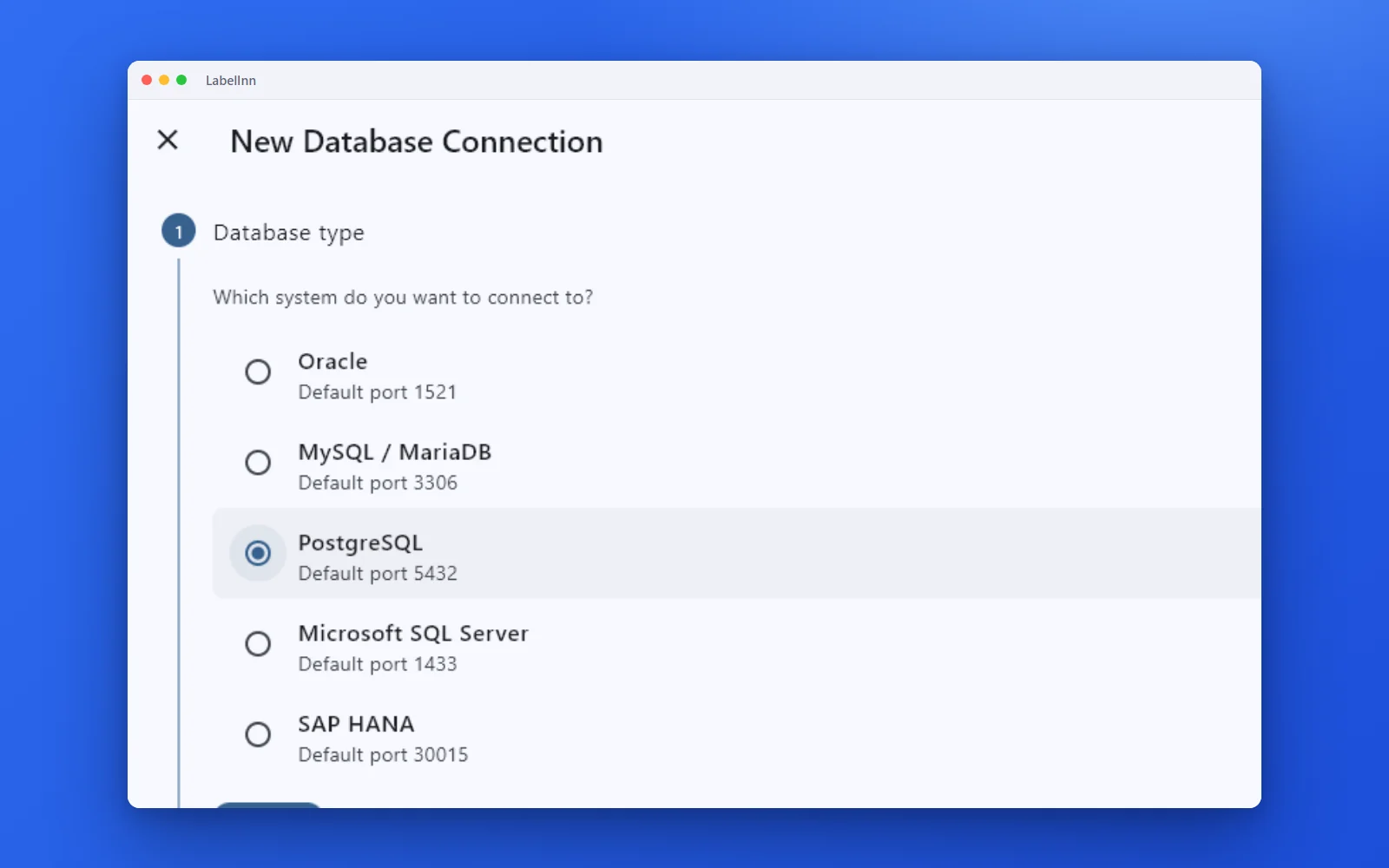
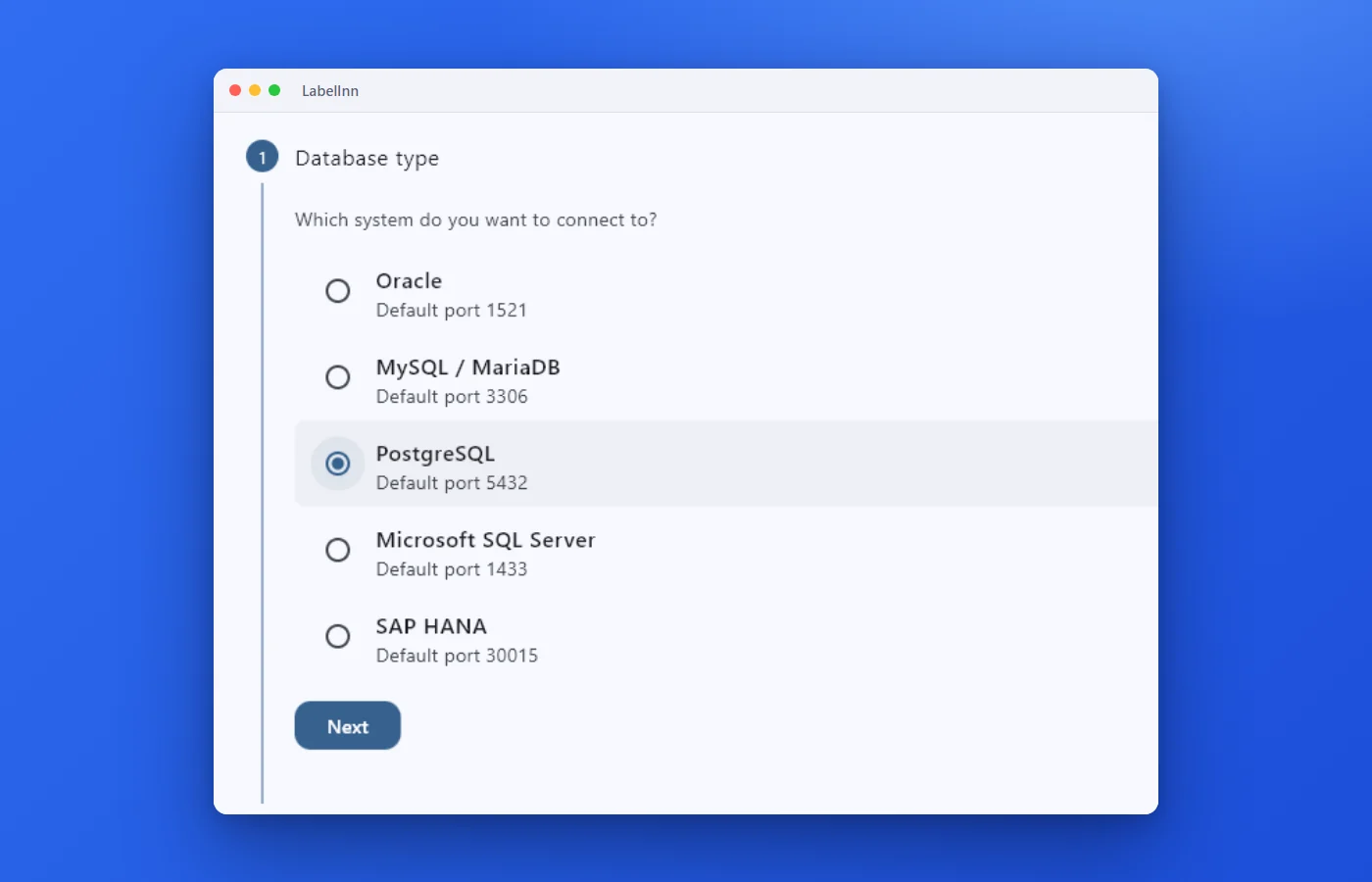
Choose the engine, test the connection and browse the schema.
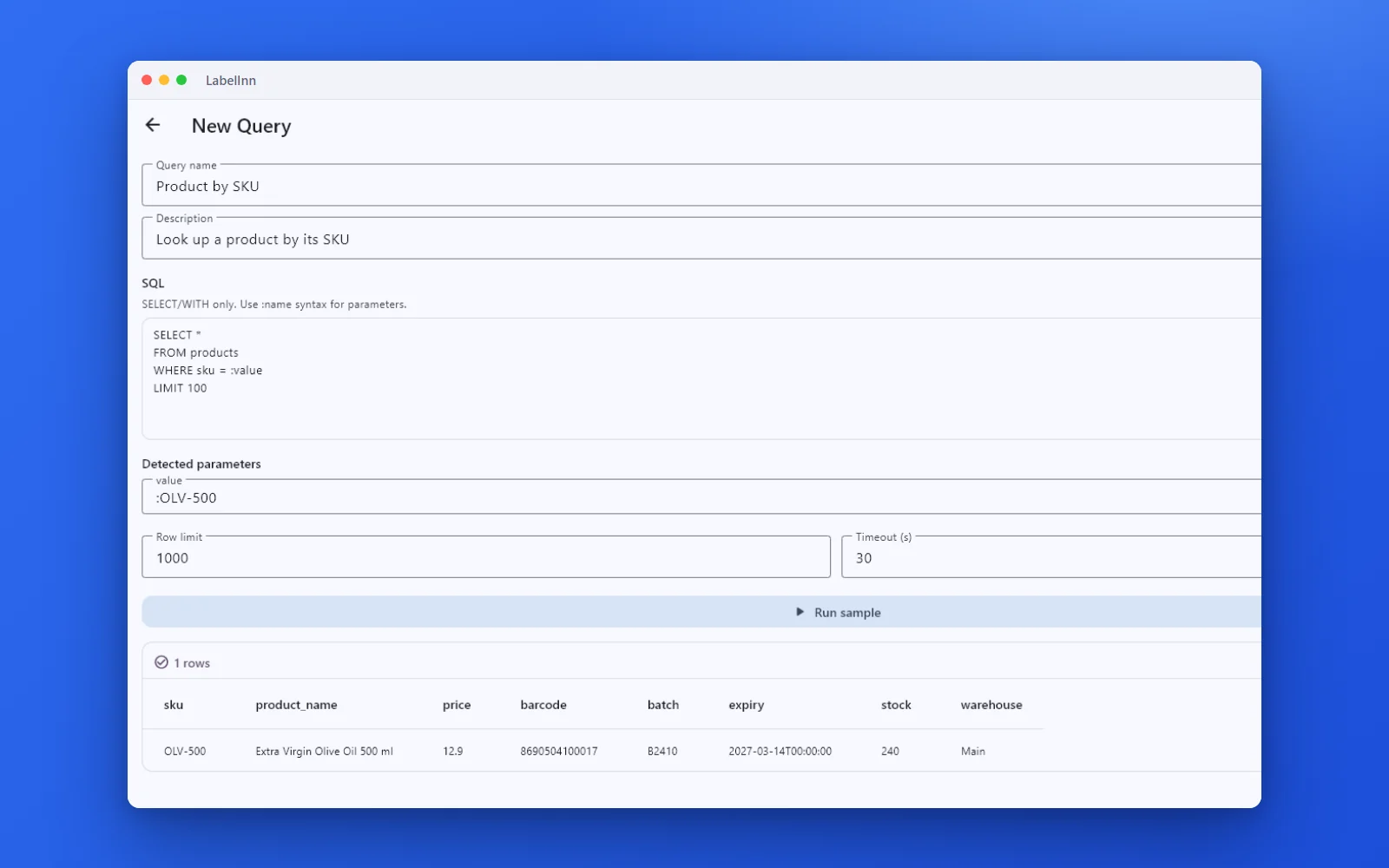
A named, parameterised query returns the rows a label needs.

Preview, pick the printer and print the result.
01
Who this is for
Product, logistics and manufacturing teams whose application database is PostgreSQL and whose labelling is still a manual copy-paste step.
02
Step by step
- Install the LabelInn Windows app on a PC that can reach the server. The database driver is built in; there is nothing else to install.
- Add the PostgreSQL connection: host, port 5432, database and a database user that can read the tables you need.
- Write the PostgreSQL query that returns exactly the rows you want to label, one row per label.
- Map each result column onto a label field — text, barcode, QR or RFID — then preview a few rows.
- Print the result set, or save the query so the next run is one click.
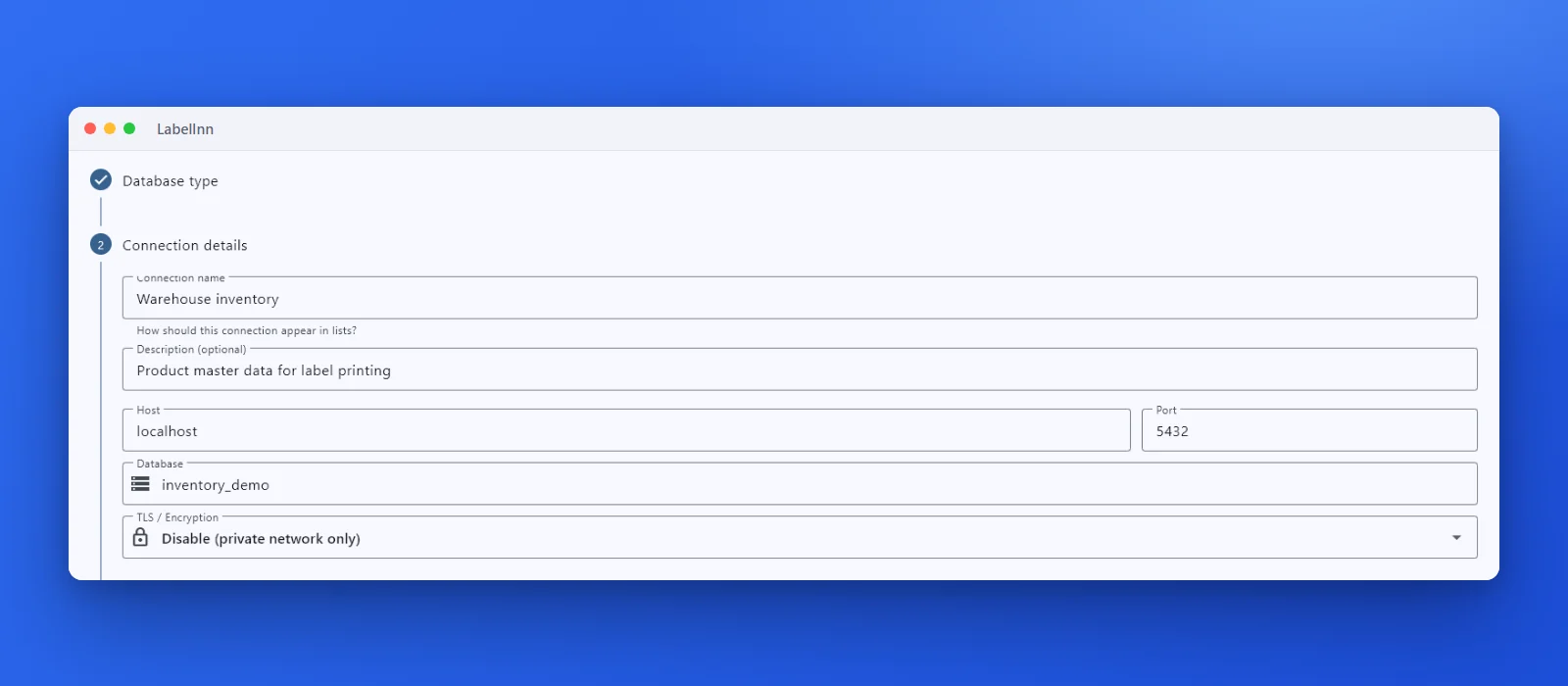
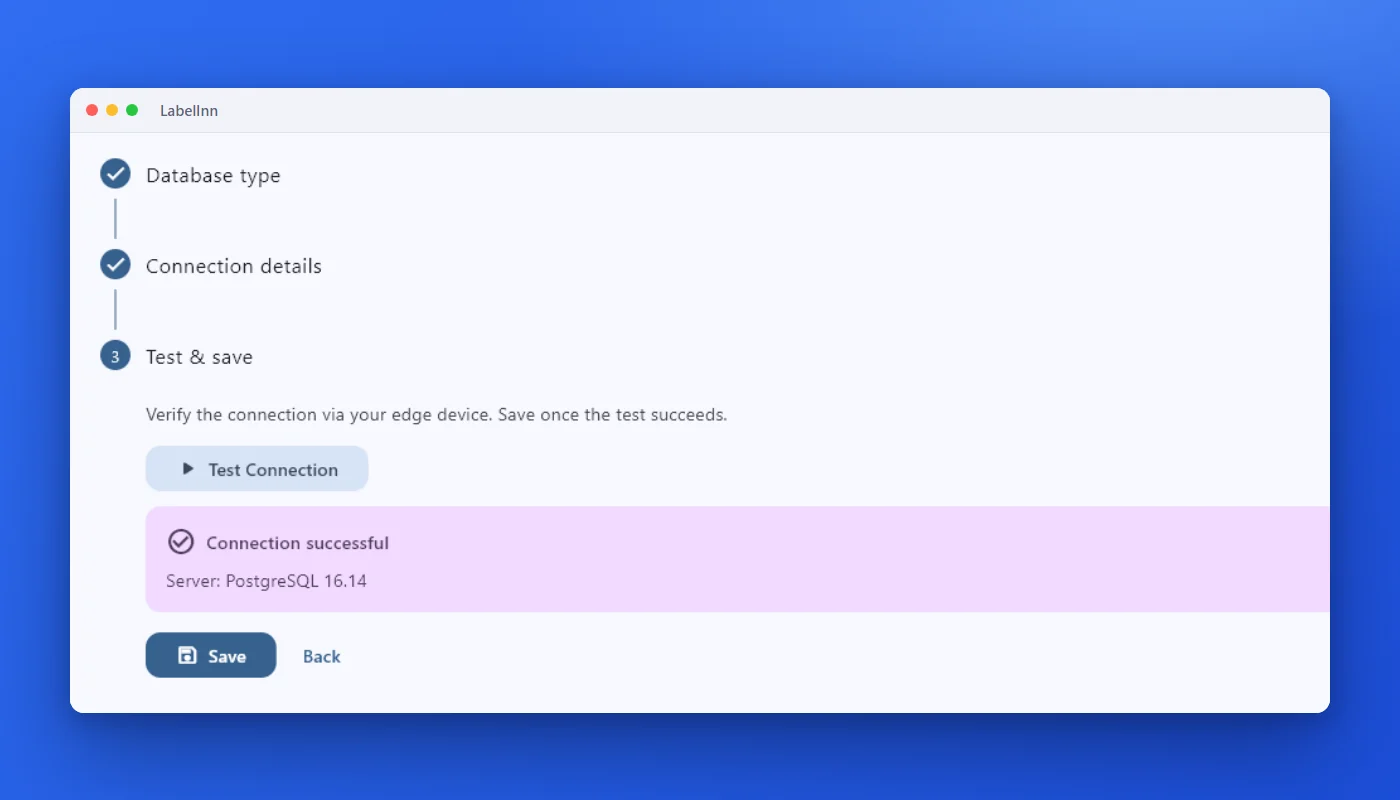
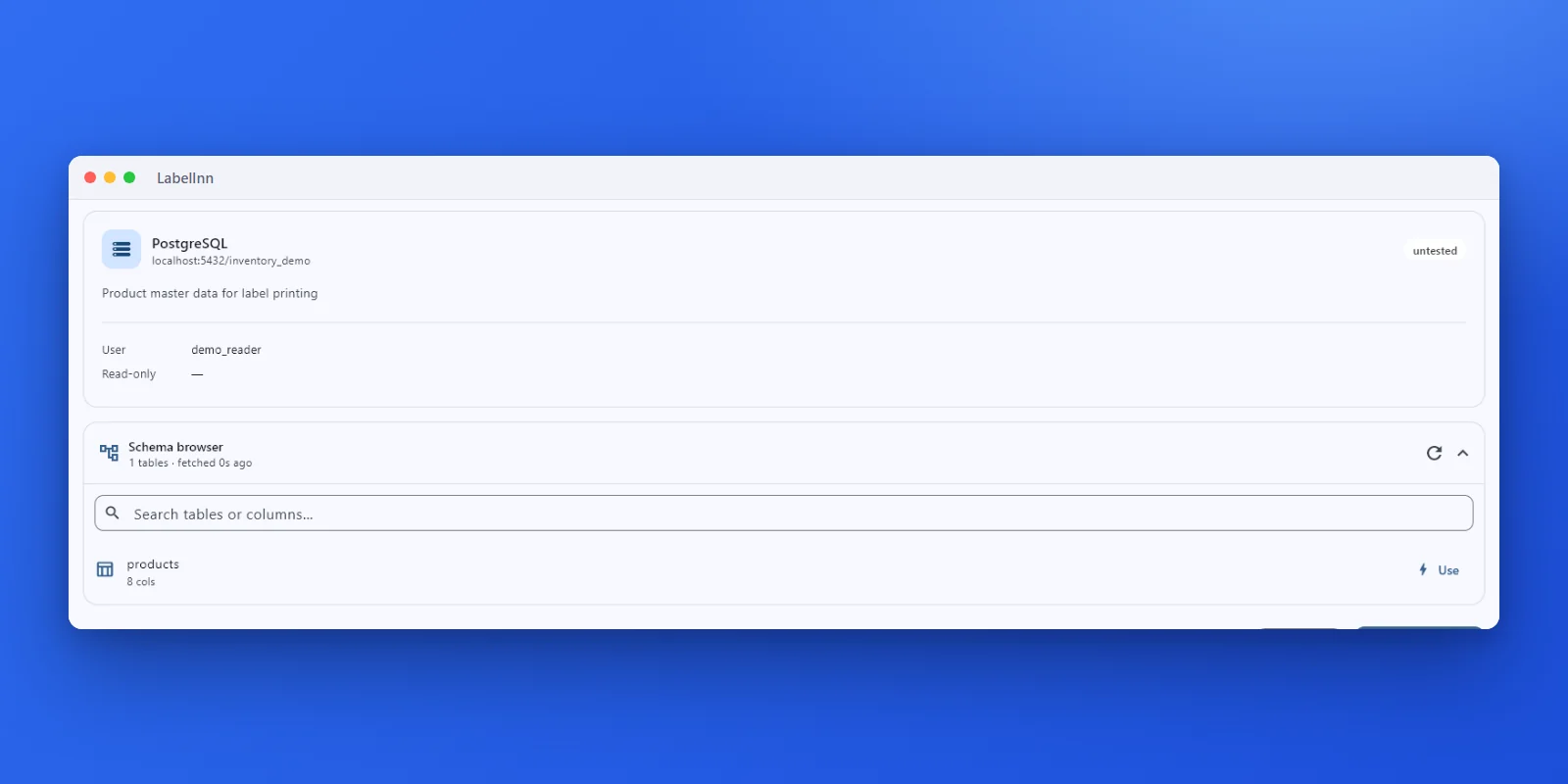
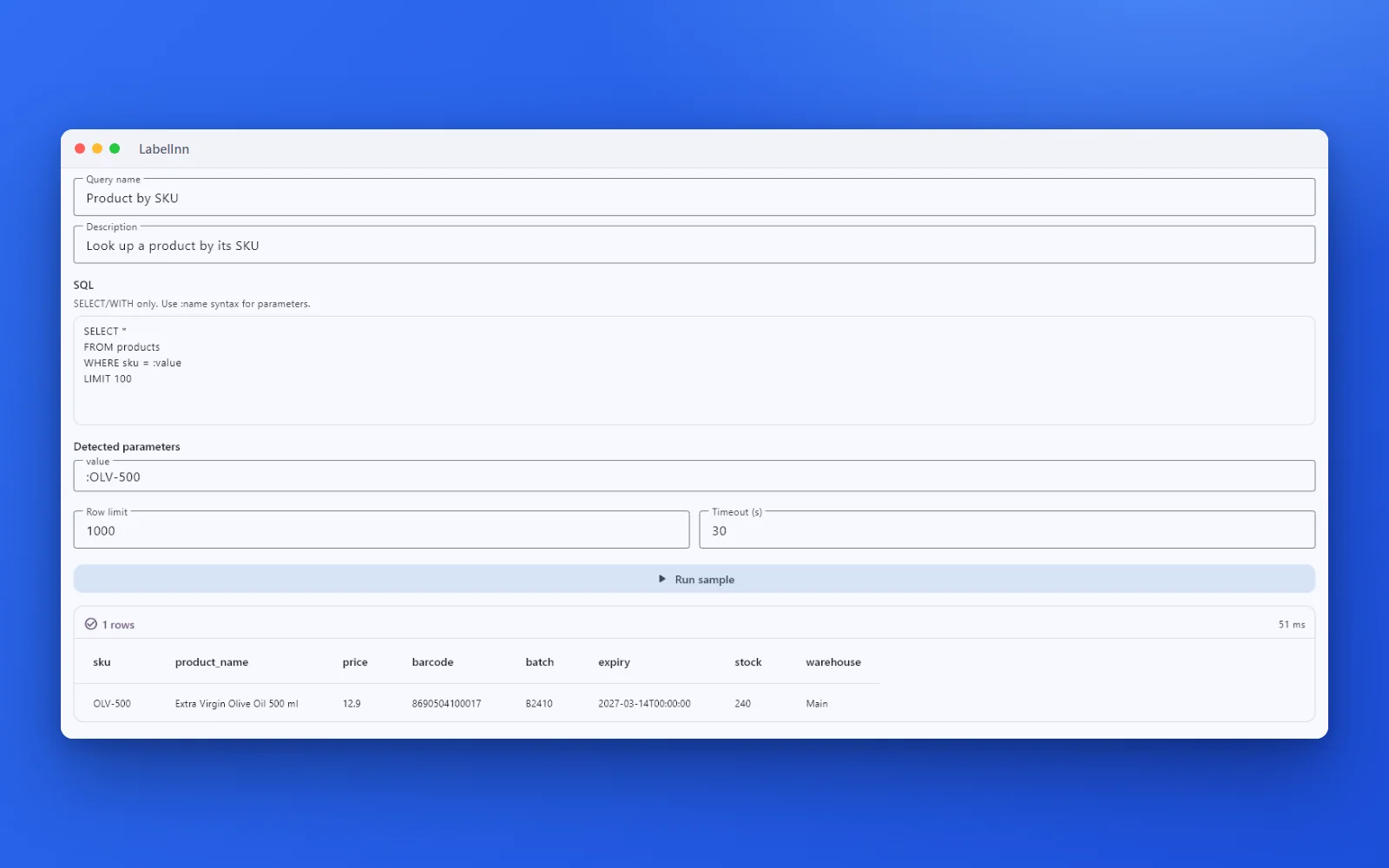
Write ordinary PostgreSQL. Append LIMIT n while you are testing so a preview never pulls the whole table.
Try it with your own data — signing up starts a 14-day Pro trial, no credit card. After that database sources need Pro at $24.90/mo. Download now → | See pricing →
03
What you can do
- Result columns bind to any label field, so barcode and QR content comes straight out of PostgreSQL.
- Re-run the saved query whenever you need the current rows — no export, no copy-paste, no stale file.
- Mix database columns with static text, counters, dates and serial numbers on one label.
- Printed rows are recorded in the print history, so a reprint or an audit can find the exact job later.
- Queries can be parameterised, so an operator supplies a work order or batch number instead of editing SQL.
04
Technical details
| Item | Detail |
|---|---|
| Engine | PostgreSQL |
| Default port | 5432 |
| Query language | PostgreSQL |
| Driver | Built into the bridge: Npgsql 8.0.3. Nothing else to install. |
| Platform | Windows desktop app only. The connector is a Windows program that runs next to the app; on macOS and Linux use Excel or CSV. |
| Credentials | A connection created in the desktop app keeps its password in the PC's secure storage (Windows DPAPI); host, port, database and user name are saved with the connection. A connection created from the dashboard or the API stores the password encrypted (AES-256-GCM) in your company's cloud record and the PC fetches it when it runs a query. |
| Access | Read-only: only SELECT and WITH statements run. The connection test reports the server version and whether the account looks read-only. |
| Defaults | Row limit 1000 and timeout 30 seconds per saved query (both editable, timeout up to 300). |
| Plan | Pro ($24.90/month, $249/year). Without it you can still connect, run the query and see the first 10 rows; binding an element or printing the set needs Pro. The 14-day trial from sign-up includes it. |
05
Requirements for a direct database connection
- The LabelInn Windows desktop app, on a PC that can reach the database server. The connector does not run on macOS.
- Nothing to install for the database driver: it is built in.
- A database user with
SELECTon the tables you label and nothing else. LabelInn never needs write access for printing. - A Pro plan or the 14-day trial to bind and print; connecting and previewing 10 rows is open to every plan.
CONNECTING
PostgreSQL specifics
| Setting | What to enter |
|---|---|
| Host and port | Server name and 5432. |
| Database | The database name. Required. |
| TLS | "Require" by default. "Prefer" lets the driver negotiate; "Disable" turns SSL off for intranets (the screenshot shows that choice for a local test). |
| User | A role with SELECT and CONNECT. The test checks table privileges and flags a role that can write. |
THE QUERY
A label query in PostgreSQL
SELECT sku, product,
       price::text AS price,                          -- 4.90 stays 4.90
       barcode, batch,
       to_char(expiry, 'DD.MM.YYYY') AS expiry        -- 31.03.2027
FROM labelinn_demo_products
WHERE batch = :batch
ORDER BY sku
LIMIT 50
LIMIT nis the usual form;FETCH FIRST n ROWS ONLYalso ran.TOPfails with SQLSTATE 42601.:batchworks: the connector rewrites:nameto@namefor Npgsql. Value used in the test:L2610-A, 3 rows.- Case folding. Unquoted names are folded to lower case, so
SKUandskuare the same, but a quoted"SKU"is a different column: the test returned SQLSTATE 42703 (column "SKU" does not exist). numeric(8,2)arrives as the number 4.9 anddateas2027-03-31T00:00:00;::textandto_chargive4.90and31.03.2027.
This exact query was run through the real connector on PostgreSQL 16.14 on 17 October 2026 and returned 3 rows with 4.90 and 31.03.2027.
THE READ-ONLY GUARD
What the connector refuses before it reaches the server
Every query passes a check that allows only SELECT and WITH. These cases were sent to a real PostgreSQL through the connector.
| Statement | Result |
|---|---|
SELECT sku FROM ... LIMIT 1; (trailing semicolon) | Allowed: the final ; is trimmed |
SELECT 1; SELECT 2 | Refused: sql_blocked, multiple statements |
-- comment line, then WITH x AS (...) SELECT ... | Allowed: comments are stripped, WITH is a read |
select count(*) ... in lower case | Allowed |
EXEC sp_who | Refused: only SELECT/WITH queries permitted |
SELECT ... FOR UPDATE | Refused: blocked keyword UPDATE |
... WHERE product = 'DELETE ME' | Refused: blocked keyword DELETE, even inside a text literal |
... WHERE product = :p with the value DELETE ME | Allowed: the word is data, not SQL |
SELECT 1 AS updated_at, 2 AS created_by | Allowed: blocked words match whole words only |
| Row limit 3 on an 8-row table | Returns 3 rows and reports truncated |
Practical consequence: never put a user-supplied word that might be a keyword inside the SQL text. Pass it as a :parameter.
WHEN IT FAILS
PostgreSQL error codes LabelInn recognises
| SQLSTATE | LabelInn reports | Usual cause |
|---|---|---|
| 28P01, 28000 | auth_failed | Password authentication failed, or pg_hba.conf does not allow this PC. |
| 42P01 | table_not_found | Relation does not exist: wrong database, or a schema not on the search path (write schema.table). |
| 42703 | column_not_found | Column does not exist, often a quoted upper-case name. |
| 42601 | pg_error | Syntax error, for example TOP used instead of LIMIT. |
ANY PRINTER
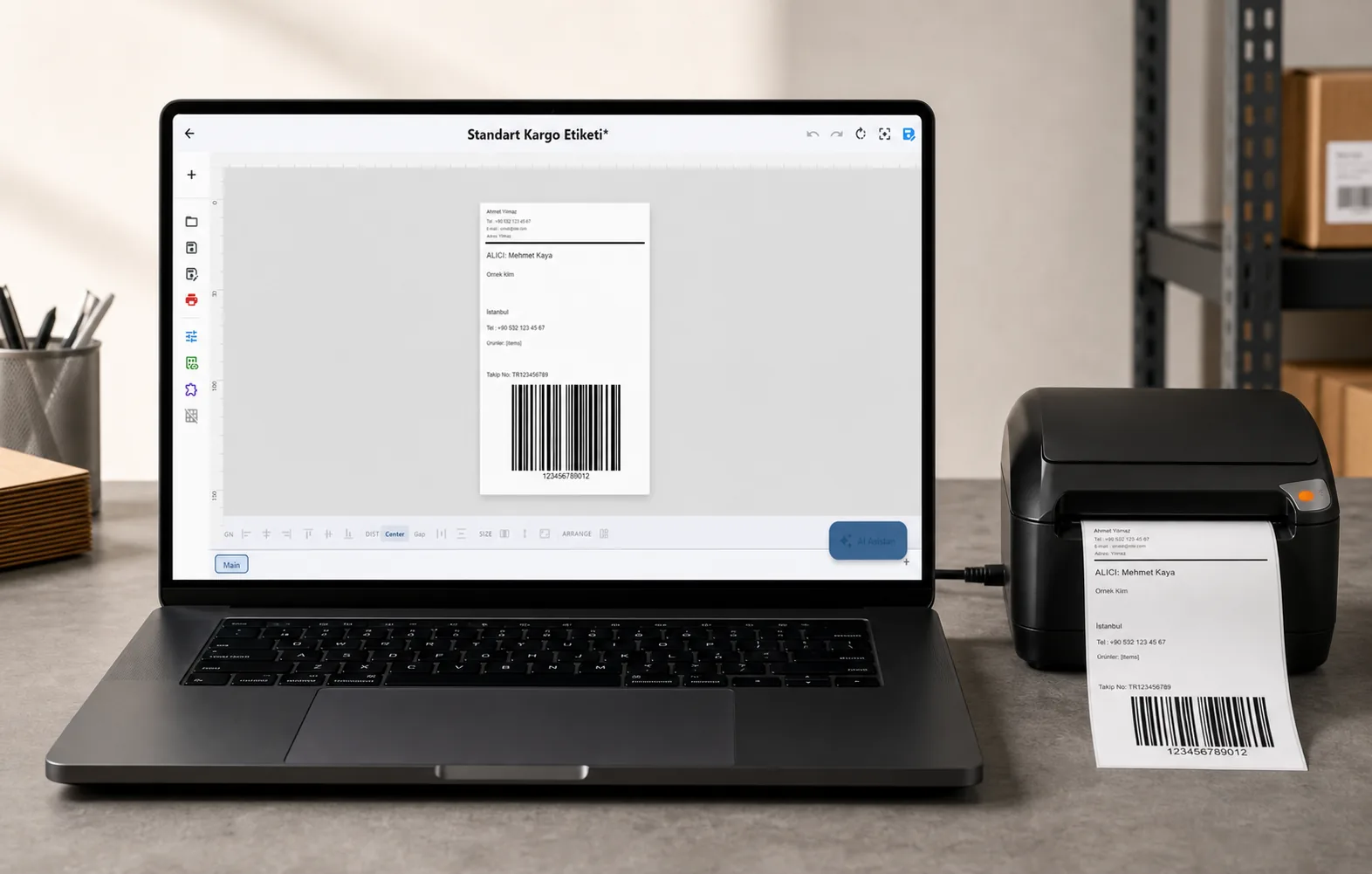
Design it, bind your data, print on the printer you already own.
Zebra, TSC, Toshiba, Epson and more — over USB, network or Bluetooth, with no driver to install.
PRICING
Start free. Pay when it earns its keep.
QUESTIONS / FAQ
Frequently asked questions
Which PostgreSQL do I write?
Ordinary PostgreSQL. LabelInn does not rewrite your SQL; it runs the statement you saved and maps the result columns onto label fields. Use `… LIMIT n` while testing.
Can I print to a Zebra or TSC printer from PostgreSQL without a driver?
For models LabelInn drives natively over ZPL, TSPL or TPCL, yes — the command stream is generated and sent directly. That is independent of the database driver, which is only used to read your rows.
Does label data leave my network when I print from PostgreSQL?
The query runs on the PC where LabelInn is installed, against your own PostgreSQL server, and the rows fill the label there. What is stored in the cloud is the label design and the print record, plus the connection's host, port, database and user name. The password depends on how the connection was made: A connection created in the desktop app keeps its password in the PC's secure storage (Windows DPAPI); host, port, database and user name are saved with the connection. A connection created from the dashboard or the API stores the password encrypted (AES-256-GCM) in your company's cloud record and the PC fetches it when it runs a query.
Does LabelInn support PostgreSQL?
Yes. A read-only connection from the Windows app on port 5432, using the Npgsql driver that is built into the connector. It was tested on PostgreSQL 16.14.
Why does a column name in capitals say it does not exist?
PostgreSQL folds unquoted names to lower case. If the column was created with quotes as "SKU", quote it the same way; otherwise write it in lower case. The error is SQLSTATE 42703.
Why was my query refused although it only reads data?
The connector refuses anything that is not a single SELECT or WITH, and a text literal that contains words such as DELETE or UPDATE. Move such values into :parameters.
KEEP GOING
Related pages
NEXT STEP / LABELINN
Print your PostgreSQL data on the printer you already own
Database sources run on Pro — $24.90/mo, or $249/year (pay for 10 months, use 12). Signing up starts a 14-day Pro trial, so you can bind your own PostgreSQL data and print a real label before you pay anything. · 14-day Pro trial on signup · No credit card required · Database connections run on the Windows desktop app