EU RED / LINK-OS 7.4.2+ / EMEA
Your new Zebra printer has no default password
Zebra printers sold in Europe since August 2025 have no default password. Why yours will not appear on the network, and the setup that fixes it.
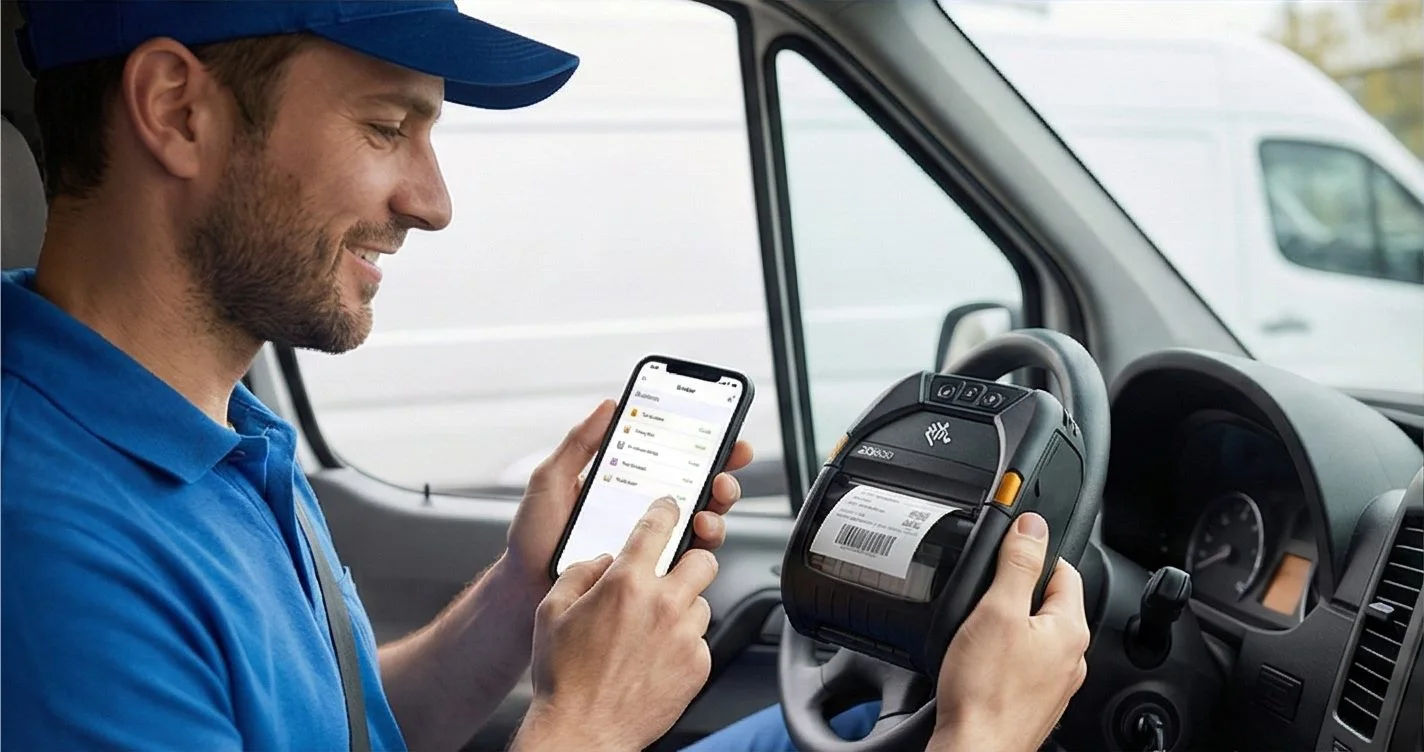
HOW IT WORKS
Three screens from data to printed label.
No copy-paste, no hunting for templates. The same flow repeats for every record.
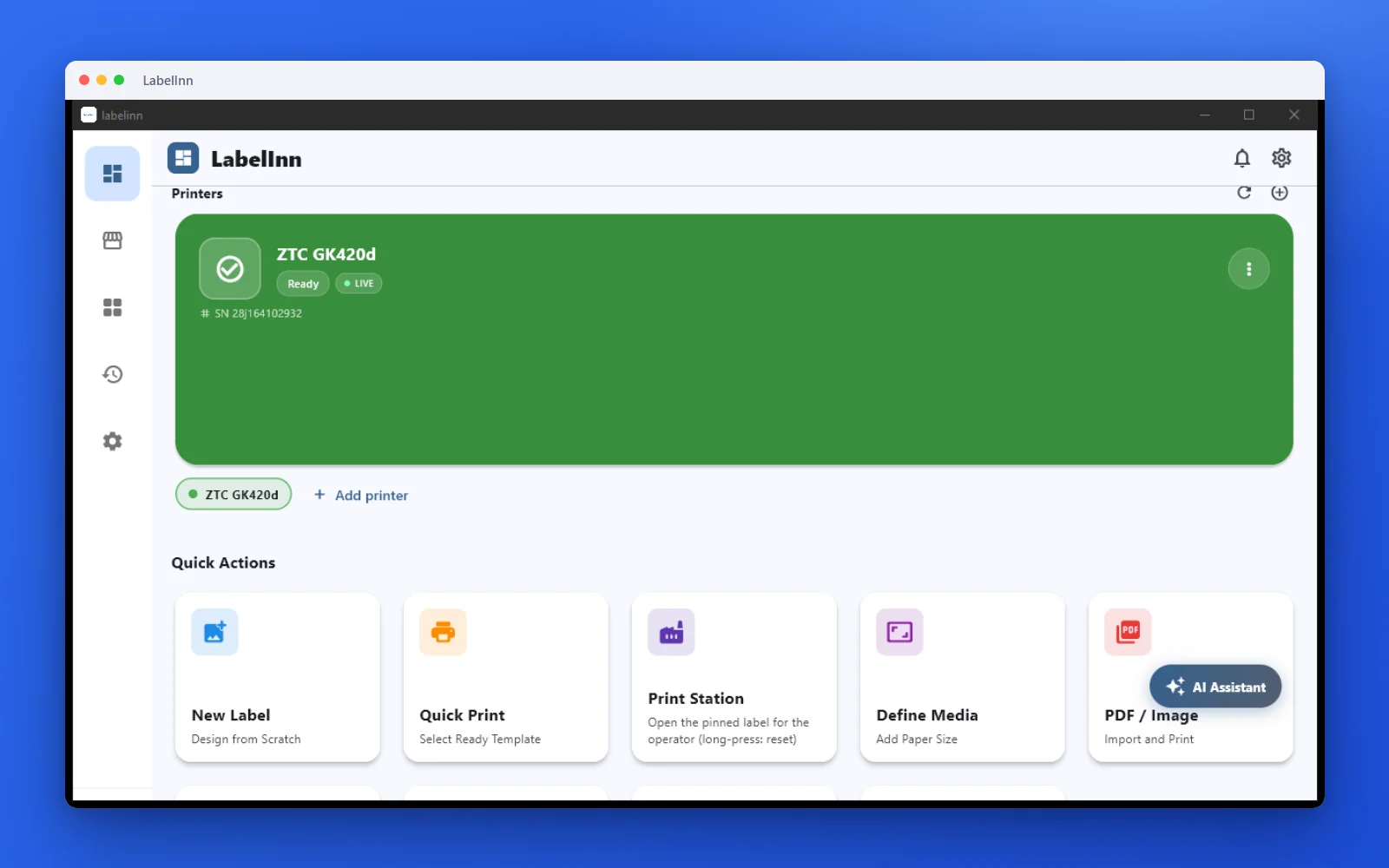
Printer status, quick actions and recent work in one place.
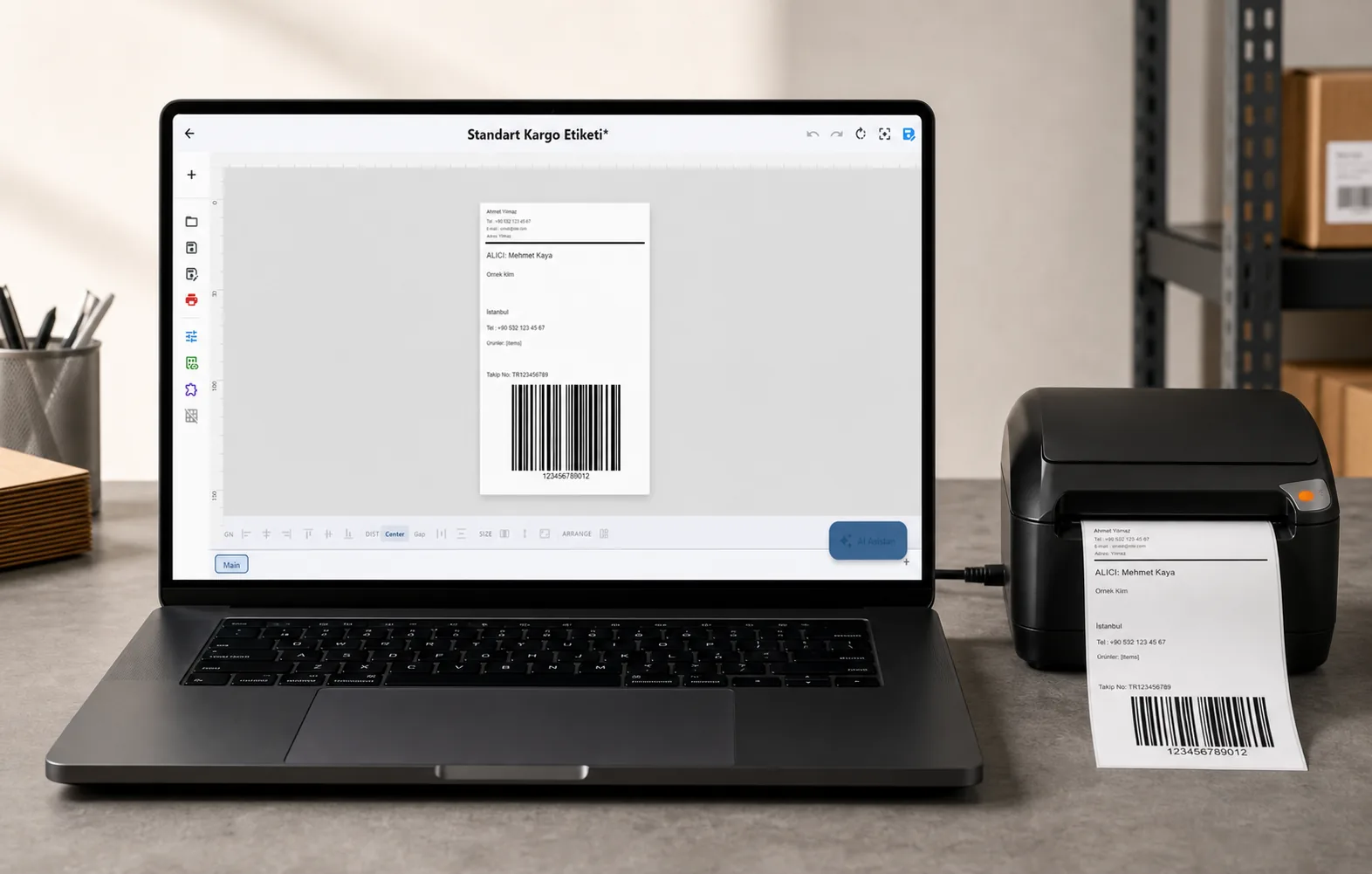
Text, barcodes, QR and images placed on the real media size.

See the label, the printer state and the copy count before it prints.
01
The short answer
There is no universal default password. Zebra printers placed on the market in Europe, the Middle East and Africa from 1 August 2025 ship with Protected Mode switched on, and the administrator password is created by you during first-time setup.
The password must be at least 14 characters. Zebra cannot recover it and there is no reset that restores access without it, so write it down somewhere your team can still reach in a year.
On older Zebra printers the web pages used a blank or simple admin password. If your printer predates August 2025 and was already working on your network, this change does not apply to it.
02
How to tell this is what you are hitting
- The printer prints fine over USB, but label software cannot print to it over the network.
- It has an IP address and even answers a ping, yet a connection to port 9100 is refused.
- The printer web page does not open in a browser.
- A network scan does not list it, or lists it and then fails to connect.
- The front panel asks for a PIN you were never given.
These have one cause, and it is not your network: the printer took an IP address, but the raw printing port and the web pages are switched off in firmware.
03
What is switched off when the printer leaves the factory
This is the state every EU RED unit arrives in — Zebra calls it Advanced Security Mode. Nothing here is a fault, and none of it can be changed from the front panel alone.
| Raw printing (TCP 9100) | Off — this is why nothing can print to it |
|---|---|
| Printer web pages (HTTP/HTTPS) | Off |
| Wi-Fi (WLAN) | Off |
| FTP, SNMP, LPD, POP3, SMTP | Off |
| USB mirror, ZBI, firmware download | Off |
| Ethernet, printer discovery, IPPS | On — so it does get an IP address |
| Bluetooth | On, at minimum security mode 2 |
| USB printing | Working — this is your way in |
| Protected Mode | On, with no password set yet |
Setting it up with Zebra Nucleus Connector
04
Where LabelInn fits
LabelInn recognises this situation instead of quietly finding nothing. When you plug a Zebra in over USB, LabelInn reads the printer’s own identity and asks it, read-only, whether its raw port is switched on. If it is not, the printer is listed with a "Setup required" badge and an explanation, rather than leaving you to conclude the scan is broken.
The printer stays usable over USB the whole time, so you can print today and do the network setup when it suits you.
Once the printer is set up and registered, LabelInn’s Printer Security screen can apply EU RED settings across a whole fleet from one place — disable the legacy services, require an administrator password and a front-panel PIN, and keep a record of what was applied to which printer and when. That audit trail is the part the regulation actually asks you to be able to show.
First-time setup itself is done with Zebra’s tool today. LabelInn detects the locked printer and manages it afterwards.
05
If you get stuck
Setup is a five-minute job, but it is a five-minute job you only get to do once per printer — the password cannot be recovered. If anything does not match what you see on screen, message us on WhatsApp before you apply it and we will walk through it with you.
06
Questions people actually ask
ANY PRINTER
Design it, bind your data, print on the printer you already own.
Zebra, TSC, Toshiba, Epson and more — over USB, network or Bluetooth, with no driver to install.
PRICING
Start free. Pay when it earns its keep.
QUESTIONS / FAQ
Frequently asked questions
What is the default password for a Zebra printer?
For printers sold in Europe from August 2025 there is none — you create it during setup, and it must be at least 14 characters. Removing universal default passwords is one of the specific things the regulation requires.
I forgot the Protected Mode password. How do I reset it?
You cannot. Zebra provides no recovery path, which is deliberate: a vendor backdoor would defeat the requirement. Treat the password as you would a server credential and store it in your password manager.
Does this affect printers I already own?
No. The rules apply to equipment placed on the market from 1 August 2025. A printer already running on your network keeps working exactly as it did.
Why does my printer not show up in a network scan?
Because raw TCP printing is switched off in firmware. No scanner of any kind can find a printer that is not listening — this is not specific to the software you are using.
Do I have to turn FTP and SNMP back on?
Almost certainly not. Raw printing and the web pages are enough for normal label printing. FTP and SNMP v1 send credentials in clear text and are off for a good reason; only enable them if a specific system you run requires them.
Is this only Zebra?
No. The directive applies to every wireless networked device, so Brother, Honeywell, SATO, TSC, Bixolon and Epson are all shipping equivalent behaviour. Each vendor uses its own utility and its own wording, but the pattern — no default password, services off until an admin enables them — is the same.
Which regulation is this exactly?
Delegated Regulation (EU) 2022/30, which activated the cybersecurity articles 3.3(d), (e) and (f) of the Radio Equipment Directive. It became mandatory on 1 August 2025, with conformity demonstrated through the EN 18031 standards.
KEEP GOING
Related
NEXT STEP / LABELINN
Label software that tells you what your printer is doing
LabelInn is label design and printing software for Windows, macOS and Android. Start free, and add printers when you are ready. · Finds USB and network printers · Flags printers that still need setup · Fleet-wide EU RED settings with an audit trail · Works offline