14-DAY PRO TRIAL ON SIGNUP / 14-DAY PRO TRIAL
Stop retyping your spreadsheet into a label designer
Bind a spreadsheet column or a database field to a label and print one label per row. Excel, CSV, SQL Server, Oracle, PostgreSQL, MySQL, SAP HANA and a REST API.
Video / 1:52
Watch: Connect your data to labels
1:52 walkthrough in the real app. Step-by-step page →
TRY IT
Click a row. That is the label.
The same thing the app does with your workbook: each row becomes one label, the columns fill the fields, and the count is known before you print.
This demo needs JavaScript: a sample spreadsheet whose rows become labels.
HOW IT WORKS
Three screens from data to printed label.
No copy-paste, no hunting for templates. The same flow repeats for every record.
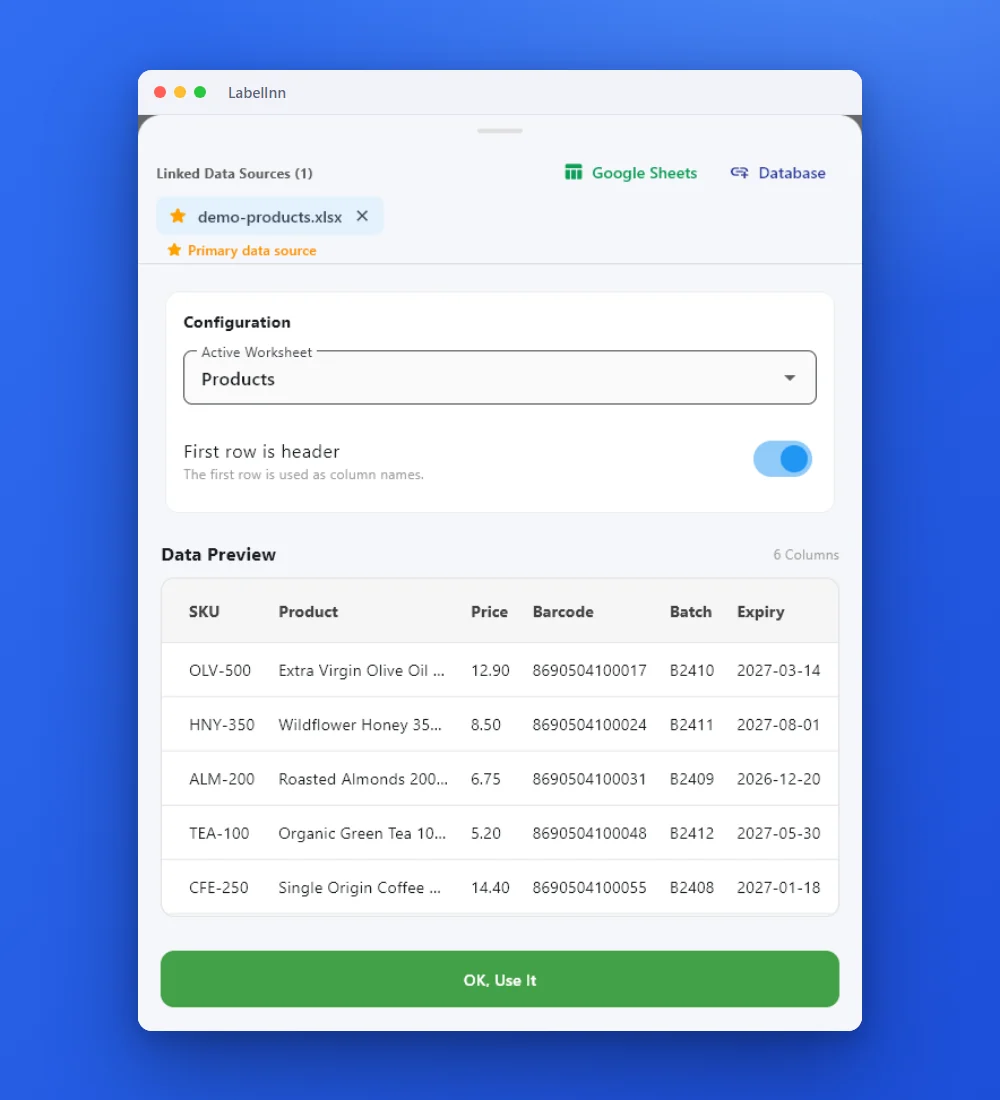
Add the Excel or CSV file as the data source; no export step.
Preview the data, then drop a column onto a text, barcode or QR field.

Rows × copies = total labels, shown before you press print.
01
Start with the file you already have
Most label data is already in a spreadsheet, so that is the shortest path from where you are to a printed batch. Point LabelInn at the workbook, drag a column onto a field, and print one label per row — no export step, no macro, no middleware.
- Opens .xlsx, .xlsm, .xls and .xlsb
- One label per row, whole sheet or a row range
- A column can drive a barcode: EAN-13, Code 128, GS1-128, QR
- The workbook is read on your computer and never uploaded
- Edit the sheet and reprint — changed files are re-read and verified by content hash
- Mix bound columns with static text, counters and date fields on one label
02
What changes when the column is bound
| Retyping into a designer | Bound to LabelInn | |
|---|---|---|
| Printing 500 labels | 500 chances to mistype | One mapping, 500 rows |
| A price changes | Find and edit every label | Edit the sheet, reprint |
| Barcode content | Typed by hand, then hoped for | Generated from the cell |
| Serial numbers | Tracked in someone's head | Continue across the batch |
| Proving what was printed | The roll, if you kept it | Every row in print history |
Try it with your own data — signing up starts a 14-day Pro trial, no credit card. After that this feature needs Starter at $7.99/mo. Download now → | See pricing →
03
What a bound column can drive
- Text — product name, lot, batch, address, anything in the cell
- Barcodes — the cell becomes the symbol, so a typo cannot survive to print
- QR and Data Matrix — URLs, GS1 Digital Link, serialised codes
- RFID — the same binding writes the tag, not just the ink
- Dates — an expiry column, or a date calculated at print time
- Counters — serial ranges that continue across the batch instead of restarting
04
Every source LabelInn can print from
05
Files you already have
06
Databases
Manufacturing, warehouse and distribution teams running an ERP or WMS on SQL Server that produces label data no exporter covers.
MySQL / MariaDBTeams running a self-hosted shop, WMS or internal tool on MySQL/MariaDB who currently export a file before every label run.
PostgreSQLProduct, logistics and manufacturing teams whose application database is PostgreSQL and whose labelling is still a manual copy-paste step.
OracleManufacturing, pharmaceutical and distribution teams on Oracle-backed ERP or MES whose labelling is handled outside the system today.
SAP HANAPlants and warehouses running on SAP whose HANA database can be queried directly and whose labelling is currently a separate manual system.
07
Developer surface
SaaS and in-house developers who need their web or desktop application to reach a thermal label printer that they do not control.
Browser / web appDevelopers whose web application has to reach a thermal printer sitting on a customer desk, without writing and shipping a print bridge of their own.
08
Frequently asked questions
ANY PRINTER
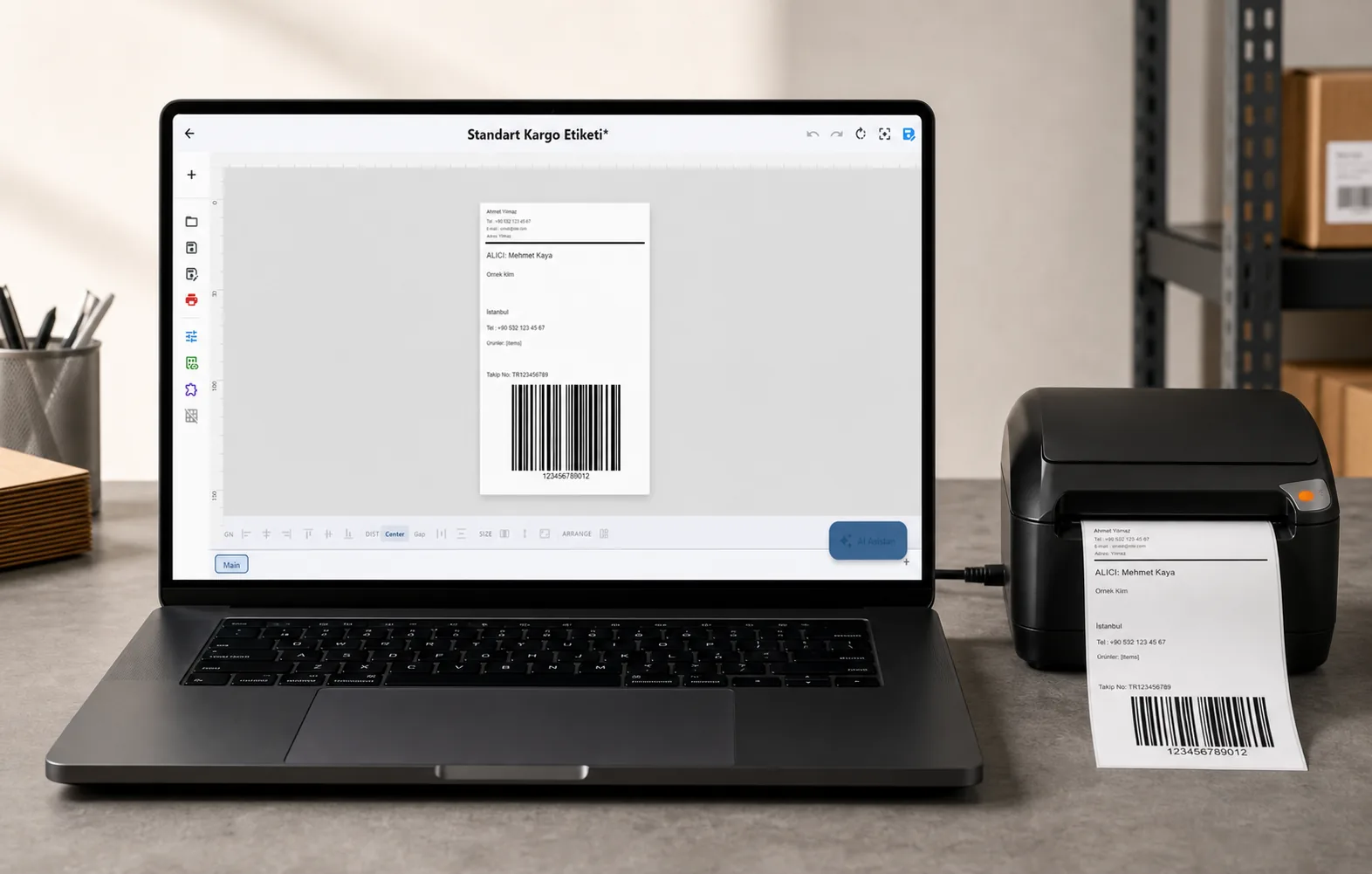
Design it, bind your data, print on the printer you already own.
Zebra, TSC, Toshiba, Epson and more — over USB, network or Bluetooth, with no driver to install.
PRICING
Start free. Pay when it earns its keep.
QUESTIONS / FAQ
Frequently asked questions
Do I have to change how my spreadsheet is laid out?
No. You pick the sheet and tell LabelInn which row holds the headers; the columns can stay exactly as they are. Binding is per template, so a template built for one layout keeps working as the data changes.
Does my file get uploaded anywhere?
No. The workbook is opened on your computer and read locally. This is a desktop app talking to your printer, not an upload-and-render service.
What happens when I edit the sheet and print again?
LabelInn notices the file changed, re-reads it and verifies it by content hash before printing, so you never print yesterday's cached rows by accident.
Can one label mix spreadsheet data with other things?
Yes. A single label can take some fields from the sheet, hold others static, and generate the rest — a counter, a date, a calculated value — at print time.
What if my data is not in a file at all?
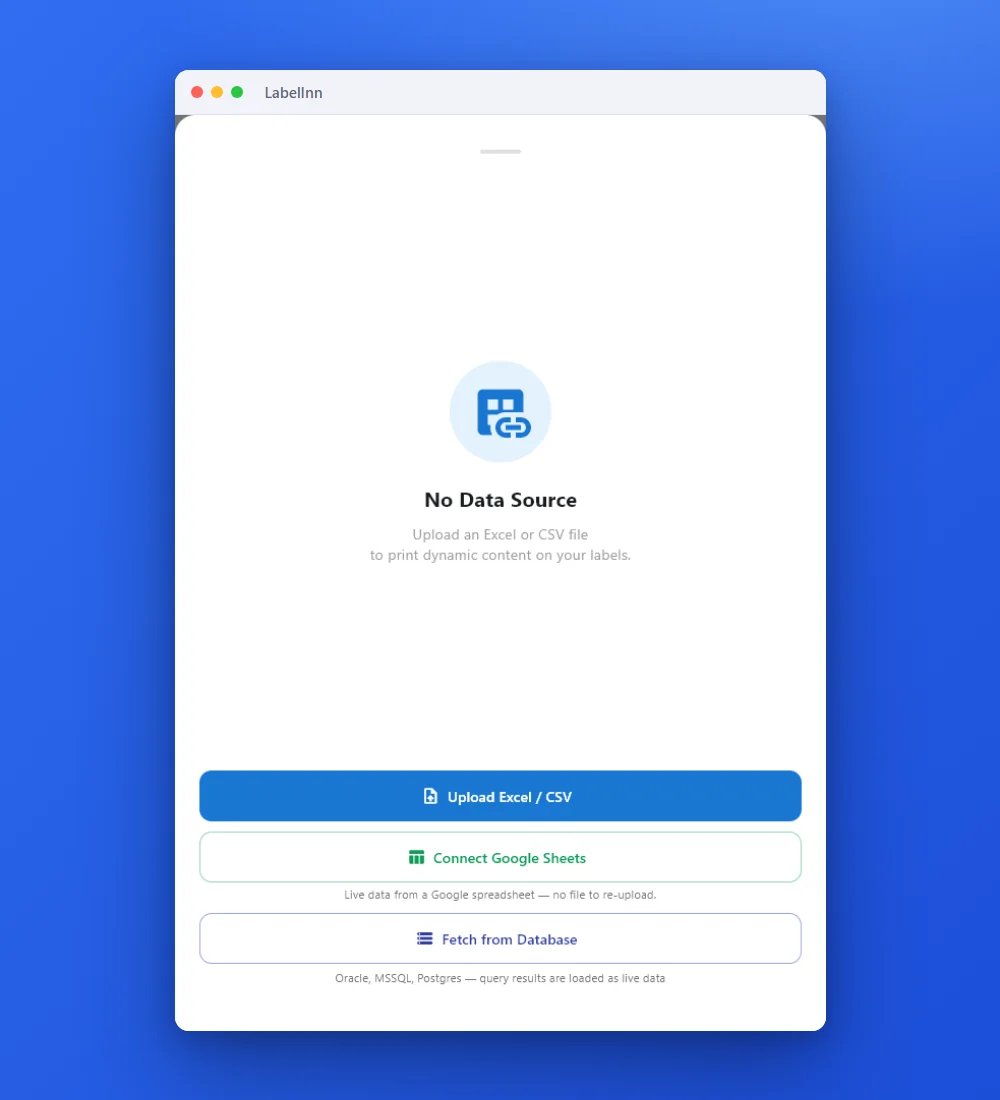
Then bind the database or the API instead. The field binding is identical; only the source changes. Databases are set up through a guided connection wizard with a plain-English query builder.
Which plan do I need?
Data binding is a Starter feature, and signing up starts a 14-day Pro trial with no credit card, so you can bind your own file before deciding.
NEXT STEP / LABELINN
Print your first label today