FREE IN CHROME OR EDGE / LOCAL API FOR DEVELOPERS ON PRO
Print labels from a browser
Design a label in the free LabelInn designer and send it straight to the label printer on your network from Chrome or Edge. Nothing to install, no account needed. Building your own web app? A local LabelInn API on port 6631 takes the job, so you never ship printer-specific code.
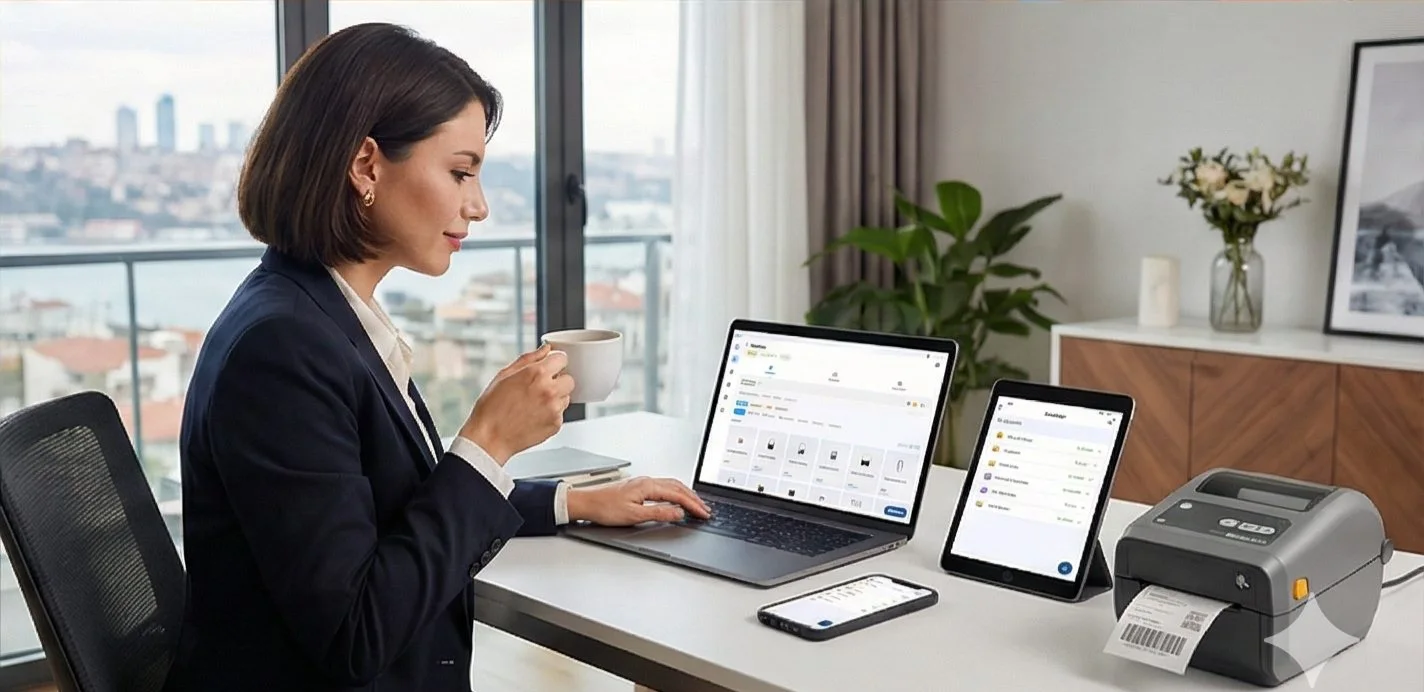
Video / 1:54
Watch: Design labels in your browser
1:54 walkthrough in the real app. Step-by-step page →
FREE / NO INSTALL
Print from the LabelInn web designer
For anyone with a label printer on the network: design in the browser, print to the printer, no app and no driver.
- Open the free label designer in Chrome or Edge on a computer and pick a template or a size.
- Choose Print, then add your printer by its IP address (for example 192.168.1.50). The browser asks once to reach your local network.
- LabelInn checks that the printer answers, turns the label into the printer's own language and sends it. The address is remembered for next time.
- Printer languages: ZPL (Zebra and compatibles), TSPL (TSC and compatibles), TPCL (Toshiba) and ESC/Label (Epson ColorWorks).
- Office printers are never sent raw printer commands: an A4 sheet prints through the browser's print window or as a PDF.
- A USB printer, Safari or Firefox: use the free LabelInn app. Browsers on Windows cannot open USB printers, because Windows keeps them for its own print system.
No account needed to print. A free account saves your labels, adds running numbers and today's date, and lets the LabelInn app find your printers for you. Open the designer →
HOW IT WORKS
Three screens from data to printed label.
No copy-paste, no hunting for templates. The same flow repeats for every record.
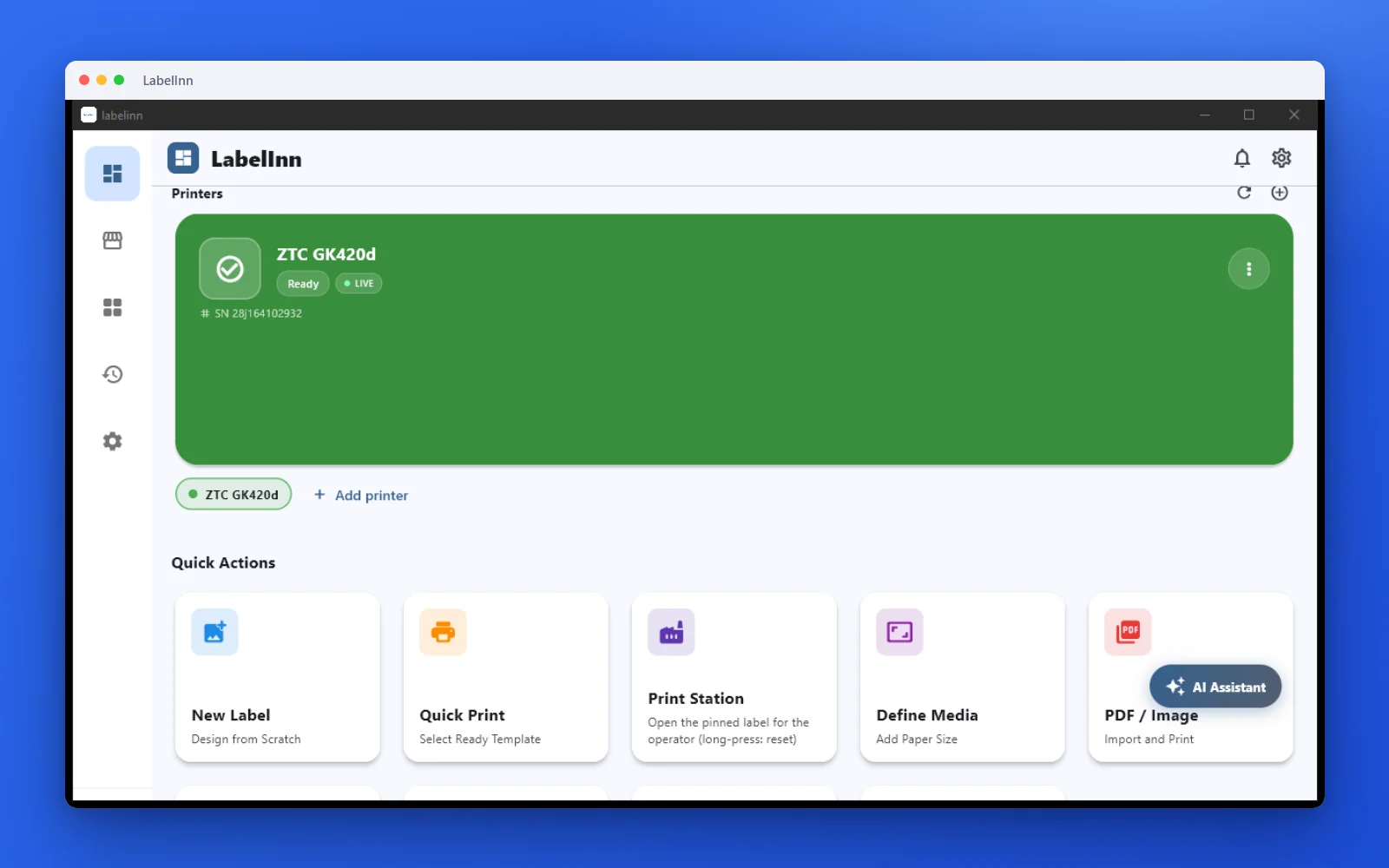
Printer status, quick actions and recent work in one place.
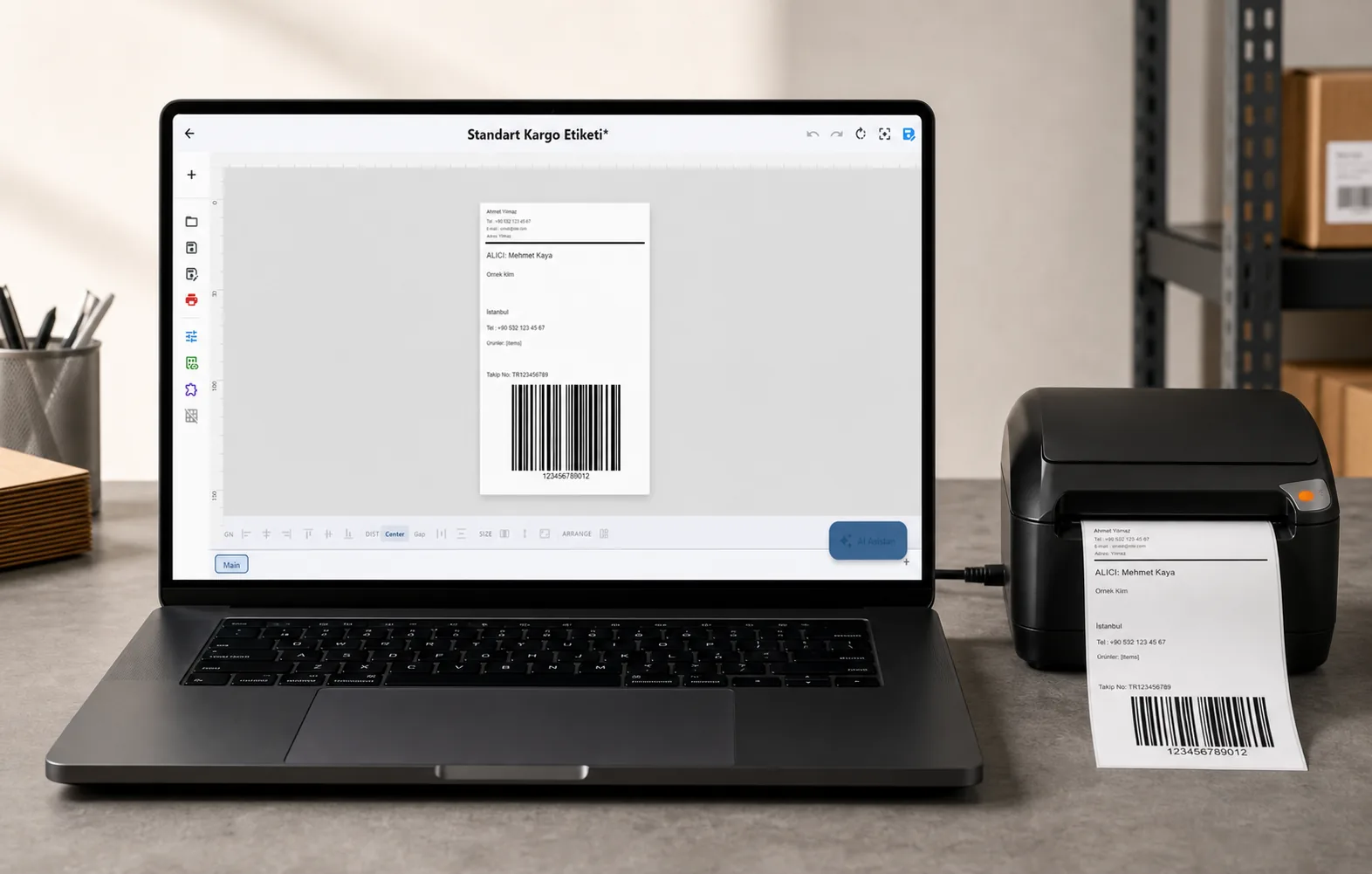
Text, barcodes, QR and images placed on the real media size.

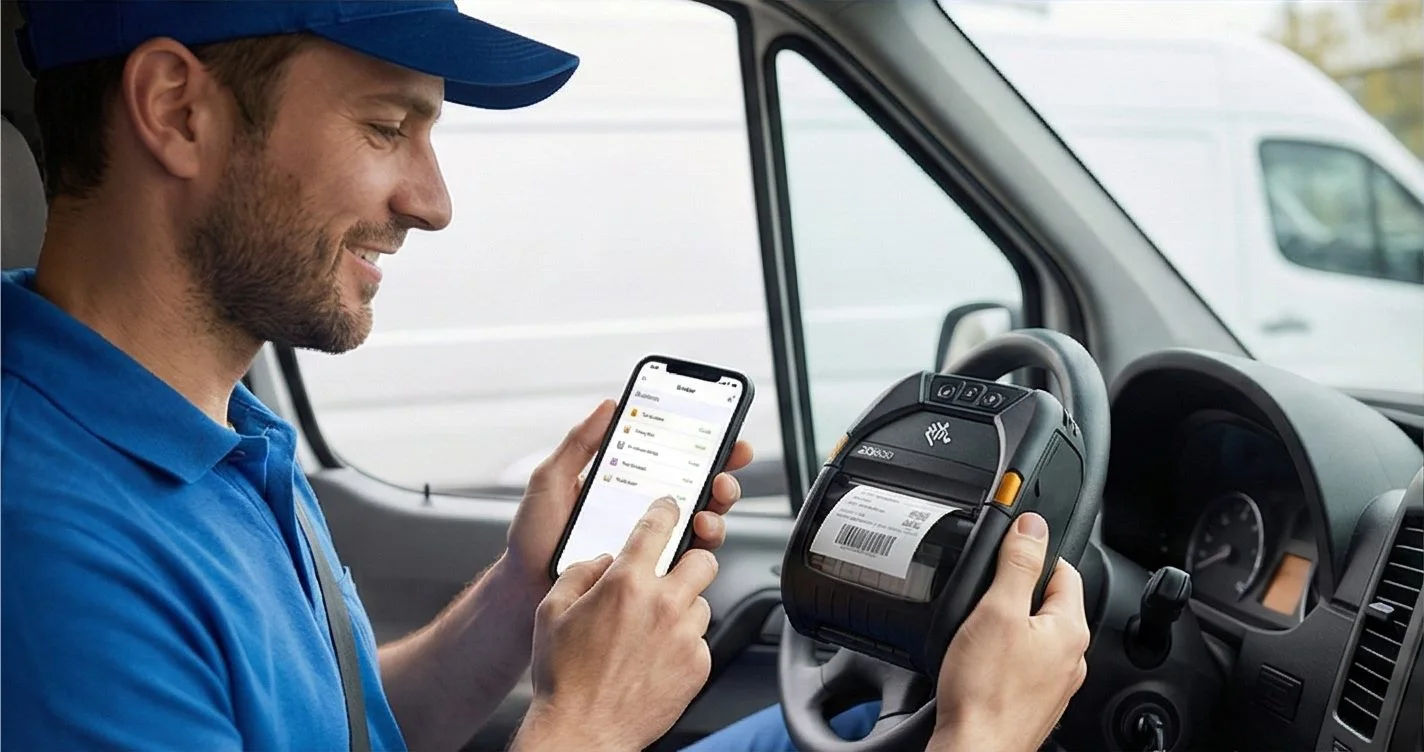
See the label, the printer state and the copy count before it prints.
01
Who this is for
Anyone who wants to print a label without installing anything (see above), and developers whose web application has to reach a thermal printer sitting on a customer desk, without writing and shipping a print bridge of their own.
02
For developers: step by step
- Install LabelInn on the machine the printer is connected to and enable the local API.
- From your web app, discover the local endpoint on port 6631 and check /local/v1/health.
- Post the print job with the design reference and the field values for this label.
- Read the job result back, and use the audit endpoint if you need a record of what printed.
Try it with your own data: start the 14-day trial of every feature from the app or the dashboard, no credit card. After that the local API needs Pro at $24.90/mo. Download now → | See pricing →
03
What the local API can do
- One request shape whether the target speaks ZPL, TSPL, TPCL or Epson — LabelInn generates the command stream.
- Works on the local network without internet: the edge queue holds jobs and syncs back when the connection returns.
- Fleet endpoints let the page list and health-check the printers actually present before it prints.
- The same job can be sent from the cloud API instead when the browser and printer are not on one network.
04
Technical details
| Local API port | 6631 (HTTP) |
|---|---|
| Health check | GET /local/v1/health |
| Printer discovery | GET /local/v1/fleet/printers |
| Offline | Queue holds jobs and syncs back |
| Plan | Local API: Pro, with a 14-day trial. Printing from the web designer: free |
05
Limits and honest caveats
- LabelInn has to be installed on a machine that can reach the printer. The API routes the job; it does not create a network path to hardware that has none.
- A browser page can only call the local API when it is allowed to reach that host — plan for HTTPS and origin rules in your deployment.
- API access needs the Pro plan. Start the 14-day trial to build against the real endpoints first.
- Printing from the web designer works in Chrome and Edge on a computer, to network printers only. USB printers print through the LabelInn app.
06
Frequently asked questions
07
What we verified
The capability is implemented in the LabelInn codebase and the referenced source file names the exact format, engine, port or endpoint described on this page.
lib/services/edge/edge_http_server.dart + edge_server_config.dart — local LAN HTTP API on default port 6631 with /local/v1/* routes
ANY PRINTER
Design it, bind your data, print on the printer you already own.
Zebra, TSC, Toshiba, Epson and more — over USB, network or Bluetooth, with no driver to install.
PRICING
Start free. Pay when it earns its keep.
QUESTIONS / FAQ
Frequently asked questions
Can I print ZPL from a browser without building my own print bridge?
Yes — that is exactly the gap this fills. Your page posts a job to the LabelInn instance beside the printer, and LabelInn produces the command stream the printer actually speaks.
Does this need internet?
Not for the local path. The edge API runs on your own network on port 6631, holds a queue offline, and syncs back when the connection returns.
What if the printer is in another building?
Then use the cloud API instead: your app calls LabelInn, and the LabelInn runtime next to that printer performs the output.
KEEP GOING
Related pages
NEXT STEP / LABELINN
Print your Browser / web app data on the printer you already own
This feature runs on Pro — $24.90/mo, or $249/year (pay for 10 months, use 12). Start the 14-day trial of every feature whenever you like and print a real label from your own data before you pay anything. Printing from the web designer to a network printer is free. · 14-day trial · No credit card required · Windows, macOS, Android, Web