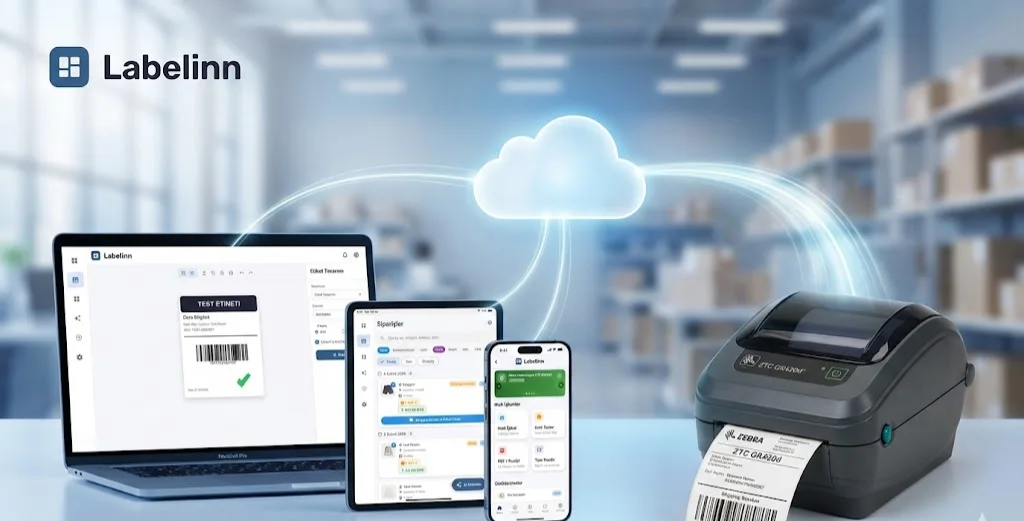
Shipping labels: import an approved PDF or map label, tracking and barcode fields from your authorized shipping API.
UPDATED 17 OCT 2026 / BUYER'S GUIDE
Label Printing Software: how to choose one in 2026
Label printing software designs a label, fills it with your data (a spreadsheet row, an order, a database record) and sends it to a label printer in the language that printer speaks. Choose by three things: which printer language your printers use (ZPL, TSPL, TPCL, ESC/Label), where your label data lives, and how many people print. LabelInn covers ZPL, TSPL, TPCL and ESC/Label printers on Windows, macOS, Android and the web, and starts free. It is the wrong pick for some jobs, listed below.
FREE PLAN · NO CREDIT CARD · WINDOWS / MAC / ANDROID / WEB
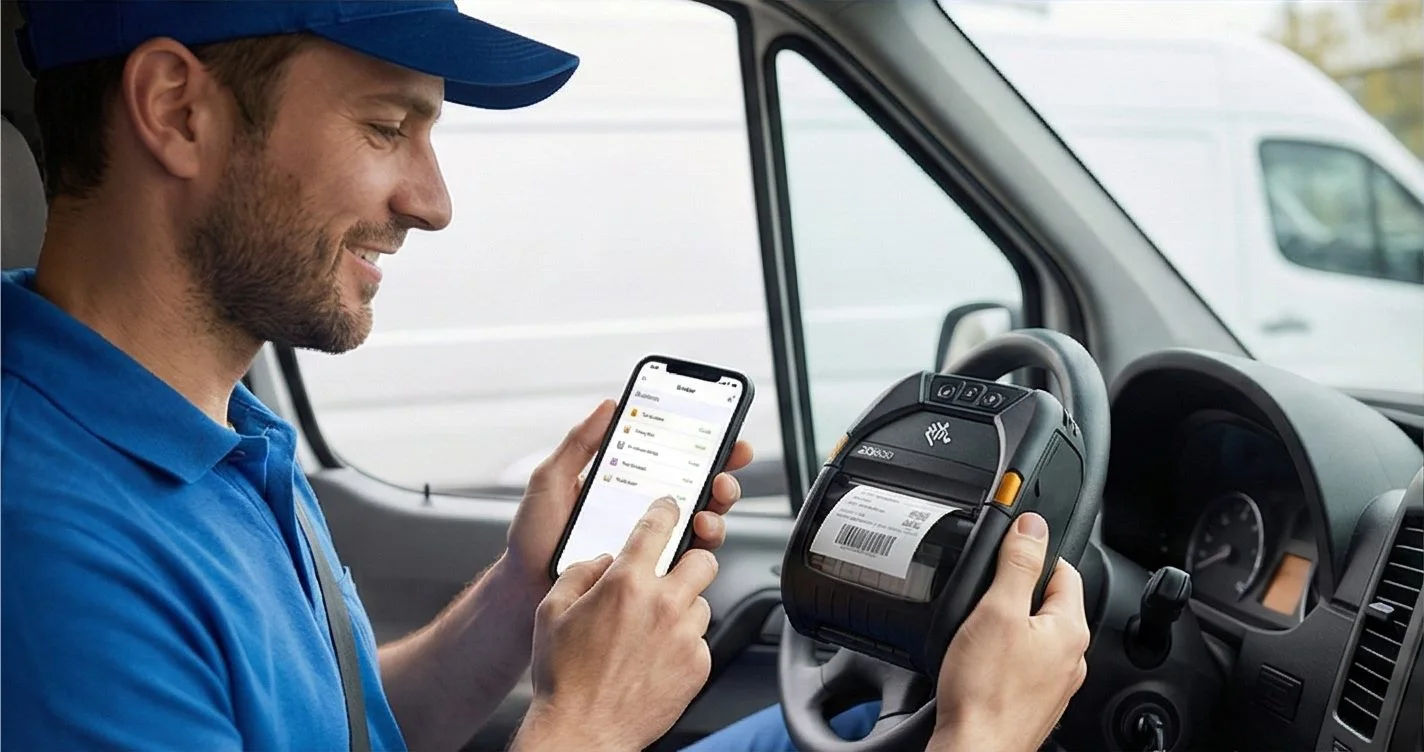
Native printer languagesZPL, TSPL, TPCL, ESC/Label
No driver to installUSB, network or Bluetooth
Where it runsWindows, macOS, Android, web designer
Free to startFree plan, no credit card
THE PROBLEM
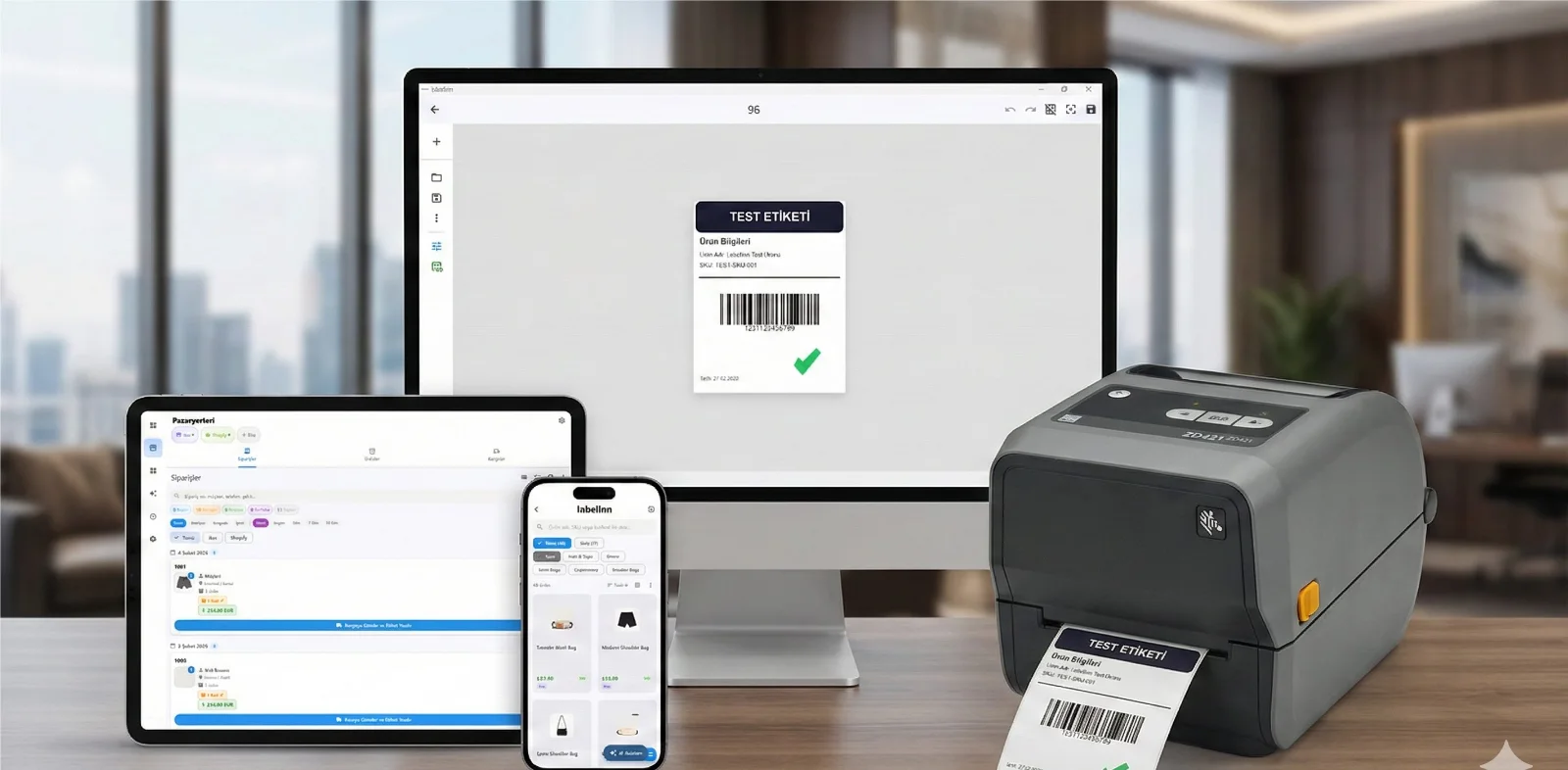
Product labels, shipping labels, barcode stickers, compliance tags: the printer is rarely the problem. The hours go into retyping data, finding the right size and checking that the barcode scans. Good label printing software removes the retyping and makes the output predictable.
Below: a decision table that includes the cases where you should not pick LabelInn, a worked example from spreadsheet to printed labels with real data, a printer check, and the questions worth asking any vendor.
Want to try before you read? The free plan needs no credit card and no driver. Download free →
01 / DECISION TABLE
Which tool fits your job
Find your situation in the left column. Where the answer is not LabelInn, we say so.
| Your situation | Best fit | Why |
|---|---|---|
| Products on a spreadsheet, a Zebra, TSC, Toshiba or Epson label printer on the desk | LabelInn (Excel and CSV binding is on Starter) | One design, one label per row, sent in the printer's own language with no driver. |
| 4x6 shipping labels from a Shopify, WooCommerce, Trendyol, Hepsiburada or ikas shop | LabelInn (marketplace print actions are on Pro) | Orders become labels without retyping. Free and Starter can view marketplace orders only. |
| An ERP, WMS or script must trigger prints with no one clicking | LabelInn (API and webhooks are on Pro) | REST API with idempotency keys, webhooks, scheduled and watched-folder printing. |
| You own only a Brother QL or P-touch, or a DYMO LabelWriter | The manufacturer's own app | LabelInn does not list Brother or DYMO as supported printers, so use Brother's or DYMO's software. |
| One-off address labels on A4 sheets, no label printer | Word mail merge, Avery Design & Print, or the free LabelInn label maker | Sheet printing on an office printer needs no thermal software. The label maker has A4 sheet layouts. |
| You want discounted carrier rates and to compare carriers | A shipping platform such as Shippo, EasyPost or ShipStation | They hold the carrier accounts and sell rates. LabelInn does not. You can still print their labels on your thermal printer; see shipping label software. |
| Many sites, validated systems, vendor-certified ERP connectors are a procurement requirement | Evaluate BarTender or Loftware NiceLabel first | Enterprise suites are built for that buying process. Compare against our BarTender comparison before deciding. |
02 / THE CATEGORIES
Six kinds of label software, and what each is good at
Prices change often, so this table compares what each kind does, not what it costs. Check the vendor's own page for current pricing.
| Kind | Examples | Good when | Watch out for |
|---|---|---|---|
| Printer-maker app | ZebraDesigner, Brother P-touch Editor, DYMO Connect | You own one brand and print by hand. | Tied to that brand. Data merge and database links are often a paid tier. |
| Enterprise labeling suite | BarTender, Loftware NiceLabel | Regulated, multi-site, ERP-integrated, validated. | Typically licensed per printer or by quote, with a heavier setup. |
| Office tools | Word mail merge, Excel | A4 label sheets, a few hundred labels. | No thermal printer language and weak barcode support beyond basic types. |
| Online label maker | Avery Design & Print, Canva, Visme | One-off designs and sheets. | Usually export a picture or PDF only, with no printer-language output and no per-row data merge on free tiers. |
| Shipping platform | Shippo, EasyPost, ShipStation | Buying carrier rates and tracking. | They solve rates, not your product, pallet or compliance labels. |
| LabelInn | Design, bind data, print direct | Spreadsheet, store or API data going to ZPL, TSPL, TPCL or ESC/Label printers. | No carrier account, no Brother or DYMO support, and not a validated-pharma suite. |
03 / WORKED EXAMPLE
From a spreadsheet to printed product labels
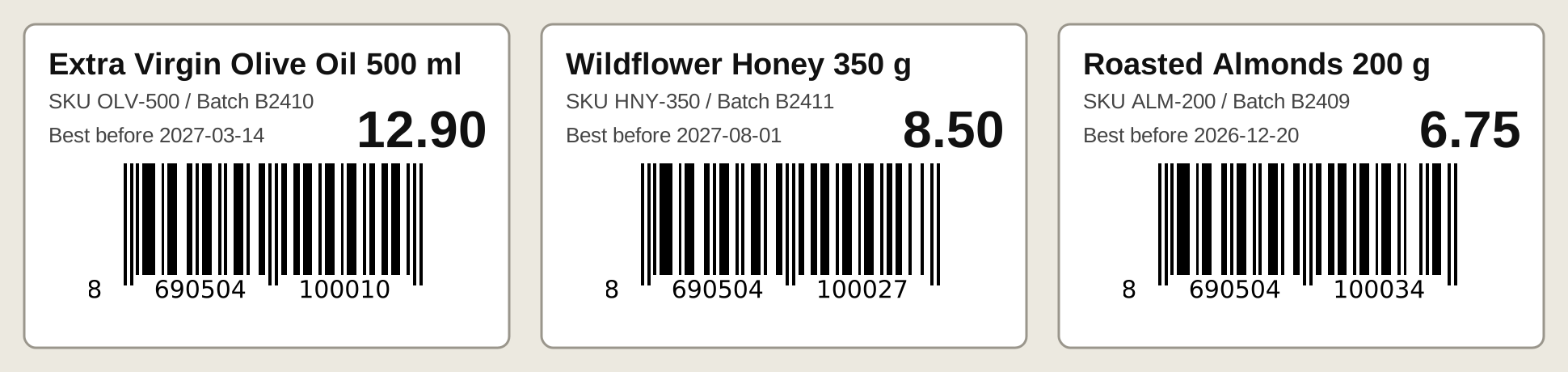
Eight products, one 60 x 40 mm design, eight labels. These are the first three.
This is the sample file we use to test LabelInn. Each row becomes one label; the column names become the fields you place on the design.
| SKU | Product | Price | Barcode (EAN-13) | Batch | Expiry |
|---|---|---|---|---|---|
| OLV-500 | Extra Virgin Olive Oil 500 ml | 12.90 | 8690504100010 | B2410 | 2027-03-14 |
| HNY-350 | Wildflower Honey 350 g | 8.50 | 8690504100027 | B2411 | 2027-08-01 |
| ALM-200 | Roasted Almonds 200 g | 6.75 | 8690504100034 | B2409 | 2026-12-20 |
- Attach the file. Pick the worksheet and tick "First row is header", then every column is available as a field. Excel and CSV binding is a Starter feature; a free account can build and print the same design by hand.
- Place the fields. Drop a text element and bind it to Product, add an EAN-13 barcode bound to Barcode, bind Price and Expiry. The design is drawn at the real label size in millimetres.
- Preview and print. The print dialog shows a preview of the label, the printer state and the copy count. Eight rows give eight labels.
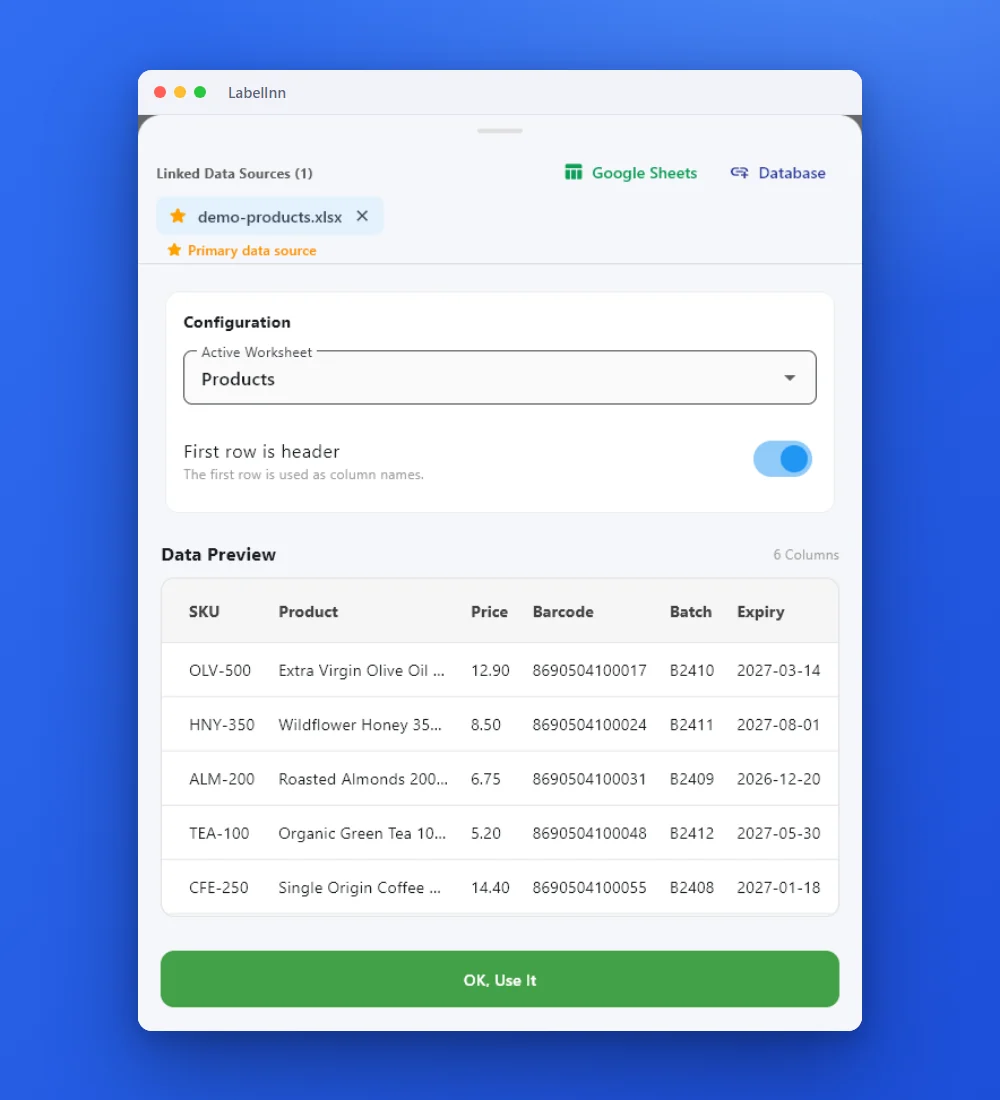
The check-digit trap
An EAN-13 is 12 data digits plus a check digit. If the last digit in your spreadsheet is wrong, a correct barcode engine refuses to draw it, and a lenient one draws a barcode that fails at the till. When we built this example, the demo numbers from our own screenshot failed that test, so we recalculated them. Validate the column before you print 5,000 labels. Our EAN-13 generator adds the check digit for you from 12 digits.
04 / PRINTER CHECK
Will it print on my printer?
Label software has to speak your printer's language. Pick yours.
Choose a printer to see how LabelInn talks to it.
| Printer family | Language LabelInn sends | Status |
|---|---|---|
| Zebra | ZPL | Supported |
| TSC | TSPL | Supported |
| Toshiba TEC | TPCL | Supported |
| Epson ColorWorks | ESC/Label | Supported |
| Other thermal brands | ZPL or TSPL, if the printer emulates it | Works if your model has that emulation; check before buying |
| Brother, DYMO | Not applicable | Not listed as supported |
| Office printers | Your operating system's print driver | A4 label sheets |
05 / THE APP
Three screens from data to printed label.
No copy-paste, no hunting for templates. The same flow repeats for every record.
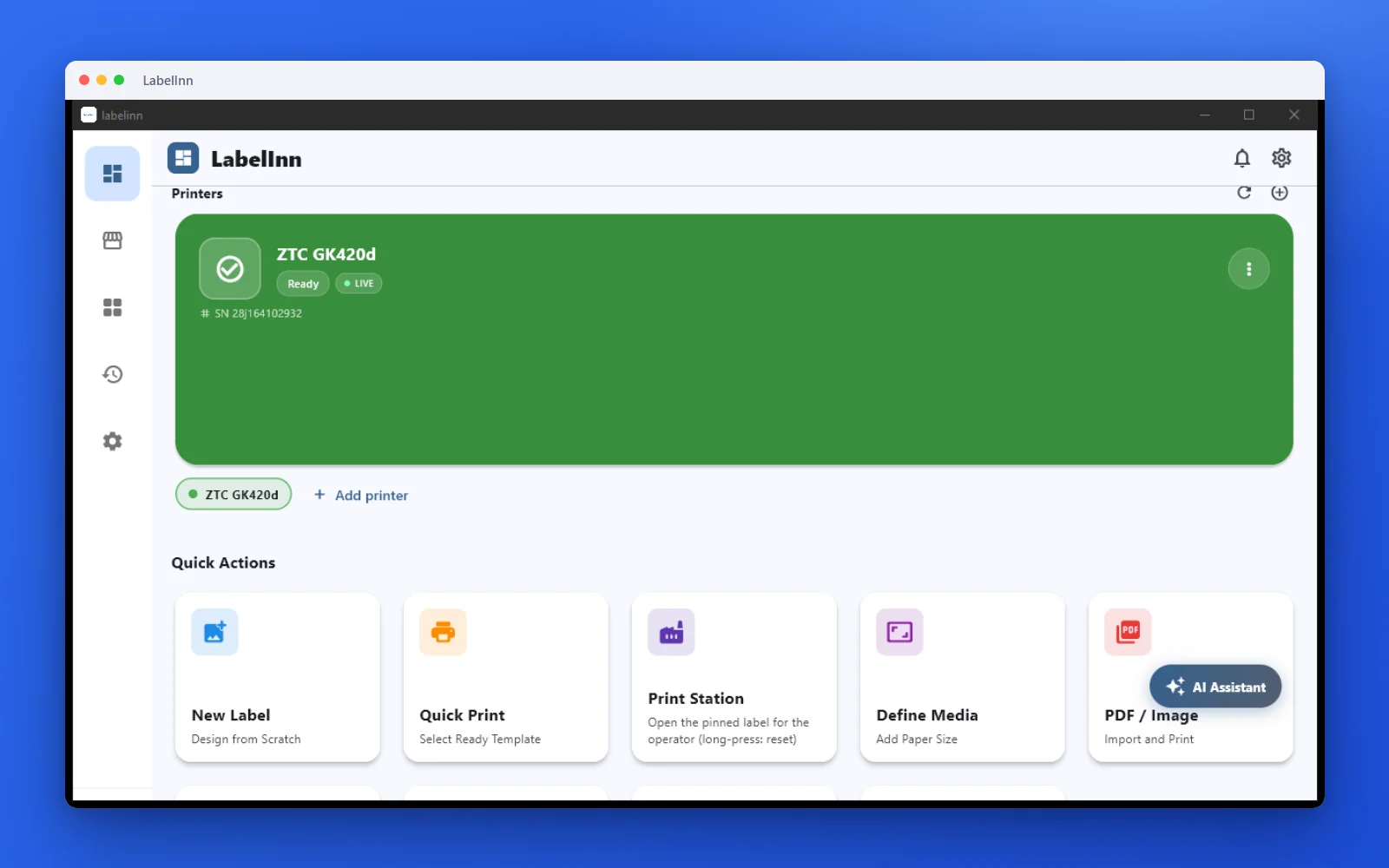
Printer status, quick actions and recent work in one place.
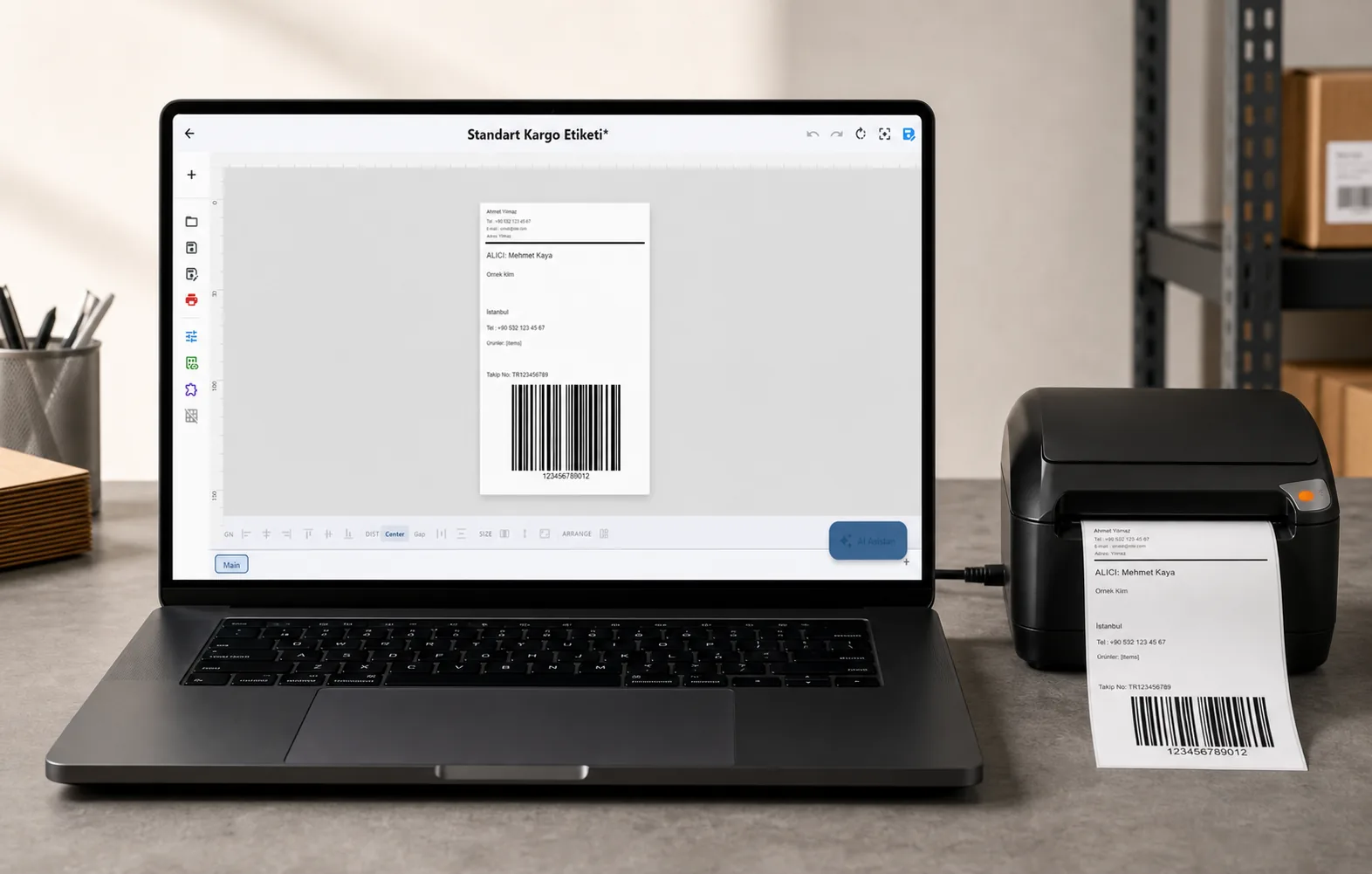
Text, barcodes, QR and images placed on the real media size.

See the label, the printer state and the copy count before it prints.
06 / BEFORE YOU BUY
Six questions to ask any label software, and a 10-minute test for each
These work on LabelInn and on every competitor. Run the test during the free trial, not after the invoice.
| Question | 10-minute test |
|---|---|
| Does it send my printer's own language, or go through a Windows driver? | Print a 100 x 50 mm label with a border. Measure it with a ruler. A driver that rescales the page shows up as a border that is the wrong size. |
| Can it read my data without a manual export? | Attach a 20-row file and check that row 20 prints correctly, including accents and long names. |
| Does the barcode scan, not just look right? | Scan one label with a phone and one with a handheld scanner. Try a deliberately wrong check digit and see whether it is rejected. |
| What happens when the printer is off or paper runs out? | Switch the printer off mid-batch, then back on. Count how many labels you end up with: too many, too few, or exactly right. |
| How is it licensed: per PC, per printer, per user? | Count the PCs and printers you really have, including the tablet in the warehouse, and price that. |
| Can I leave? | Check whether designs export, and whether your data stays in files you own. |
07 / WHAT LABELINN ADDS
What LabelInn does, stated plainly
Prints in your printer's own language
LabelInn generates ZPL, TSPL, TPCL or ESC/Label and sends it over USB, the network or Bluetooth. For those printers there is no driver to install, which also avoids the rescaling problem in the test above.
Runs on the machines you have
Windows and macOS desktop apps, an Android app and a web designer. The iOS and Linux apps are not public yet, so do not plan around them.
AI label design
Describe the label ("100 x 50 mm product label, QR code, logo top-right") and the assistant lays it out. You still check the result, and AI features draw on AI credits.
Orders and data sources
Shopify, WooCommerce, Trendyol, Hepsiburada and ikas order sync, Excel and CSV binding, and read-only database sources. Which plan unlocks which source is on the pricing page.
Syncs designs across devices
Templates sync between PCs and mobile devices, so a design made on a Mac is available to the tablet at the packing bench.
08 / USE CASES
What people print with LabelInn
Product labels: EAN-13, QR code, product name, SKU and price, one label per row.
Price tags: shelf and retail price labels in any size in millimetres.
Warehouse labels: location, bin and pallet labels with running serial numbers.
Asset tags: IT equipment and office assets with QR-linked records.
Food labels: ingredients and best-before dates on a template; legal content stays your responsibility.
09 / PROGRAMMABLE
More than a label printer: a platform you can build on
Under the design-and-print surface sits an automation and compliance layer.
REST API: POST /v1/print/jobs with idempotency keys, batch jobs and webhooks. See the API →
MCP server: let AI agents design and physically print labels through your printers. AI agent printing →
Visual workflow engine with a customizable operator print dialog. Workflow automation →
GHS/CLP engine plus a hash-chained, e-signature audit trail (FDA Part 11 / EU Annex 11 style). Compliance and audit →
Database connectivity: read-only Oracle, MSSQL, PostgreSQL and MySQL, with credentials kept on-prem.
No-code connectors: Make.com and Zapier apps. Integrations →
10 / SETUP
The easiest setup for a small team without IT support
No server, no database, no driver for supported thermal printers.
- Download the app for Windows or macOS (or open the web designer) and sign in.
- Connect the printer. USB and network printers are found by the app; add one by IP address if it is not.
- Pick a template or describe the label to the AI assistant, then adjust it.
- Attach your data (optional): Excel or CSV on Starter, order sync on Pro.
- Preview and print one label, a batch, or leave it to an automation.
PRICING
Start free. Pay when it earns its keep.
Free$0
Unlimited printing and templates, cloud sync, 30-day print history.
Starter$7.99/moExcel and CSV binding, full print history, 2 users and 2 devices.
Pro$24.90/moMarketplace and shipping, API and webhooks, 3 users and 3 devices.
Enterprise is quoted: edge server, approval queue and compliance mode. Yearly billing is ten months for twelve.
QUESTIONS / FAQ
Frequently asked questions
What is label printing software?
Label printing software designs a label, fills it with data such as a spreadsheet row, an order or a database record, and sends it to a label printer in the language that printer understands (ZPL, TSPL, TPCL or ESC/Label for thermal printers). It replaces retyping data into a template for every label.
What is the best label printing software?
It depends on the job. For spreadsheet, store or API data going to Zebra, TSC, Toshiba or Epson label printers, LabelInn is built for it and starts free. If you only own a Brother or DYMO printer, use that maker's own app. If you need validated, multi-site enterprise labeling with certified ERP connectors, evaluate BarTender or Loftware NiceLabel first. See the decision table.
Is there free label printing software?
Yes. LabelInn has a free plan with unlimited printing, templates and cloud sync, and no credit card. Excel and CSV binding starts on Starter at $7.99 per month; marketplace print actions, API and webhooks are on Pro at $24.90 per month. The online label maker is also free and needs no account.
What is the easiest label printing software to set up for a small team without IT support?
Pick one that needs no server and no per-printer driver. With LabelInn you install the desktop app, sign in, let it find the USB or network printer (or add it by IP address), choose a template and print. Supported thermal printers need no driver. Nothing runs on a server you have to maintain.
Which printers does LabelInn support?
Printers that speak ZPL (Zebra), TSPL (TSC), TPCL (Toshiba TEC) or ESC/Label (Epson ColorWorks), over USB, network or Bluetooth, depending on the printer and device. Other thermal brands such as Bixolon, Argox, Citizen, SATO, Honeywell or Xprinter work if your model can emulate ZPL or TSPL, so check before buying. Brother and DYMO printers are not listed as supported.
Do I need to install printer drivers?
Not for supported thermal printers: LabelInn sends the printer's own language directly. Office laser and inkjet printers, used for A4 label sheets, print through your operating system's normal print driver.
Does label printing software work on Mac?
LabelInn has a native macOS app plus the web designer. Many older label tools are Windows-only, so check this before you choose. Details are on the Mac label software page.
Can label printing software print from Excel?
Yes. Attach an Excel or CSV file and each row becomes one label, using the column names as fields. This is a Starter feature in LabelInn. Validate barcode columns first: an EAN-13 with a wrong check digit will not draw correctly. See printing labels from Excel.
When should I not use LabelInn?
If you only own a Brother or DYMO printer, if you want discounted carrier rates and rate comparison (that is what Shippo, EasyPost and ShipStation sell), or if a vendor-validated enterprise suite is a procurement requirement. LabelInn does not hold carrier accounts and does not claim support for those printers.
KEEP GOING
Related
NEXT STEP / LABELINN
Print your first label free
Design, bind your data and print on the printer you already own. Free plan, no credit card, no driver for supported thermal printers.