ZEBRA / ZPL / UPDATED 17 OCT 2026
Zebra Printer Software: Design and Print ZPL on Windows and Mac
Design and print ZPL labels on Zebra ZD, GK, ZT and ZM printers from Windows or Mac. Where it beats ZebraDesigner, and where it does not. Free plan.
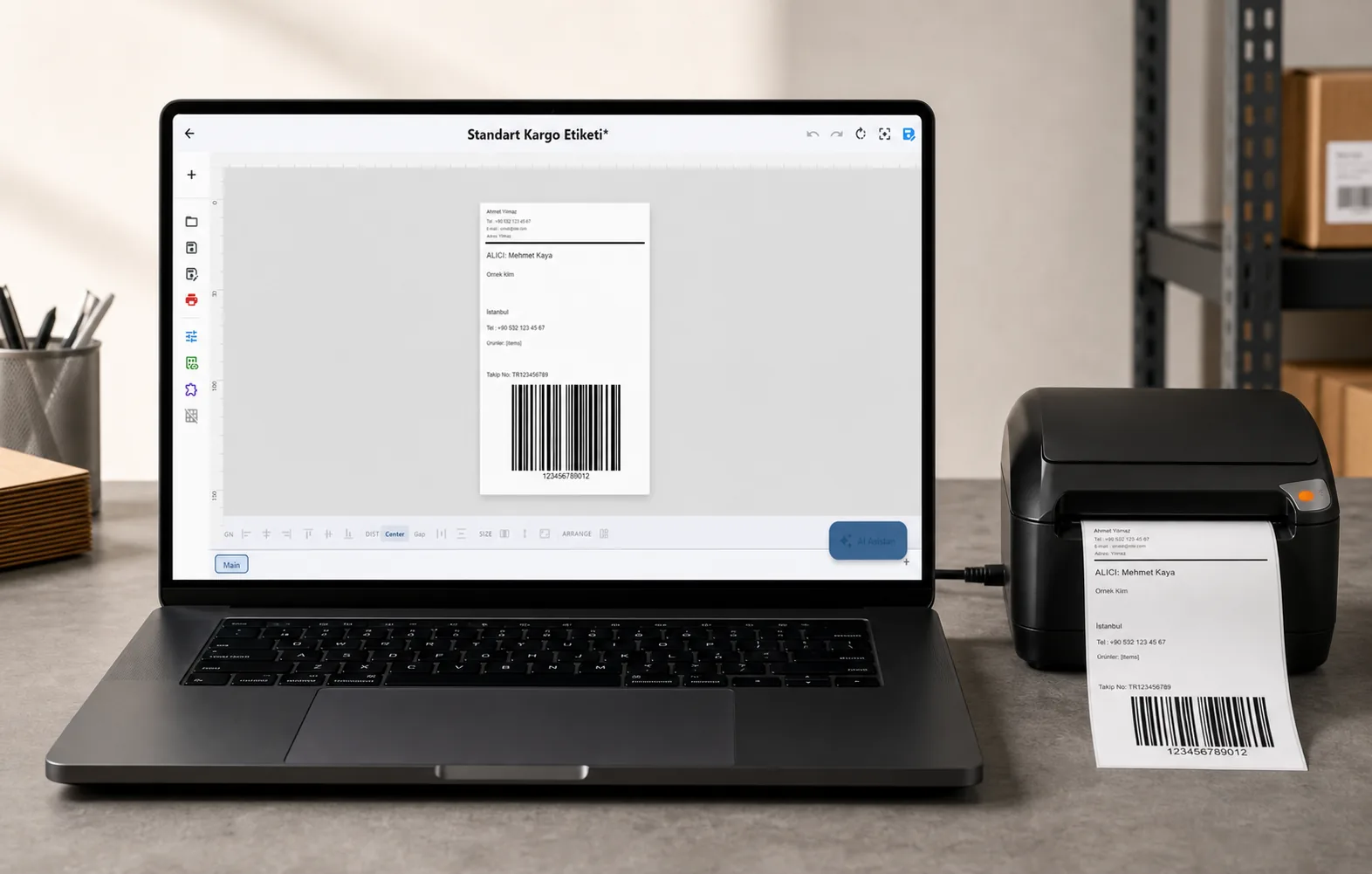
Video / 1:11
Watch: Print labels on a Zebra printer
1:11 walkthrough in the real app. Step-by-step page →
SHORT ANSWER
Short answer. Zebra's own label designer, ZebraDesigner 3, runs on Windows only: Zebra's release notes list Windows 10, Windows 11 and Windows Server and name no macOS version. LabelInn designs and prints to Zebra printers from Windows and macOS, sends the label in ZPL II over USB or the network, and starts free. It does not replace Zebra's printer set-up tools and it does not use printer-resident formats, which the table below spells out.
Test it on one label. Plug the Zebra in, install the app, print a label and hold it next to your current one. Download LabelInn →
01 / DECISION
Switch or stay: LabelInn, ZebraDesigner or raw ZPL
Find the row that looks like your shop.
| Your situation | Better choice | Why |
|---|---|---|
| Windows PC, one Zebra, labels drawn by hand, free is enough | ZebraDesigner Essentials | Zebra's own tool, and its Essentials edition is free. It needs Windows and Zebra's ZDesigner driver, per Zebra's release notes. |
| A Mac, with a ZD, GK or ZT printer | LabelInn | Zebra's release notes list no macOS version of ZebraDesigner. LabelInn is a native Mac app. |
| Labels filled from Excel, CSV, a store, a database or an API | LabelInn (Starter or above), or ZebraDesigner Professional | Zebra says Professional adds database connectivity and RFID. Compare its price on Zebra's page. In LabelInn, Excel and CSV binding is Starter, databases and the API are Pro. |
| Your ERP already emits ZPL and it prints | Keep it | LabelInn can also take raw ZPL over its API, MQTT or gRPC if you later want queueing and a job result. See send ZPL to a Zebra. |
You use stored formats (^DF, ^XF), printer-side counters (^SN) or stored fonts | A ZPL-native tool | LabelInn renders each label on the PC and sends a picture. It never uses those printer features. |
| An EPL-only or CPCL-only Zebra (an LP or TLP 2824 / 2844 without ZPL, an older mobile printer) | Zebra's own software | LabelInn has no EPL or CPCL language. A model that also runs ZPL works. |
| Firmware updates, network set-up, printer configuration | Zebra's printer tools | LabelInn prints and controls the label; it does not update firmware. |
02 / MODELS
Zebra models we can point to
ZPL is the same language across the ZD, GK, ZT and ZM families, so a model not listed usually works. The list is what has evidence behind it. "Production-observed" means successful jobs for that exact reported model appear in LabelInn telemetry; it does not mean we hold the hardware.
| Model | Resolution | Width | Evidence | Page |
|---|---|---|---|---|
| GK420d | 203 dpi | 104 mm | Our bench printer, USB; production-observed | GK420d |
| GK420t | 203 dpi | 104 mm | Production-observed | GK420t |
| ZD220 | 203 dpi | 104 mm | Protocol-compatible, USB only | ZD220 |
| ZD230 | 203 dpi | 104 mm | Production-observed | ZD230 |
| ZD410 | 203 / 300 dpi | 56 mm | Production-observed | ZD410 |
| ZD421 | 203 / 300 dpi | 104 mm | Production-observed | ZD421 |
| ZD621 | 203 / 300 dpi | 104 mm | Production-observed | ZD621 |
| ZT231 | 203 / 300 dpi | 104 mm | Production-observed | ZT231 |
| ZM400 | 203 / 300 / 600 dpi | 104 mm | Production-observed | ZM400 |
03 / ZPL
What LabelInn sends to a Zebra
A job is one label in ZPL II: ^XA, the media settings, ^FO for the origin, the whole label as a compressed graphic field (^GF with Z64 compression), ^PQ for the copy count and ^XZ. The label is drawn on your PC at the printer's dot size first, so the preview and the paper agree, and any font on the PC prints. Zebra's status is read back with ~HS so the dashboard shows paper-out, head-open and ribbon-out.
Two things follow from sending a picture. First, a label is bigger on the wire than a native text field, which matters only at high volume. Second, the darkness and speed your printer is set to are left alone unless you set them in the media definition, so a printer calibrated at the panel keeps its calibration.
04 / WORKED EXAMPLE
Worked example: check a ZPL file from your ERP before you print it
A supplier or ERP gives you ZPL and the label prints blank, clipped or tiny. Do this before you touch the printer:
- Open the ZPL viewer, paste the ZPL, and choose your printer's resolution (203, 300 or 600 dpi).
- Read the size line first. A
^PW812and^LL1218at 203 dpi is 100 x 150 mm. If the size is not what your roll is, the file was written for another printer. - Look at the preview for anything outside the frame, and read the warnings: a missing
^PW, an unterminated block, a field placed past the print width. - If the file is fine and still prints wrong, the problem is the printer's media or sensor settings, not the file. See the skipping-labels fix.
The viewer runs in your browser and uploads nothing, which matters when a label carries customer names and addresses.
05 / SETUP
Set it up in five steps
- Download LabelInn for Windows or macOS and sign in. Signing up starts a 14-day Pro trial.
- Connect the Zebra by USB or network. Press + next to Printers; the scan finds USB printers and network printers on port 9100. Add it by IP address if it is not listed.
- Set the label size and sensor mode in the media definition to match the roll. Gap, black mark and continuous are different settings, and the wrong one skips labels.
- Design the label, or import an existing one. BarTender and NiceLabel files can be imported.
- Print one label, check it against the old one, then print the batch.
06 / LIMITS
What it costs
Free is $0 and covers designing, printing by hand, templates, serial counters and cloud sync. Starter is $7.99 a month ($79.90 a year) and adds Excel, CSV and Google Sheets binding and two saved workflows. Pro is $24.90 a month ($249.00 a year) and adds the production API, webhooks, database sources, watched folders, scheduled printing and marketplace and carrier connections. Enterprise is quoted and adds the Edge Server (local LAN API, MQTT, gRPC), audit logs, compliance mode and the approval queue. Yearly billing is ten months for twelve, and the 14-day trial includes the Pro and Enterprise features. Details on the pricing page.
QUESTIONS / FAQ
Frequently asked questions
Is there Zebra printer software for Mac?
Zebra's ZebraDesigner 3 lists Windows only in its release notes and names no macOS version. LabelInn is a native Mac app that designs labels and sends ZPL II to Zebra ZD, GK, ZT and ZM printers over USB or the network, including on Apple Silicon.
Is ZebraDesigner free?
ZebraDesigner Essentials is free, for Windows. Professional needs a licence key and, per Zebra, adds database connectivity and RFID. LabelInn has its own free plan that also works on Mac, and a 14-day Pro trial.
Do I need the Zebra driver?
Not to print from LabelInn, which sends ZPL directly. On Windows the ZDesigner driver can stay installed for other programs. LabelInn uses it only as a one-way RAW fallback if the driver owns the USB device.
Can I send raw ZPL from my ERP to a Zebra through LabelInn?
Yes. A print command can carry raw ZPL over the REST API, MQTT or gRPC, and the job result comes back. If your ERP already prints directly and nothing is broken, you do not need it.
Which Zebra printers work?
Any Zebra that runs ZPL II. We have production-observed jobs on the GK420d and t, ZD230, ZD410, ZD421, ZD621, ZT231 and ZM400, and a ZD220 as protocol-compatible. Zebra printers that only speak EPL or CPCL are not supported.
Why does my Zebra skip labels or print blank?
Almost always the sensor mode or media size does not match the roll, not the file. Set gap, black mark or continuous in the media definition and calibrate at the printer. The ZPL viewer will tell you whether the file itself is sound.
KEEP GOING
Related
NEXT STEP / LABELINN
Print one label on your Zebra
Connect the printer, print a test label and compare it with what you print today. · ZPL II · Windows and macOS · Free plan, no card